


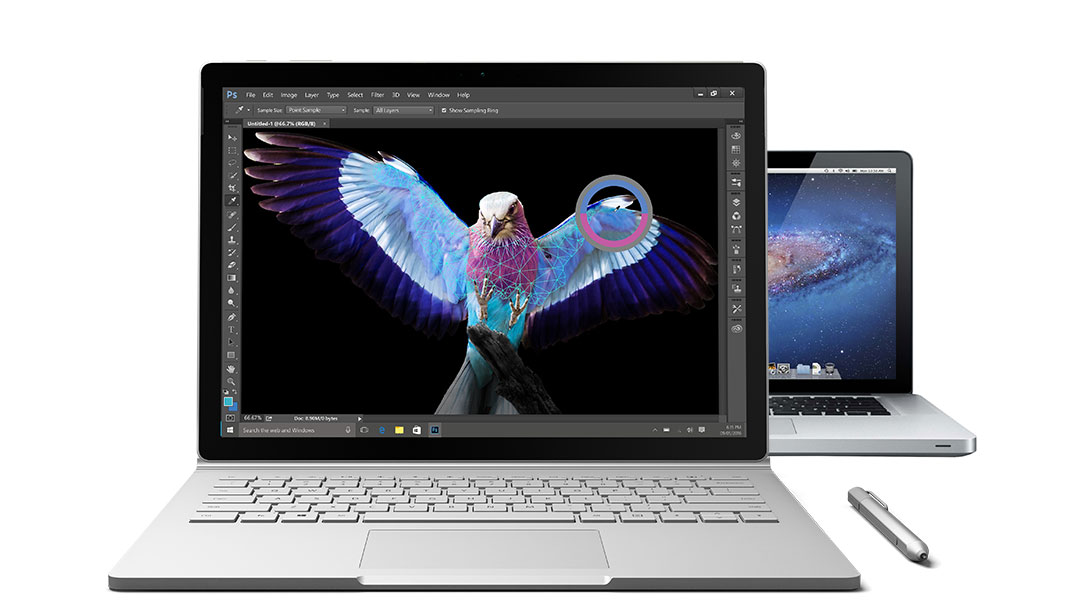


Compare to Mac.
It’s easy to switch from Mac to Surface. Your new Surface will work well with iTunes, iCloud, and iPhone. And many of the gestures, shortcuts and features are similar to what you already know.


Surface Book
13" MacBook Pro
Detachable screen
Yes, with 4 modes of use
Detachable screen
None
Discrete NVIDIA® graphics processor
NVIDIA® GeForce® dGPU
Discrete NVIDIA® graphics processor
None
Touchscreen
Natural interaction with 10-point multi-touch & Surface Pen
Touchscreen
None
Pen
Digital inking, Pen optimization
Pen
None
Biometric security
Facial recognition with Windows Hello2
Biometric security
Touch ID (only in the MacBook Pro 13” with Touch Bar)
Voice activation
Cortana,3 personal digital assistant
Voice activation
Siri
Higher screen resolution
267 PPI, 6M pixels
Lower screen resolution
227 PPI, 4.1M pixels
Camera
1080p 5MP camera (front-facing); 8MP autofocus camera (rear-facing)
Camera
720p FaceTime camera (front-facing)


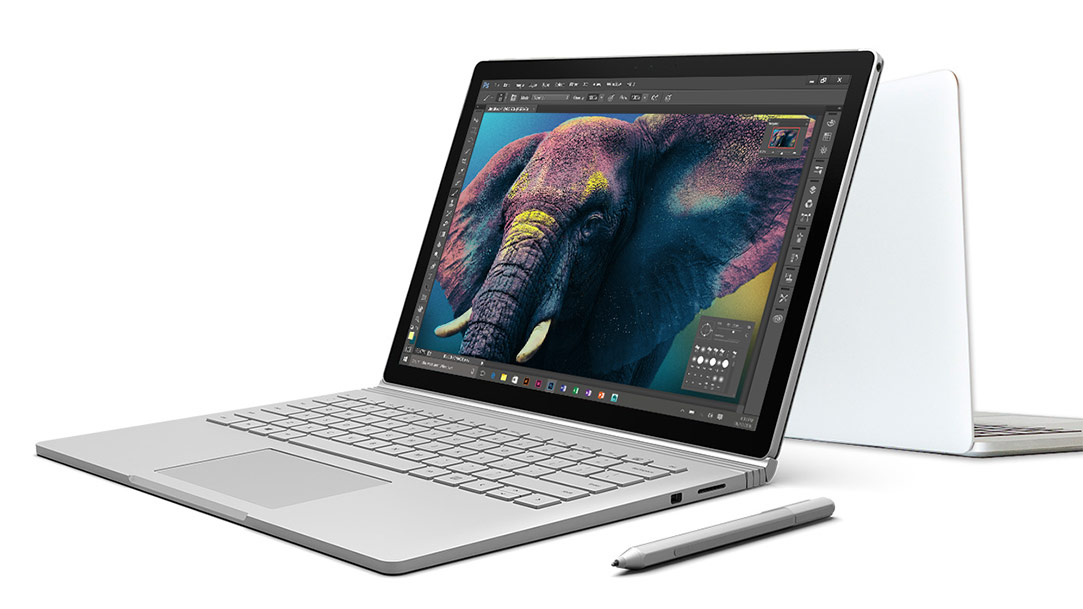


Make the switch.
It’s easy to switch from Mac to Surface. Your new Surface will work well with iTunes, iCloud, and iPhone. And many of the gestures, shortcuts, and features are similar to what you already know.


Surface Dock
Surface Dock instantly transforms your Surface into a desktop PC. Simply plug in the Surface Connect cable to charge your device and use two external monitors, a keyboard, mouse, printer, and more.


Surface Pen Tip Kit
Choose a Pen Tip with the right feel for you. Stay with the medium tip for the familiarity of a #2 pencil, or swap it with a low-friction tip similar to a fine-point pen.








1 System software uses significant storage space. Available storage is subject to change based on system software updates and apps usage. 1 GB= 1 billion bytes. See Surface.com/Storage for more details.
2 Windows Hello requires specialized hardware, including fingerprint reader, illuminated IR sensor or other biometric sensors.
3 Cortana is available in select global markets; experience may vary by region and device.


