


Compare to Mac.
It’s easy to switch from Mac to Surface. Your new Surface will work well with iTunes, iCloud, and iPhone. And many of the gestures, shortcuts, and features are similar to what you already know.


Surface Pro 4
13” MacBook Air
Lightweight
2.36 lbs1
Heavier
2.96 lbs
Touchscreen
Natural interaction with 10-point multi-touch & Surface Pen
Touchscreen
None
Pen^
Digital inking, Pen optimization
Pen
None
Facial recognition
Windows Hello face sign-in, optional fingerprint reader2
Biometric security
None
Voice activation
Cortana3 personal assistant
Voice activation
None
More powerful
6th generation Intel® Core™
Less powerful
5th generation Intel® Core™
More space
Up to 1TB
Less space
Up to 512GB
More memory
Up to 16GB RAM
Less memory
8GB RAM
Higher screen resolution
267 PPI, 5M pixels
Lower screen resolution
128 PPI, 1.3M pixels
Camera
1080p 5MP front-facing camera and 8MP autofocus rear-facing camera
Camera
720p FaceTime camera (front-facing)


Make the switch.
It’s easy to switch from Mac to Surface. Your new Surface will work well with iTunes, iCloud, and iPhone. And many of the gestures, shortcuts, and features are similar to what you already know.




Surface Pen
Experience the ultimate modern writing experience with Surface Pen. Write, draw, or mark-up documents digitally. Write and erase naturally with a working eraser on the end.


Surface Dock
Transform your Surface into a desktop PC.


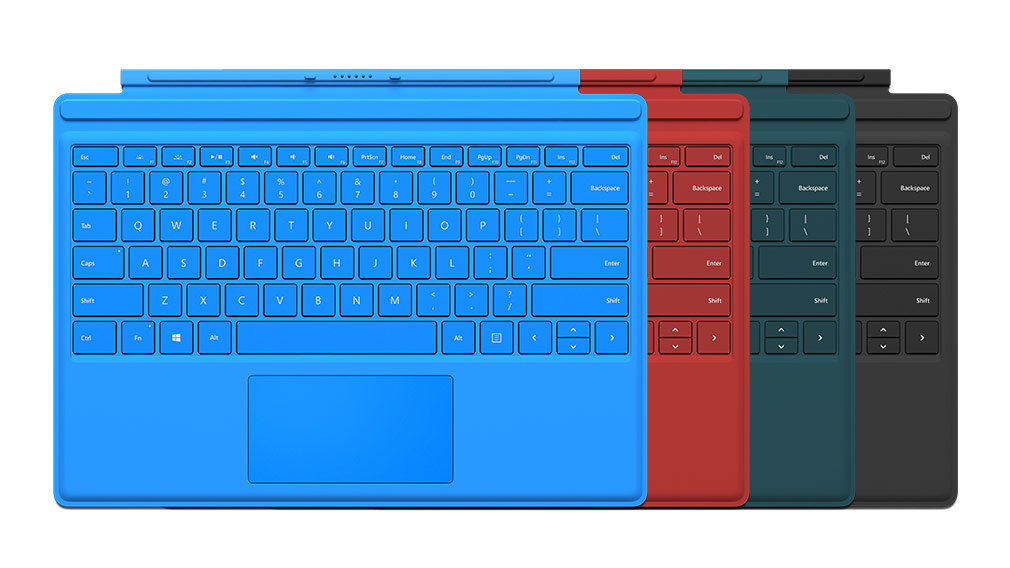
* Keyboard sold separately.
^ Surface Pen is sold separately for Surface Pro 4 Intel® Core™ m3 with 128GB SSD hard drive and 4GB RAM.
1 Weight measured with Surface Pro 4 Signature Type Cover.
2 Sold separately on Surface Pro 4 fingerprint reader Type Cover.
3 Cortana available in select global markets at launch; experience may vary by region and device.


