







Stay up to date – stay secure
Windows 10 makes it easy to keep your PC up to date by automatically checking for the latest updates. You’ll get new features and latest security enhancements to help ensure you’re always protected. Best of all this comes with fewer restarts when using your PC the most; simply set your active hours.


Windows Defender Antivirus
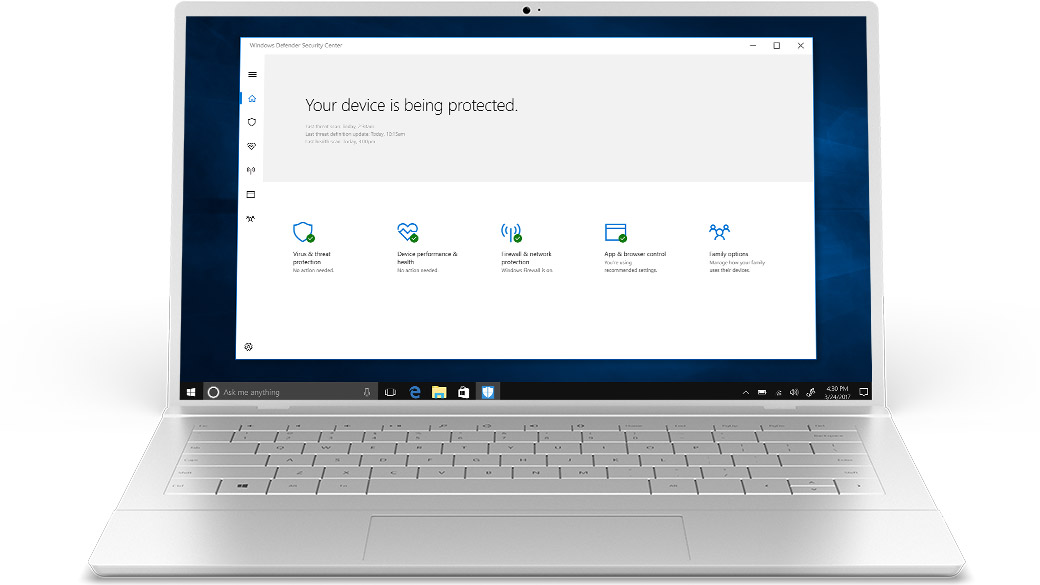
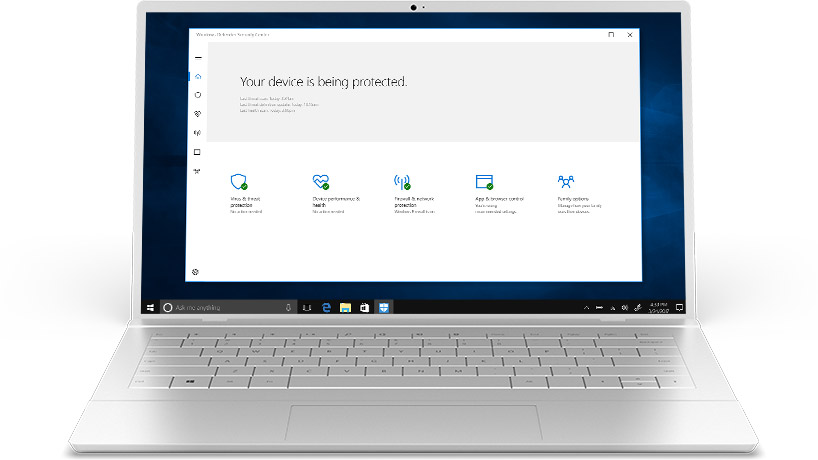
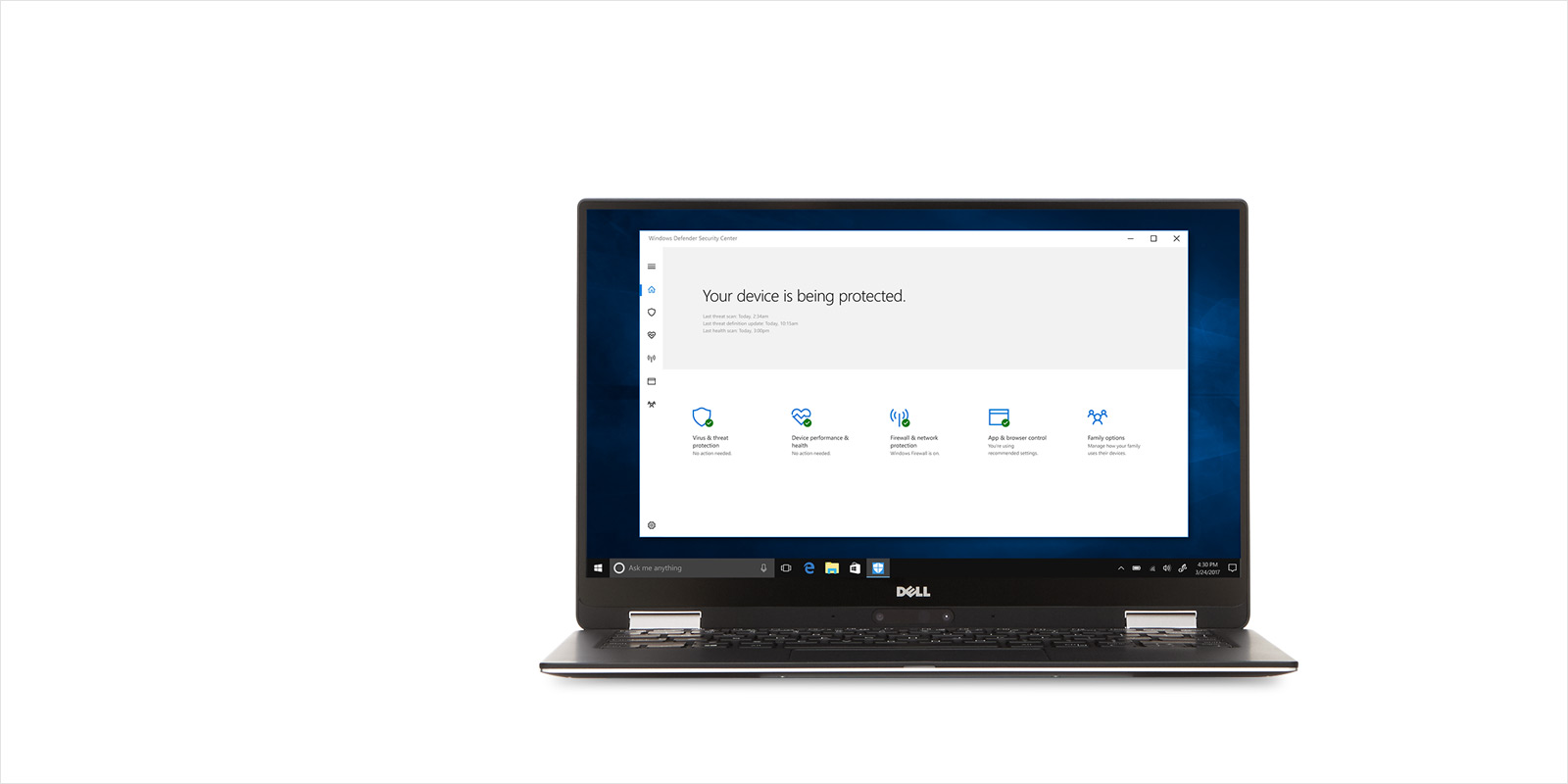
Keep your PC safe with trusted antivirus protection built-in to Windows 10. Windows Defender Antivirus delivers comprehensive, ongoing and real-time protection against software threats like viruses, malware and spyware across email, apps, the cloud and the web.
![Windows Defender Start Screen]()
![Windows Defender Start Screen]()
![Windows Defender Start Screen]()
![Windows Defender Start Screen]()

Nothing to install
WINDOWS DEFENDER ANTIVIRUS
Nothing to install
Complete, built-in and ongoing protection. Standard, nothing to buy. There's nothing to install. No configuration, no subscriptions, and no nagware.1
Nothing to install
SEE DETAILS
![Windows Defender protection settings]()
![Windows Defender protection settings]()
![Windows Defender protection settings]()
![Windows Defender protection settings]()
Cloud-delivered protection
WINDOWS DEFENDER ANTIVIRUS
Cloud-delivered protection
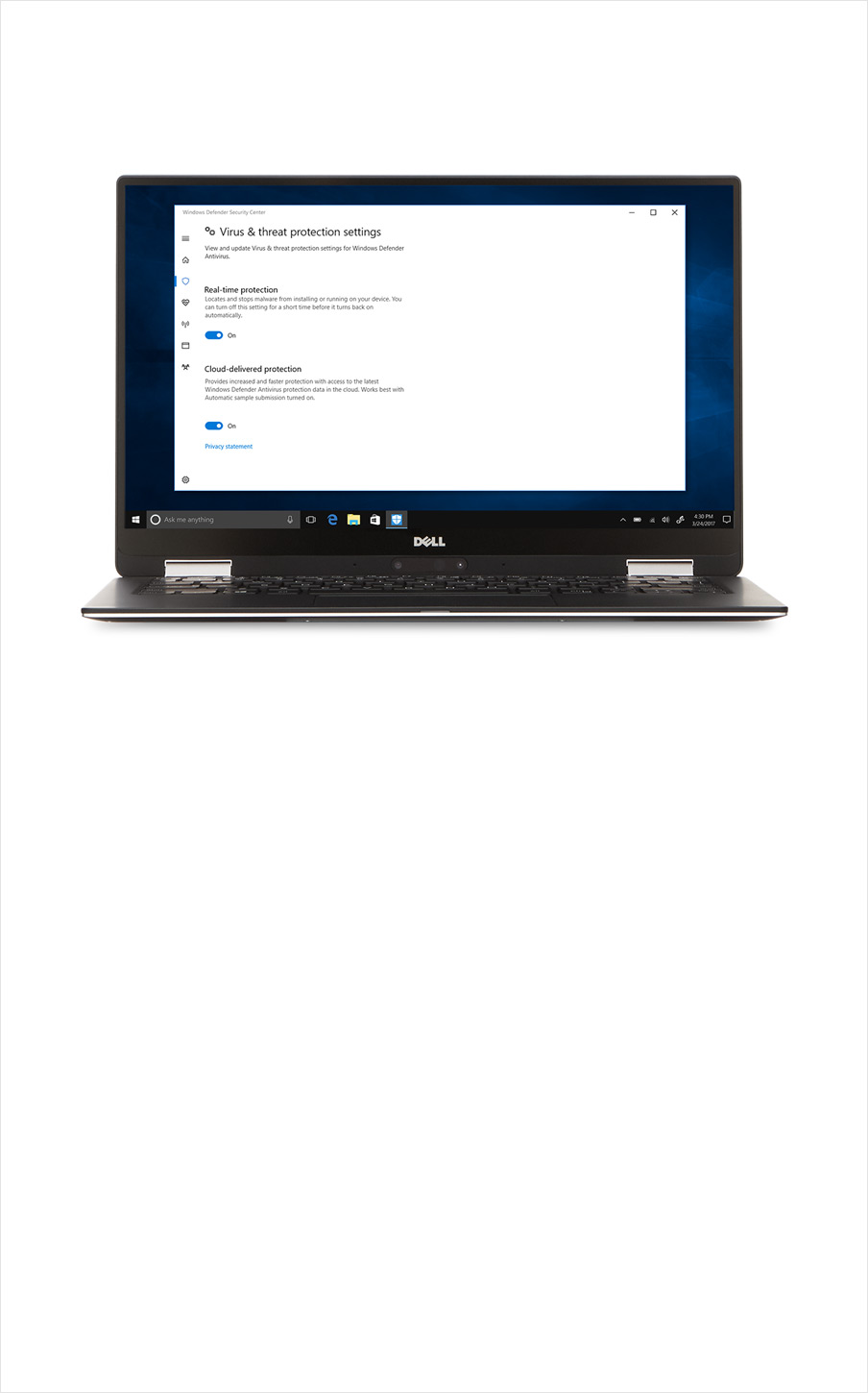
NEWReceive the latest threat definitions and the latest threat behavior detection from the cloud to protect your device.1
Cloud-delivered protection
SEE DETAILS
![Windows Defender threat protection settings]()
![Windows Defender threat protection settings]()
![Windows Defender threat protection settings]()
![Windows Defender threat protection settings]()
Real-time protection
WINDOWS DEFENDER ANTIVIRUS
Real-time protection
NEWScan and protect your device against viruses and threats in real-time. You can also see the results of your previous scans, and get the latest protection offered by Windows Defender Antivirus.1
Real-time protection
SEE DETAILS
![Windows Defender ransomware protection settings]()
![Windows Defender ransomware protection settings]()
![Windows Defender ransomware protection settings]()
![Windows Defender ransomware protection settings]()
Ransomware protection
WINDOWS DEFENDER SECURITY CENTER
Ransomware protection
NEWWith Controlled folder access you can protect your valuable data and documents from ransomware attacks.1
Ransomware protection
SEE DETAILS
![Windows Defender Family Settings]()
![Windows Defender Family Settings]()
![Windows Defender Family Settings]()
![Windows Defender Family Settings]()
Family options
WINDOWS DEFENDER SECURITY CENTER
Family options
Easy access to managing your children’s online experiences and the devices in your household.1
Family options
SEE DETAILS







Microsoft Edge
Windows Defender SmartScreen2 is built into Microsoft Edge which helps keep you protected from malicious websites and downloads.



Parental controls
Windows lets you set family-protection controls for Windows 10 and Xbox devices, including website access, time limits on devices, and which apps and games can be seen or purchased.



Windows Firewall
Windows Firewall is designed to keep hackers and malicious software from gaining access to your device through a network or the Internet.



Find My Device
If your Windows 10 device is lost or stolen, the Find My Device service can ring, lock, and erase your Windows phone or map the location of your device.



You are the password
Windows Hello is the password-free sign-in that gives you the fastest, most secure way to unlock your Windows devices.3
SHOP WINDOWS HELLO DEVICESMeet Windows Hello
Follow this page
Share this Page