

- NEW
Surface Pen
Color: Platinum


Free shipping. Free returns.
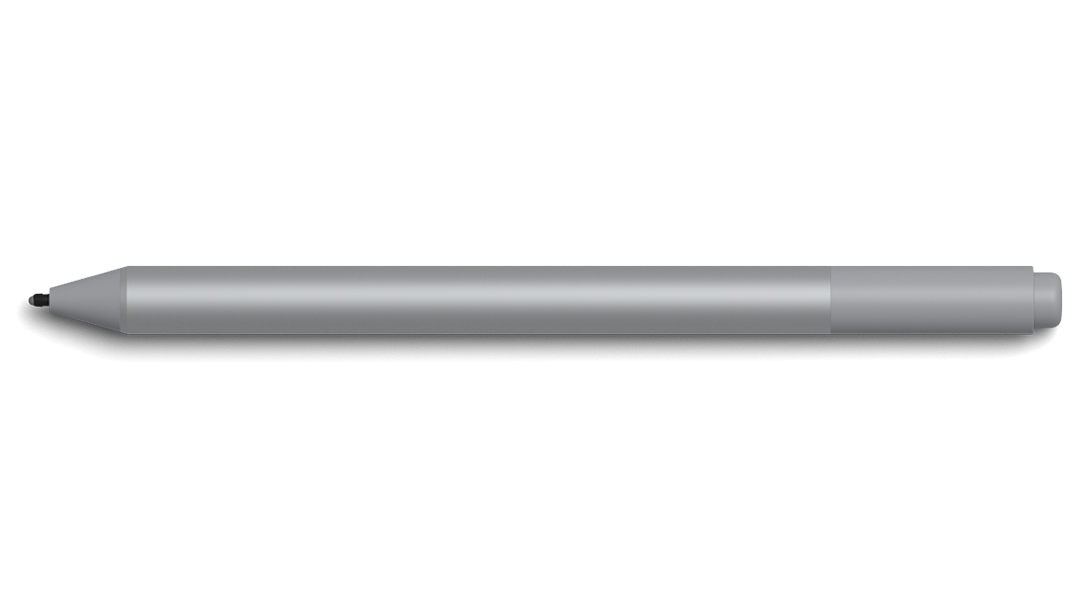
Create without limits. New Surface Pen is better and faster than ever, with precision ink on one end and a rubber eraser on the other — plus tilt for shading,1 greater sensitivity, and virtually no lag.




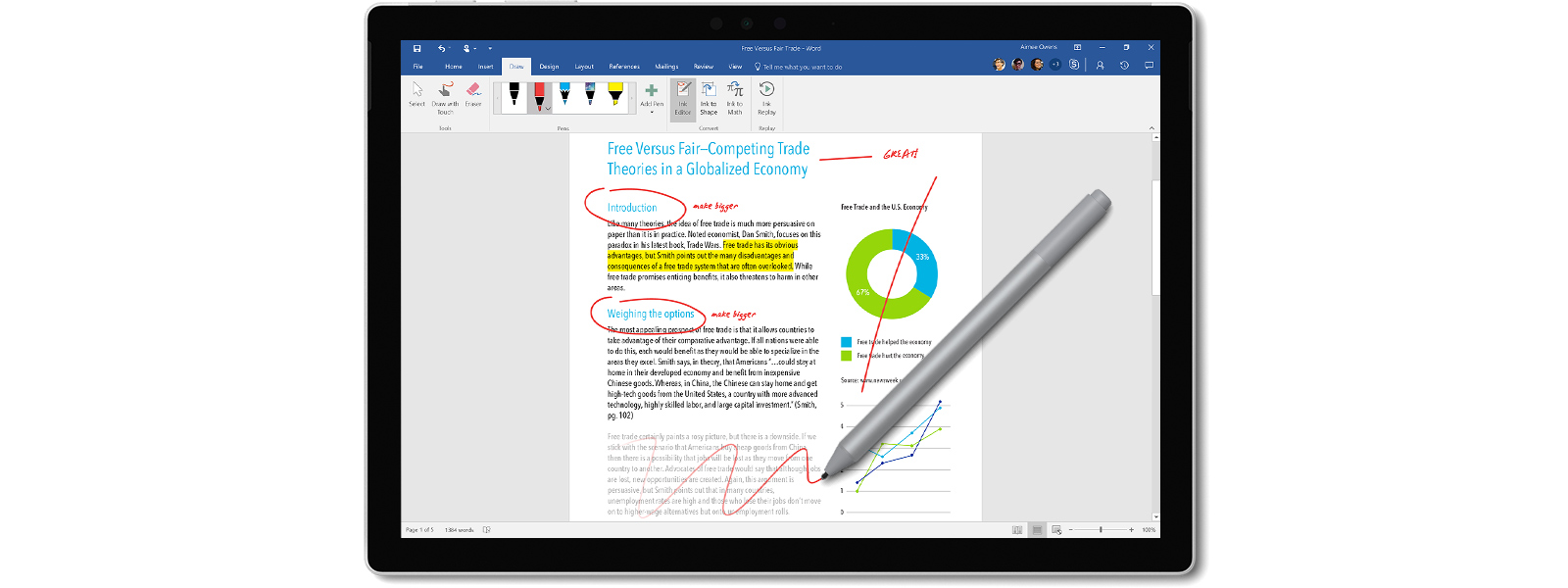
Windows and Office give Surface Pen more power than ever. Strikethrough words to delete, circle text to select, highlight using Ink Editor — and even replay the sequence of mark-ups from others.


Writes like pen on paper
Surface Pen is a natural writing and drawing tool, with precision ink on one end that now enables tilt1 and a natural-feeling rubber eraser on the other.
4,096 pressure points
Sketch, shade, and paint with artistic precision and finer control with 4,096 pressure points that respond to the lightest touch.
Responds to an artist’s touch
Effortlessly express the finest sketches and lines with Surface Pen. Rest your hand on the screen of your Surface device,* just as you would writing on a notebook.
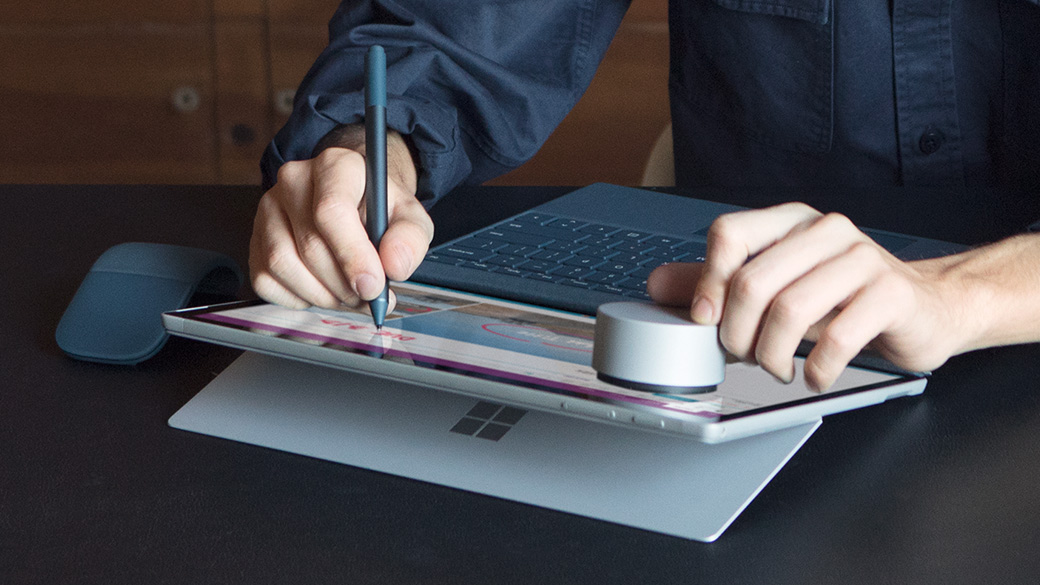


Using Surface Dial and Pen together
With Surface Dial* in one hand and Surface Pen in the other, unlock your creativity with easy access to shortcuts, controls, drawing tools, and more. Use directly on screen with Surface Studio, Surface Pro, and Surface Book 2, and off screen with other Surface laptops.
LEARN MOREApps for Surface Pen


Adobe Photoshop CC
Create amazing images in Photoshop, unlocking its full potential on your Surface with the new Surface Pen, plus programmable shortcuts on Surface Dial.*
Autodesk SketchBook
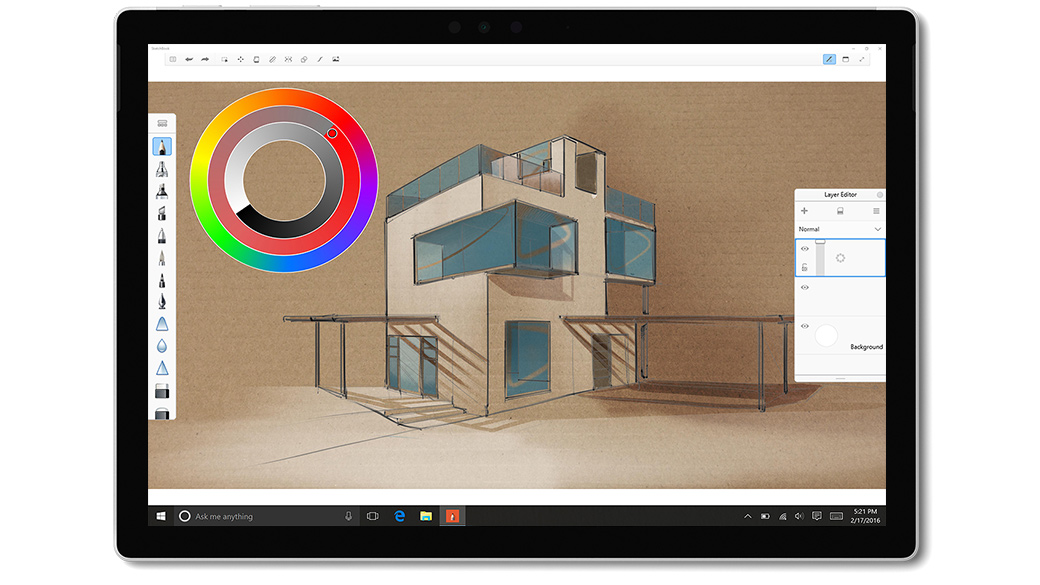
Unleash the drawing power of the new Surface Pen. Specifically designed for Pen and touch input, SketchBook delivers a fluid, natural drawing experience.
CLIP STUDIO PAINT
The graphics software that gives you the most optimized features for digital drawing and painting, illustration, comics, manga, animation, and more.
Expresii
Enter the world of Eastern watercolor and calligraphy with organic brush strokes, naturally-flowing watercolor, and pressure-sensitive paint loading.
Zen Brush
Enjoy the feeling of using an ink brush to write or paint. Together with Surface Pen, anyone can perform fluent strokes without compromising real ink brush texture.
FluidMath
Award-winning educational software that enables teachers and students to create, graph, solve, and animate math and physics problems in their own handwriting.3




Express yourself with Surface Pen
Choose the color2 that best expresses your style — Platinum, Black, Burgundy, Cobalt Blue and new Limited Edition Aqua — and coordinates perfectly with other Surface accessories.*
| Compatibility | Surface Studio Surface LaptopSurface Book 2Surface BookSurface Pro1Surface Pro 4Surface Pro 3Surface 3 | Battery | 1 AAAA (included) |
|---|---|---|---|
| Colors2 | Platinum Black Burgundy Cobalt Blue Limited Edition Aqua | Connections | Bluetooth 4.0 |
| Buttons | Barrel button and tail eraser | Warranty | 1-year limited hardware warranty |
| Weight | .04 lbs (20g) | What’s in the box | Surface Pen with HB tip installed Battery |


Surface Dial
It’s a completely new way to interact with technology. Store, customize, access, navigate, and reimagine physical tools in the digital world – from concept to creation.
LEARN MORE


Surface Pen Tip Kit
Choose a pen tip with the right feel for you. Use the medium tip for the familiarity of a #2 pencil, or swap it with a low friction tip similar to a fine ballpoint pen. Pen Tip Kit is only compatible with the new Surface Pen.
BUY NOW* Sold separately.
1 Surface Pen tilt functionality is currently available with Surface Pro and Surface Book 2.
2 Available colors vary by market.
3 This app does not support tilt functionality.


