Your files are safe
Files uploaded to Yandex.Disk are saved in the cloud . This means that you will have access to them from any device connected to the internet. You can't lose them even in the event that something happens to your computer or phone.

Upload everything at once
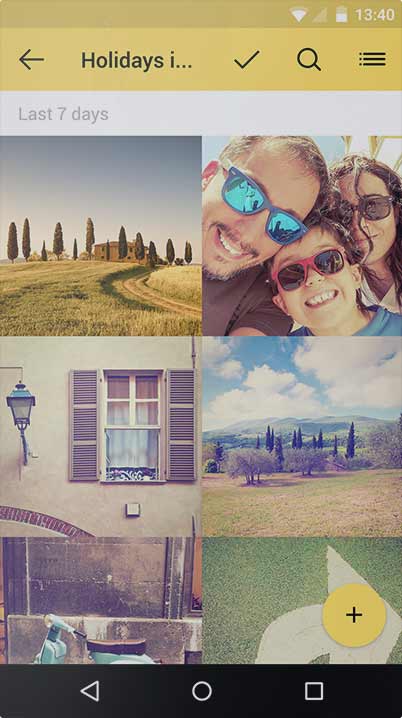
Your photos are safe! Yandex.Disk uploads them automatically from your phone when you have an internet connection and from your camera every time you connect it to your computer. After photos are uploaded to the cloud, you can confidently delete them from yo r device and free up memory for more photos.

Share your moments
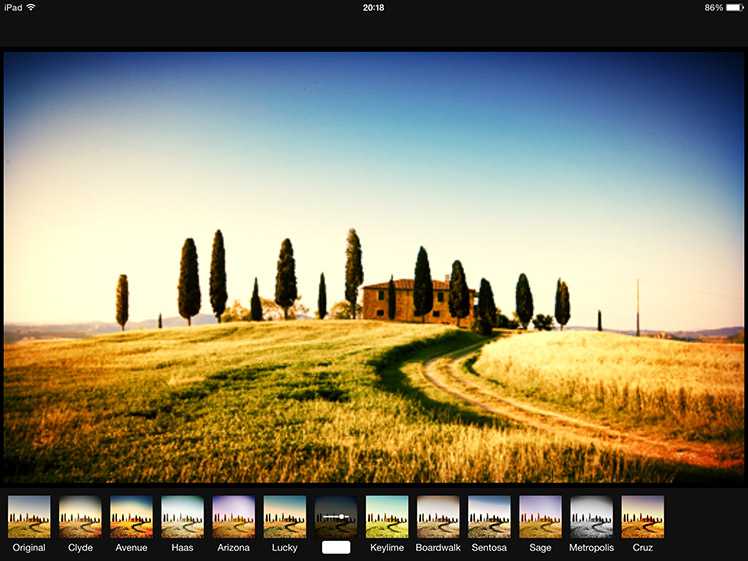
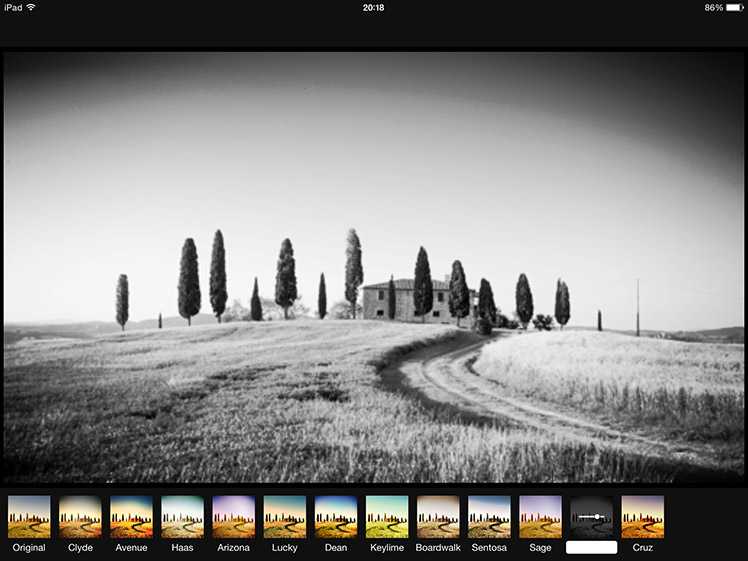
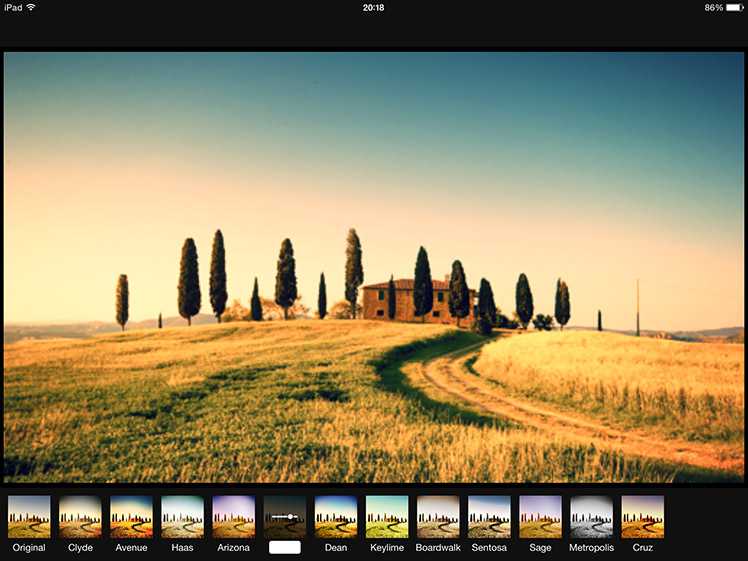
Edit your Yandex.Disk photos and put them together in albums complete with names and cover images. You can choose to make albums private or public or share them in your social networks and see how many views they get.
Create album
Work with documents
You can open, edit, and even create documents on Yandex.Disk right in your browser. There's no need to download or install additional programs. Yandex.Disk supports your text documents, spreadsheets, and presentations.
Create documentEverything on Yandex.Disk
From websites
The browser extension lets you save images and files directly from websites. Click the Disk icon and the selected files will be saved to the cloud.
From the screen
Yandex.Disk helps you take screenshots of either your entire screen or part of it in an instant. The image can then be edited or you can add elements like text to it.
From the internet
Any internet file that are accompanied by the Yandex.Disk icon or button can be saved to the cloud.