
Conheça o Intervals
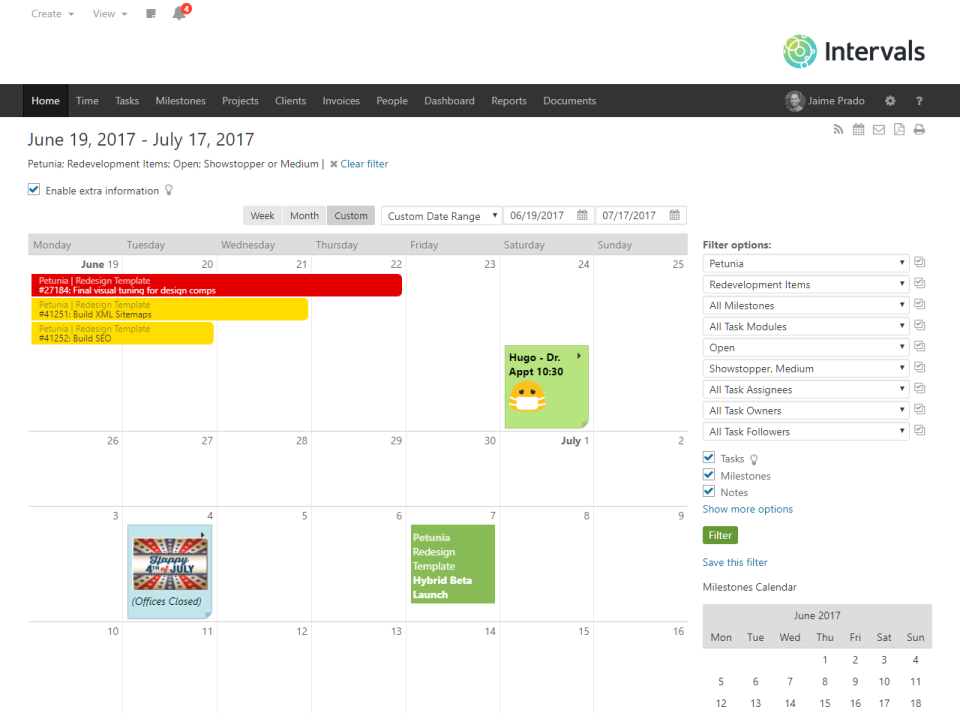
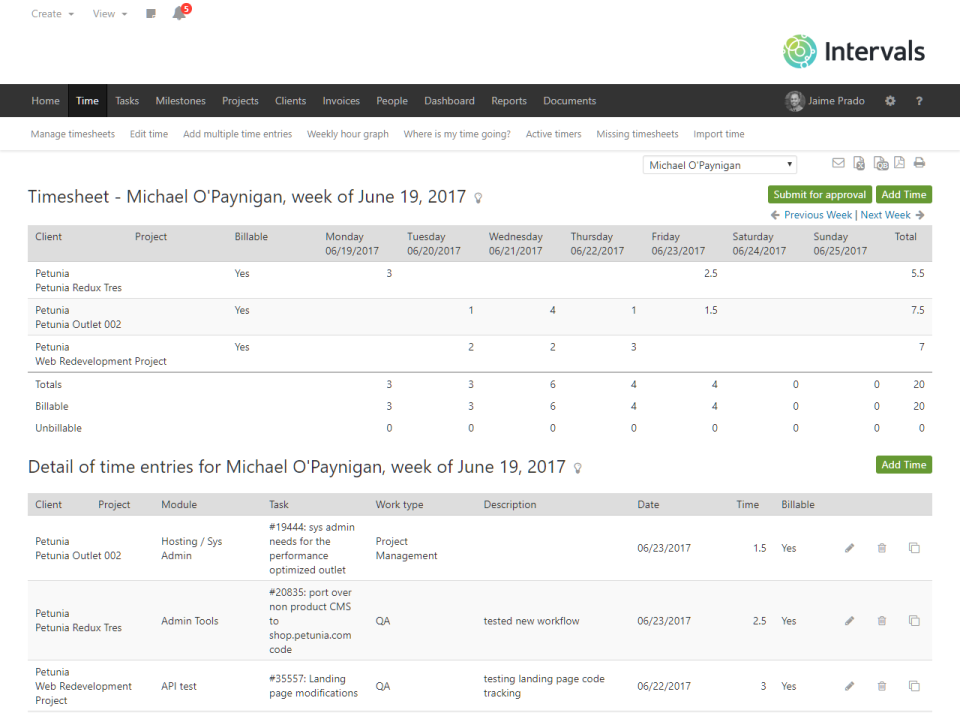
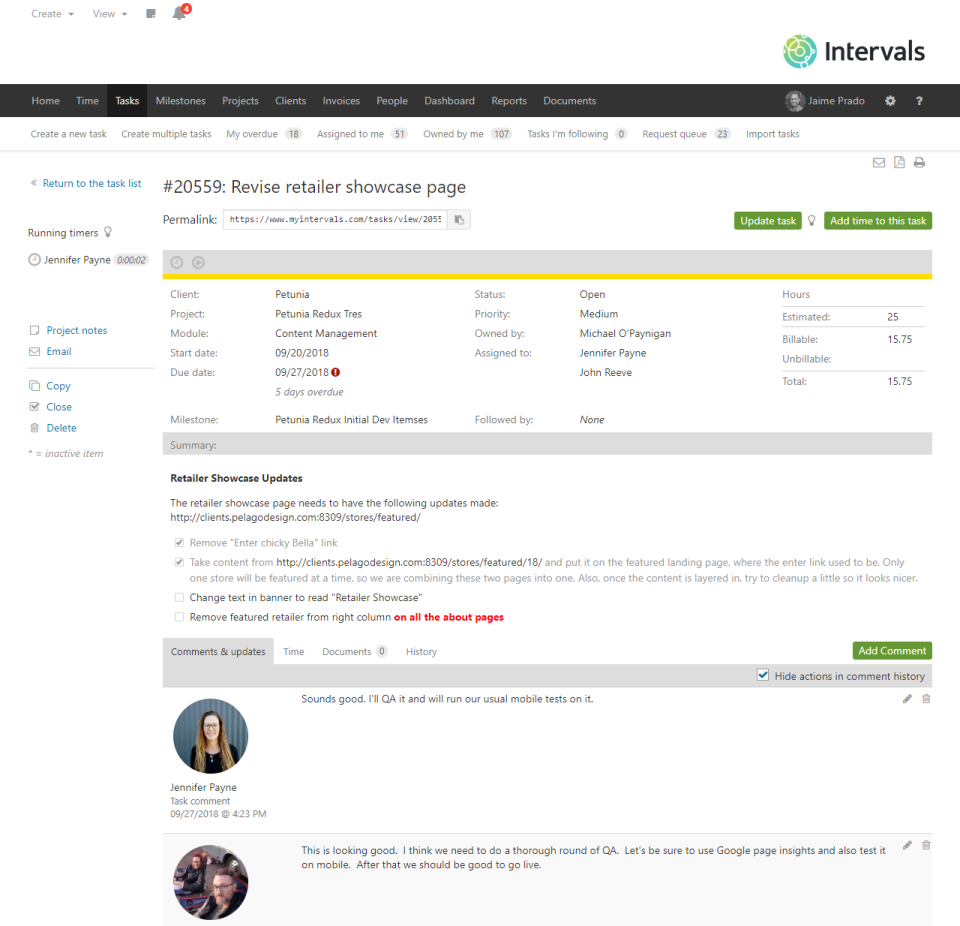
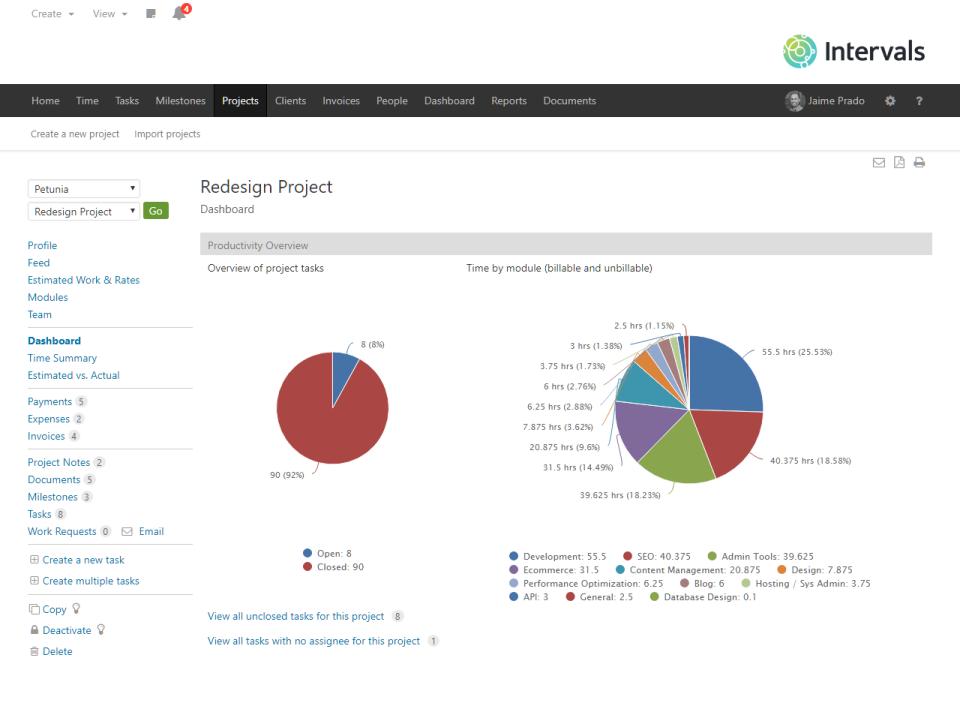
O Intervals é um software de gerenciamento de tarefas online que reúne controle de ponto e gestão de tarefas em um espaço colaborativo com geração de relatórios úteis. Ele inclui uma fila de solicitações de trabalho e uma eficiente integração com e-mail. Ideal para pequenas empresas, incluindo designers, desenvolvedores de Internet, consultorias, agências de criação, empresas de serviços de TI e empresas de comunicação. O Intervals é usado em mais de cem países, em todos os fusos horários. Criado por e para pequenas empresas. Confiável desde 2006. Todos os planos incluem usuários ilimitados.
Quem usa o Intervals?
Pequenas empresas e departamentos de empresas maiores - designers, desenvolvedores de Internet, consultorias, serviços de TI, empresas de software, relações públicas, marketing, SEO, SEM e autônomos
Onde o Intervals pode ser implantado?
Sobre o fornecedor
- Pelago
- Fundado em 2006
Suporte do Intervals
- Suporte por telefone
- Assistência 24/7
- Bate-papo
Idiomas
inglês
Preço do Intervals
Preço inicial:
- Sim, oferece teste gratuito
- Sem versão grátis
O Intervals não possui uma versão gratuita, mas oferece versão de teste grátis. Versão paga do Intervals a partir de 29,00 US$/mês.
Sobre o fornecedor
- Pelago
- Fundado em 2006
Suporte do Intervals
- Suporte por telefone
- Assistência 24/7
- Bate-papo
Idiomas
inglês
Vídeos e imagens do Intervals
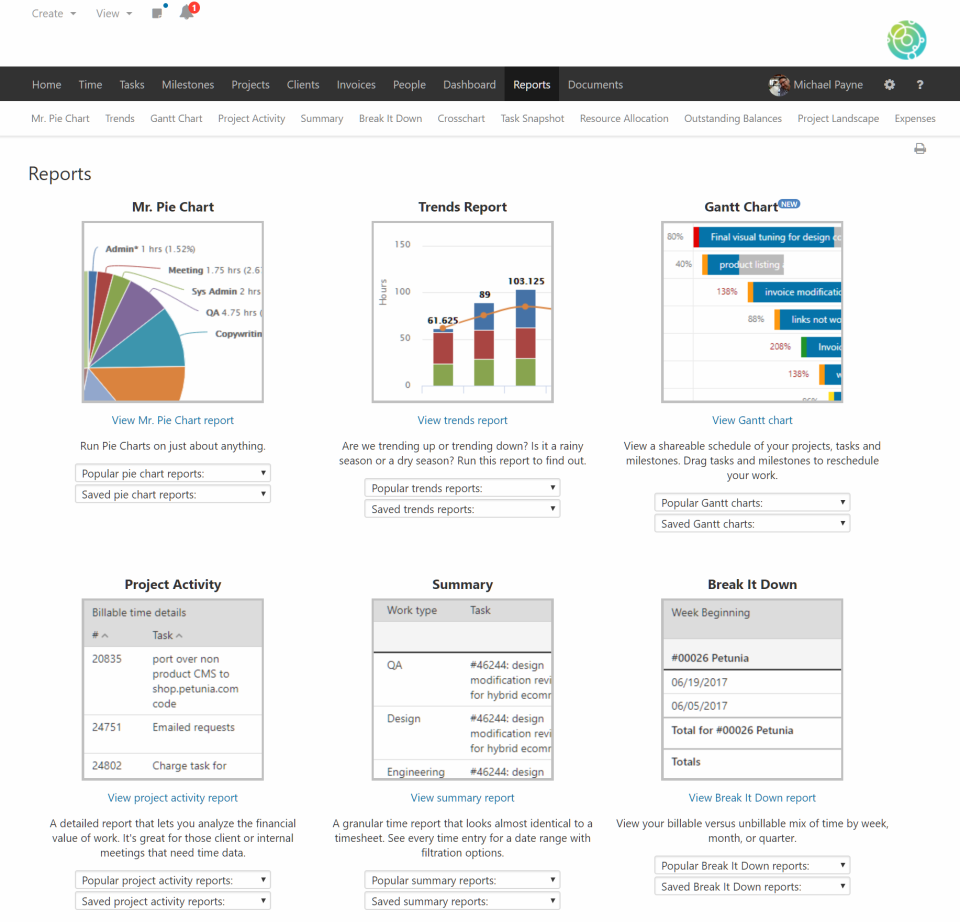



Recursos do Intervals
Alternativas ao Intervals









Avaliações do Intervals

Bill
Finally found an integrated Project Management and Time Tracking tool for web designers!
Comentários: Intervals is just so fast and flexible. For a web designer, it's hard to imagine that one couldn't benefit by using it. We've been using it for several years now. Every system has its learning curve. But this one is pretty easy! Written by designers.... for designers! They knew the territory and made it easier for the rest of us.
Vantagens:
Might sound funny...but probably my favorite thing is the email queue that allows me to forward client requests directly into a project for time keeping. I use it constantly. It really helps when you're busy to "keep the flow going"! But honestly, there are so many conveniences with Intervals. And it's so fast and smooth!
Desvantagens:
I wish there were an easier way to attach sales tax to individual tasks for "non-web"projects. Right now you have to make a separate project for print projects like logos or brochures. It's easy enough to do, but we are always lookijng for "easier" :-) These print projects inevitably come along with web design if one has the skills.
Josh
Intervals Tickets
Comentários: Works and functions well for what we use it for.
Vantagens:
We use this software for our ticketing system and works really well minus some work arounds.
Desvantagens:
I wish it was more customizable and had the owner listed in the task list.
Rod
Nice but needs more
Comentários: We are are active users of this service but there are many things that it doesn't do well. We find that getting this integrated with our other systems is a challenge and that other products on the market are beginning to offer attractive features. As changing platforms means that we need to change our business practices we are not looking to move (at least in the near term) but at some point other features may attract us to other platforms. One challenge is integration with our accounting software Saasu. The ability to invoice within Intervals is OK but it isn't an accounting tool. There are many features that would be useful and I have suggested adding tags to all of the levels as a feature request in the past so that we can better identify groups of tasks or projects. Reporting isn't great and we find that we have to export the data and use other services to get the reports that we need. New features don't seem to appear that often which does make me wonder whether this service is seen more as a cash cow for the company than an actively developed service that will maintain its competitive edge over time.
Vantagens:
Price point is good. It is easy to use.
Desvantagens:
Lack of features, difficulty in integration
Resposta do Pelago
há 6 anos
Thank you for taking the time to give us feedback. We understand how integrating Intervals with third-party tools can be a challenge, and it's one of the areas we are improving. We've recently launched a few more integrations, and we're currently evaluating which ones to add next. Our goal is to continue adding the features and integrations that will benefit the majority of our customers the most. We'll be taking your notes into consideration as we do so. Thank you, again, for sharing.
Avaliador Verificado
The best time & project tracking system for our consulting business
Comentários: Over 20 years, we've gone from Excel-based time reports to one or two other systems in our office. They all were not that great but got the job done. Then we tried Intervals and it was like a breath of fresh air. It is an easy to use (once you get used to it and go through the training), logically laid out system, that is reliable and has good support. Our whole firm has used it for over 5 years. It has evolved nicely during that time. The company that makes it seems to be led by good people. I've introduced several other firms to it and they have been happy with it also.
Vantagens:
First, we've been a user for 5+ years and Intervals has been rock-solid. No disasters, no corrupted data, etc. Second, the system is very logical in how you work with it Third, Time entry is a breeze, which makes billable time tracking across a group of 30 people much easier to do, because we get good participation from our team members Fourth, the ability to export any report to Excel, PDF, etc. is fantastic. Every app should provide consistent output format in various file formats, if that makes sense. No matter which export format you choose, it looks like it should when it is displayed, printed or emailed, etc. Fifth, I think their support is great, although we don't need to use it much given how easy it is (once you get used to it) Sixth, these guys don't rest on their laurels and instead, continually improve the software
Desvantagens:
It has needed a mobile app for a long time. We've been waiting for it for a couple years. I've heard it is coming soon, I'm guessing early 2019. We'll see. It absolutely needs one more access level for managers, project managers and executives. It kind of has two of the three, as well as a couple others, but this has been needed for a while.
Clark
RidgeRun Engineering Review
Comentários: The tool is excellent for cross / site, global task management, time tracking and invoicing for time billed on an hourly basis. We also sell software and had to work around some issues to reflect invoices for software sales in the system. We are really looking for request tracking, estimating and resource planning in the same intuitive, simple method as the other features. Intervals folks are fantastic at customer support.. Great rating for the features that exist!
Vantagens:
Simple task management and time management in a great web based tools. Intuitive, not over featured which is the plague of many tools. Good reporting, fantastic customer support
Desvantagens:
We really would like a simple customer inquiry, estimating and resource planning front-end with the same simple interface, not over featured, but covering the 80% of common requests. Invoicing should have an ability to have non-labor invoices kept out from the labor reporting. Payments made on non-labor items seem to subtract from the outstanding balance report which is what is used to determine which customers have outstanding labor items to bill. This has lead to some time against customers projects to not get billed. We have worked around it in a clunky way by creating "For billing purposes only" projects. All these extra projects take from the number of active projects which drives our license cost, but is necessary to avoid missing billing for labor spent on projects
Resposta do Pelago
há 6 anos
Thank you for the review. We appreciate you taking the time to give us feedback. We've been considering some lightweight estimating and resource planning tools, so thank you for sharing how that would be useful. we'll be sure to update our roadmap if we move forward with any of them. Meanwhile, take a look at the request queue, found under the Tasks tab, for managing customer inquiries. We've also added a lightweight resource allocation report that may help with resource planning.