Box
Czym jest Box?
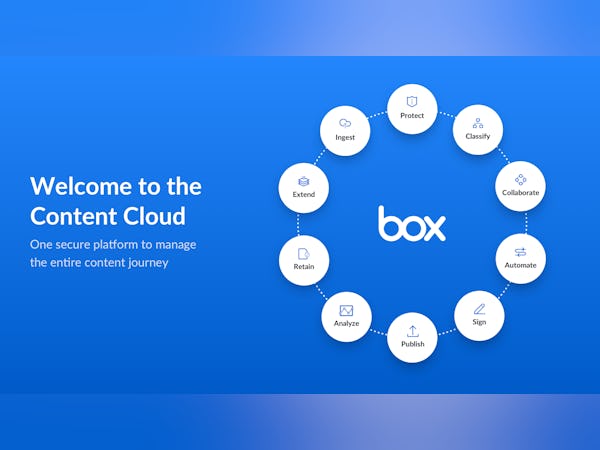
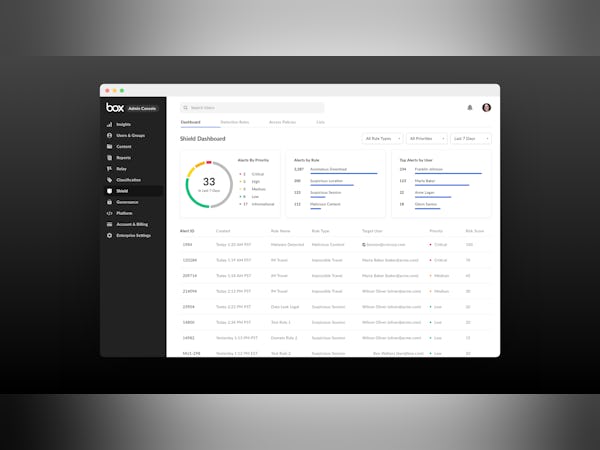
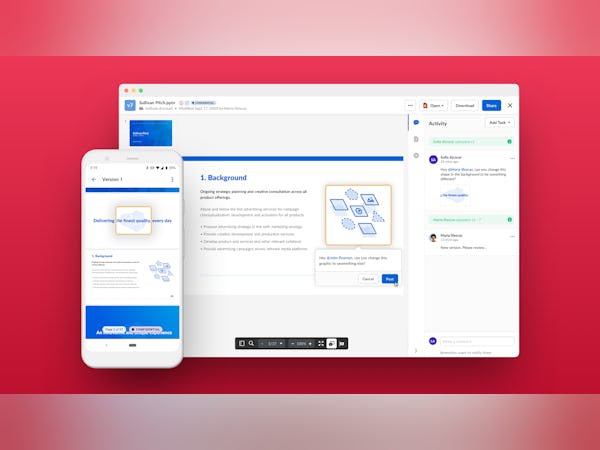
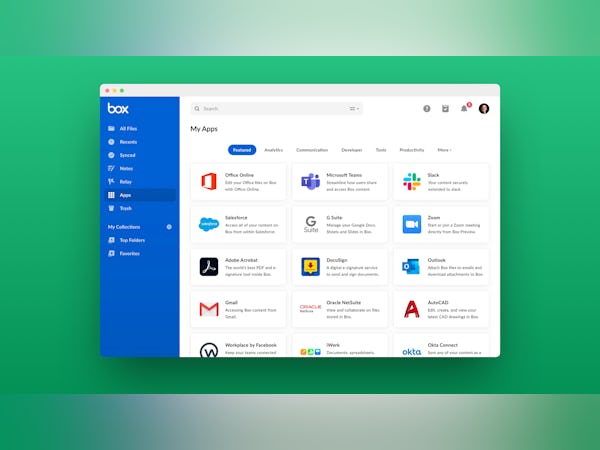
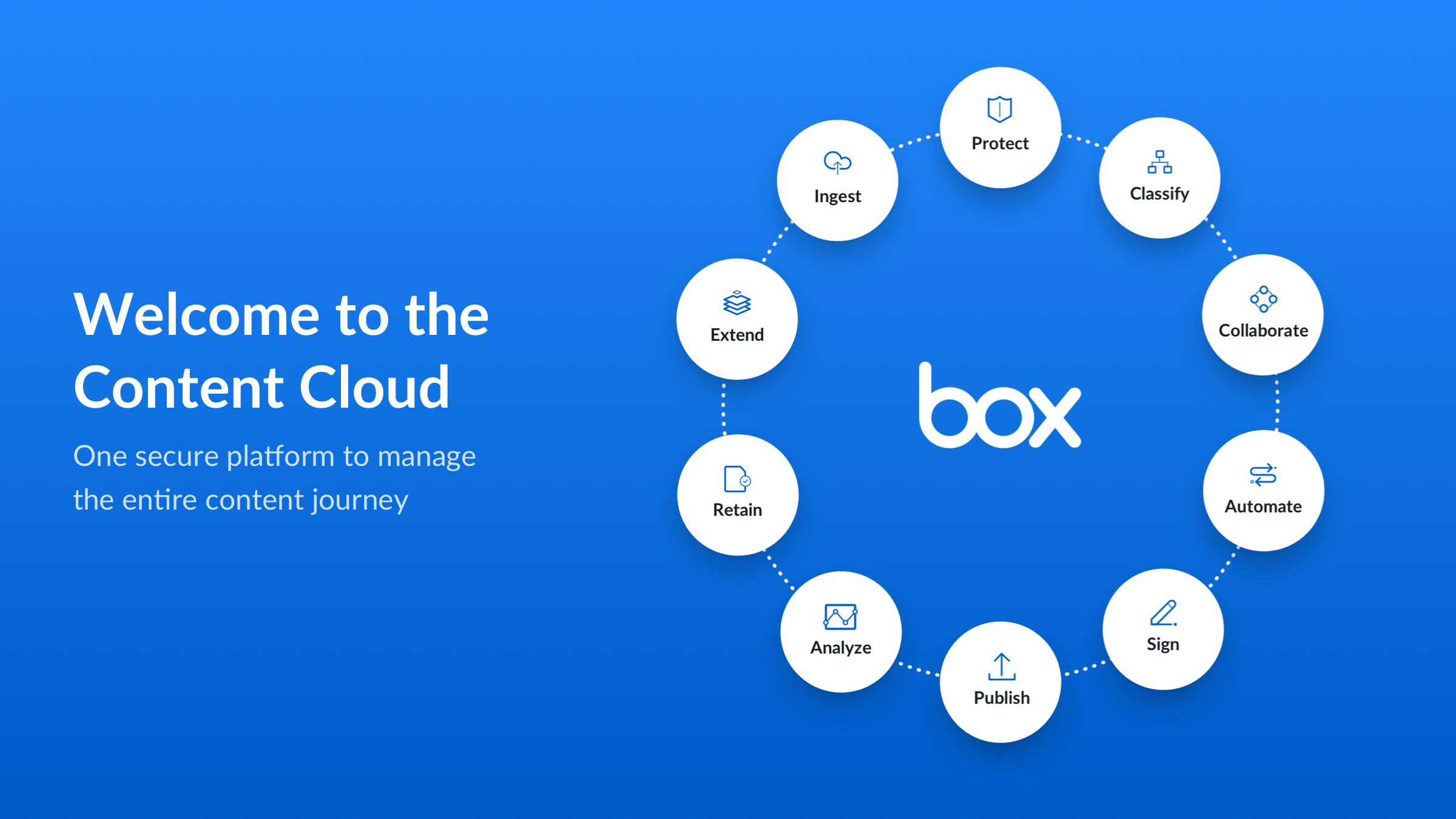
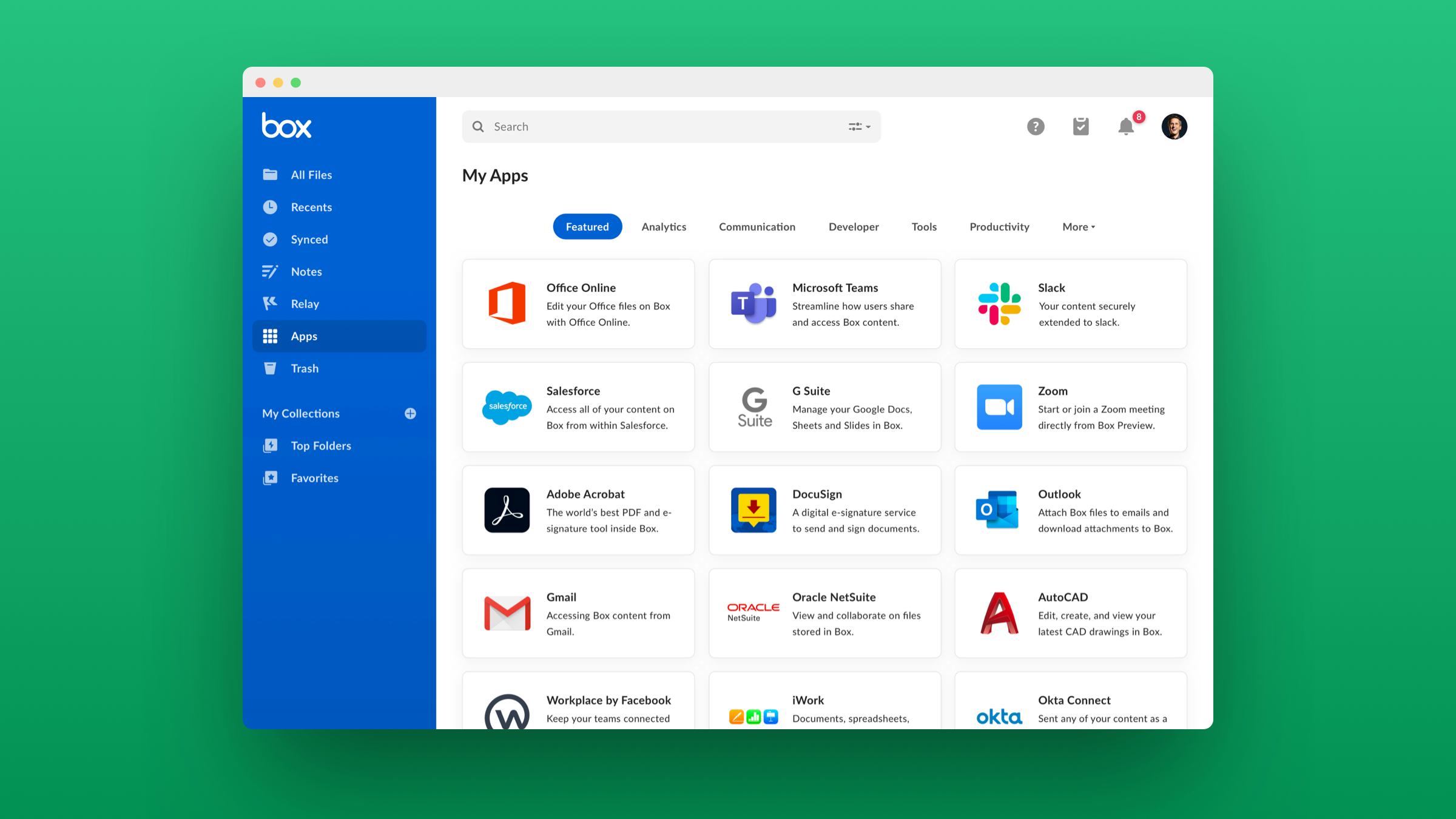
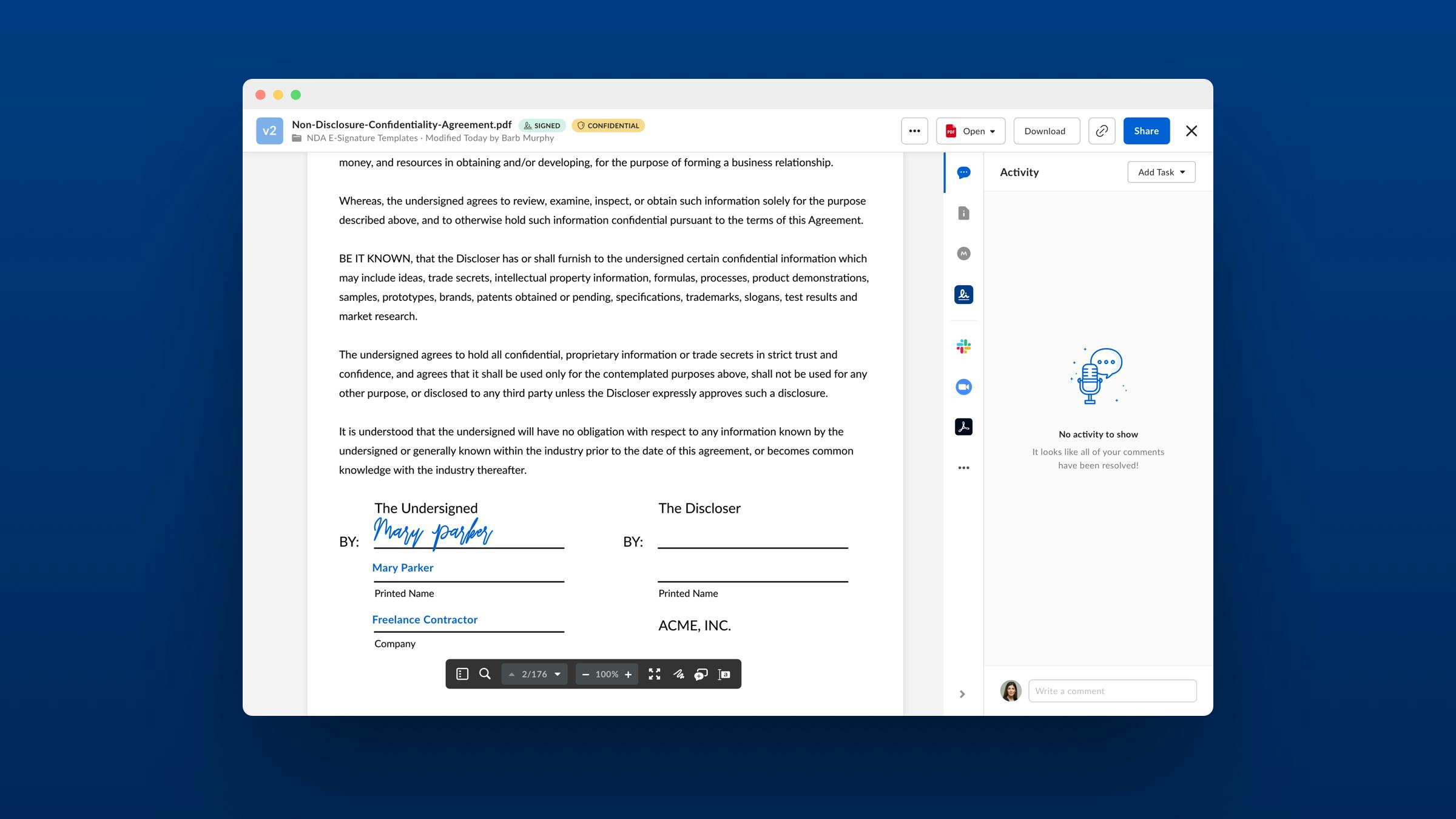
Your business runs on content, and it’s time you put it to work. Sales contracts, product specs, marketing assets and videos — files like these are at the heart of your processes, no matter your Czytaj dalej industry. With the Box Content Cloud, you get a single, secure, easy-to-use platform built for the entire content lifecycle, from file creation and sharing, to editing, signature, and retention. Trusted by 100K+ leading organizations, Box has been named a Leader by all major industry analyst firms. Czytaj mniejKto korzysta z produktu: Box?
Box provides workplace solutions for every industry and business size, from SMBs to global enterprises.

Nie jesteś pewien, czy Box to dobre rozwiązanie?
Porównaj z popularnymi rozwiązaniami alternatywnymi
Box

Other great alternatives to Box













Box – Recenzje od zweryfikowanych użytkowników

Mohammad
Rozważane rozwiązania alternatywne:

A Cost-effective, Robust Cloud Service
Komentarze: Overall, I'm quite satisfied with the service & I'll keep on using it given how it's plays a crucial role in my productivity.
Zalety:
Box simplifies the process of backing up, managing & editing my files on the go from my office or home computer or from my phone. It's fast, reliable & offers a plethora of features that are presented upfront on the software's user interface, rather than being hidden inside layers of sub-menus. I'm a big fan of scheduled backups where after-work hours, Box can simply start backing up specific directories on my PC instead of manually doing the labour of transferring data locally to a slow, external drive. In short, convenience is what Box brings to the table.
Wady:
As of the last mobile update, I'm noticing that the upload rate has dropped a little bit. I have a decent 5G router with a stable & speedy connection, so I don't really think my internet is the culprit here. Desktop & web versions work fine though.

Priyansh
Rozważane rozwiązania alternatywne:

A reliable and secure data storage solution for us
Komentarze: I have been using Box for my data storage needs for the past year and have been extremely impressed with the platform. Overall, I am extremely happy with my decision to use Box for my data storage needs. It has exceeded my expectations in every way and has greatly streamlined my workflow.
Zalety:
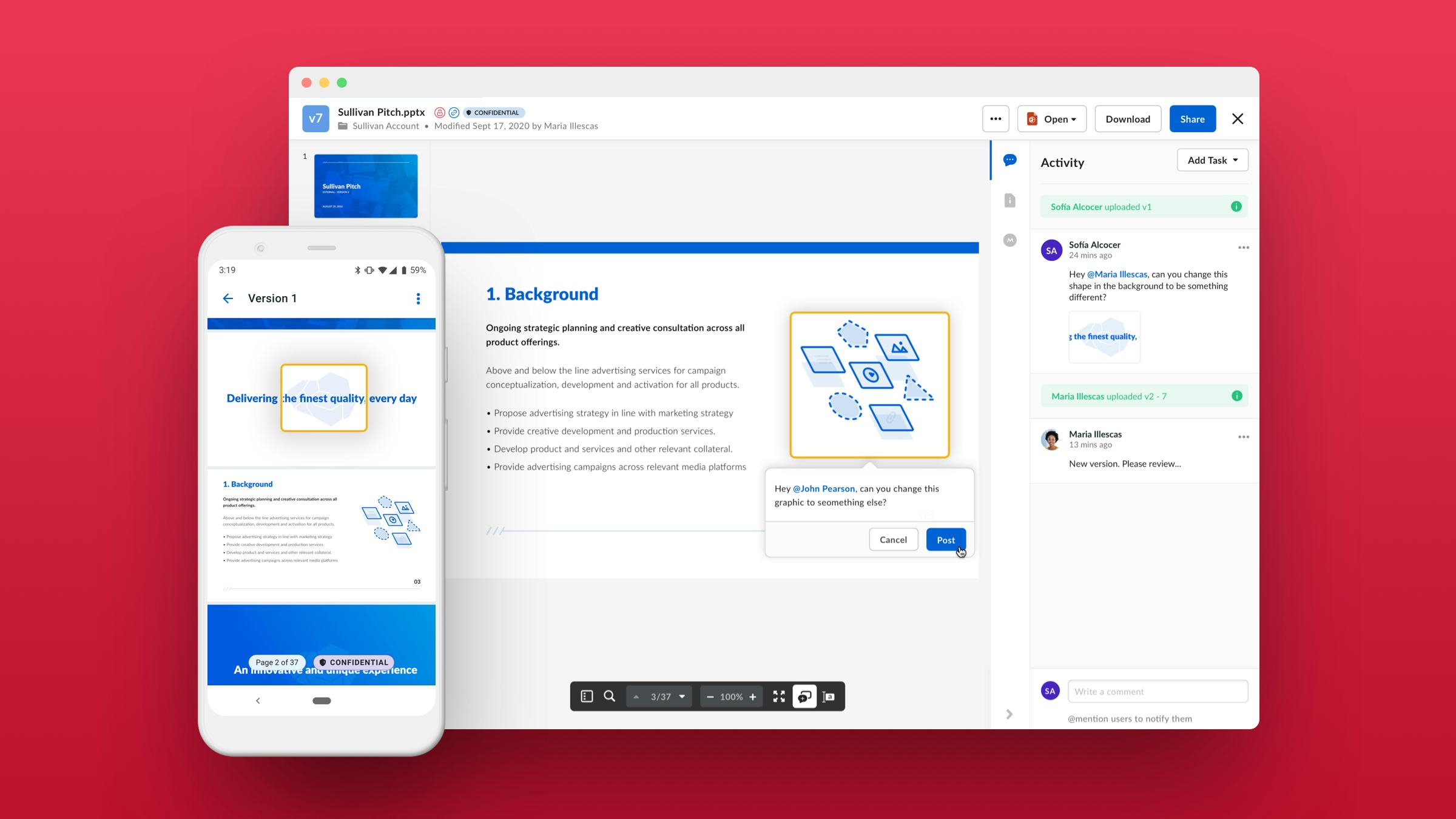
Not only is it user-friendly and intuitive, but it also offers top-notch security measures to protect my important files. The interface is straightforward and easy to navigate, making it simple to upload, organize, and share files. They offer a range of tools that make it easy to work with my team and clients, such as the ability to leave comments and track changes. They uses robus encryption and multiple layers of protection to ensure that my data is secure. Supports a wide range of file types, including documents, images, audio, and video, making it a versatile solution for all my data storage needs. The mobile app makes it easy to access my files on the go, which has been especially helpful during the pandemic when I've been working remotely.
Wady:
However, there are a few cons to consider. One is that the pricing can be a bit steep for smaller businesses on a tight budget. Another is that the platform can be a bit slow at times, especially when uploading large files. Finally, there have been occasional issues with syncing, which can be frustrating when trying to access important files on the go.
Richard
Box works well unless you have an issue
Komentarze: Box is a good cloud storage platform that integrates well with our CRM system, MS Office, Outlook, and Adobe. When its working it is fine, but your on your own when their is an issue ( ususally told to go to the knowledge database to figure it out). A time-consuming customer support approach for the user.
Zalety:
1. Works well with our CRM system2. Real time synchronization - no latency or delay in accessing loaded data3. Ubiquitos Data Access - with multi-location operations work teams are can collaborate very effectively between staff as well as with clients and third party sources.4. Avoids the local data backup issues
Wady:
1. Customer Support is non-existent or your on your own. Always being asked to figure any issue out yourself by going to the knowledge database. No technical support phone number is available unless you pay a premium to talk to a human. Expect to spend a considerable amount of time trying to solve system problems.2. The process to remove unused box seats for people no longer with your firm is complicated and you risk losing the data those individuals loaded in your system. As a result, you pay for more seats than you actually use.3. Box and our CRM system get out of sync every 4-6 weeks. When this happens staff can no longer file documents within Box until the systems are re-synced.
Oğuz
A Comprehensive Review of Box Software: Pros, Cons, and Final Verdict
Komentarze: Box Software is a great choice for businesses of all sizes, offering a reliable and secure cloud storage and file sharing solution. The wide range of features and functionalities make it an ideal choice for teams working on projects remotely. The user-friendly interface allows for quick and easy setup, and the ability to store and sync files across multiple devices is extremely useful. However, the lack of version control and the pricing plans may be a deterrent for some users.
Zalety:
Box Software offers an easy to use, intuitive user experience with a wide range of features and functionalities that makes it a great choice for businesses of all sizes. The ability to store and sync files across multiple devices makes it particularly useful for teams working on projects remotely.
Wady:
There is no version control feature available, meaning that users must be careful when editing files as the latest version will always be saved and any editing mistakes cannot be undone. Additionally, some users may find the pricing plans expensive compared to other cloud storage solutions.
Zweryfikowany recenzent
Awsome product for the money
Komentarze: in total, all of my colleagues are really satisfied that's why even we're using Microsoft we haven't used its feature for file management.
Zalety:
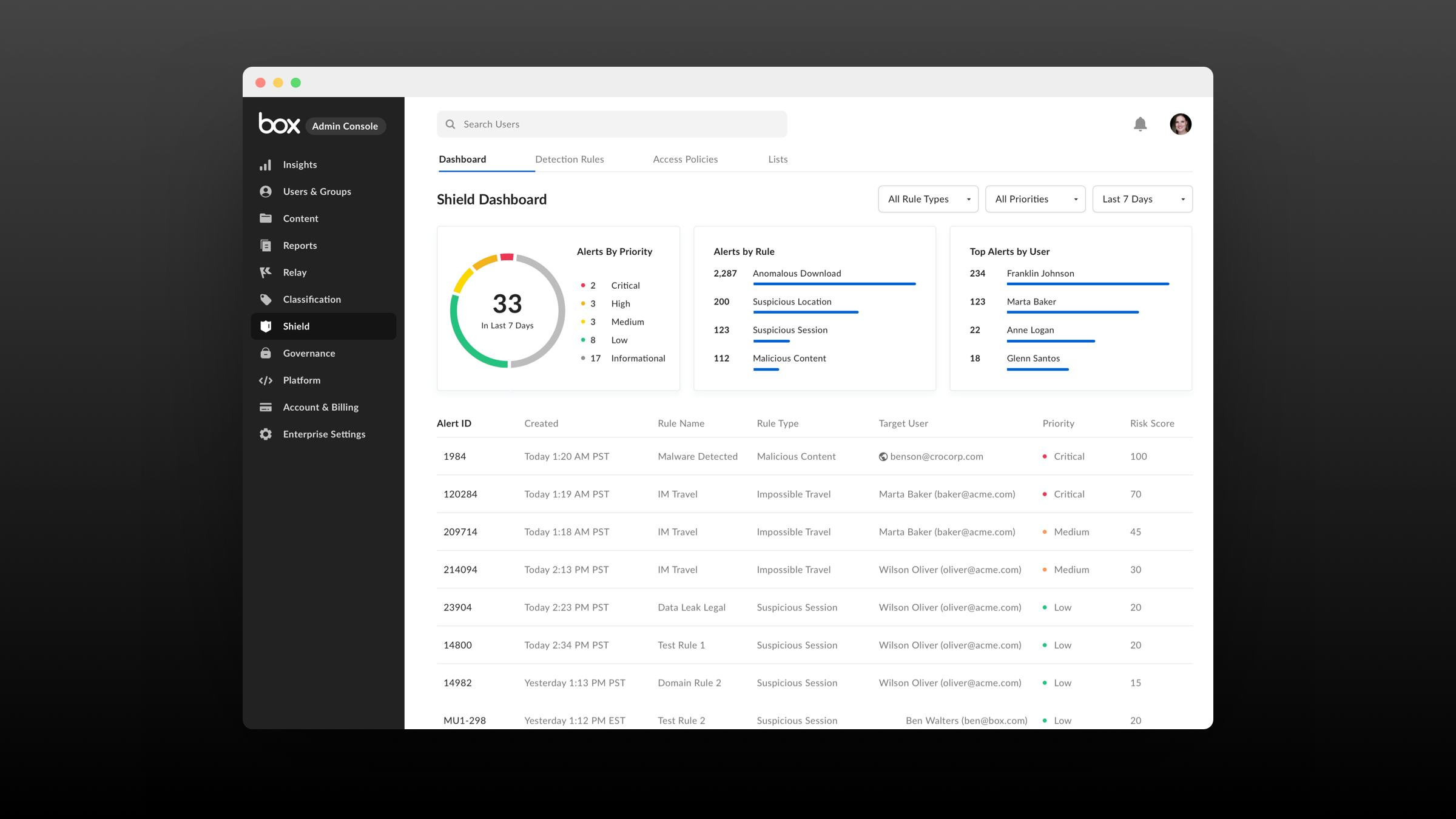
This product is awesome for companies who need to have a reliable, safe place for their documents, I can count some of its great features compared to the competitors:1.easy use and great way of sharing both internally and externally2.having the online editor which holds the history of files (Word, PowerPoint, etc) which makes extremely helpful for troubleshooting.3.it has great reports that you can see your last status easily.4.it can be integrated easily to your existing single sign-on solutions like okta which makes it even more powerful.5.great collaboration ability and security features.
Wady:
We were trying to use the Box sign feature, however after investigation we found out it doesn't have some of our legal requirments.