DocuSign
Czym jest DocuSign?
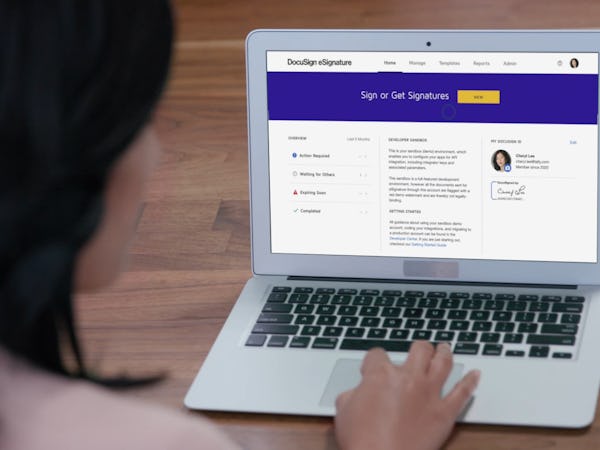
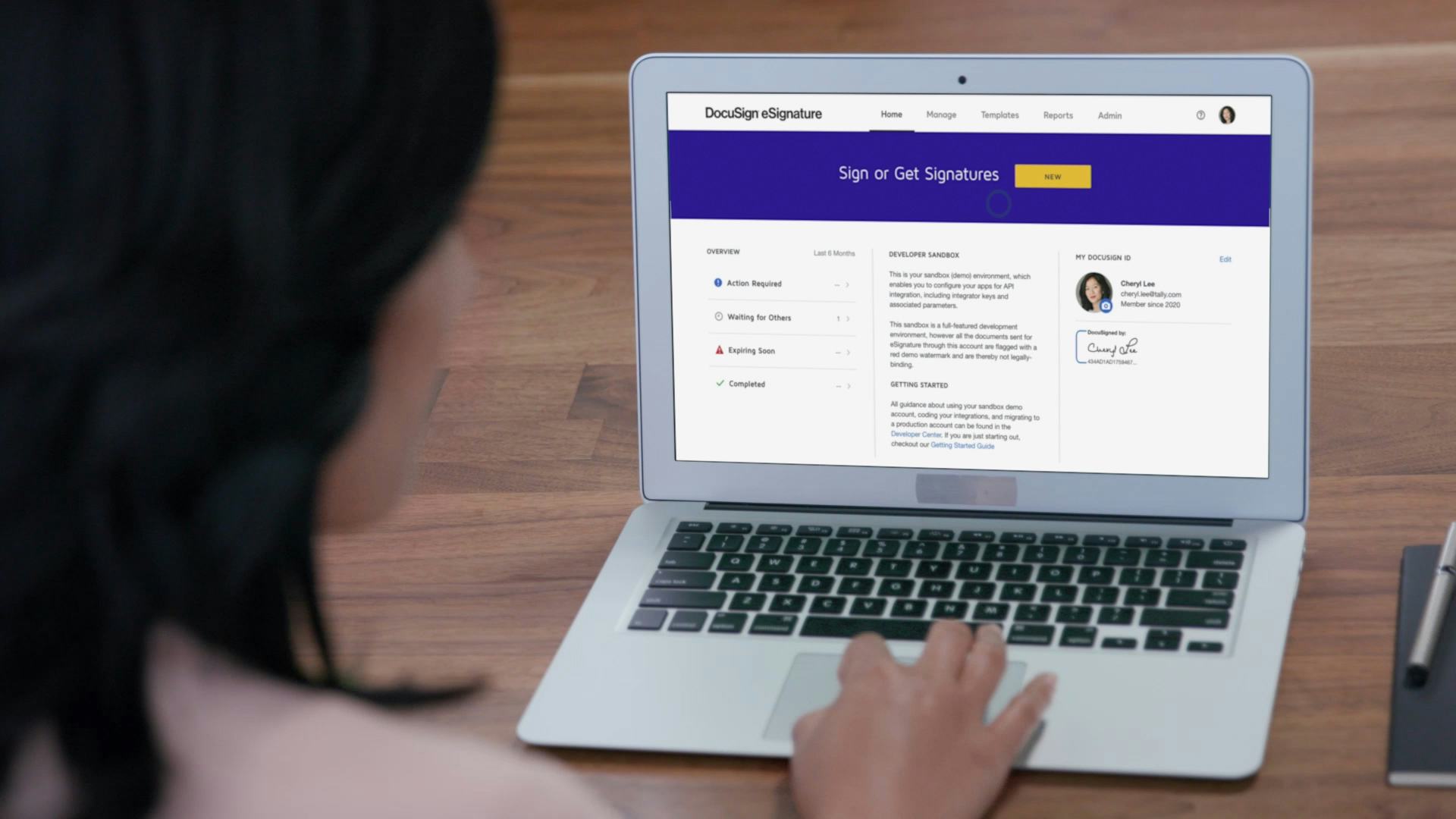
DocuSign is changing how business gets done by empowering more than 250,000 companies and more than 100 million users in 188 countries to send, sign and manage agreements anytime, anywhere, on any Czytaj dalej device with trust and confidence. DocuSign replaces printing, faxing, scanning and overnighting paper documents to transact business. Their technology enables organizations of every size, industry and geography to make every agreement fully digital to keep life and business moving forward. Czytaj mniejKto korzysta z produktu: DocuSign?
DocuSign helps individuals & organisations of all sizes and industries eliminate paper by making every agreement 100% digital for faster speed to results, lower cost & improved customer satisfaction.
Nie jesteś pewien, czy DocuSign to dobre rozwiązanie?
Porównaj z popularnymi rozwiązaniami alternatywnymi
DocuSign

Inne najlepsze rozwiązania alternatywne dla produktu DocuSign










DocuSign – Recenzje od zweryfikowanych użytkowników

Samuel
The finest of electronic signatures Without difficulty and paper
Komentarze: Utilizing DocuSign has been amazing in every way. Without having to bother about printing, it's nice to be able to quickly email contracts and agreements. DocuSign's secure signing system also enables electronic signatures. I frequently use it since DocuSign has made it so simple and quick to review and sign the multiple agreements files and contract papers we must give to our clients. It also saves us a ton of time and protects the environment by avoiding the use of a pen and paper. DocuSign is a tool that I absolutely enjoy using.
Zalety:
I have the ability to communicate legally binding papers to anybody, anywhere. They don't require that I see them in person or access my business computer at the workplace. Anywhere you want! Make adjustments using templates and save them for later use. It's quite practical to utilize some third-party apps with Docusign. The security and ease of usage are excellent for use with legal documentation.
Wady:
The commercial version of DocuSign is more expensive than the alternatives, and I didn't utilize it until the business collaborated with them to make it available to all outside salespeople. For the essential functions of electronically signing a document via a touchscreen or smart device, there are less expensive and free apps available. DocuSign can also be difficult to use because of a function for setting up signatures that takes a long time and isn't truly essential, but you don't immediately realize it.
Juliana
Storage of electronic signatures
Komentarze: DocuSign is serving the purpose of collecting and speeding up the process of signing documents and storing them safely, it accelerates our work and automates it in a way that we have been able to save a lot of time and provide a fast process for business partners and clients to close deals successfully. Additionally, it has also worked as a repository to store different documents inside our business like our business policies, contracts, recruitment documents, and more. DocuSign is a very versatile software that is essential in our day-to-day work and provides great security and reliability.
Zalety:
DocuSign is a flexible and smart software that I really enjoy using, it has a set of features that make the signing process of different deals way more simple and comfortable to work with. I like that it helps us organize all legal documents, have signatures be completed quickly by sending them instantly from anywhere in the world, and be able to store them safely in the cloud with privacy measures that give reassurance. When it comes to user-friendliness, DocuSign provides a great and smart platform that does not feel difficult to work with, and the learning process is very short, adjusting itself to our needs and working pretty fast. It is the bridge between our business and our clients, strenghtening communication and solving legal matters in a quick way.
Wady:
The price of DocuSign is very high compared to other similar softwares, I would like to see more pricing options available with a variety of features included and some that we do not use excluded; other than that, I believe that DocuSign is a great solution to carry out digital signatures.
robert
Waste of time
Zalety:
not much, seldom used since i found that Adobe has similar functions.
Wady:
When it came time to cancel my subscription I went round and round with the company, even following their online instructions, failing to cancel the subscription. I have no patience with a company that thinks if they make it hard to cancel a customer will just accept the $120/year subscription.

Yige
Fast and efficient way to collect signatures.
Komentarze: Docusign is the adopted software within my company for signing contractual documents electronically. Docusign brings flexibility into our entire contract signing process, by making it possible for contracts to be signed from anywhere.
Zalety:
I like how Docusign brings collaboration into the whole process of creating and customizing contractual documents before it is eventually sent to a customer. As a result of this collaboration on Docusign , we have successfully automated contractual document routing both for internal review and external legal review, plus we now make use of a flexible version control option that allows everyone to know what changes are being made to a document , by whom and when the changes were made. The above has sped up contractual document drafting and brought staffs from different departments to work within a short time on a document, that previously used to be passed from one department to another for reviews , which would take weeks.
Wady:
On the Docusign Android application , there is no provision for me to switch signatories while previewing a document before sending.
Zweryfikowany recenzent
A software I use every day for my legal practice!
Komentarze: DocuSign has made signing documents. I can't imagine my legal practice without DocuSign. Thank you DocuSign!
Zalety:
I love how reliable DocuSign is. It is a reliable software that I am able to use easily. It's very fast and my clients think it's easy to use. It's made our lives so much easier!
Wady:
The witness signing option. I think more can be done to improve it.