
GetFeedback
Description de GetFeedback
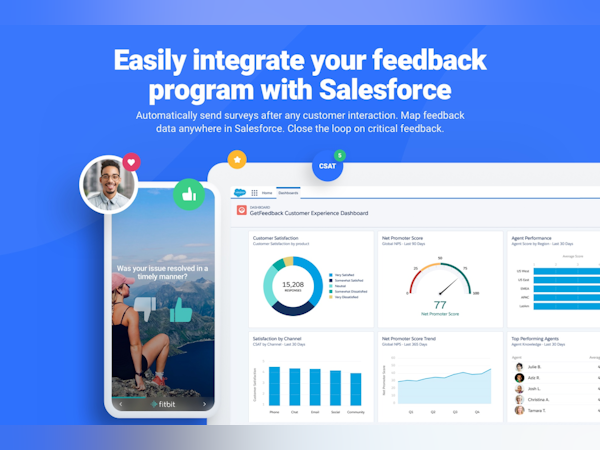
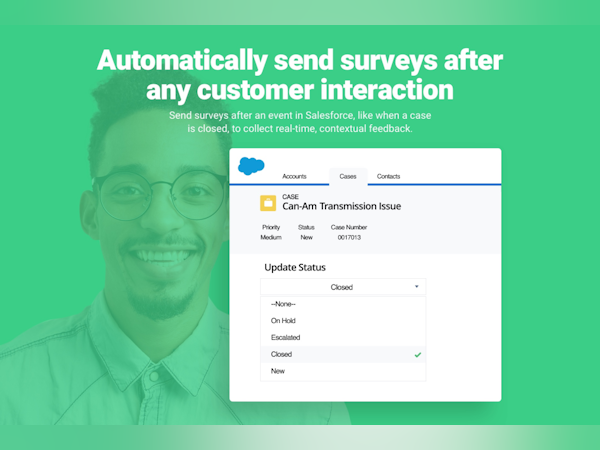
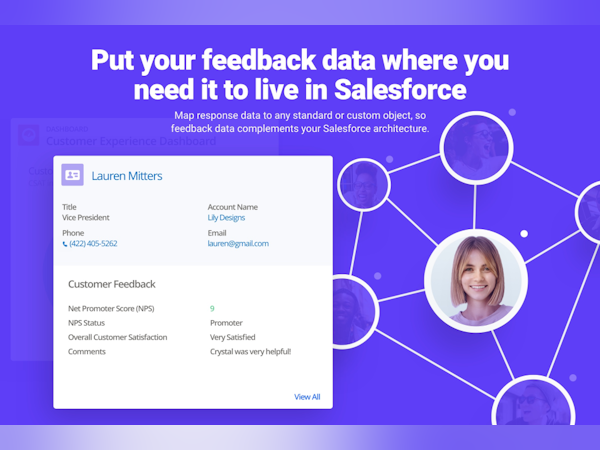
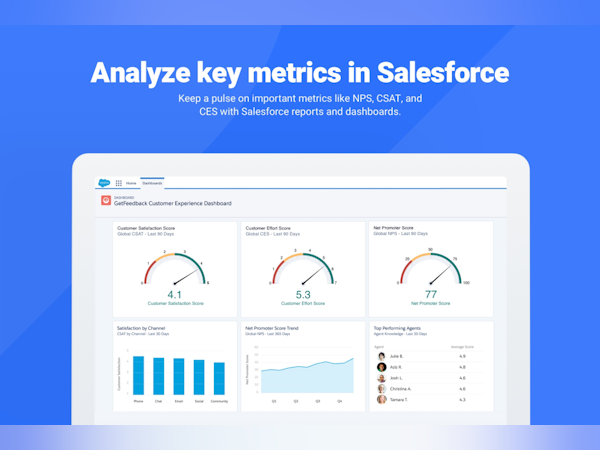
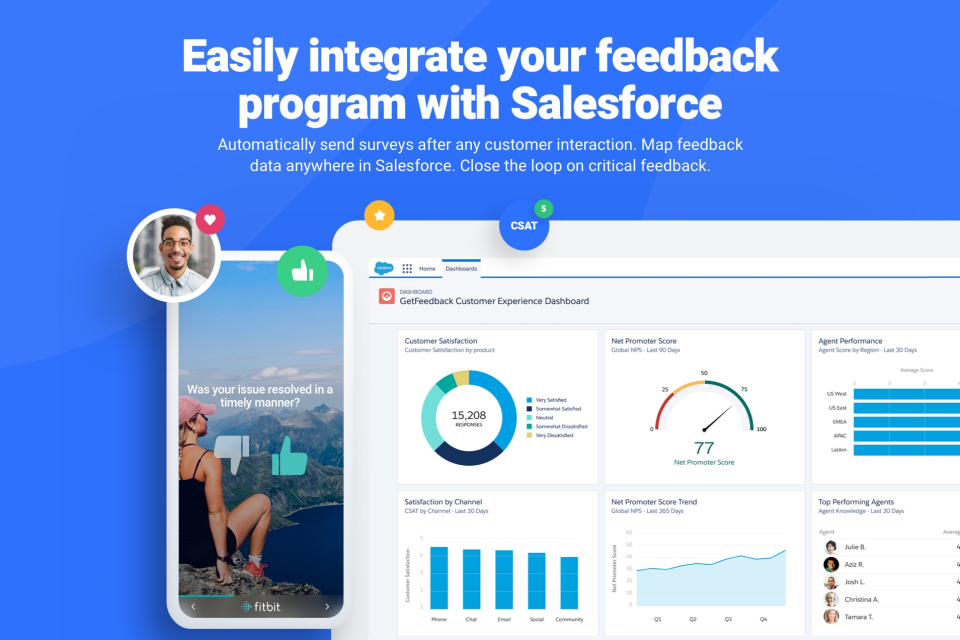
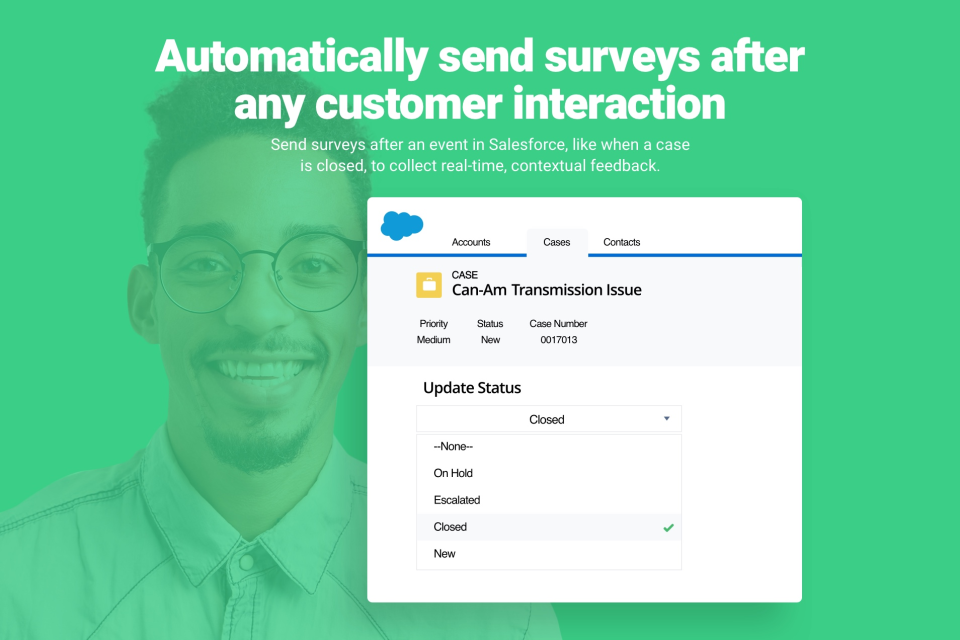
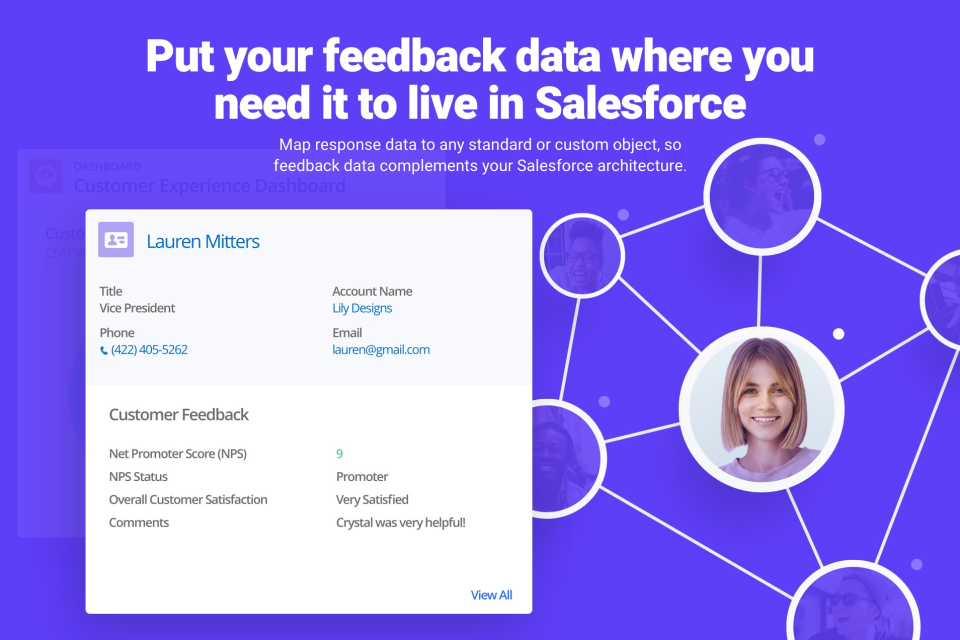
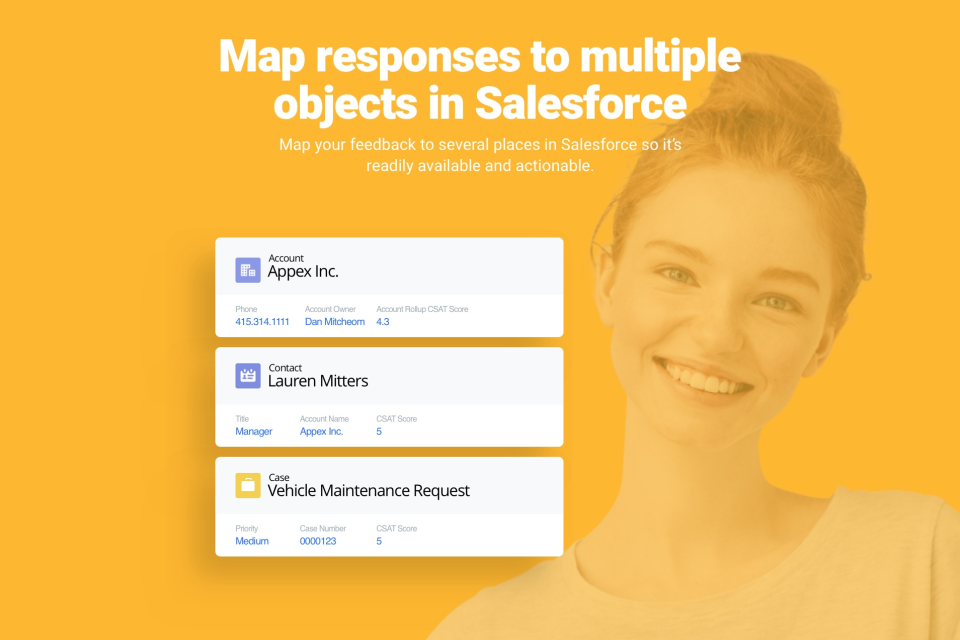
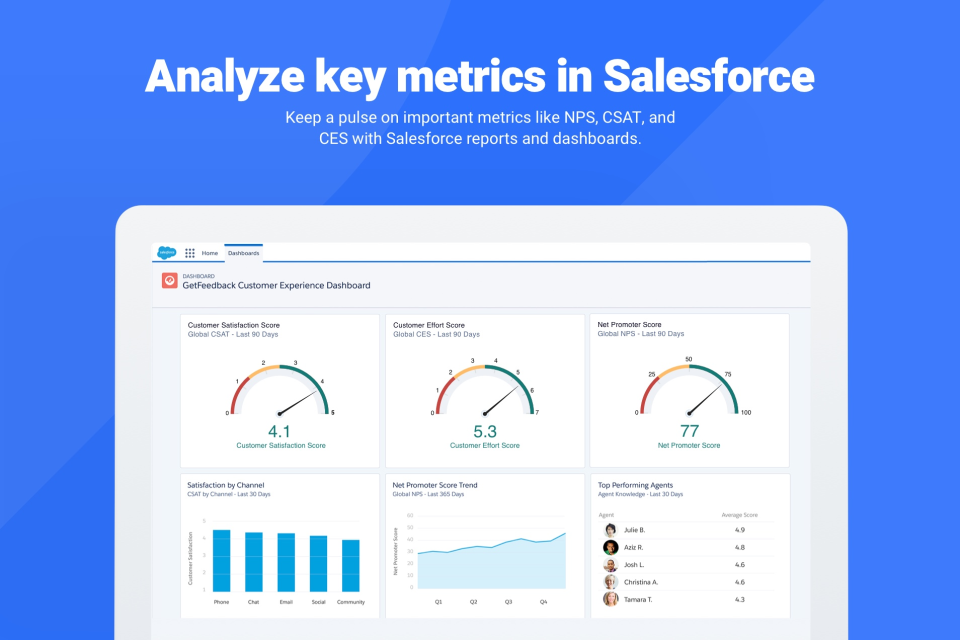
GetFeedback pour Salesforce vous permet de collecter automatiquement les avis de vos clients aux points de contact clé de leur parcours. Ajoutez davantage de contexte dans vos enquêtes, puis Lire la suite transférez les avis de vos clients dans Salesforce afin de mesurer des métriques clés telles que le NPS (Net Promoter Score), la satisfaction utilisateur ou le CES (Customer Effort Score) et de prendre des mesures intelligentes pour améliorer l'expérience client. Les clients de GetFeedback constatent une hausse de 240 % des taux de réponse et une mise en œuvre sept fois plus rapide que les autres plateformes d'enquête sur l'expérience client. Afficher moinsQui utilise GetFeedback ?
GetFeedback s'adresse aux entreprises qui souhaitent mesurer la satisfaction client, gérer l'expérience client et maintenir l'engagement des employés, tout en assurant une expérience transparente sur la marque.

GetFeedback ne vous convainc pas tout à fait ?
Comparer avec une alternative populaire
GetFeedback

Alternatives à GetFeedback








Avis sur GetFeedback

Chandler
Alternatives envisagées :
GetFeedback is the premier tool for Salesforce friendly NPS and customer satisfaction monitoring
Commentaires : We have only used the free trial, but we will be continuing on to purchase the product so that we can monitor future customers during the sales process and understand areas that need improvement.
Avantages :
GetFeedback has a robust design interface that makes it incredibly easy to design stunning, simple feedback surveys. Best of all, it integrates seamlessly with Salesforce and can be automated with corresponding triggers. GetFeedback offers multiple types of surveys to gather feedback, not just a basic 1 through 10 scale.
Inconvénients :
It doesn't fully integrate with some of the other applications we use, but these are fairly specific tools and some do not even have open APIs.
Rezaul
Alternatives envisagées :
It functions well to gather continuing feedback.
Commentaires : We can use Usabilla to manage an intercept survey on our website. We are now able to ask the user straightforward questions in context. The survey's in-context component is crucial since Usabilla gives us the option to choose a target sample, location, or event trigger for the survey, such as when a user discovers a new feature on a page.
Avantages :
To gather user input, Usabilla may be added to website. The survey options for active and passive feedback are both used. The application is user-friendly and provides excellent reporting features. All levels of the business may easily access the analytics because they are displayed in a clear and appealing way. No of the user's degree of understanding, it is well designed and understandable.Moment of truth surveys provided us with information about the issues that users were having with our portal.
Inconvénients :
It does not permit video responses or screen recordings of the user, unlike some of its rivals.It is mainly restricted to desktop browsers and apps rather than mobile web.Targeting certain javascript event triggers requires some engineering assistance.
Utilisateur vérifié
Easy-to-use but extremely expensive
Commentaires : Overall experience is goot. It serves the purpose, it's really easy to implement and the surveys look really professional! On the other hand, price with Salesforce integration is massive, designs are not that customisable and you need to stick to the predefined options to build the surveys.
Avantages :
Getfeedback is a feedback platform owned by SurveyMonkey. It's main advantage from its competitors is that it has a native connector to integrate it to Salesforce. It's very easy to set-up the connector and start collecting surveys from contacts and push the information collected to Salesforce. Surveys are really easy to be set-up and the look great! Almost all the options are predefined options (Drag&Drop) so you cannot customise it 100% but don't need a technical profile to create them, which is great!
Inconvénients :
Very expensive if you want to have the Salesforce connection. Also I think the customisation of the surveys is a bit poor, there should be an option to edit CCS, HTML, etc. Also a bit more of flexibility on the CTAs and the kind of questions you want to include in your surveys would be much appreciated!
Kierstin
Alternatives envisagées :
Great product, large price tag
Commentaires : This boosted our credibility as an organization to send professional looking forms. It ended up not being worth the cost after the price structure adjustment.
Avantages :
This survey tool was so easy to use and created beautiful, highly functional, versatile feedback forms. I loved sending these out to our event and program participants to gather feedback and receive meaningful data. My database coordinator loved that it was a native Salesforce app.
Inconvénients :
The customer support was not great. The ability to send a link to the survey through my own work email/campaign blast was an additional cost, so I had to manually add all recipients and send the survey through the platform itself, which was time consuming and created an additional communications task for me. We stopped using GetFeedback after they dramatically increased their pricing. It was not a justifiable cost for our organization when there are so many affordable survey options.

Jordan
Alternatives envisagées :
Best Survey tool for Salesforce
Avantages :
GetFeedback allows us to create Survey very easily and quick. There is a ton of features like customized path for each question, multilanguage and the best : Salesforce Integration! Salesforce Integration from GetFeedback is really easy to use and fully customizable. You can set-up everything from GetFeedback and reload easily integrations errors. Love it !
Inconvénients :
GetFeedback business model is quite expensive, hard to afford for many businesses.