
Confluenceの概要
Confluenceは、知識が集まりメンバーが連携できるチーム作業空間です。Confluenceは、急速に変化する企業内で信頼できる唯一の情報源になります。ミーティングのメモ、戦略文書、IT文書など、あらゆる情報を整理することで、誰もが的確な意思決定を迅速に行い、変化に対応しやすくなります。Confluenceは、Jira SoftwareやTrelloなどAtlassianの製品とシームレスに統合し、マーケットプレイスから入手できるアプリで無限にカスタマイズすることができます。
Confluenceの対象ユーザー
技術チーム、プロジェクト管理グループ、マーケティング、人事、法務、財務など、あらゆる規模のあらゆる部門でConfluenceが現在使用されています。どんなチームでもConfluenceで業務を遂行できます。
動作環境
Confluenceの料金プラン
最安値プラン:
- 無料トライアルなし
- 無料プランあり
Confluenceには無料プランがありますが、無料トライアルは提供されていません。 Confluenceの有料プランは$55.00/月から利用できます。
料金プラン 無料トライアルを申し込むConfluenceの動画と画像

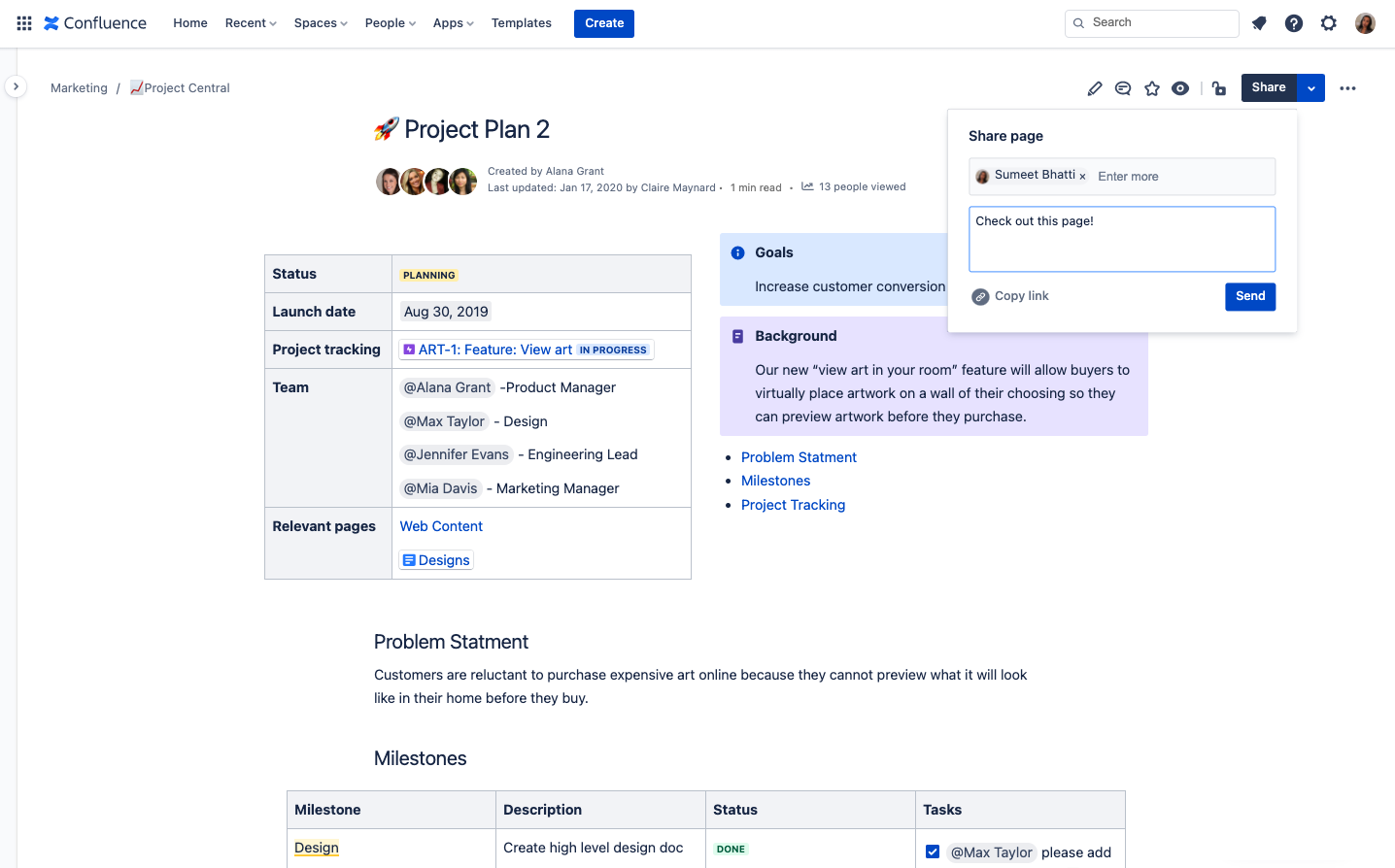
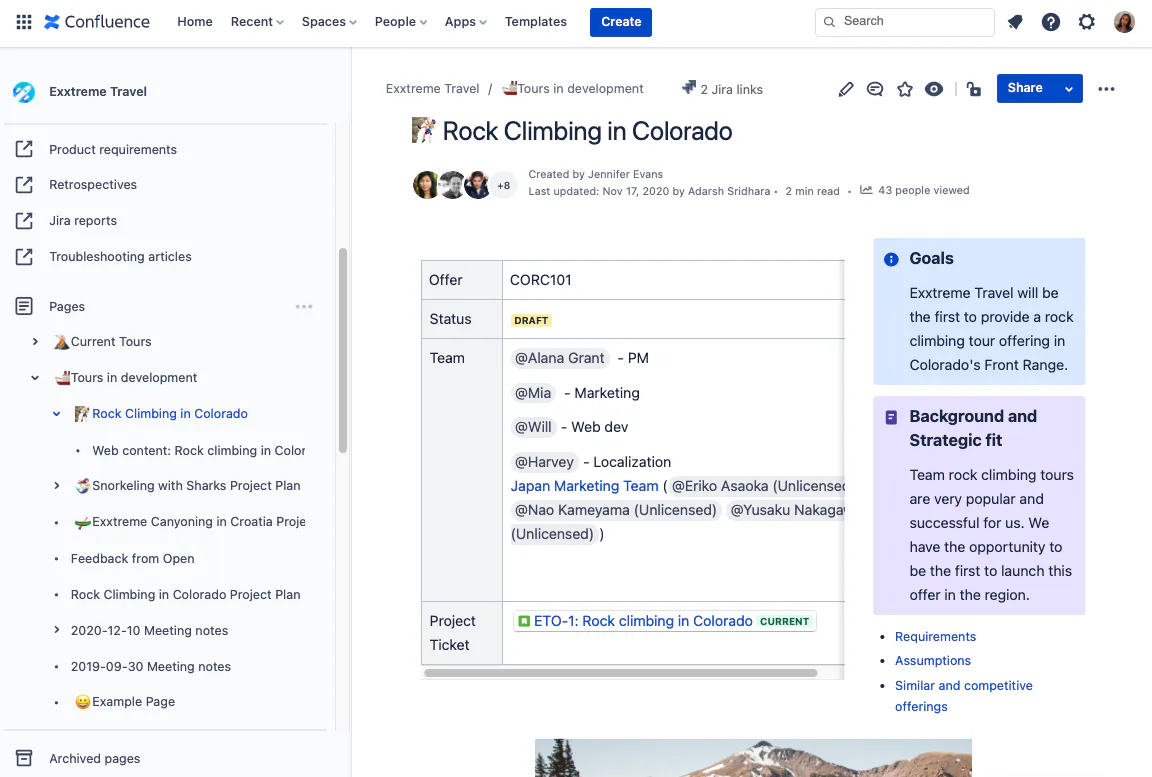
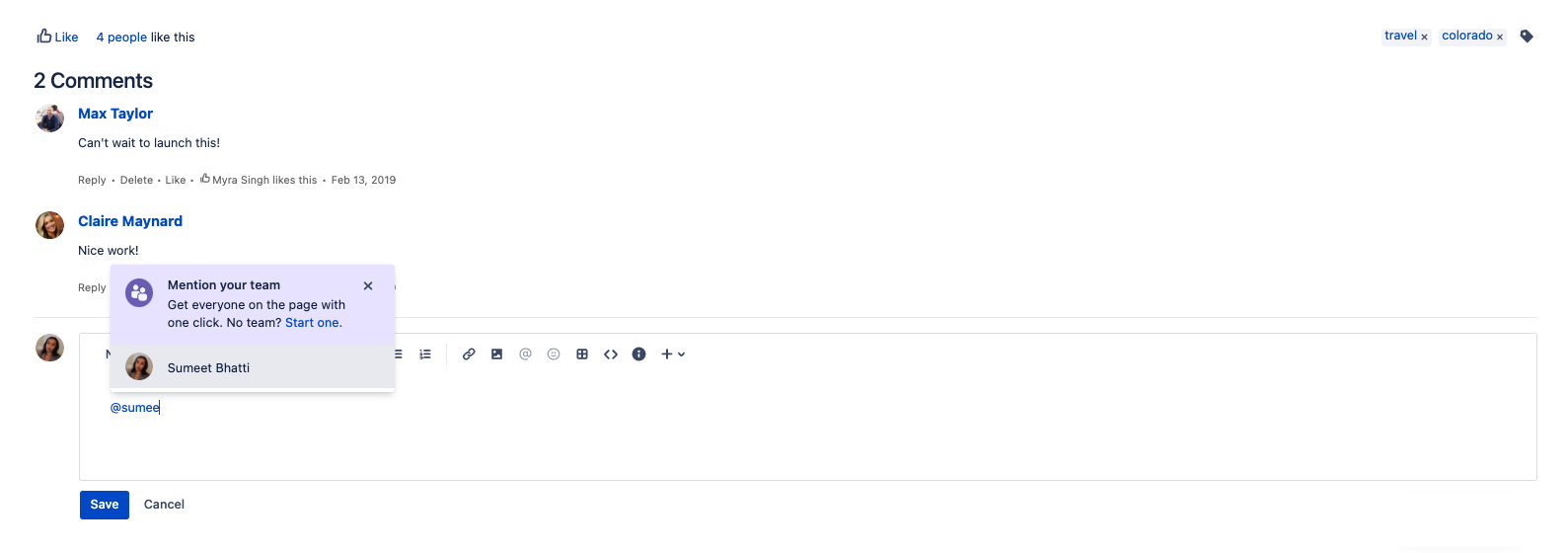
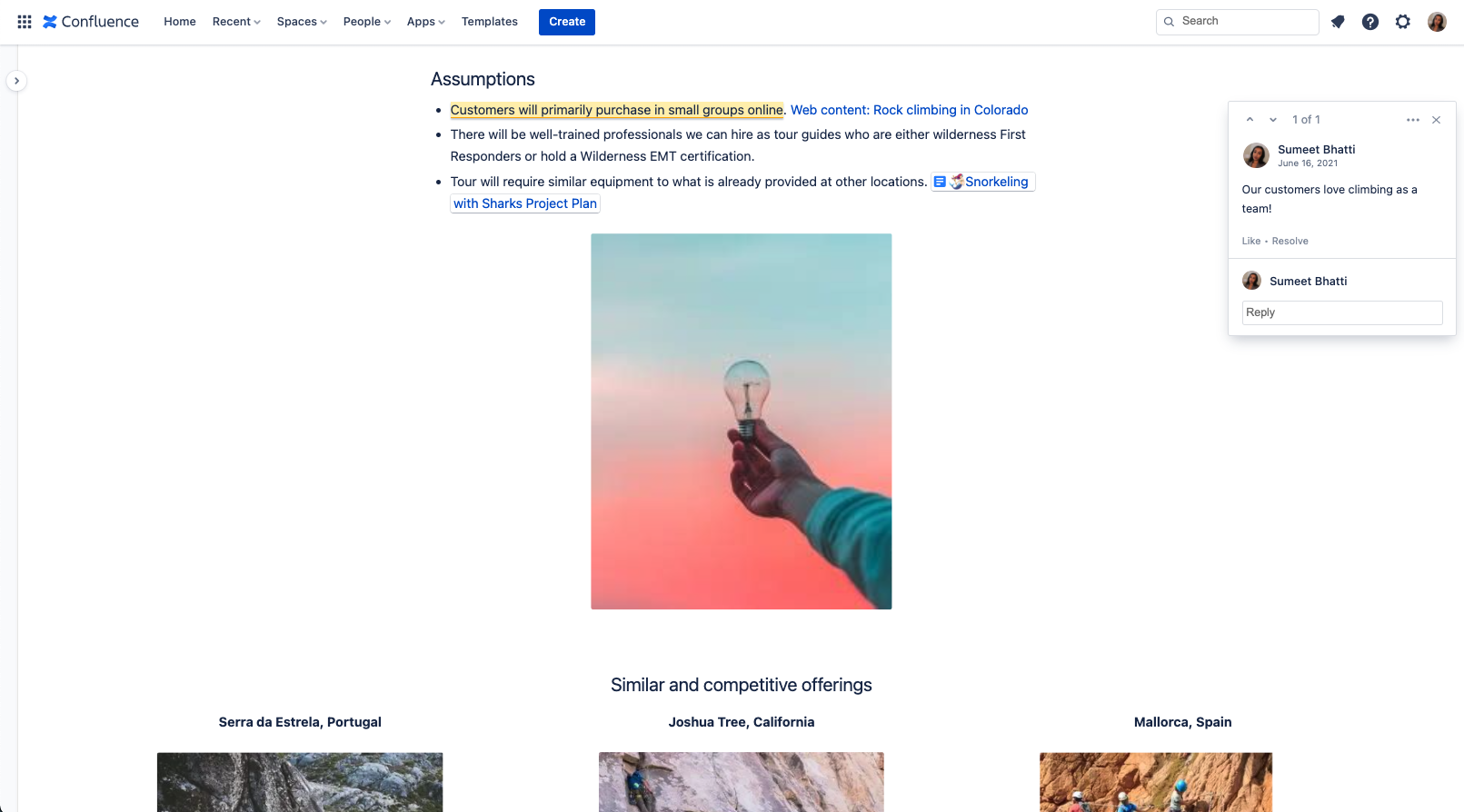




Confluenceの機能・特徴
Confluenceの競合SaaS製品








Confluenceのレビュー

Chris
Great way to share content and track project goals and outcomes
匿名レビュアー
進捗確認として必須
良いポイント:
作成する資料が多すぎて毎日のように残業が続いていました。自分でファイルを管理しているとboxやグーグルドライブなど、いろんなところにそれぞれ資料があり、管理が煩雑になります。このツールのおかげで、残業時間を短縮することができました。プロジェクトメンバーが作成した資料をレビューする時間を削減することができ、資料を同時作成することで、二段階アクションの必要がなく無駄な時間を削減できていると感じます。また、生産性も向上し、これまで着手することのできなかった新規の仕事にチャレンジすることができるようになり、大変助かっています。
改善してほしい点:
資料を同時作成する際に、タイムラグが発生しがちなので、その点が少し気になる事があります。同時にいろんなファイルを開いてることもあるのが原因かもしれませんが、改善してもらえるとさらに業務効率化がはかれると思います。他の方が編集中にその箇所が編集不可になりますが、グーグルドライブの資料を共同編集くらい、同時編集がさくさくできるとより使いやすいなと感じましま。タイムラグが解消されると非常に助かります。
匿名レビュアー
プレゼン資料の作成に最適なツール
良いポイント:
社内のMTG、プレゼンで使う資料を作成するのに最適なツールだと感じました。オンラインmtgが多くなる中、許可されたメンバ―ニが閲覧できて、ブログ形式で資料が作成できること、文字 画像 図形の表示方法も豊富で見やすいデザインになっています。
改善してほしい点:
最初、使い慣れないと図形の挿入、urlのコピー&ペーストに手こずることがありました。マニュアルやよくある質問などは、どこかで確認ができるとよいと感じます。

John
Our knowledge base
製品を使ってみた感想: We were having problems to share information, and some users were not getting the right information. Knowing that we have a tool for information sharing like Confluence, we create a plan to start documenting all our processes, and now they are available across the company.
良いポイント:
It is very useful to share all our documentation and knowledge base. All the users are now able to get updated information, and can share any documentation with the team.
改善してほしい点:
It can become a bit slow sometimes, causing the pages to take longer to load and look for information.
検討した類似製品: Microsoft SharePoint
Confluenceに決めた理由: We were looking for a better documentation and information sharing tool
切り替える前の製品: Microsoft SharePoint、Microsoft OneNote
Confluenceに切りかえた理由: It was the better option for our company, thinking on how robust is the tool.
Amit
For best documentation management and kb
製品を使ってみた感想: Beyond the initial getting use to period, this is a easy, robust and professional tool and must for all IT teams. With integration to other agile processes and quick documentation this makes it a MUST have tool.
良いポイント:
Excellent interface, regular updates and keeping up with industry changes. Considering wide spread use of the software, often it reduces training time for new starters
改善してほしい点:
It will be lovely to see some of form of article review date (or expiry date) and with that some automation to notify original publisher to review it.
検討した類似製品: Azure DevOps Server、ClickUp
Confluenceに切りかえた理由: Initially, for it's integration with JIRA but soon realised it's more than just a tag along software and has it's own benefits.

Thom
If you use Jira and need documentation for your projects, you need Confluence
製品を使ってみた感想: Confluence and Jira are part of my day-to-day. I use it nearly as much as I use slack and email. It's invaluable - again, when set up correctly. But it takes time to do it properly.
良いポイント:
The integration between Jira and Confluence is simply amazing. In addition to all the documentation features, the ability to make Jira dashboards of sorts that auto-update is incredible. It takes a slight learning curve, but it's nothing short of magical for managing tasks and epics in a way that can please all stakeholders from engineers to PMs to end-users.
改善してほしい点:
It's hard to use, set-up and learn. But once you learn it, it's amazing. But you need to be patient and put in the time to learn to use it properly.