
Planview AdaptiveWork
Cos'è Planview AdaptiveWork?
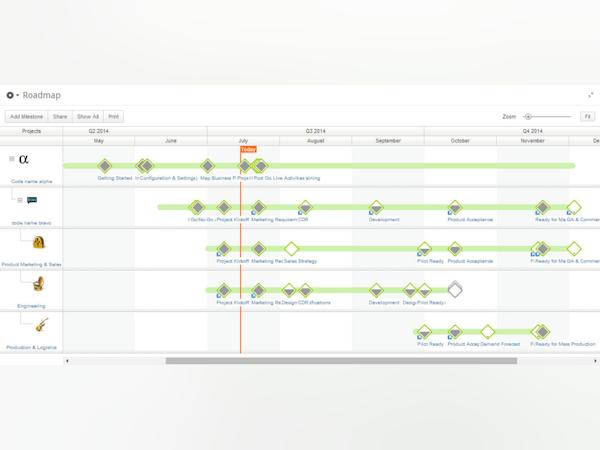
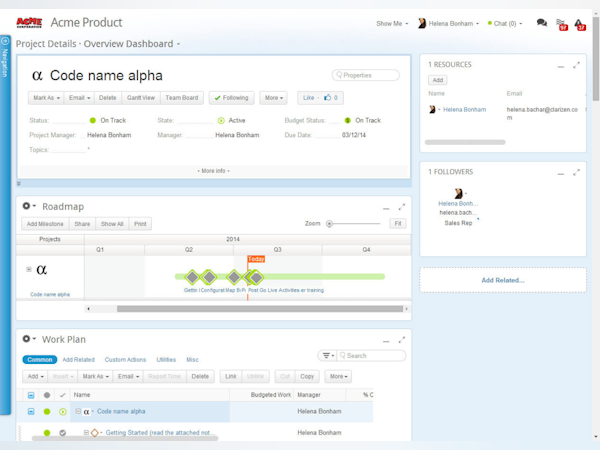
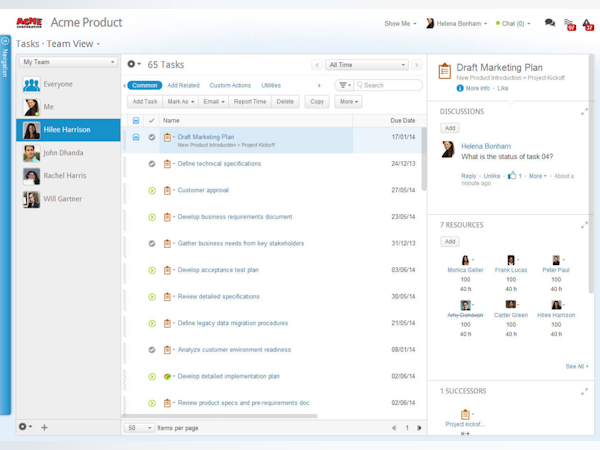
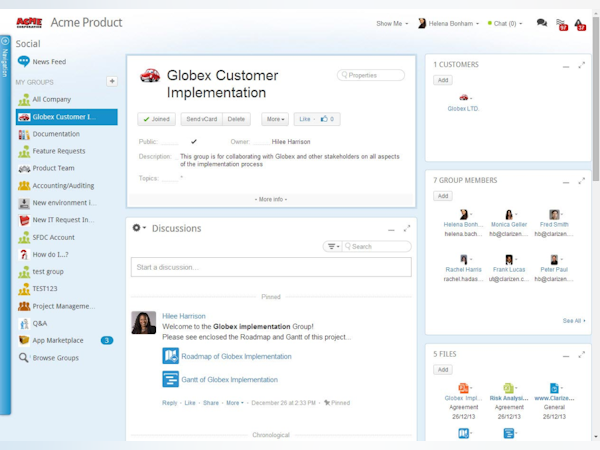
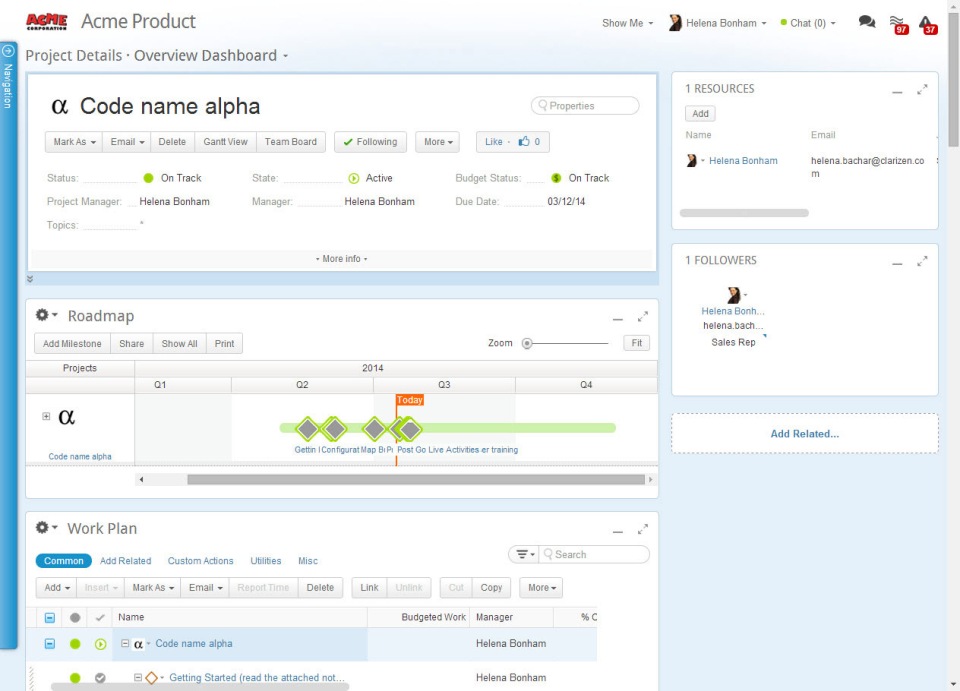
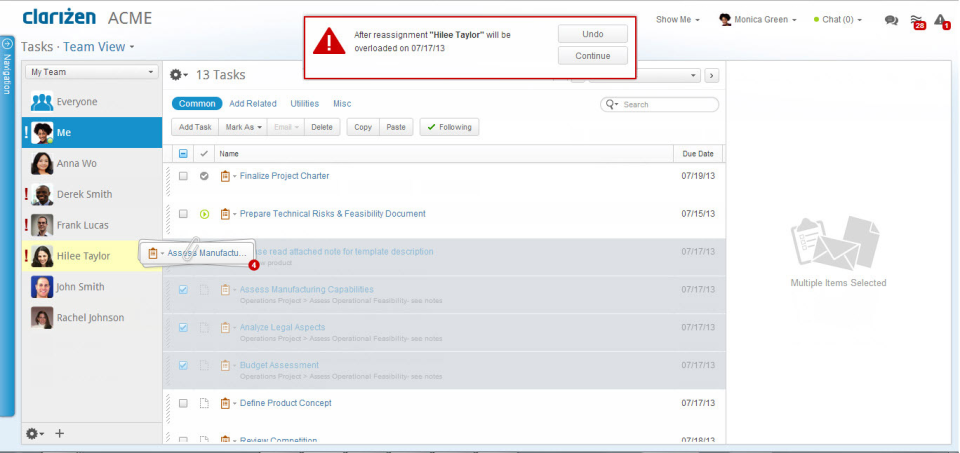
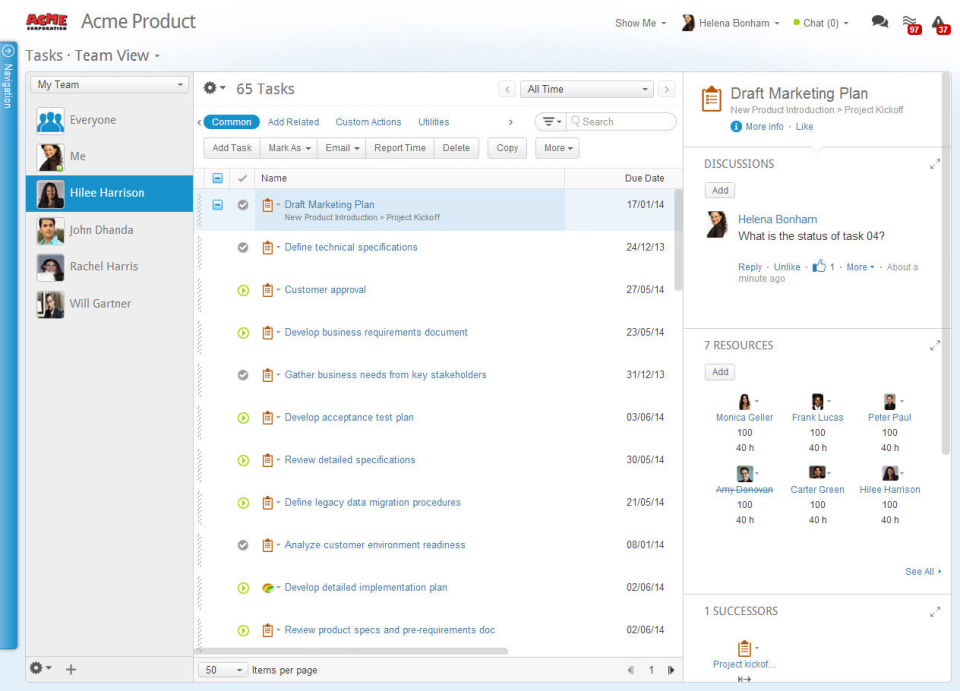
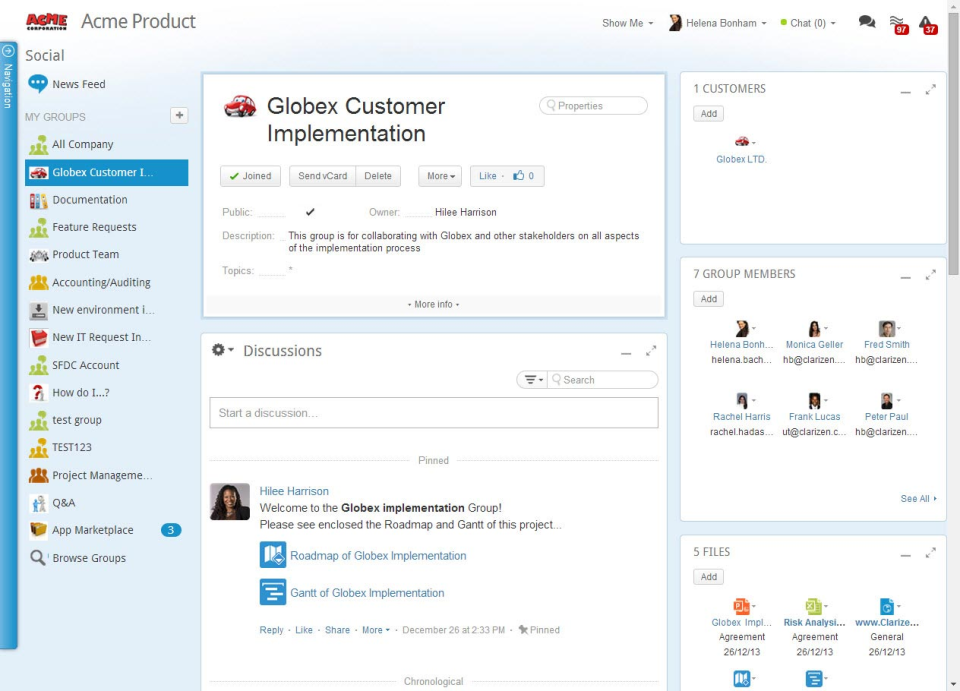
Clarizen è una soluzione di gestione del lavoro collaborativo basata sul cloud. Con Clarizen, l'unica soluzione adattiva presente sul mercato, le aziende possono trasformare rapidamente idee in Scopri di più strategie, piani e azioni per rispondere a condizioni del mercato in constante e sempre più rapido mutamento. I tuoi team potranno lavorare come desiderano e avrai una visibilità in tempo reale su tutti i tuoi flussi di lavoro. In questo modo tutti saranno impegnati e concentrati, i risultati verranno raggiunti più rapidamente e gli obiettivi dell'azienda e le aspettative dei clienti saranno superati. Mostra menoChi utilizza Planview AdaptiveWork?
La gestione collaborativa del lavoro è più adatta per i project manager di grandi aziende, nonché per le organizzazioni IT e team di servizi professionali che richiedono una gestione dei progetti avanzata, versatile e intuitiva.


Hai dubbi su Planview AdaptiveWork?
Confrontalo con una delle alternative più popolari
Planview AdaptiveWork

Alternative a Planview AdaptiveWork








Recensioni su Planview AdaptiveWork

Jesus
The best tracking project system.
Commenti: It is an amazing project tracking system, has help us to improve the tracking of our projects and avoid delays. To add notes or comments to task and projects help to find issues and help us to increase the quality.
Aspetti positivi:
Easy to use. You can assign the resources for a project easily, see their advance and request progress report. With few clicks you can get a global stand point of a project and see risk point and define next steps to do. You can integrate it with outlook and get your contacts. You can access from any device.
Aspetti negativi:
There is not a desktop application, would be nice to count with that.

Bryce
Everything we needed to take our team to the next level
Commenti: We needed to evaluate how we could best deliver a quick first time to value for our customers on our implementation team.
Aspetti positivi:
Clarizen enabled our team to effectively manage the numerous projects we had while surfacing the insights we needed to make business decisions.
Aspetti negativi:
Like any software that is aimed at solving complex business problems, Clarizen had so many features that it became overwhelming to our team during implementation. When a business has to undergo major changes to their operations, it needs the transition to be as easy as possible. This is more of a critique for most large software solutions as opposed to just Clarizen.
Arpita
Awesome project management tool
Aspetti positivi:
Awesome project management tool and is all you need. Team-wise task tracking becomes easy like a breeze.
Aspetti negativi:
Just a little bit of expensive when your number of users increases.
Jonathan
PM tool is not bad, but integrated time/expense/invoice processing did not work.
Commenti: We got very little benefit from this software, as it did not perform as expected.
Aspetti positivi:
Project management tool is comparable to MS Project. Users that are looking for a subscription PM product rather than purchasing MS Project may benefit from this software, but I am not sure if all PM features are available out-of-the-box at cheaper subscription levels.
Aspetti negativi:
Although the PM tool is comparable to MS Project, it also comes with a level of complication also comparable to MS Project. Full functionality of PM (i.e. including resource management) requires buy-in by all departments/users in the company, and this is difficult to acheive in large or diverse organizations. Our company implemeted this software with the goal of bringing project management together with time reporting, expense reporting, and invoice processing. The purpose of implementing Clarizen was to have a centralized system where we could report project status by including all relevant metrics on the project in a list or detailed view, e.g. planned time vs. actual time, planned cost vs. actual cost, and project manager comments/narrative on goal vs. result. This purpose was never realized. Clarizen underestimated the work effort to develop customizations, which resulted in the time module never being completed, the expense/invoice modules were cumbersome to use, the related approval workflows had many problems, and support from Clarizen management was almost non-existent. We are now taking a different approach. No longer do we believe that one system can handle all our needs, and so we have adopted different systems with some integration between them to try to bring together all project-related data.

Sean
A mostly positive experience.
Commenti: We are implementing Clarizen as a project management tool for the entire organization but starting in the Information Technology and Performance Improvement departments. Our goal is to capture all project requests and projects in one place for review, approval, management, and reporting. Clarizen has mostly met our expectations so far. Most of the items that have not met our expectations are minor. We are still early in our implementation so there are still lessons to learn in our journey.
Aspetti positivi:
1. Unlimited email-only users. Resources that infrequently or rarely work on projects can report progress via email without consuming an expensive license. 2. Email and/or API integration with work order systems. Clarizen doesn't charge an expensive license to integrate it with other systems. 3. A modern-looking user interface with an emphasis on social media-like collaboration. 4. Lots of options for charts and graphs for reporting. 5. Can import spreadsheets and MS Project workplans. 6. Lots of training and support webinars every week. 7. Pre-recorded online training via the Clarizen University.
Aspetti negativi:
1. Support seems slow to respond to support requests. 2. There is currently a bug they haven't fixed yet that requires you to keep resetting column widths in reports and dashboards. They don't stick. 3. Their online self-help knowledge base seems new and thin. 4. They don't have a feature I used in other project management software to identify the last (most recent) note, comment, etc. on an item. This can be worked around via user training or some custom workflow programming but it would be nice if they built it in as others have.




































