

Commusoft
Cos'è Commusoft?
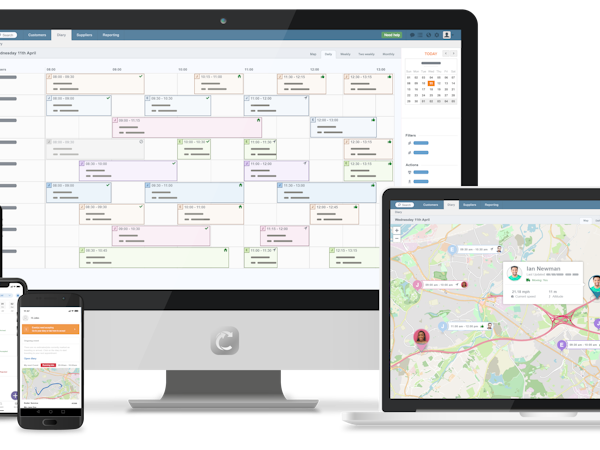
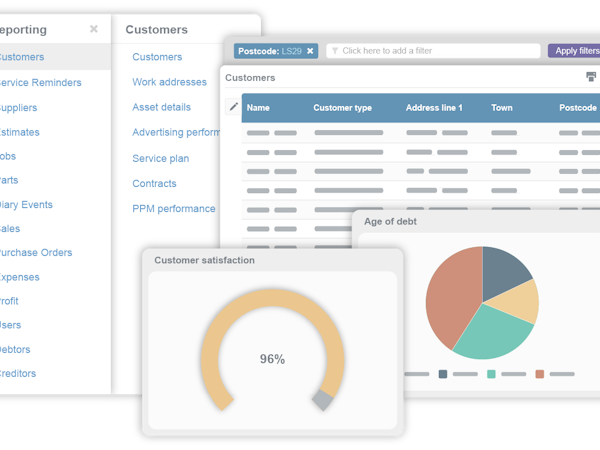
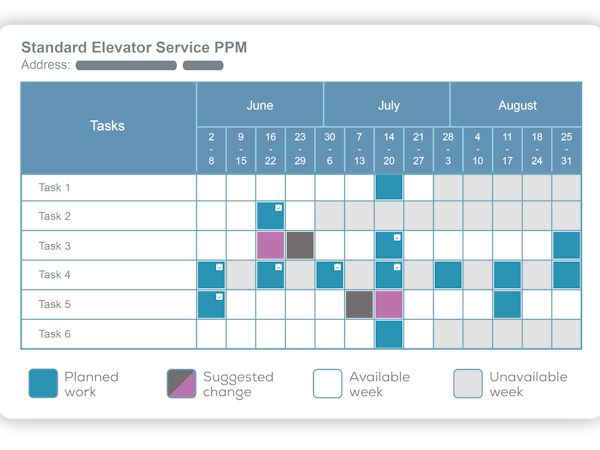
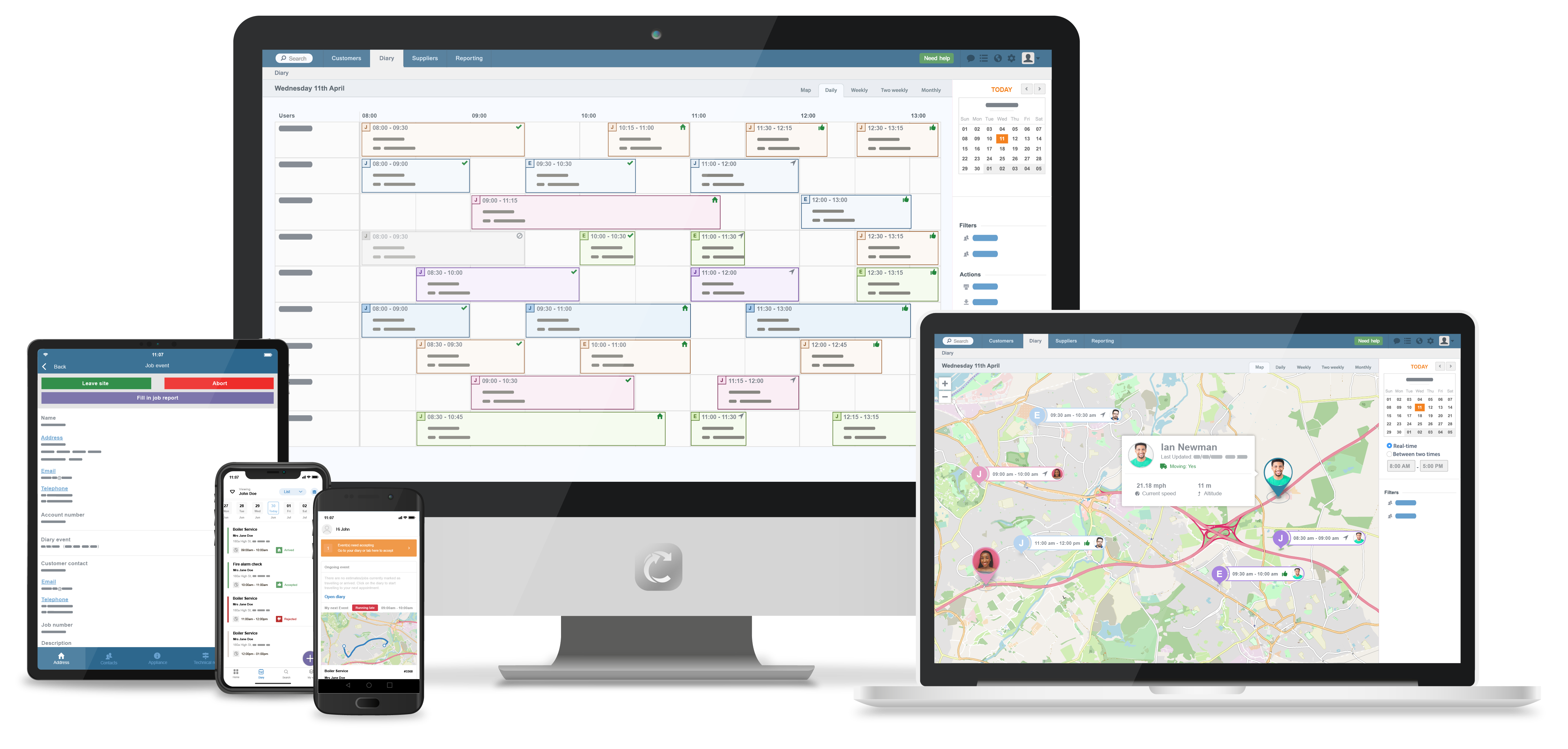
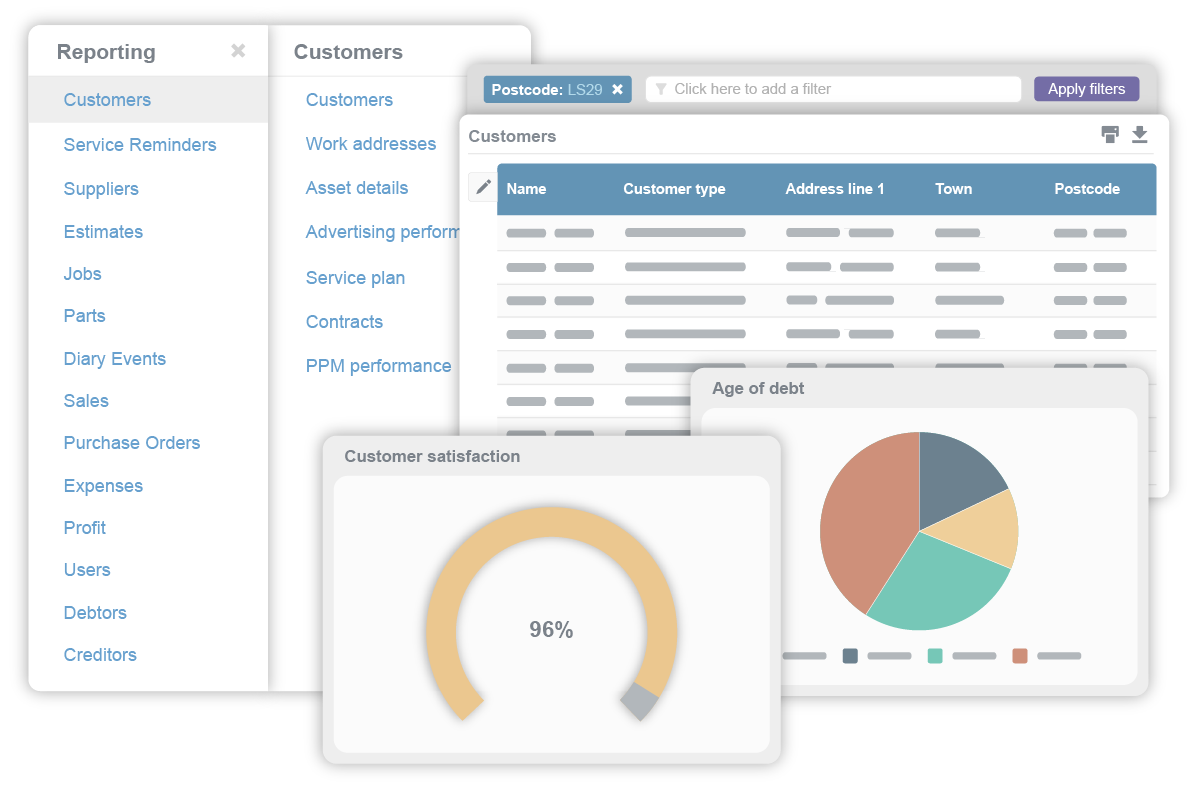
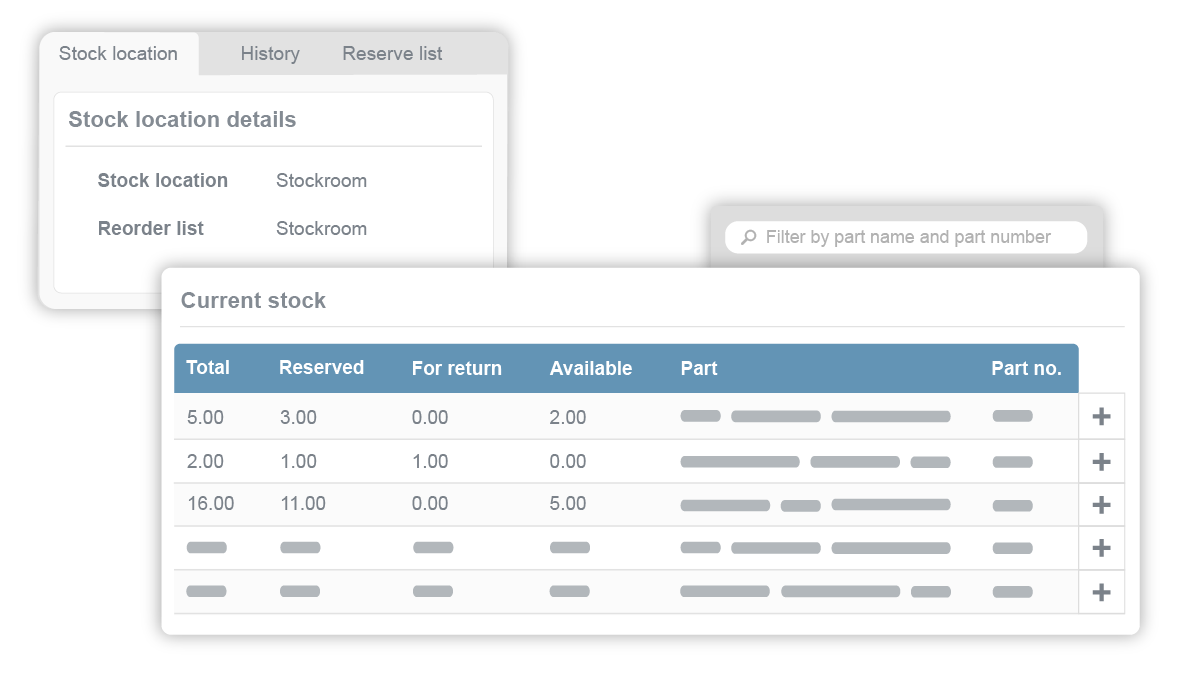
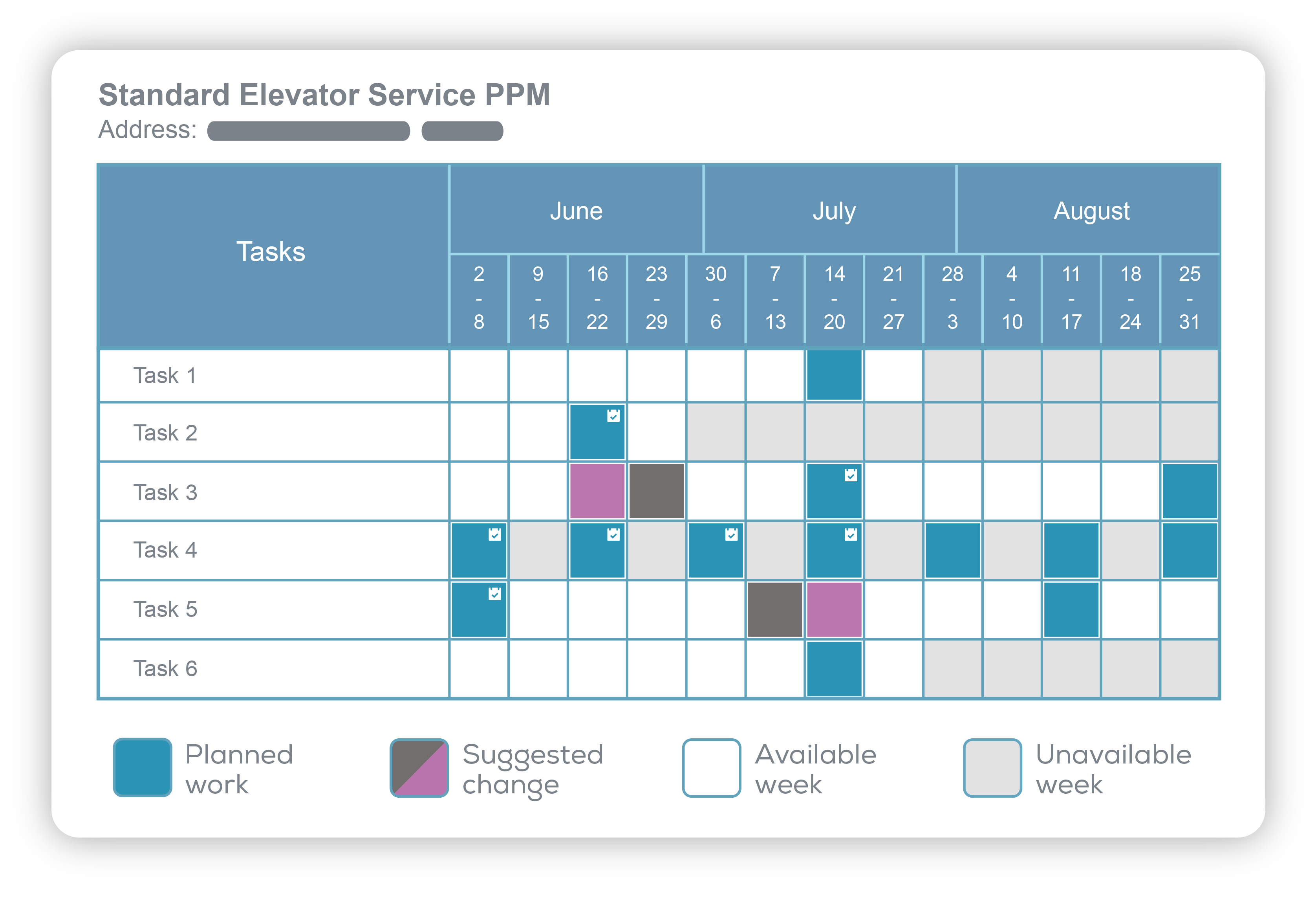
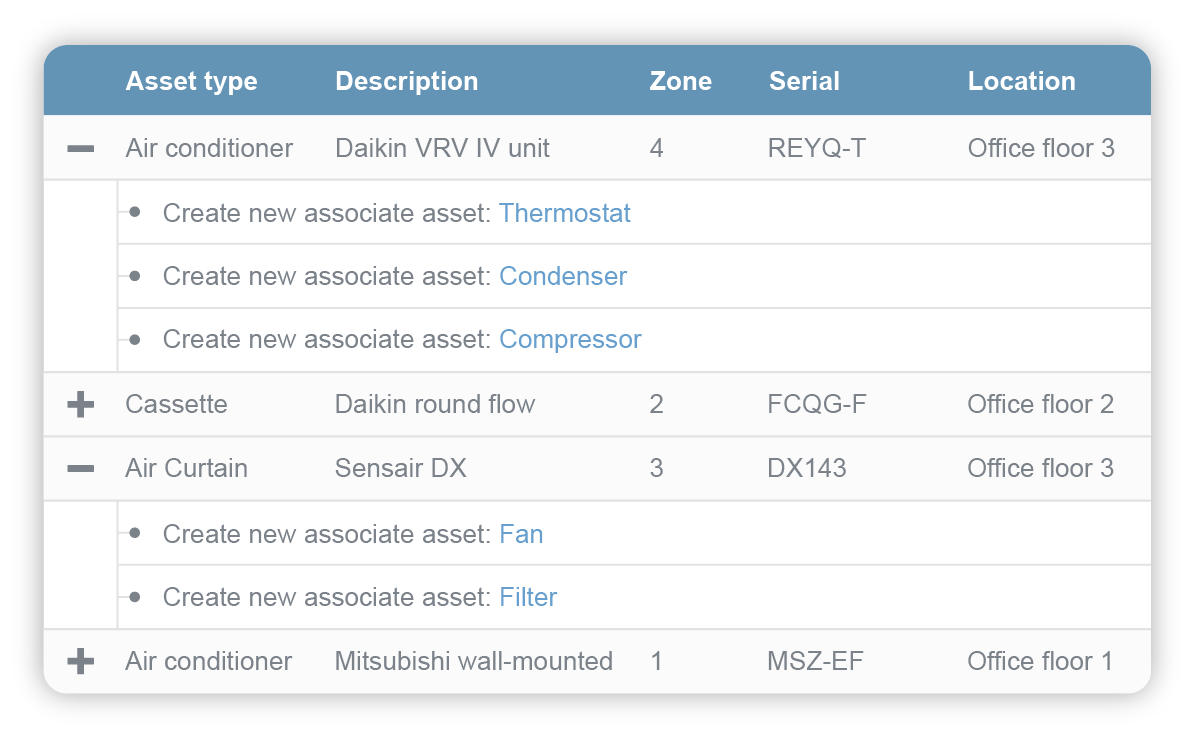
Commusoft è un software multifunzione basato sul cloud per B2B progettato per le società di servizi esterni con oltre 3 tecnici. Oltre 15.000 utenti usano Commusoft con fiducia ogni giorno. Aiuta a Scopri di più gestire CRM, preventivi, ordini di lavoro, programmi tecnici, gestione delle risorse, stock, PPM, SLA, liste di controllo e fatturazione e si integra con strumenti popolari come MailChimp, Salesforce, naturalForms, Stripe, Quickbooks e Google Calendar. Disponibile su PC, Mac, iPhone, iPad e telefoni o tablet Android. Mostra menoChi utilizza Commusoft?
Commusoft è un software online multifunzione per la fornitura di servizi che permette di gestire la propria attività di servizi esterni: database dei clienti, preventivi, ordini di lavoro, spedizione, risorse, stock, fatturazione, pagamenti e altro.


Hai dubbi su Commusoft?
Confrontalo con una delle alternative più popolari
Commusoft

Alternative a Commusoft








Recensioni su Commusoft

Phil
Reliable, advanced, bespoke software that I genuinely couldn't run my business without.
Aspetti positivi:
Apart for the ability to seamlessly control every aspect of my business, from the initial customer inquiry all the through to invoicing, it's the customer support and wide range of industry-specific knowledge which the Commusoft team delivers that sets them apart from the competition. I really don't know how I managed before using Commusoft. Commusoft is constantly evolving and updating. Whenever I think of a function I would like to see available it's usually already been thought of and in the process of happening.
Simon
Alternative considerate:
Exquisite
Commenti: Since incorporating Commusoft in to our business in 2012, the software has assisted us greatly in developing and growing as a business. They are constantly working on new updates and developments to improve the software and add new features and if you do have any issues along the way, they are always on hand to assist you with client support.
Aspetti positivi:
It covers almost everything we need from the diary, invoicing, estimating and key reporting.
Aspetti negativi:
Integration (transfer of date) with Sage can be problematic. It wasn't always problematic but has been more recently.
Chantelle
Great for dispatching jobs and invoicing.
Aspetti positivi:
We are able to send job confirmation to the client and engineer simultaneously. Invoicing is quick and simple and can be linked to 3rd party accounting software with ease.
Aspetti negativi:
We would like the ability to view and edit the company setting and reports on the mobile/iPad app.
Martin
Experience with commusoft
Commenti:
When you first start you should be given more one to one help, then mistakes wouldn't happen.
Bit disappointed with the diary and other features, cant understand why I've not been set up on the new system yet which looks a lot better.
Seem to be having lots of problems with the two systems together quick books and commusoft.
Aspetti positivi:
Customer data base, quick to find out what you have done at a property,
Aspetti negativi:
need more training on how to use the software, now ive been using it a while, I'm sure there is plenty of bits I'm not using that I could be using
Risposta di Commusoft
6 anni fa
Hi Martin, we appreciate users have different roles/skills within a business, so we provide users access to our knowledge base which contains videos/guides about how to use the system. We have training programmes for 1-2-1 training, walking clients through the system and provide consultation on how to adhere to best practises when using the system. Let me know if you want more details. I've checked with the technical team regarding QB and cannot see open tickets with you on this, please email [email protected] who will be happy to help. As much as we would love to have all our clients on the new version, the process is not a simple software upgrade and much more like moving from one software to another. This means the process is longer and more complex. We¿ve already started migrating clients as part of the beta program so we can make sure we are ticking all the boxes as your data is important to us, as it is to you.
Selena
Amazing
Commenti: Brilliant, love it
Aspetti positivi:
Very easy to use, store all the info a business like ours could need, integrates with Xero and Stripe which save us lots of time, no need for any paperwork, could not live without it.
Aspetti negativi:
Only minor annoyances.... Doesn't seem to work well on mac (home computer) not sure if this is my computer though or if I'm doing something wrong but it has lots of buttons missing and only half a screen etc... the engineers complain about the app sometimes, the diary being on the complete wrong day, I have noticed its a lot better since it has been updated. It takes 4 clicks to print 1 invoice! You cant amend service sheets from the office, I understand why but its very annoying when they have done one mistake like not clicked rented. You cant see feedback on the diary when you hover over each job, you have to type in every job number into another tab as when you click view job from the diary you loose your dairy day so have to keep going clicking back to the diary, please let us see feedback from the diary when you hover over the event. This is one of my biggest hates about commusoft, when you open the side bar eg view diary event from the job page, if you want to close that side panel this comes up, and you have to click this to close it, really hate this. Are you sure you want to close side panel? Yes No, it would be so much better it you could just click off it like you can when you open a service cert, you can view it then click the main page and it just closes (emails do it as well, really annoying)




































