

Streamtime
Cos'è Streamtime?
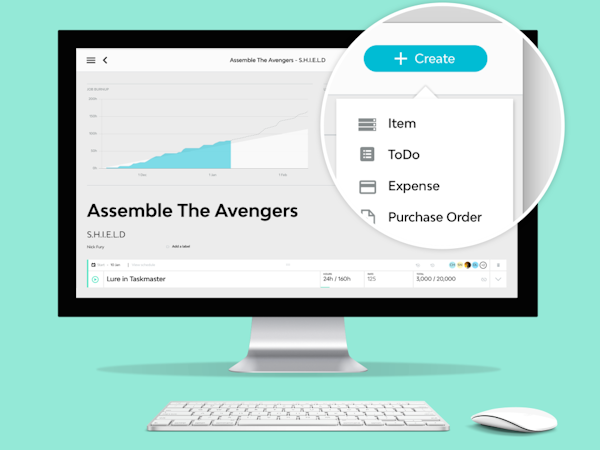
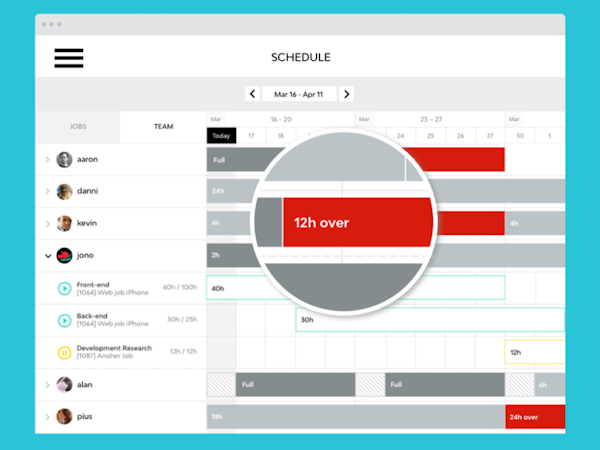
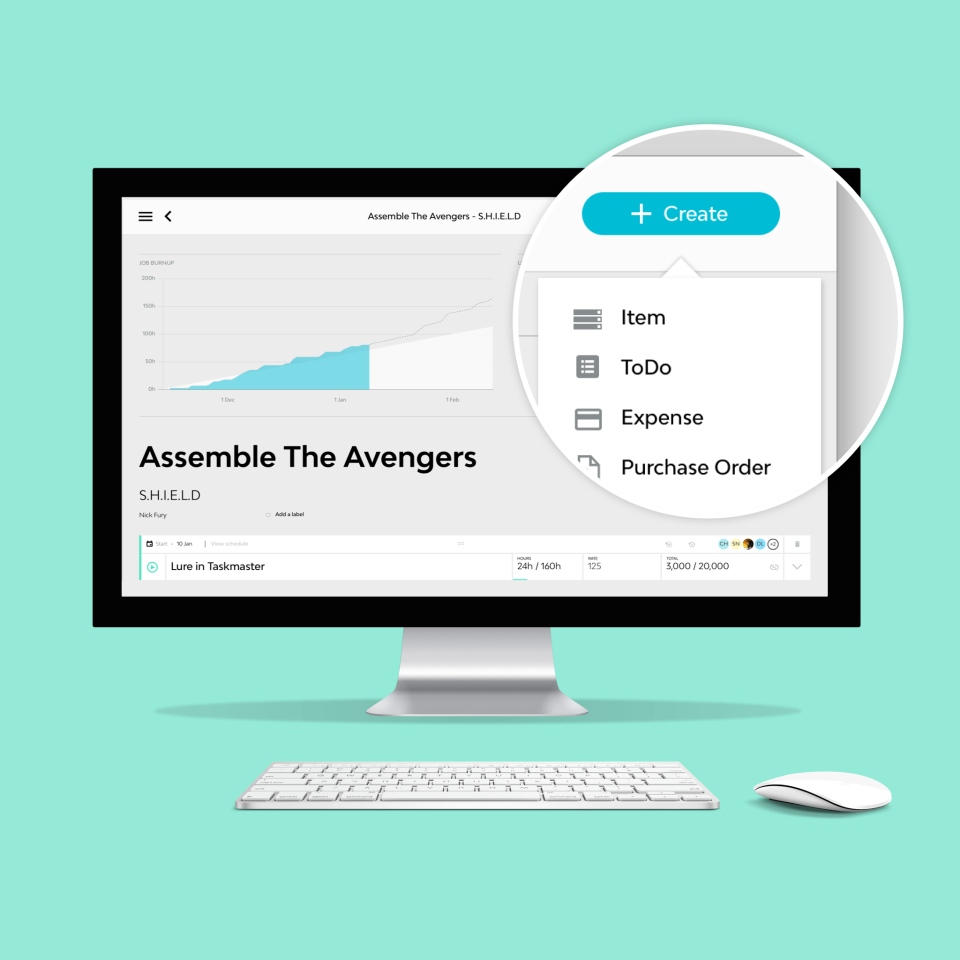
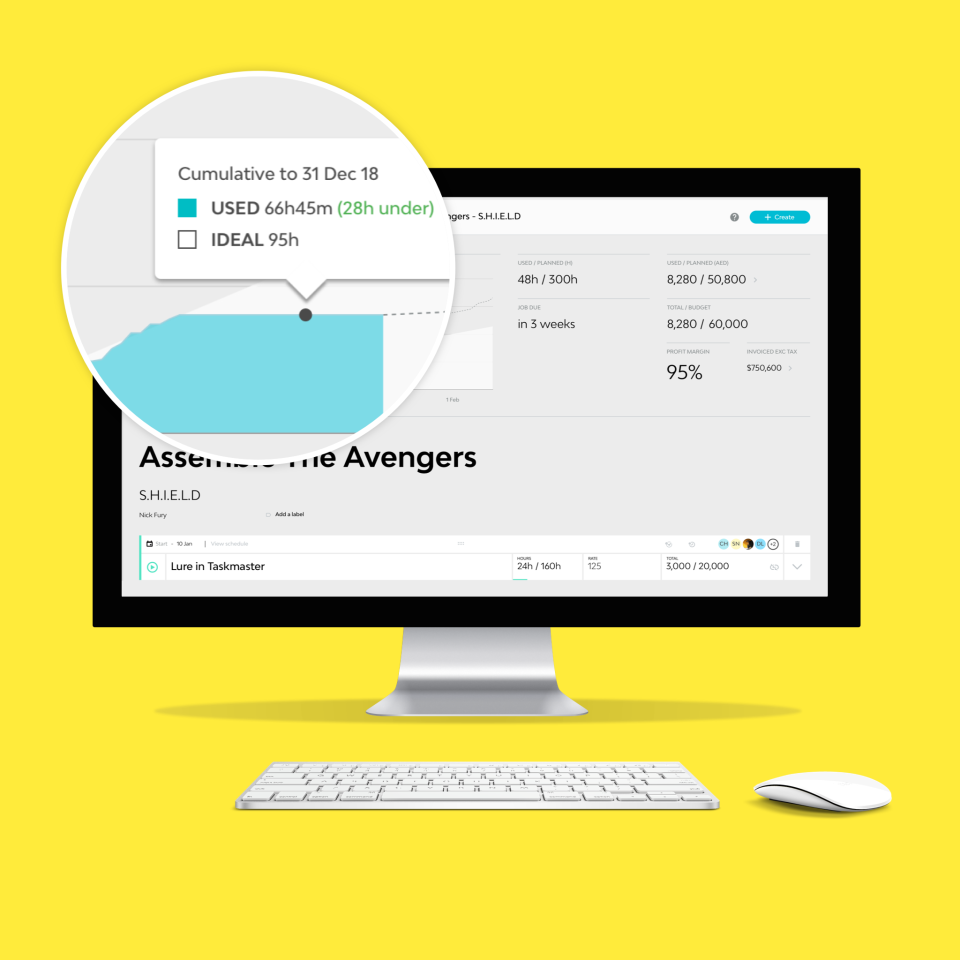
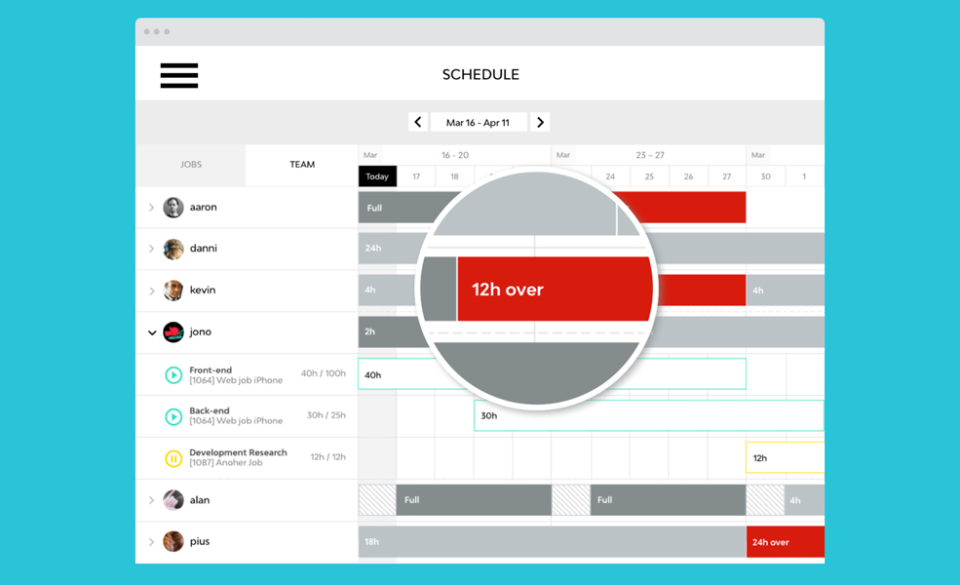
Streamtime is project management software for creative businesses. We believe in creating tools that treat creatives as humans, not robots. With Streamtime you can create jobs and projects, plan and Scopri di più track time, and schedule your team. Take advantage of one click quoting and invoicing direct from your job plan and hook up your finances with our Xero, MYOB and Quickbooks integrations. Start for free and take advantage of a free, live 30 minute demo with one of our team. Mostra menoChi utilizza Streamtime?
Creative companies, often graphic designers, marketing or advertising agencies, architects or anyone who needs to manage projects from proposal through to scheduling, time entry and invoicing.
Hai dubbi su Streamtime?
Confrontalo con una delle alternative più popolari
Streamtime

Alternative a Streamtime








Recensioni su Streamtime

Favio
Easy to user interface and perfect management system
Commenti: It has helped me orginize my team before starting our projects, and once they have started we were able to control them and ensure they were on track
Aspetti positivi:
It is a good software to track tasks in calendar, helpful to project management and allocate resources in the lookahead for every project.
Aspetti negativi:
There are some elements in the interface that are not the most intuitive. Not everyone, just a few.
Michelle
Alternative considerate:
Best software on the market for our business
Commenti: Streamtime support is amazing. Anytime I have a question, I have a reply within 24 hrs usually asking me more questions about why I need something. They want to know our feedback as they continually improve their software based on their clients needs.
Aspetti positivi:
Well designed, timesheeting for the team is easy and we have an almost 100% success rate which is unheard of in the world of timesheeting, reports are easy to configure, visually easy to navigate.
Aspetti negativi:
We can't use it as a sales pipeline like we would like to. There are some features, but not advanced enough for us to rely on.
Risposta di Streamtime
7 mesi fa
Thanks so much Michelle! To Do lists over timesheets forever
Billie
Wouldn't be without it.
Commenti: Have been with them from before the inception of this platform, on their last one and this has been a fantastic journey to see how they have built it from the ground up with customers in mind. Just love it and would be lost without it.
Aspetti positivi:
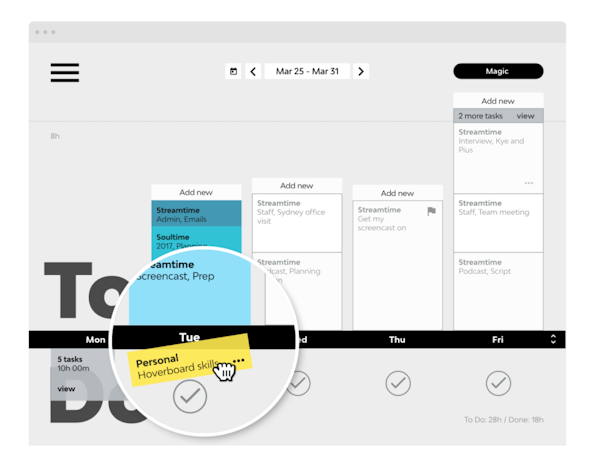
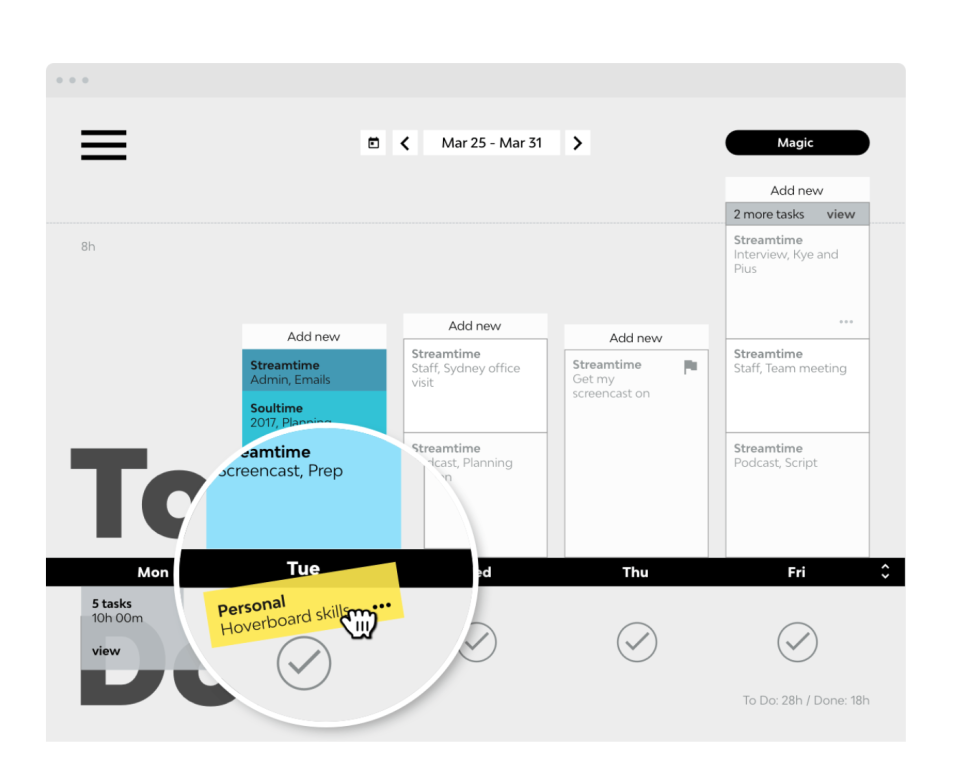
The most impactful feature of this software is it's ease of use. I can work from the to do list which feeds directly into the job. I can drag and drop tasks as and when they need to be rejigged around task and job changes. And it's satisfying to get little encouragement animations when I've cleared tasks successfully.
Aspetti negativi:
I would like to be able to schedule when invoices are sent out. But I bet if I actually shared that with them, they would add it to their list of updates because they are brilliant at the support side of things too.
Jonny
High level tasks that trickle down to employee todos is *brilliant*, better perf though please :)
Commenti:
Cons continued:
... Streamtime. I feel like there must be a middle ground. Perhaps an extension that logs to the To Do? Hell... we'd probably pay for an extension that did that just to get better records from those 2 employees. I can understand sticking to your game plan, but in reality you have a product that goes further than the "lets kill timers" ethos - could be worth backing down on that a bit for the sake of your users.
Describe your overall experience with Streamtime
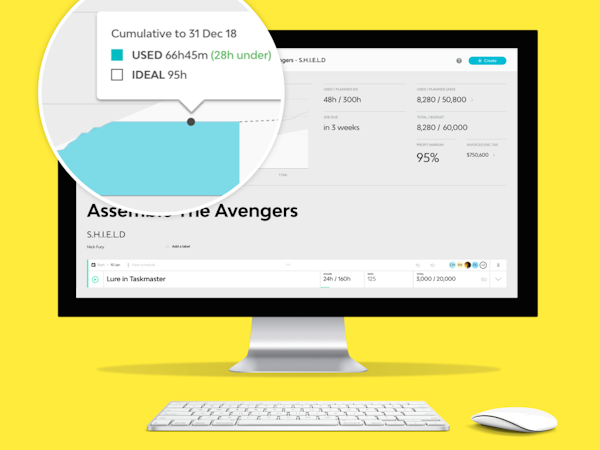
- Tracking budget vs time used. Knowing how far under/over at a glace is great (esp via the Priorities board)
- Using Priorities to track the overall state of each project (To quote, Quote sent, Ready to start, Design, Dev, Ready to invoice, Invoiced etc).
- Letting employees know what they should work on this week.
Aspetti positivi:
Organising employees time with per day to-do lists with hour estimates is *brilliant*. We used to rely on Teamweek - which was excellent for high level project tracking. But now when fleshing out project timelines, it automatically sets up peoples weeks for them. Thats what makes Streamtime killer af. The rest of the features just make *that* feature more and more useful and harder to give up. The integration between all aspects of running our business is *excellent*. Moving away from detailed time keeping via a timer has been great in many ways and for most of the team means they can focus on the work and drag down work as it's done. However, as we're finding the integration with so many more aspects is so good - and some employees can now track time much easier so do a better job - ironically we're starting to care more about time records than ever before because we can actually make business decisions based on them. (More on that below). Priorities was the last missing piece that really made it possible to move off almost all other platforms in favour of this as a central tool. We still use Trello to manage the smaller tasks within a project, we know there are sub tasks but our projects often result in 100s of smaller tasks being made/archived/reassigned so for now we're unable to move to subtasks to do this.
Aspetti negativi:
The performance of the Schedule>To Do view is really problematic but performance on all pages needs work. In particular: - Scrolling sideways often leads to jumps in whole months when I only wanted to see the next/previous week. - When I do scroll to the next week/month it often reloads existing tiles and then takes quite a while (rarely less than 5s - we have 100mb/s down and 40mb/s up so our connection isn't the issue. As someone who spends hours looking at these screen this can be quite irritating. That said it provides a huge amount of benefit so I put up with that slowness - however I know other people in the team don't use it because it's so slow and they don't use the rest of the product enough to realise the slowness is worth it (quoting, schedule>jobs view, reporting, review time logs etc). Lists not being reorderable in priorities is quite a pain. I've resorted to adding 2 temporary lists at the start so that if I ever need to add a new column its a heap less work. I know it's central to your product ethos not to have a timer, and that works really well for most of our staff, but we have 2 people who *want* to use a timer because they personally like to. Not having any timer at all is a bit of a pain and made it **really** ****REALLY**** hard to get them to use the product. We literally ended up looking at alternatives because of this point before I had to make a captains call and so now they use Harvest to track time and then transfer that time into...
Risposta di Streamtime
4 anni fa
This is an awesome review Jonny and the good news we are addressing speed and these things, I'll reach out to you personally and see if you can help with our testing.
Kevin
Super Streamtime!
Commenti: Our whole experience of using Streamtime has been a 100% positive one. From our initial introduction and onboarding to the great support, customer service and ongoing user experience, I can't fault it!
Aspetti positivi:
The 'To Do' approach to timekeeping is fantastic and so intuitive to use, along with all other areas of the site.
Aspetti negativi:
Not much to dislike tbh! It would be great if in the future the mobile app could be developed to allow for a user experience that is similar to the desktop version.




































