
Karbon
¿Qué es Karbon?
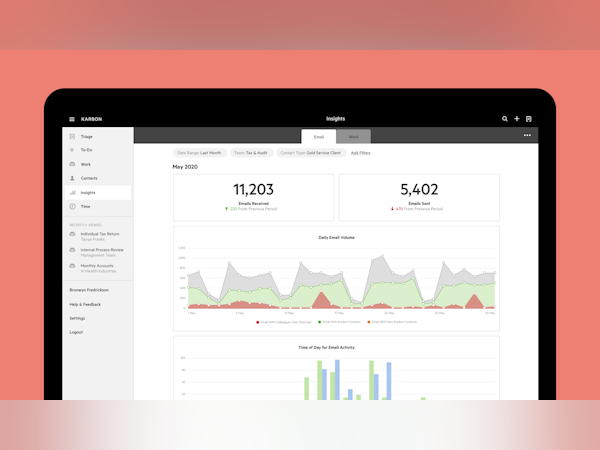
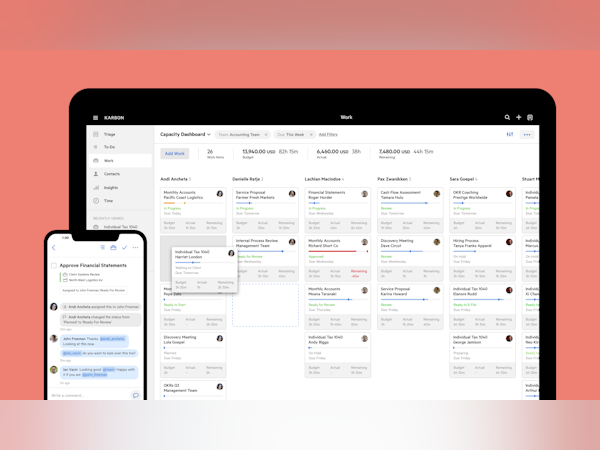
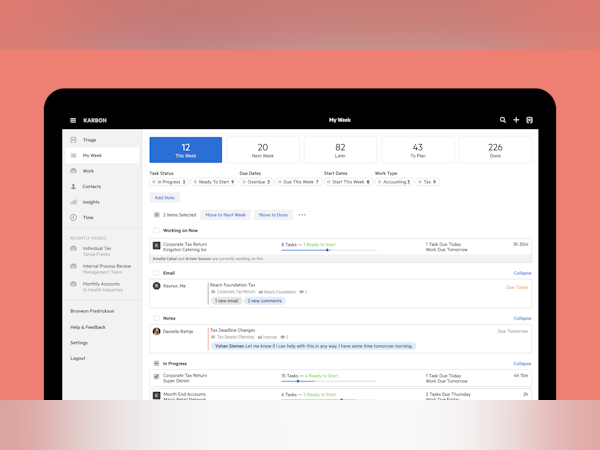
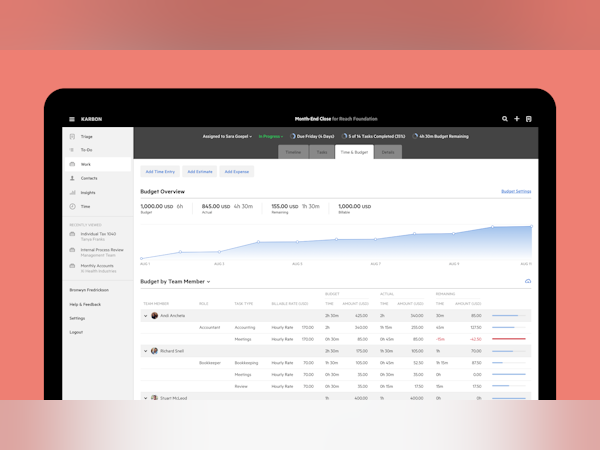
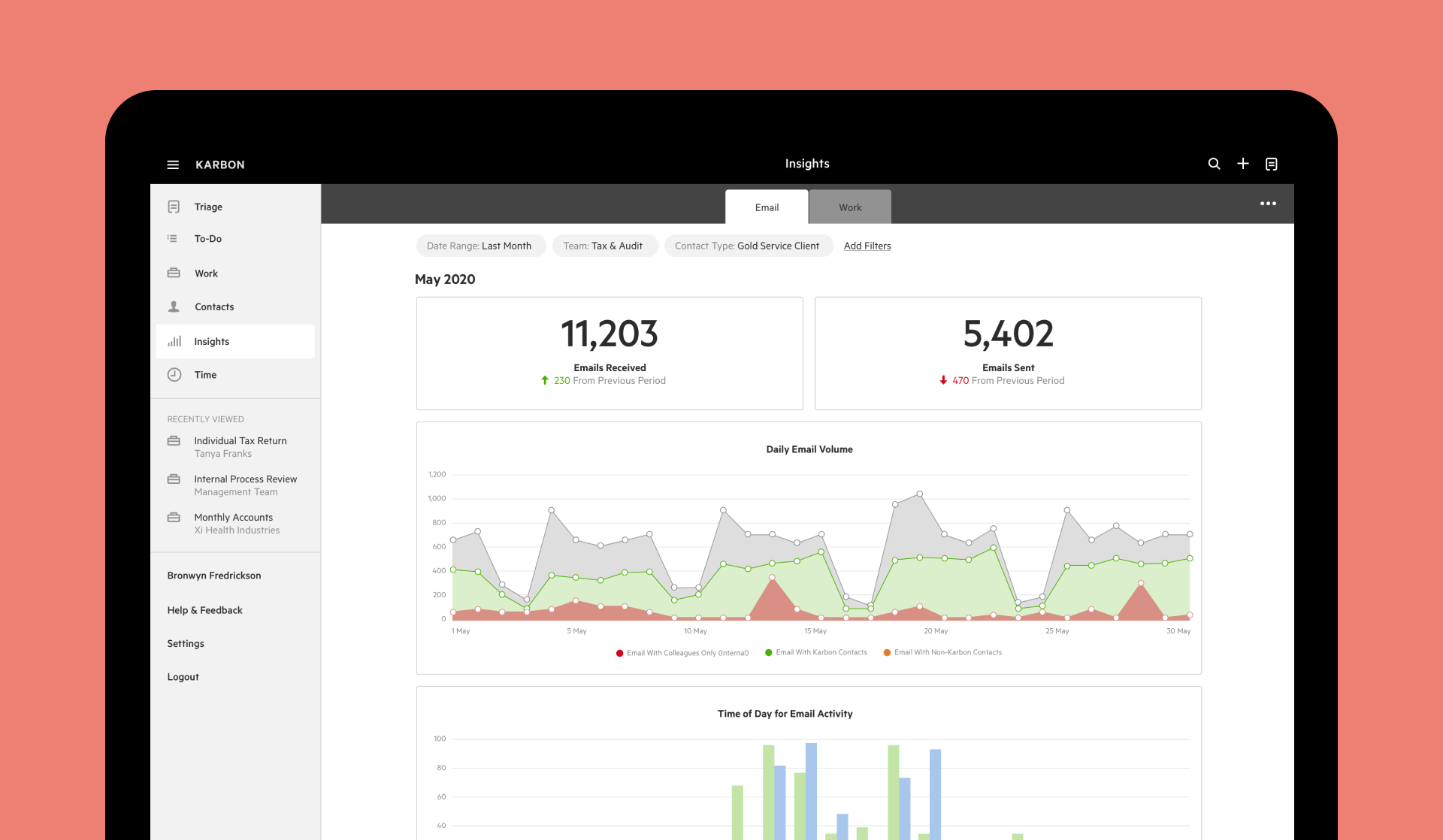
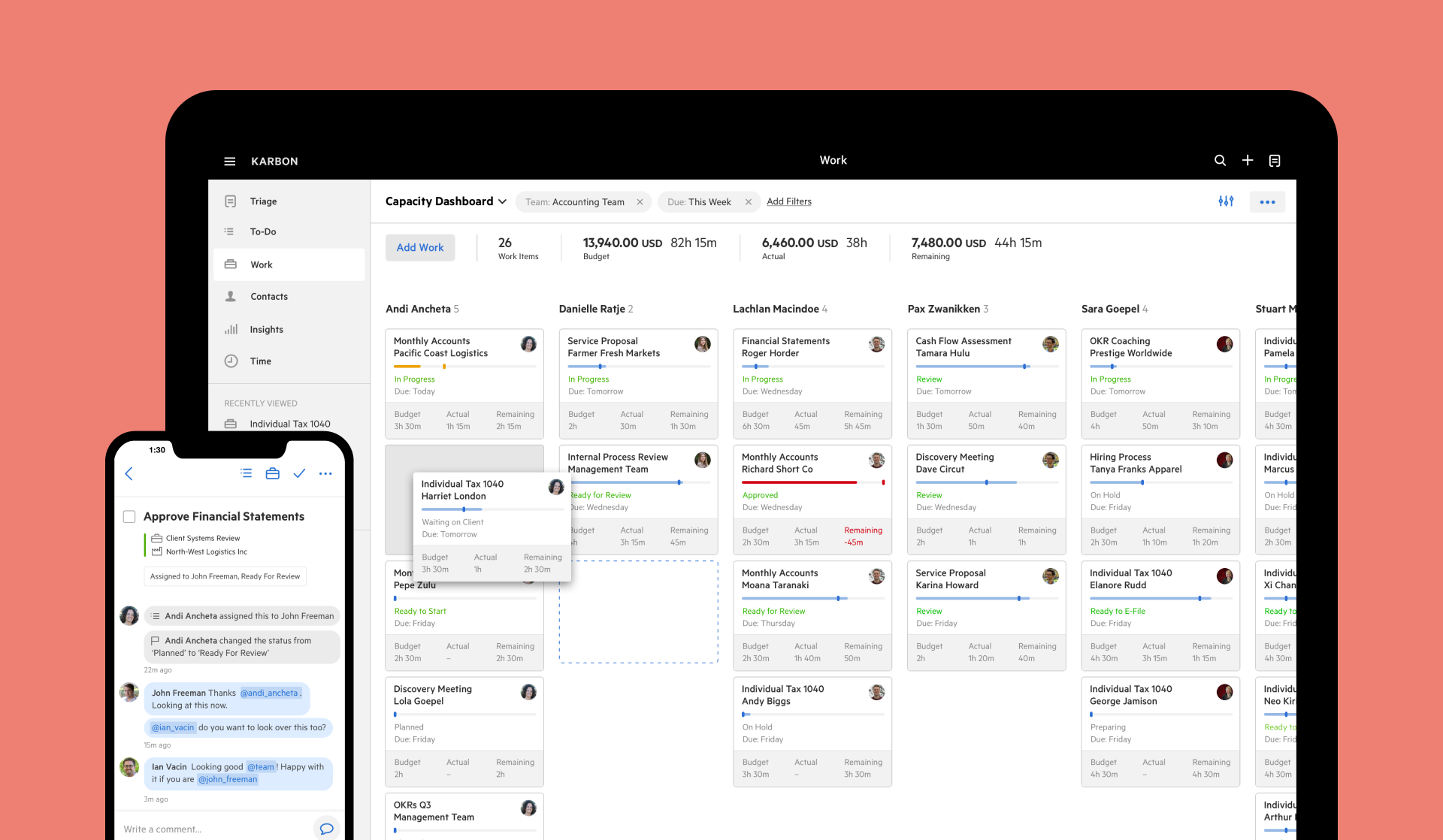
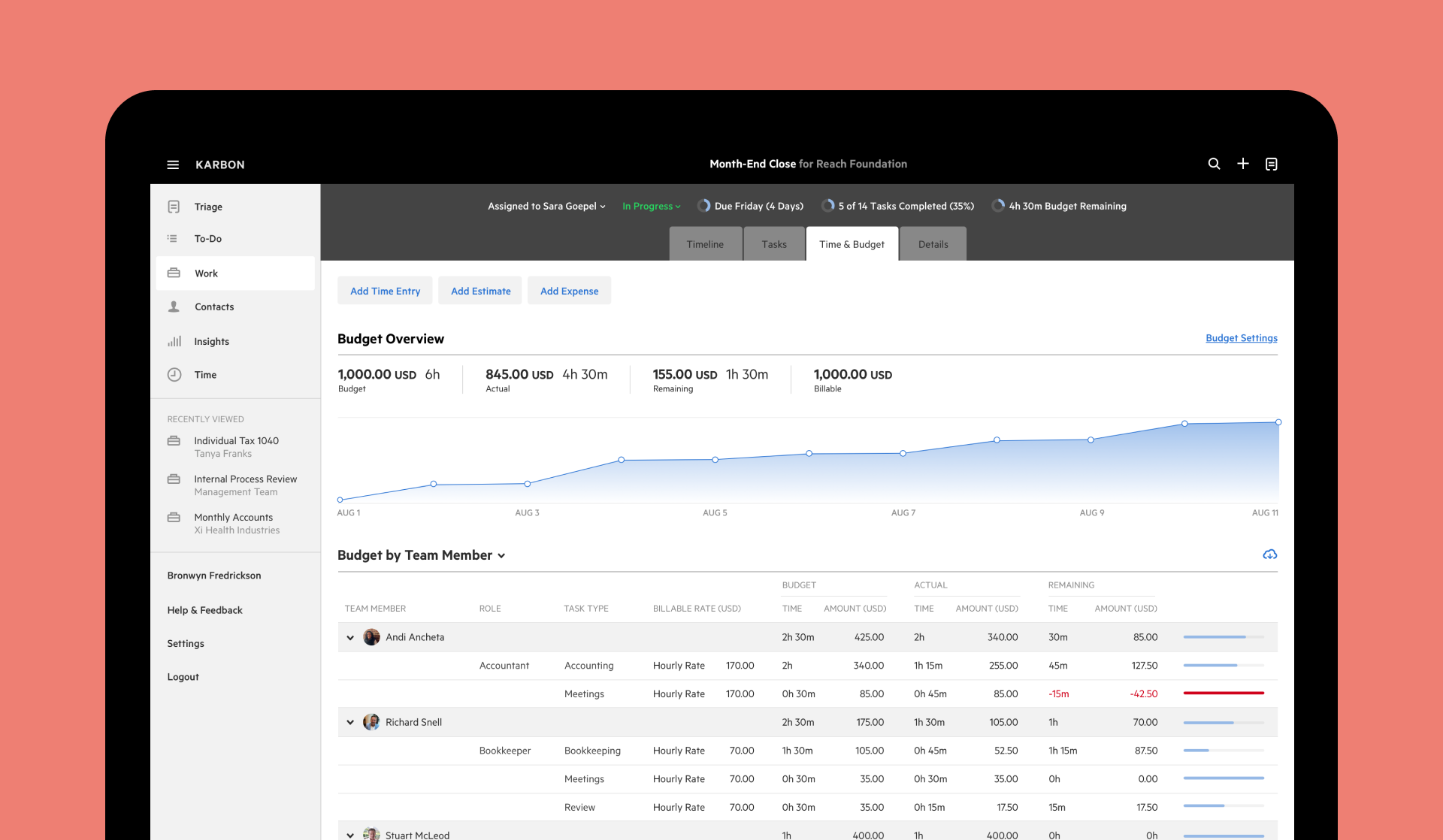
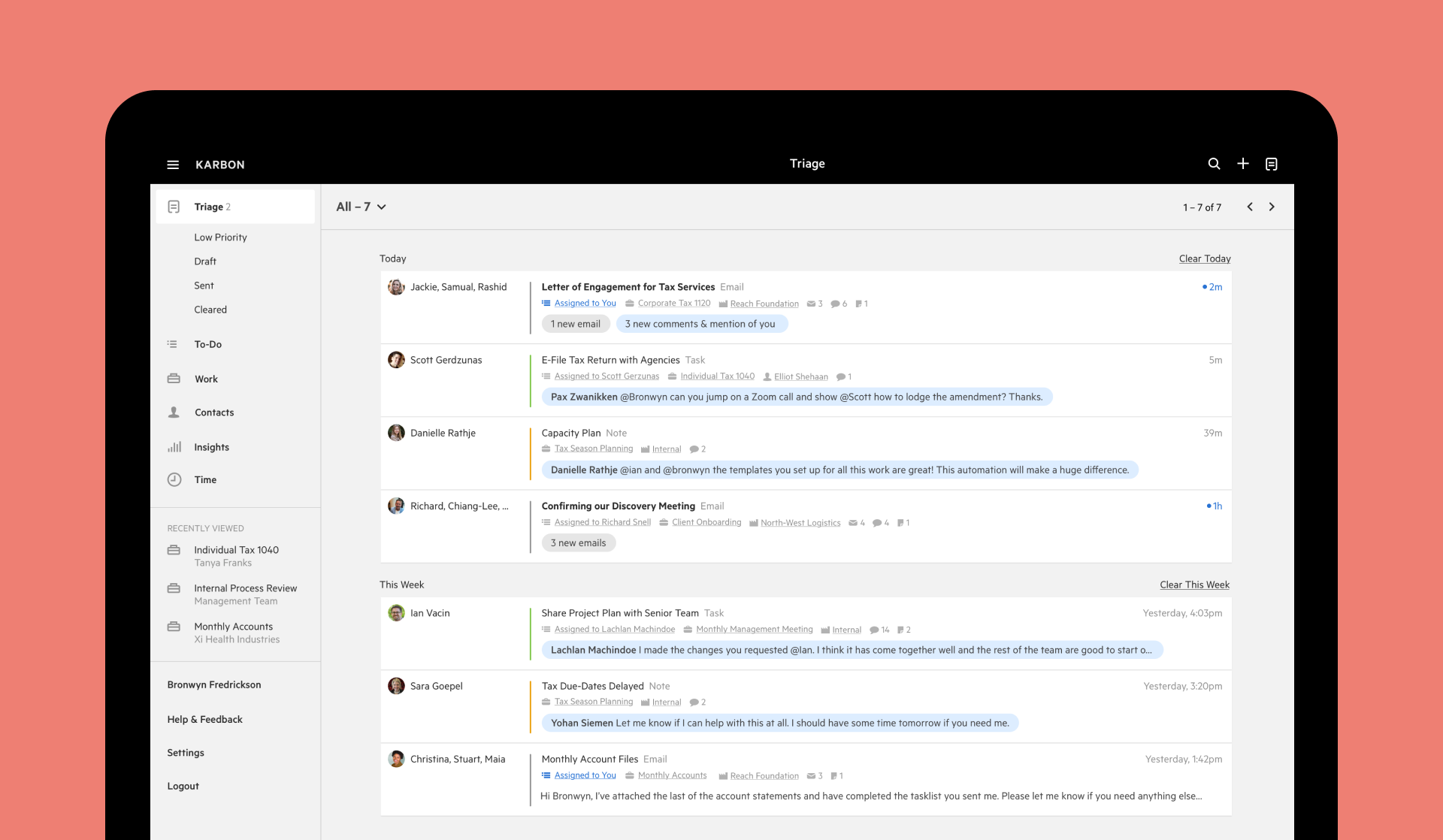
Karbon es una plataforma de gestión del trabajo para compañías de contabilidad y empresas de servicios profesionales. Proporciona una plataforma verdaderamente colaborativa para administrar flujos de Leer más trabajo, comunicarse con equipos y entregar un trabajo excepcional al cliente. Al combinar correo electrónico, conversaciones, tareas y flujos de trabajo potentes, Karbon alinea a tu equipo con un solo lugar para comunicarse y colaborar, aumentando la capacidad para entregar un trabajo a tiempo y dentro del presupuesto. Mostrar menos¿Quién usa Karbon?
Karbon es ideal para administrar equipos y departamentos funcionales dentro de grandes organizaciones o empresas de servicios orientados al cliente. Esto incluye contabilidad, finanzas, asistencia administrativa y otras.
¿Tienes dudas sobre Karbon?
Compara con una alternativa popular
Karbon
Other great alternatives to Karbon










Opiniones de Karbon

Mariel
The Superman-Batman-Crocodile Dundee-Indiana Jones-Dog Whisperer of Team Communication and Project Mgmt Tool
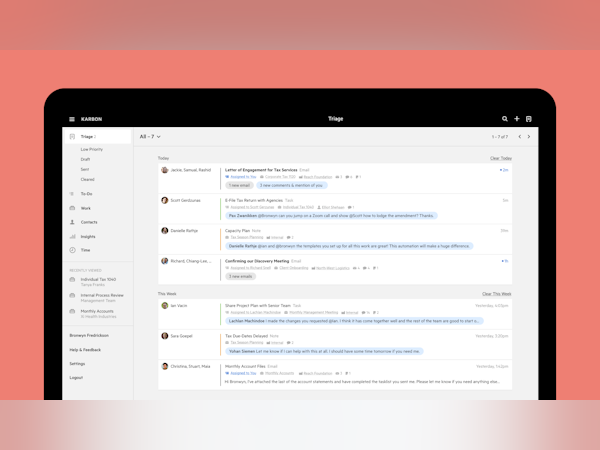
Comentarios: Have you ever wanted ONE SPOT to check email, delegate task, manage projects and customers? Karbon is IT. NOthing else compares to this robust, all inclusive system. Forget Twist and Slack, and your gmail or outlook, zendesk and all the rest. This program, while made for the accounting industry, is the perfect solution for any industry, and even a single individual could use it, but it shines with many users. No more multiple things to check and manage, it's all in one place. From Triage, you empty your inbox for email and @ tags from within the system and assign emails to other team members, create work from emails, and all correspondence tracks back to both contacts and pieces of work, so nothing is ever lost or hard to search. This is the most intelligent productivity solution available; I've tried many to disappointing results and now will stay with Karbon and not continue to look further. You can see work for the whole business, for yourself, and separately for your team. You can assign work to others, you can even assign tasks to clients and people outside your team, so they have their own checklist, which has comments and attachments - no more 10k emails! You can break down work into sections with different checklists and assign each task it's own team member and due date. You can drag and drop tasks to different dates. You can have templates for work to make creating work easy. You can make client tasks in these templates and also schedule repeating work. I can't go on, there are too many things that are amazing about this program. Do yourself a favor and try it out. I put it off for 8 months and after 2 days was hooked. 5 months later, it just keeps getting better and easier as we get more proficient using the program to its full potential. AMAZING! Nothing less than Amazing. Nothing slips through the cracks with Karbon.
Puntos a favor:
Everything about Karbon.
Puntos en contra:
They have both of these on their Fall 2017 roadmap: 1) time clock for job/client/employee time tracking (which is the only other external program we now use and can't wait to only use Karbon for everything); 2) Canned Responses (template emails plug & play). Coming soon, and I can deal with these cons because of everything else has saved so much time.

Alissa
Alternativas consideradas:

KarbonApp for the Growing Firm
Comentarios: Wonderful and I can't wait to continue to gain further best practice and utilize all the components around capacity planning etc.
Puntos a favor:
We implemented Karbon only a short time ago and I am already seeing significant impact on my time through the ease of delegation of specific tasks and the ownership of those tasks to be able to check provide oversite. My staff has had a similar response and although it has been a learning curve we all see the potential and benefits.
Puntos en contra:
There are a few items around being able to apply templates after work is created (currently you cannot do this only at creation). It also takes the server five minutes or so to show a contact that you add which is a pain when setting up new client work. We had asked to have contact emails imported and although they were provided for some reason they did not get imported (that combined with the delay was a bit of a pain). A few other items are more about learning how to get the best use out of all so I would argue are not dislikes but more learning curves as it changes the way you work significantly with the implementation of triage. Overall the team at Karbon have been great in answering any questions and give a lot of opportunity to show you best practice even when you choose the self implementation option. I do hope they create more integrations with Xero Accounting Software as they do with QBO.

Alexa
Karbon lets me manage my business end-to-end
Puntos a favor:
I can manage my entire practice with Karbon, from email communication to time tracking to creating and documenting workflows to planning my capacity. They are always rolling out new features, improving the product, and they provide some of the best customer service I've ever experienced both in B2B and B2C settings.
Puntos en contra:
There are a couple small inconveniences, like when highlighting text or searching for work within the platform, but they're minor compared to the benefits of working with Karbon.
Amy
Not worth the money - there are lots of other options
Comentarios: I hope it's improved since I tried using it. I know Karbon has a lot of positive reviews, and it has always confused me because I liked a lot of the other project management applications we looked at better than it. But who knows - maybe my brain just doesn't work right for this particular piece of software.
Puntos a favor:
It's a good-looking, flashy app. I liked being able to assign emails to coworkers and clients and my own tasks. Full disclosure: we used this for about three months at my company and then abandoned it. It just was not helpful to us.
Puntos en contra:
My list of complaints about Karbon is long. Mostly, I feel like they hint at features that only technically exist. For example, Karbon integrates with QuickBooks Online, but I cannot understand why. It doesn't pull in relevant company information from QBO - not even company addresses. Those have to be manually entered. And yes, you can read your emails in Karbon, but you lose a lot of Gmail functionality when you make the switch: you can't sort emails into folders, save contacts into segmented lists, etc. Emails aren't even marked as read in Gmail! And, Karbon doesn't sync your contacts from Gmail. It brings in everyone you've emailed with. This is not helpful and extremely messy. There is no Google Calendar sync, which is what I use to sync my iCalendar and send my times and dates to all of my devices. So I just found Karbon really frustrating, especially at the price point - I feel like a lot was promised that wasn't delivered.
Usuario verificado
Alternativas consideradas:
Karbon -
Comentarios: Karbon has made work life easier. I am no longer looking at 4 trello boards, a white board, a daily to do list. I just run thru Karbon.
Puntos a favor:
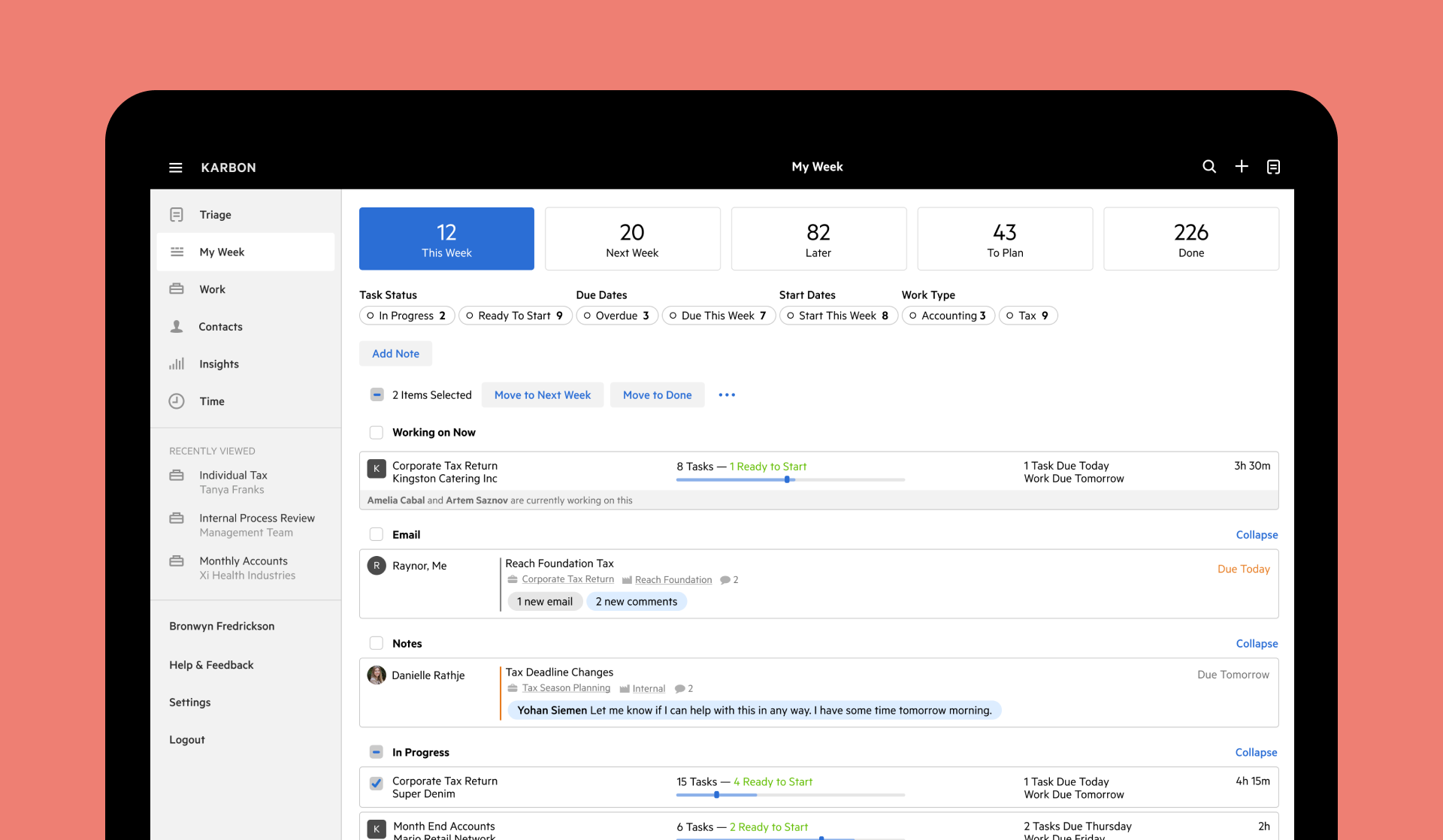
Love the ease of My Week and its integration with Google Calendar. I simply triage all my emails - allocated to my week if needed follow up. Then slot them into Google Calendar to allocate time. My phone even reminds me of scheduled tasks coming up. The templates for work are so easy to use. The client requests are user friendly for the clients and us. All emails are allocated to work or the client. No more scrolling thru emails to find that particular document. Its all in the work. Essential with monthly or quarterly BAS. Or even if a client purchases a new car you simply add that email to their next years tax return!
Puntos en contra:
Would love signing to be part of client requests. Its actually essential!Would also like documents to be added to the client rather than work as sometimes you don't have a work item.