
CorelCAD
¿Qué es CorelCAD?
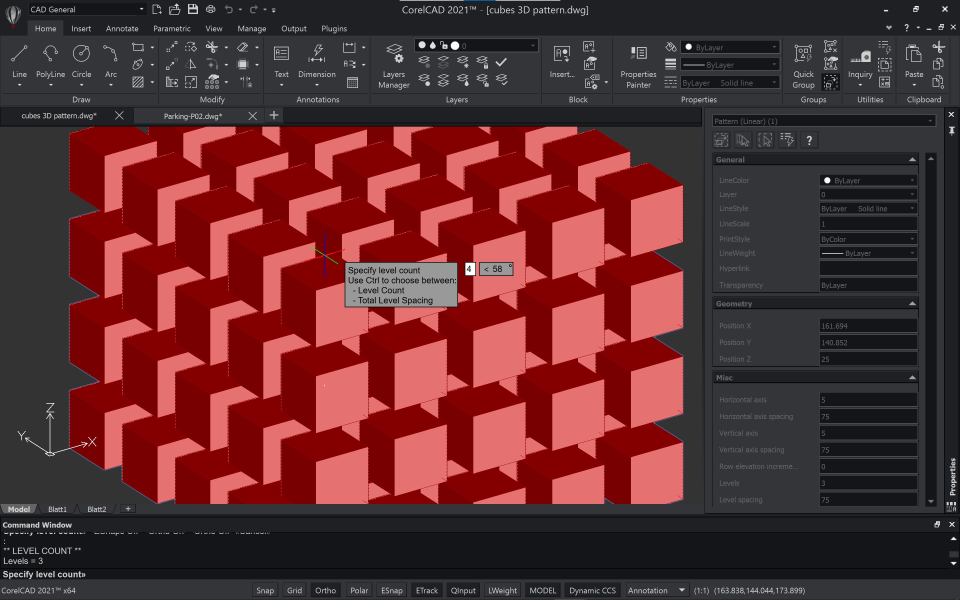
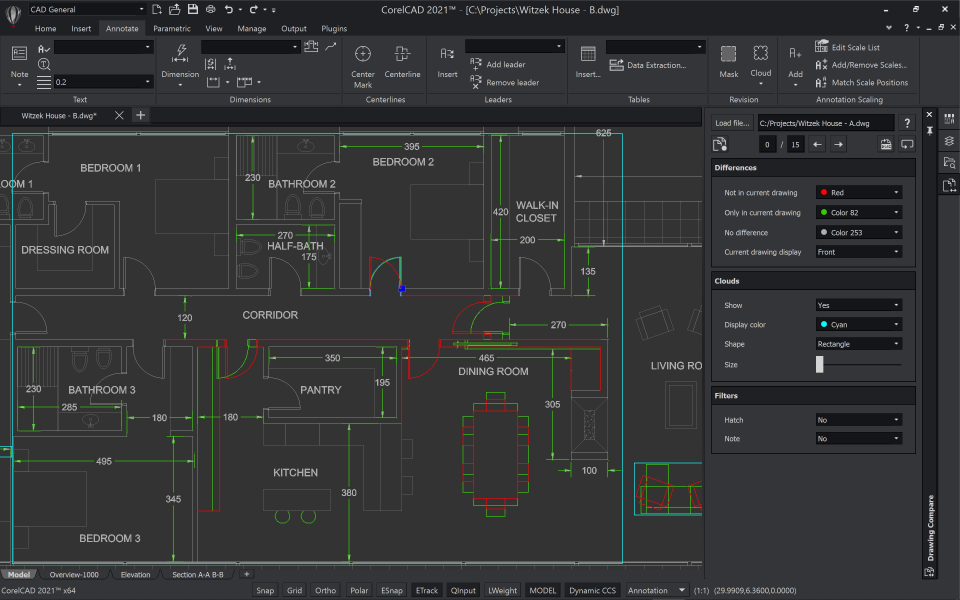
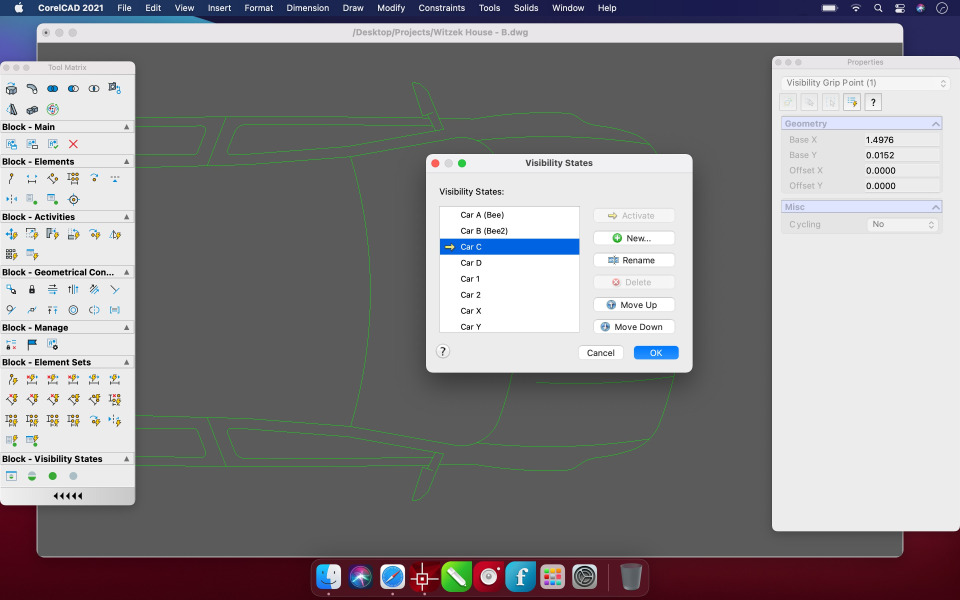
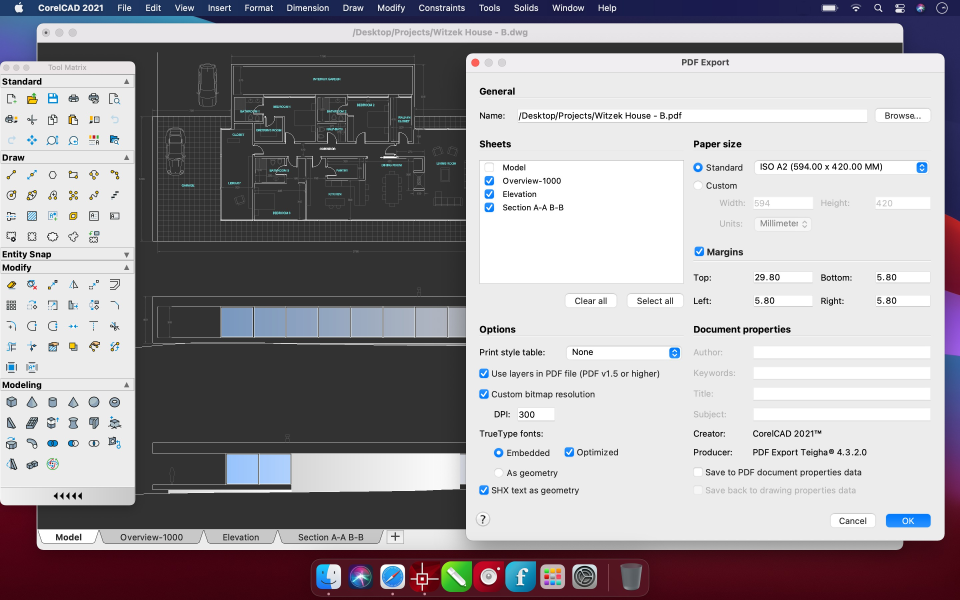
Software de CAD con dibujo 2D y herramientas de diseño 3D. Mejora tus diseños de ingeniería y arquitectura con restricciones de dibujo, edición de texto y herramientas de diseño interactivo. Leer más Colaborar con colegas y proveedores es fácil con archivos en formato .DWG. Funciona bien tanto en plataformas Windows como macOS. Solo 699 dólares. Mostrar menos¿Quién usa CorelCAD?
"CorelCAD ofrece una alternativa atractiva para aquellos con un presupuesto ajustado" - David Cohn en Digital Engineering, abril de 2017 http://bt.e-ditionsbyfry.com/publication/?i=393407 (páginas 25-26).


¿Tienes dudas sobre CorelCAD?
Compara con una alternativa popular
CorelCAD
Alternativas a CorelCAD







Opinones de CorelCAD

Lourdes
Alternativas consideradas:
CorelCAD, CAD y presentación sencilla.
Comentarios: Para udos básico en 2D y 3D es mucho más que satifactoria. Es ideal para tener una herramienta relativamente asequible, que visualiza, edita y crea planos. Cómo si fuera poso sobresale a la hora de realizar presentaciones.
Puntos a favor:
CorelCad nos brinda todas las herramientas de dibujo en CAD añadiendo elementos que fácilitan la presentan de proyectos en todas las formas posibles 2D y 3D.
Contras:
Para el uso básico es muy bueno, pero a la hora de incorporar herramientas complejas no es muy bueno. Tampoco encuentro la opción de instalar plug in de terceros.

Kendra
Excellent work
Puntos a favor:
Great 100%! I'm too happy with CorelCAD's way of working, the services it provides are very varied and cover so many things, for any type of client .. in terms of treatment it does not leave any bad touch, it deals with dealing with the client as should be, giving the attention and resolving every doubt or inconvenience that is presented .. Nothing like the versatility that the company presents and I am sure that anyone who works with this page will be happy with the services offered, I have no doubt about that ...
Contras:
It really is worth working with CorelCAD, it is very effective in each and every one of the services it offers, I have no complaints about this company, only very good comments and criticism since their treatment and services seemed very good and very accommodating to me. the customer, something that is not appreciated in all companies ... I recommend it 100% I have no doubt, it is worth working with this company, if you are looking for a company full of versatility that cares about its customers and is practical , they have found it, I am sure that it is one of the best companies in this field ... I am happy to have worked with CorelCAD. VERY GOOD!

Aleksandar
Alternativas consideradas:
CorelCAD for enthusiastic and time-to-time professional use
Comentarios: First day I try CorelCAD I become its addictive user. I like suite, I like filing when I use it. I like way of setting parameters, its GUI, its excellent precision. Working with it is good and interesting old school engineering experience.
Puntos a favor:
It is fast, and good looking "dark style interface" CAD tool. Its price is correct, and sometimes you can find previous version in great discount. And CorelCAD license is perpetual - life time. In a first glance it looks that you miss some options and tools, but after some time in working process, you can see that all tools are here, in some menus.
Contras:
Sometime you have to type commands and parameters manually, and Corel integrated type-help function, and it is strong, but we all are GUI centric personas, and we like visual menus, sliders, buttons,... Working with CAD software is sometime somewhere between modern graphic intuitive and old school scripting.

George
CorelCad 2019 stopped working under MacOs Big Sur
Comentarios: I was thrilled to finally use this application but it was dearly cut short by Corel's inability to make CorelCad 2019 compatible with Big Sur.
Puntos a favor:
- 3D-modeling - fact that it runs on MacOs
Contras:
It is not supported in MacOS Big Sur. What the peeps!
Robert
Worth a second look
Comentarios: Overall, CorelCAD did exactly what I wanted it to and delivered the files I needed to get my portion of the project to the CNC machine and finished
Puntos a favor:
Having been a Corel user for many years, their CAD program was fairly easy to learn and use from the start. The results were perfect and exported to perfectly to whatever file format I needed.
Contras:
Client perception isn't quite as favorable to a CorelCAD user versus AutoCAD or SolidWorks so when collaborating on projects, that stigma can affect workflow.