Robin
¿Qué es Robin?
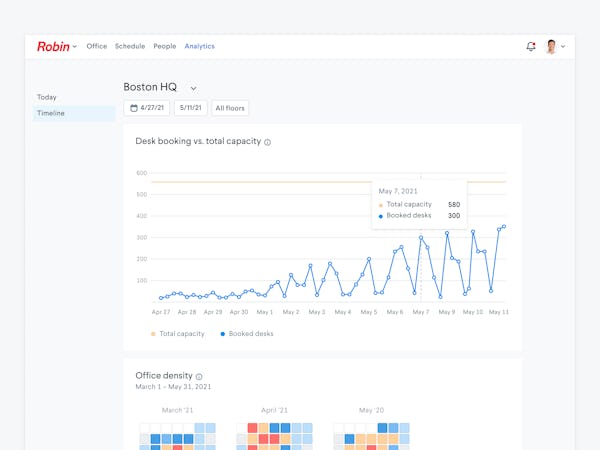
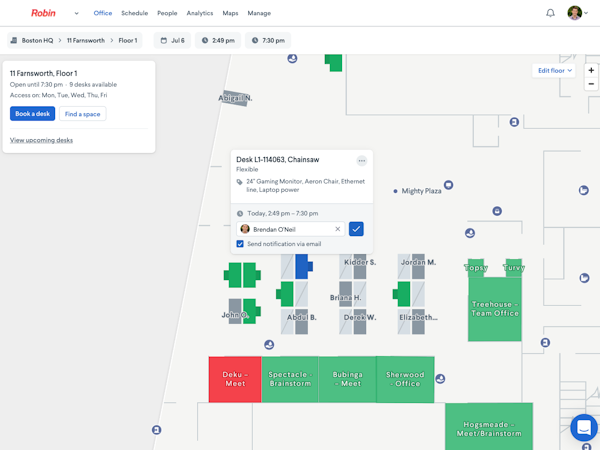
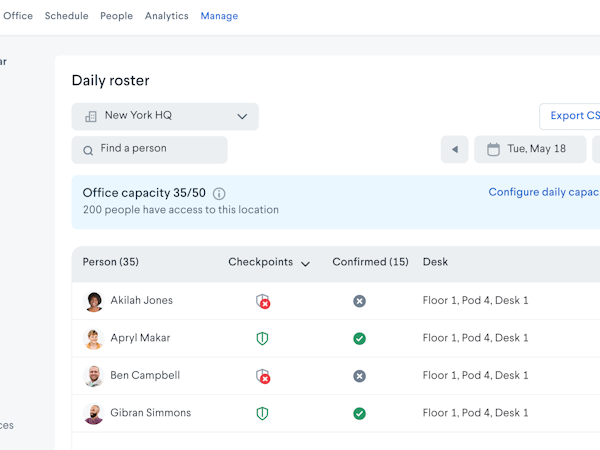
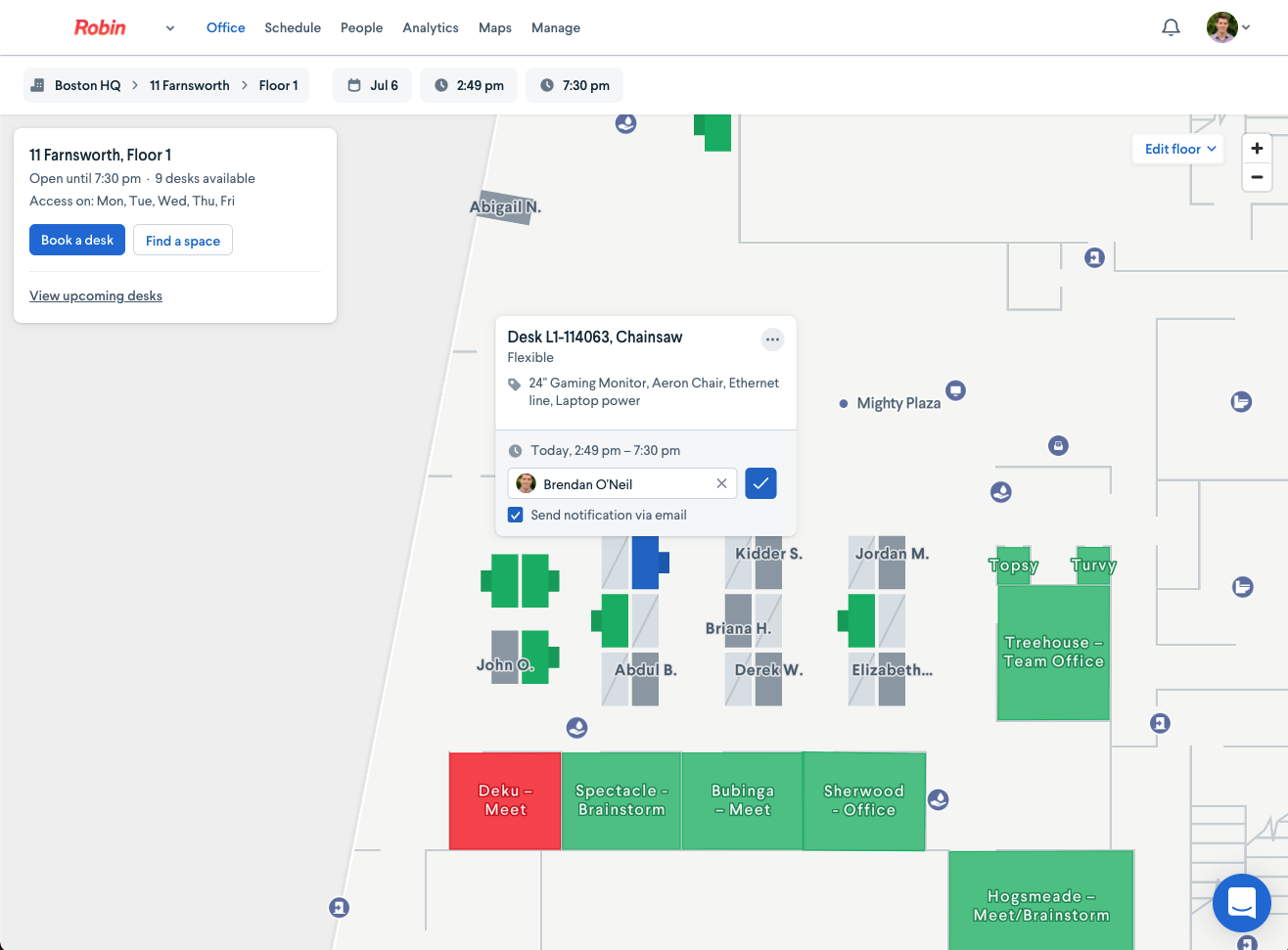
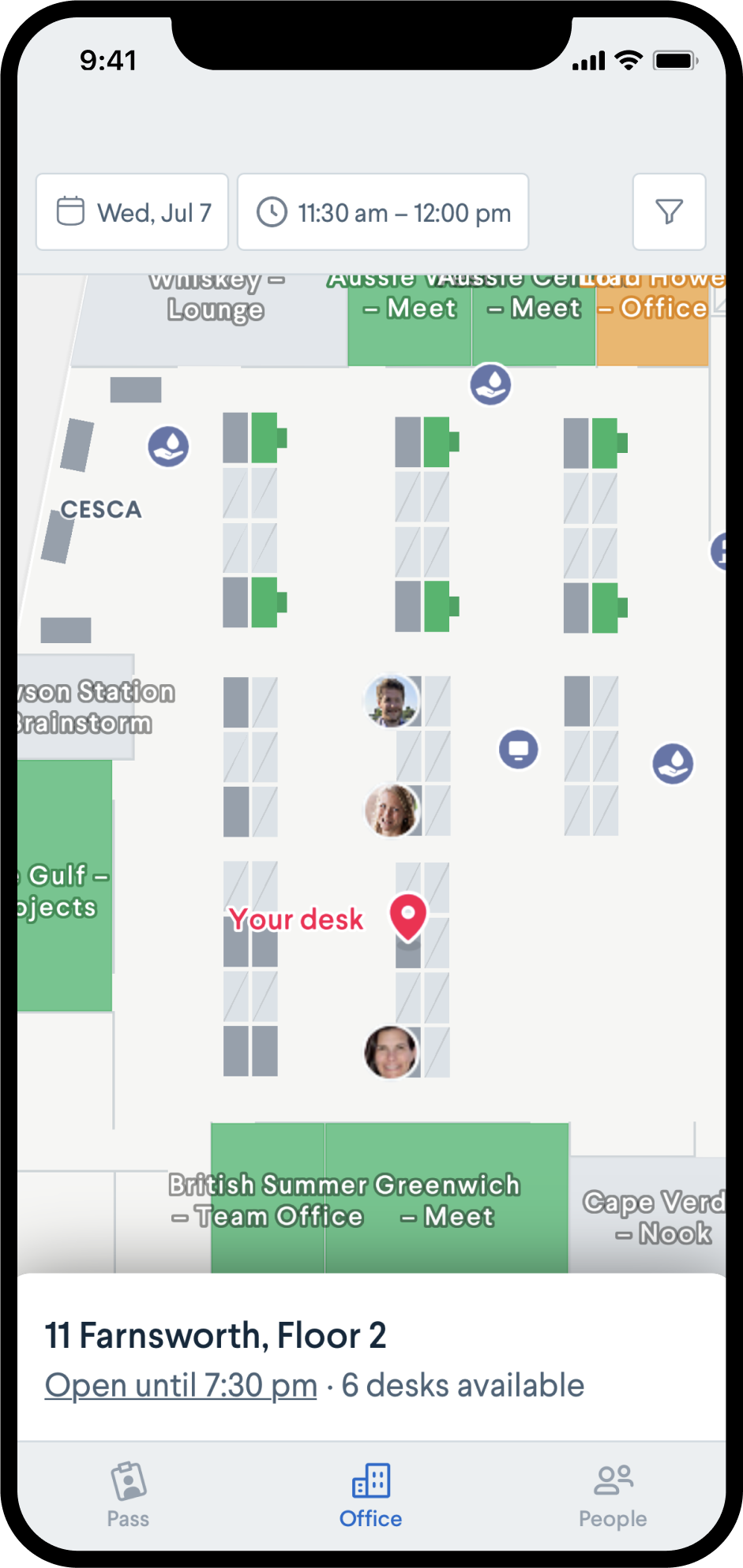
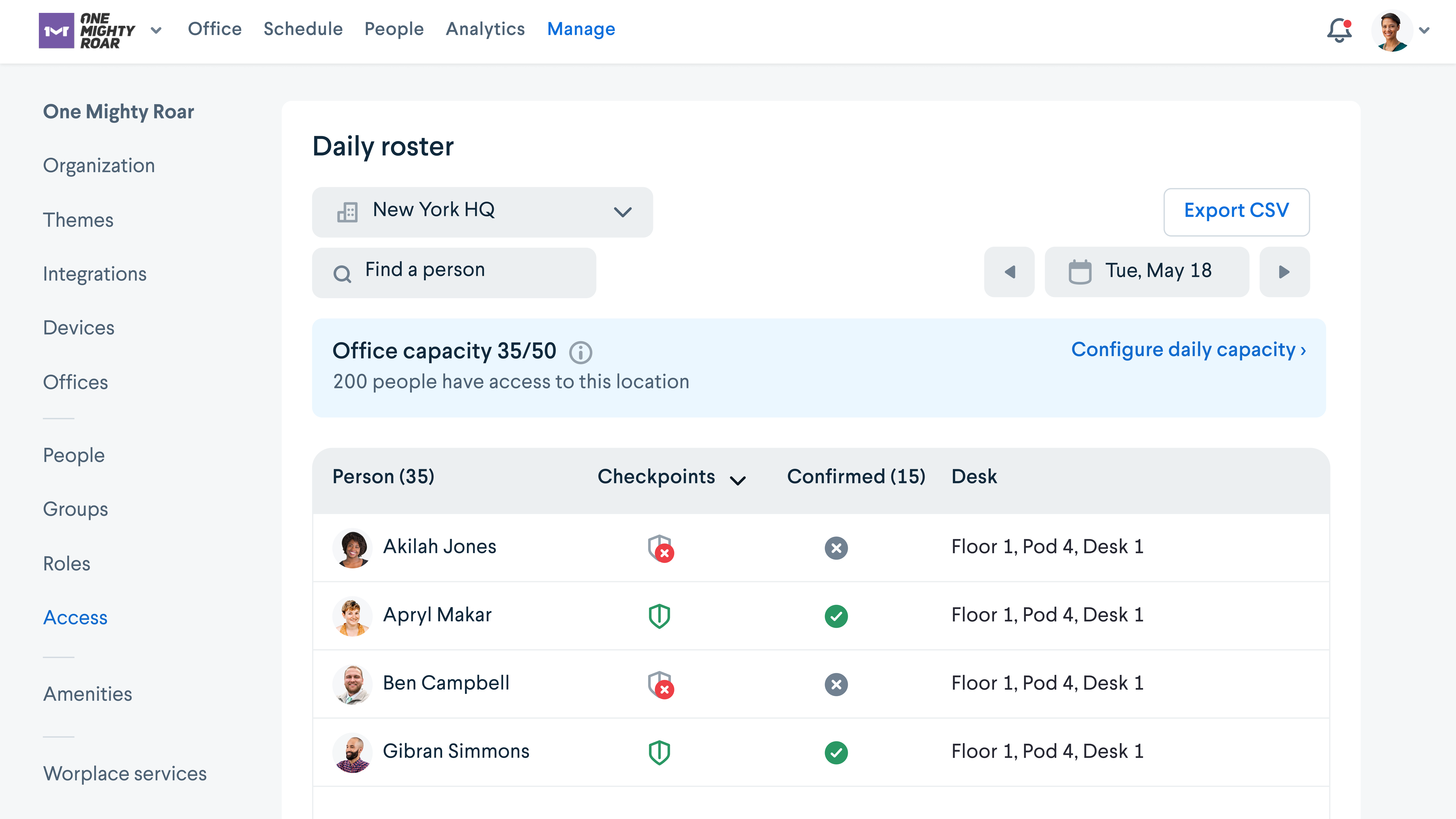
Programación en tiempo real, paneles de estado y mapas para salas de reuniones, puestos de trabajo y personas en tu oficina. La plataforma de Robin se combina con tus calendarios existentes de Leer más Outlook o Google. Las actualizaciones de las salas de reuniones o puestos de trabajo enviadas mediante el panel web, la aplicación móvil o la pantalla de sala se sincronizan automáticamente con el calendario de la oficina. Robin programa reuniones, puestos de trabajo y personas en miles de oficinas en todo el mundo. Mostrar menos¿Quién usa Robin?
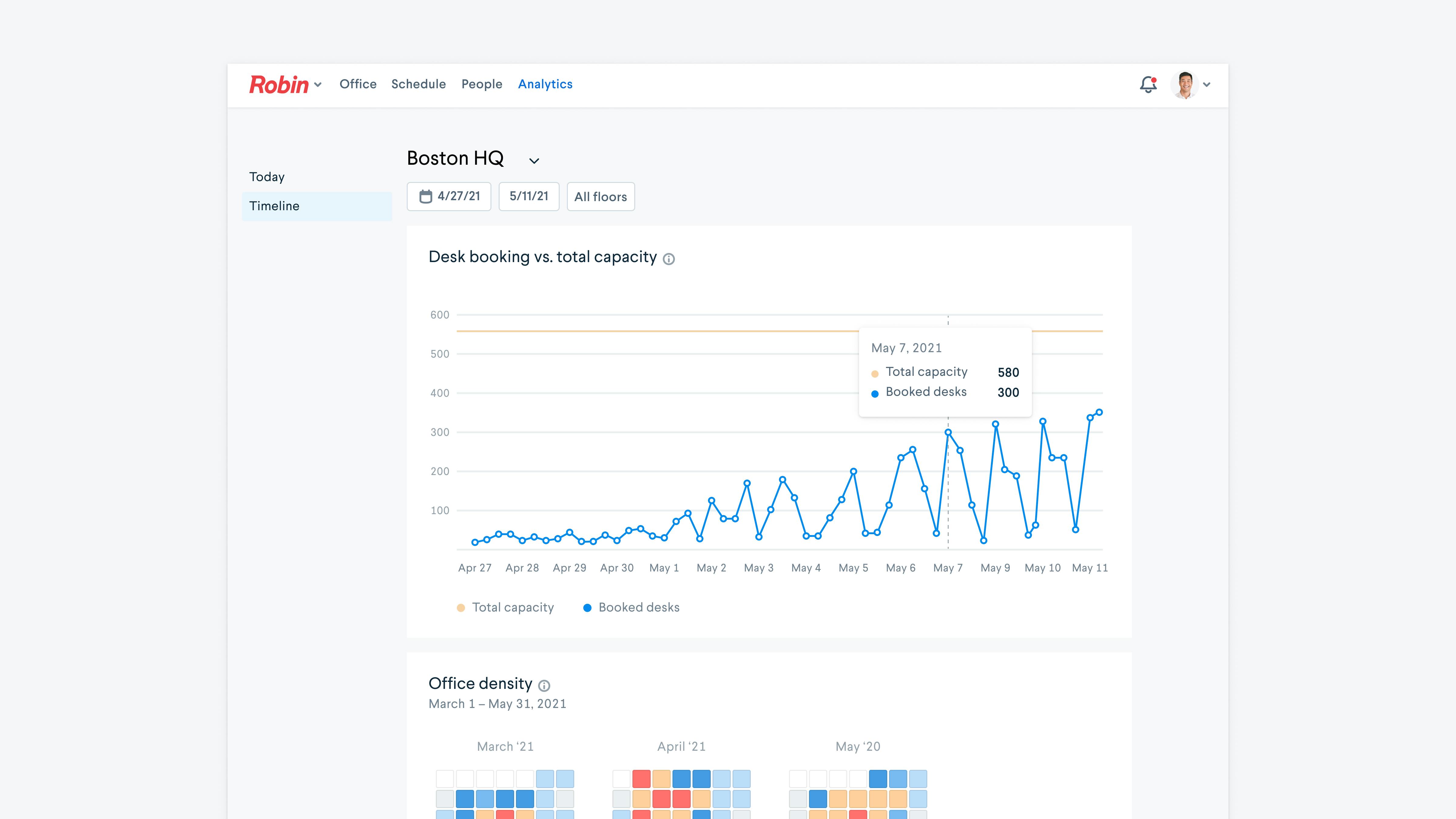
Empresas con oficinas donde las salas de reuniones son escasas o están desorganizadas. Instalaciones que desean una planificación de planta fácil de actualizar y analíticas sobre cómo maximizar el espacio. Equipos interesados en puestos de trabajo compartidos.
¿Tienes dudas sobre Robin?
Compara con una alternativa popular
Robin

Otras alternativas interesantes a Robin










Opinones de Robin

Jon
Ideal para oficinas con mucha gente
Puntos a favor:
Podrás reservar despachos (o lo que quieras) y se sincronizará con el resto de usuarios. Te asegurarás de tener siempre un espacio disponible.
Contras:
Tendrás que hacer a la interfaz, por lo demás nada de malo

Josiah
Easy, Fast, Efficient
Puntos a favor:
Robin is such an effective tool in our industry and seamlessly integrates our shared coworking space to ensure bookings are smooth, consistent, and accurate. There has never been any downsides to the software.
Contras:
I've experienced no notable functions or features of Robin that I dislike.
Carsten
Alternativas consideradas:
Best Scheduling Display Software there is
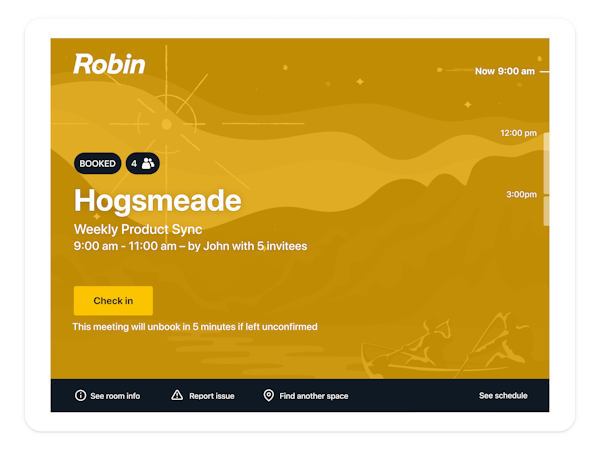
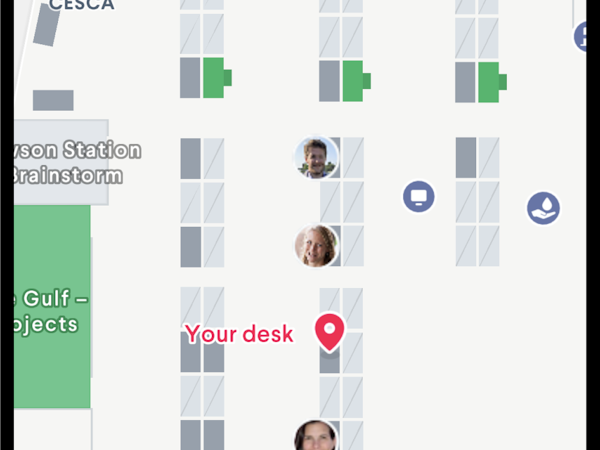
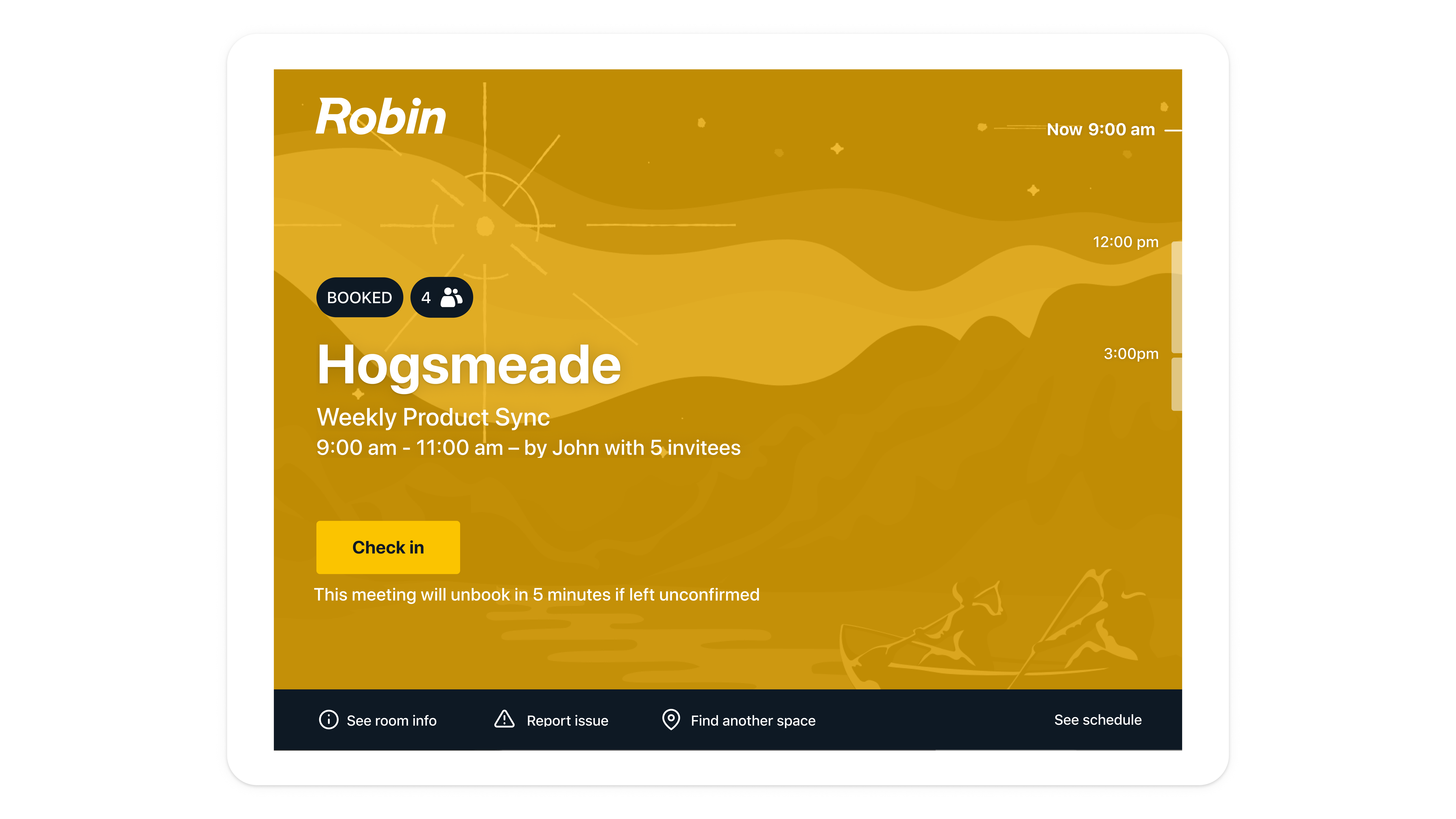
Comentarios: We just moved into new office and one of the main problems of our users is to find the new meeting rooms. With robin ipads next to each conference room, they'll find it easier. Also, the maps feature is helping them a lot - we have displays in the hallway that show them their way.
Puntos a favor:
Robin has the general best look and feel of all the apps we tried. Zoom, Teem, everything felt just emotionless, but Robin is really fun to use. The folks there really put an emphasis on user experience. Our coworkers are happy to use it because it doesn't feel like another stupid corporate software. To optimize meeting room utilization, we enabled "abandoned meeting protection" - our users have to checkin, otherwise the room will be freed again. That's one of the best features in my opinion.
Contras:
We have dozens of ipads to roll out some days, also in different offices - I was a bit disappointed that I couldn't configure robin on multiple individual ipads using MDM - or perhaps I haven't understood how.
Mari
Satisfactory
Puntos a favor:
I did not set the software up, I was only a use, but I believe it was easy to setup.
Contras:
I definitely did not feel like this software was user friendly for scheduling meetings. I had to contact support a lot and sometimes they were not helpful or one issue led to another.
Americo
Robin Check-In and Kiosks
Comentarios: Of of the biggest problems we solved with Robin was data-driven decisions when expanding existing spaces or building new ones. We used the data gathered from Robin to make informed decisions on how many rooms and what size to build to better serve our employees.
Puntos a favor:
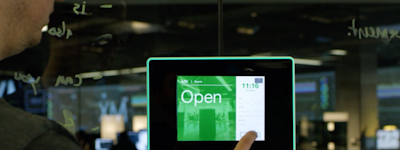
In our organization, our primary use case for Robin was conference room check-in. The thing I like the most about this product is the way it updates. We don't have to manage that using our MDM software. The software automatically updates to the latest version when it launches.
Contras:
While our team uses the kiosk application I think the design can seem less polished than others. It is also not true to scale like other software on the market. I think this is a fairly new product for Robin and probably a lesser used product that other companies. It does work well and I've seen improvements in the latest iteration.