15 years helping South African businesses
choose better software

Zoho Forms
What Is Zoho Forms?
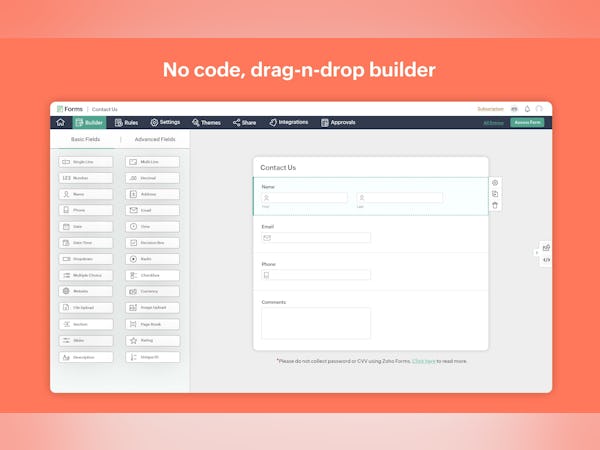
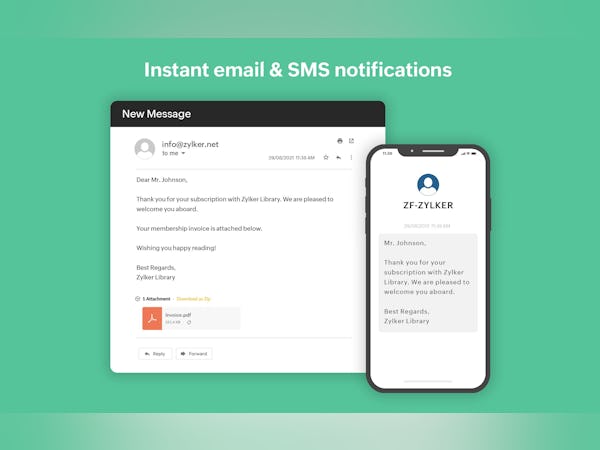
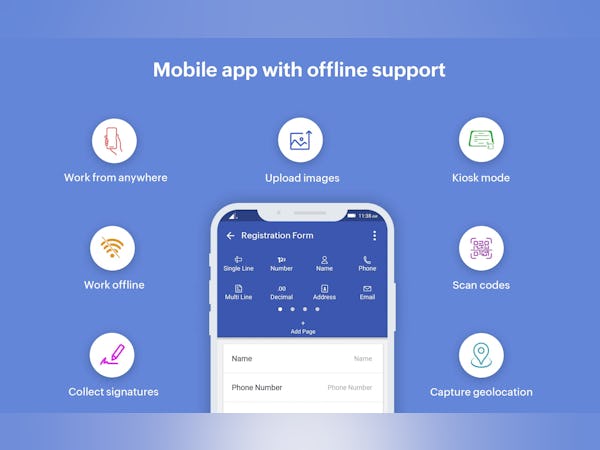
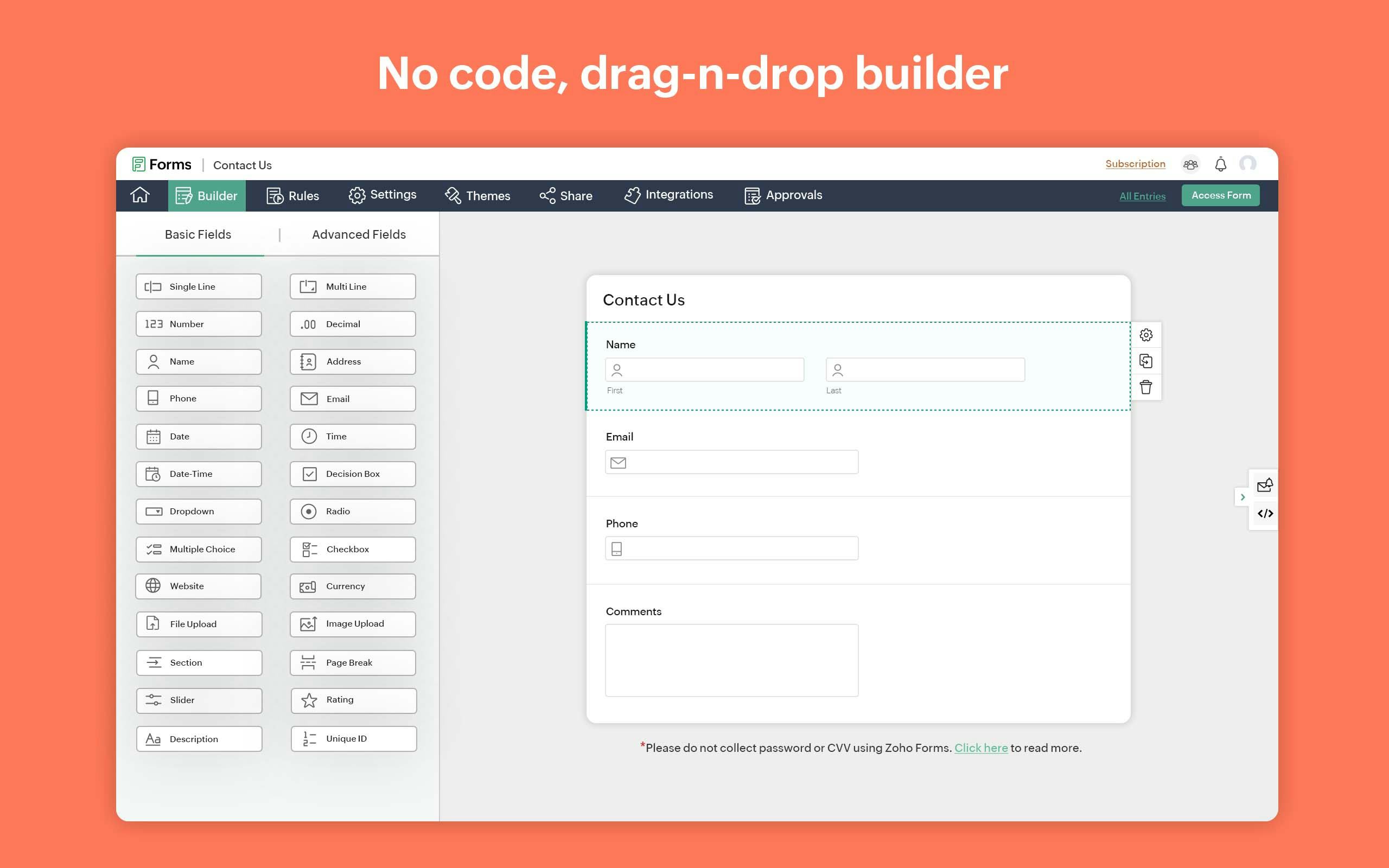
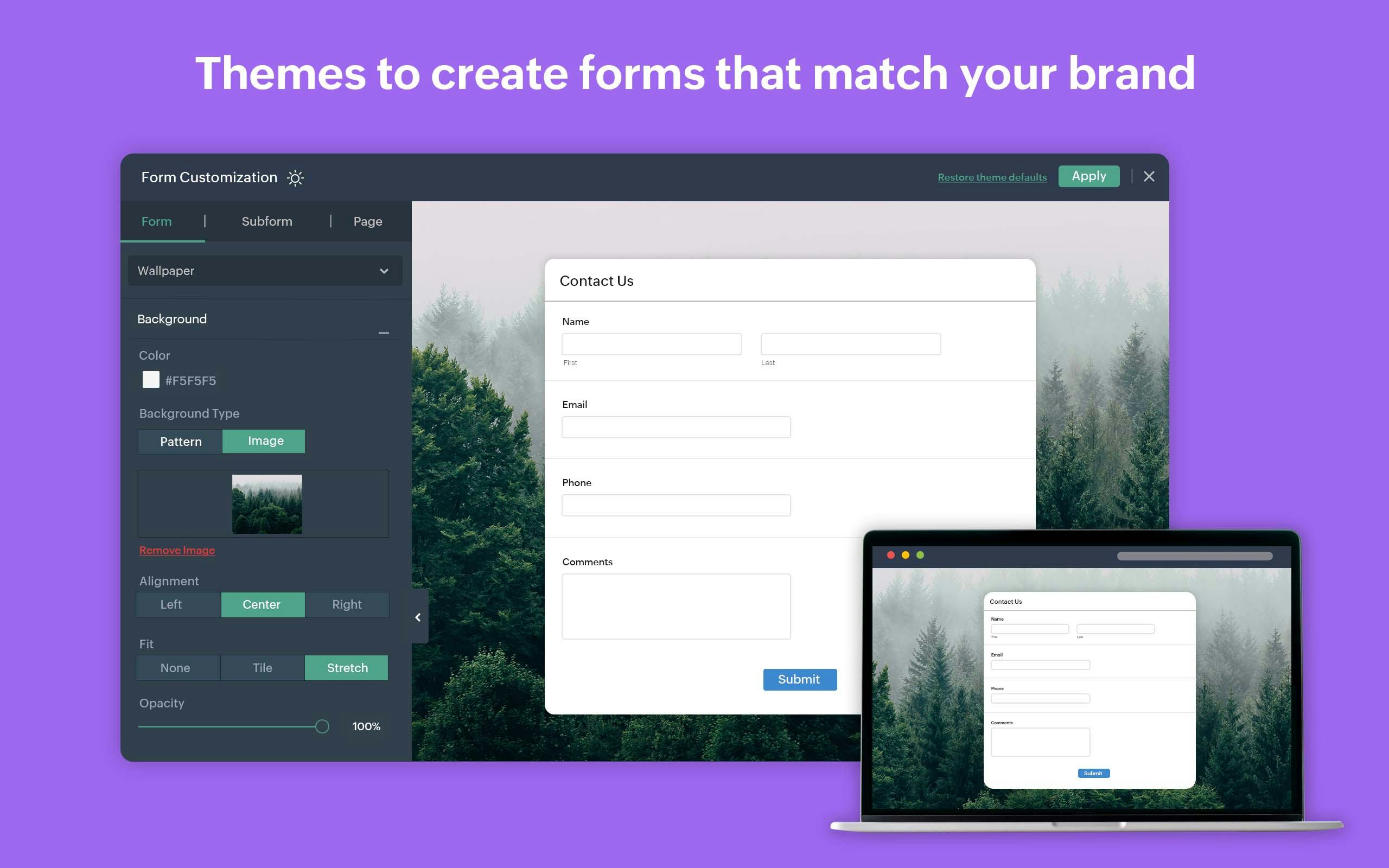
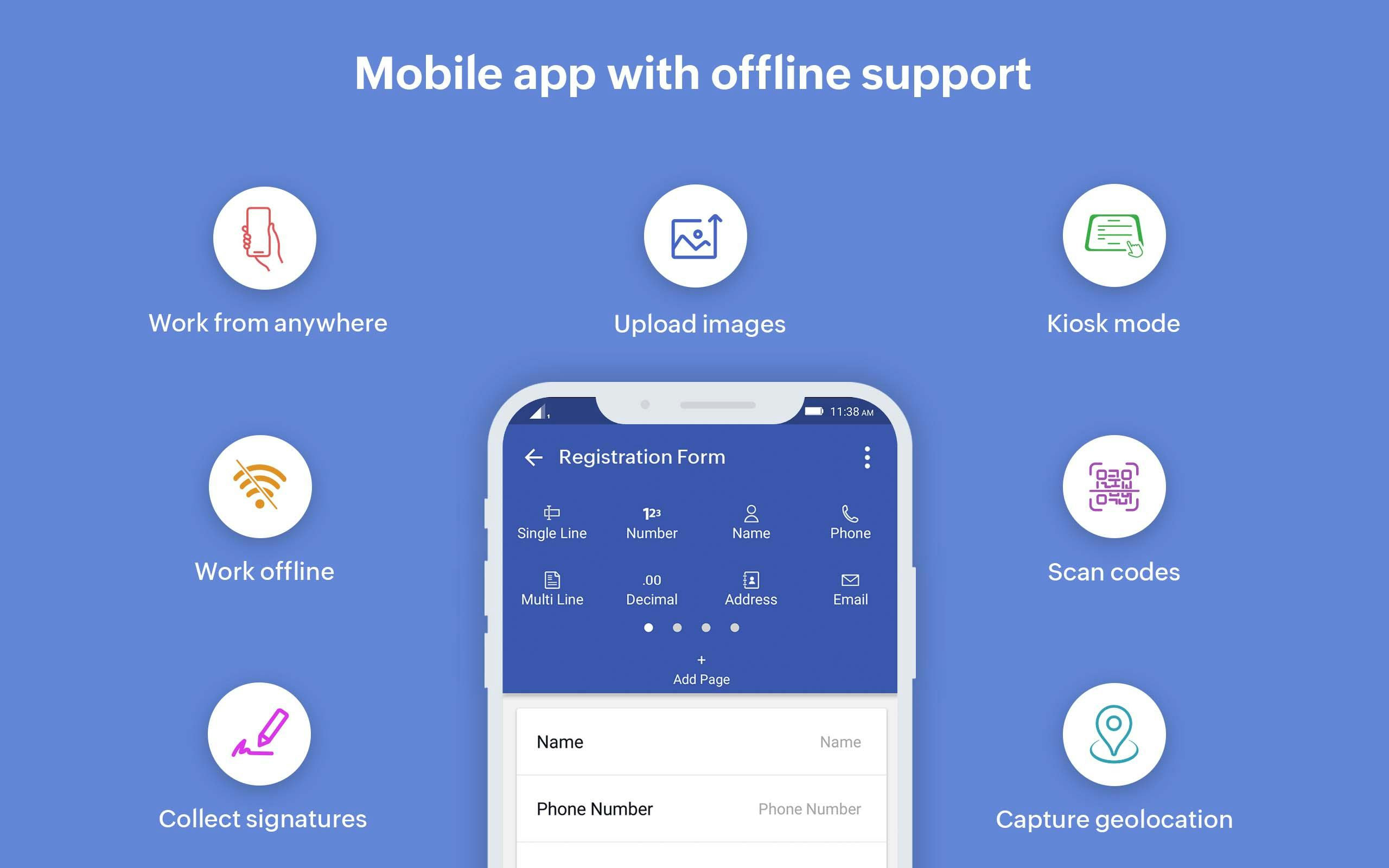
Zoho Forms is on a mission to transform your manual tasks into a paperless process. The drag-and-drop form builder has powerful features that simplify data collection activities. Create any forms in minutes, customize them to fit your brand's style, and instantly share them with your audience. This tool integrates seamlessly with other applications. Collaborate with teammates & automate workflows efficiently. Zoho Forms works across any device and also comes with a mobile app that works offline.
Who Uses Zoho Forms?
Freelancers, Small to Large Enterprises, Non-Profits--anyone can build forms that suit their needs. Generate leads, registrations, payments, appointments, signatures, orders, and more online.



Not sure about Zoho Forms?
Compare with a popular alternative
Zoho Forms

Other great alternatives to Zoho Forms












Reviews of Zoho Forms

Alternatives Considered:
Zoho Forms Review
Comments:
Business problems which I am solving with Zoho Forms are as such:-
1) Getting Customer Feedback.
2) Collecting leads for event registration.
3) Data Collection as per the needs.
4) Client onboarding form.
5) Client Intake forms.
Benefits which I have realized with Zoho Forms are as such:-
1) Easy to create and share forms using links.
2) Data collection and integration with third party tools is easy.
Pros:
Impactful features of Zoho Forms are as such;- 1) Simple Drag and Driop interface, easy to use. 2) Customization of forms as per the need. 3) Securoity of Forms. 4) Shareable forms. 5) Workflow automation. It was super easy for us to use Zoho Forms and it will be for you too. Integration process of Zoho Forms with our existing business was really easy and fun.
Cons:
things which I would like to get improved in Zoho Forms are as such:- 1) Overall speed of the app at which is loads. 2) Forms Customization should be more shooting like TypeForm. Apart from these 2 everything else about Zoho Forms is amazing. No, it was never a difficult product for us to use. The integration of Zoho Forms with our existing business was not at all difficult.
Alternatives Considered:

Zoho Forms has helped us improve data colection in several departments
Comments: Zoho Forms has been a wonderful little addition to our operations. It's helped us set up forms for feedback, orders, inventory, the list goes on. Havibg eveything synced instantly with no human error has been a great addition. It's helped us collect and manage our data easily and with less errors or manual work.
Pros:
I love how smoothy the forms function. We have a lot of embedded forms and we've never had instances where there were any issues with the forms loading late or buttons not loading properly
Cons:
I'd like the e-sign features to be a bit expanded on. Some of our forms have e-sign fields but the current widget doesn't work well.
Zoho Forms
Comments: Started with free version and i saw I really need Zoho Forms with more features. Works great and i am pleased with results.
Pros:
Drag and drop form builder is the most important feature for me, lets me create beautiful forms that are easy to complete by the users. The forms are integrating with ease with all Zoho apps witch makes importing data from an app to another very easy.
Cons:
No cons here, everything woks great and smooth.
Good for quick use
Pros:
Great for quick use while using the Zoho platform. Easy to access when sending emails using Zoho Email.
Cons:
Needs more templates and more up to date designs to meet industry standards. The user interface is also a bit off.
Superior forms
Comments: Zoho Forms is a great app, easy to use with a fair price. Is not the cheapest but integration with other Zoho apps makes the difference.
Pros:
Zoho Forms are the easiest to use forms app i have used until now, easy to deploy and easy to make with a drag and drop builder. As is a Zoho app is easy to be integrated and used with other apps like Zoho CRM.
Cons:
no cons for Zoho Forms, everything works well.