Was ist Sumac?
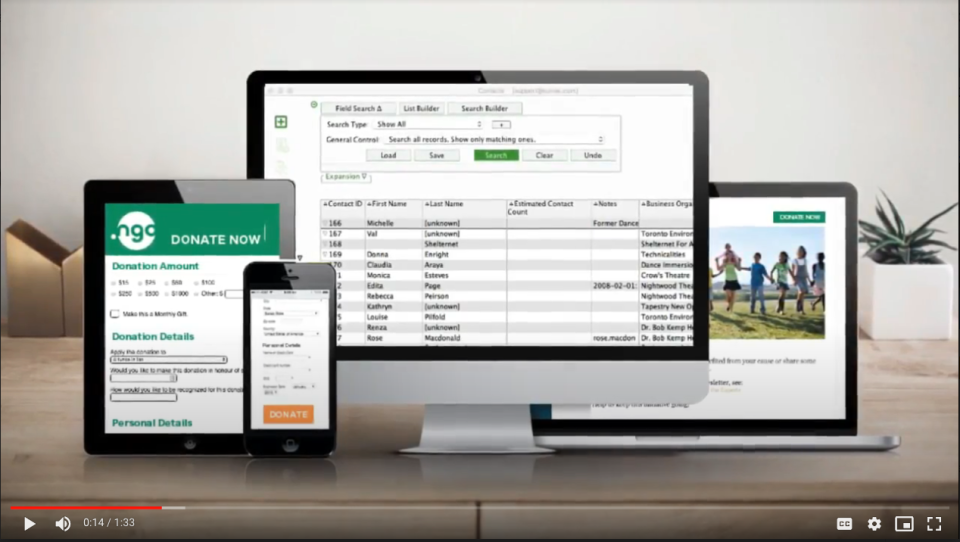
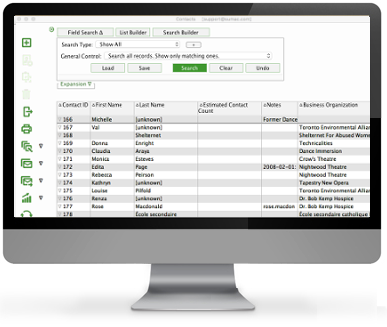
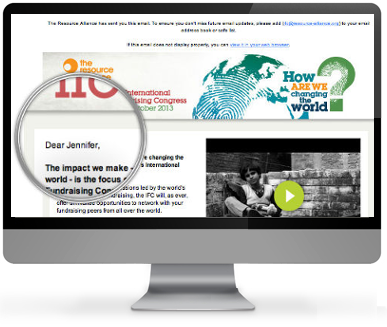
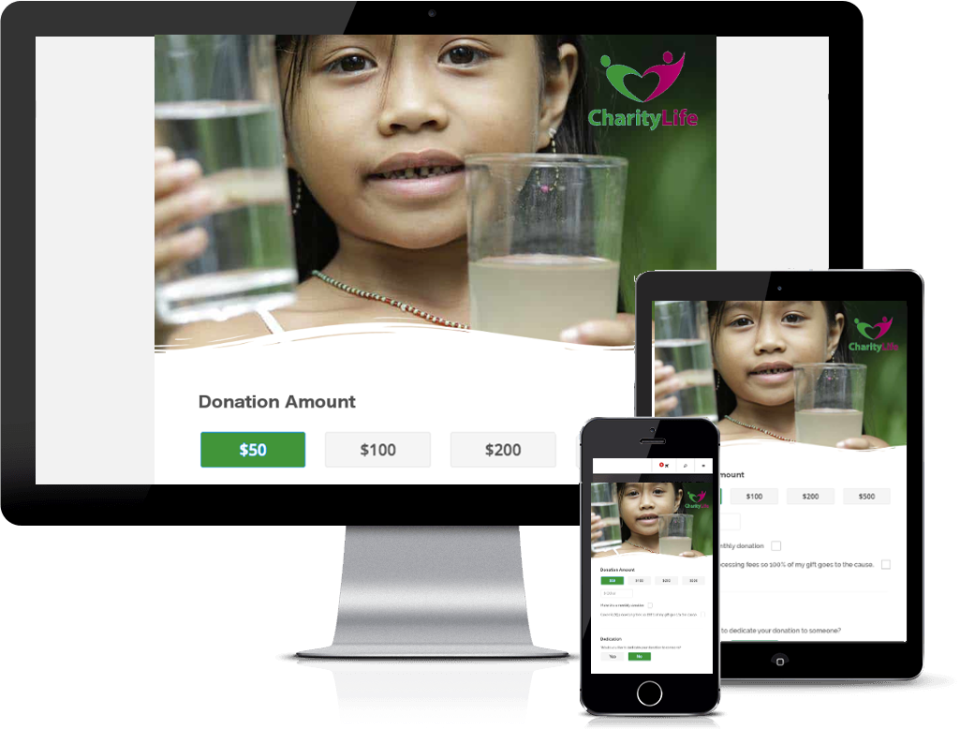
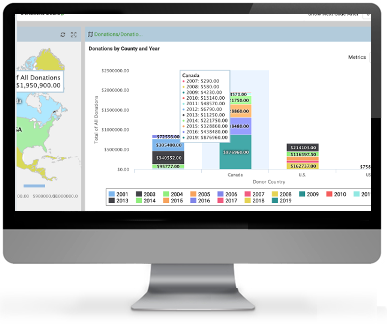
Ideal für mittelgroße und große Organisationen, die alle Tools in einer einzigen Lösung möchten! Sumac ist die einzige Fundraising-Software, die anpassbare Online-Spendenformulare umfasst sowie auch Mehr erfahren integriertes Email-Marketing und über ein Dutzend Add-on Optionen zur Auswahl bietet. Online verfügbar oder als Desktop-Lösung. Weniger anzeigenWer verwendet Sumac?
Wir haben eine Lösung für jede Art gemeinnütziger Organisationen. * Große, mittlere, kleine * Human Services, Kunst & Kultur, Gesundheitsorganisationen, Bildung, Umwelt & veterinäre Dienstleistungen.


Du bist nicht sicher, ob Sumac das Richtige ist?
Mit einer beliebten Alternative vergleichen
Sumac

Weitere gute Alternativen zu Sumac












Bewertungen über Sumac
Brian
Excellent Membership Management
Kommentare:
Our organization consists of 50 clubs spread throughout the Province. Each club maintains their own data which is visible only to them and to the organizations head office. This allows for consistent reporting around the Province.
Implementing the system was completed within 3 months, including converting existing spread sheets and uploading them onto the database. Training was conducted in person and online. Sumac provided initial training for the Bowls BC Administrator.
Vorteile:
The Sumac membership management system is flexible and easily customizable. Out of the box it can be used immediately but can also be tailored to specific requirements. The Cloud based database combined with its data security allows each clubs data to be maintained separately and securely.
Nachteile:
It is sometimes difficult to load the software onto Mac computers. This mainly due to the Mac security system that is not always fully understood by the user. Loading the software onto a windows machine is very easy.
Rachel
The CRM that helps you manage donations and memberships
Kommentare: I appreciate the software support they provide and attempt to be as thorough as possible.
Vorteile:
I enjoy the ability to create a number of tax receipts at once. It helps keep the one time a year production easy to manage
Nachteile:
It is tricky to see when a number of memberships are expiring, or to get prompted for when they expire. This feature may exist and I have not figured it out yet.
Monica
Sumac - robust and affordable CRM
Vorteile:
We started using Sumac for organizing our data a couple of years ago. Before that we were swimming in excel sheets and having multiple users access the same information was problematic. We use Sumac for ticketing, memberships and donations. I like that we have one system that organizes these three aspects, as there is (as one would hope) quite a bit of overlap between those three actions. It is also useful for organizing mailing lists (either hard copy or email) and analyzing data. But most importantly for us, it's an affordable option. There are CRMs out there that are more robust but for a small non-profit we wouldn't be able to afford them. Sumac is a really cost-effective option to suit our needs.
Nachteile:
Sumac has a lot of software updates. These updates don't fundamentally change the look or experience of using it, but the updates often require us restarting our server. The other aspect is, though they are working on this, is that the web integration is not as customizable as one might like. It's difficult to change the look or flow of it to go with our branding. Finally - there are just a lot of pop-ups for any application while using it (do you want to record this, do you want to save this, etc.) which seem unnecessary.

Silvia
SUMAC - great CRM
Kommentare: After struggling for several years with an expensive database that was not intuitive and did not meet our needs, our organization looked into several others to replace it including Sumac which was recommended to us by another not-for-profit. We scheduled a demo with a Sumac Guru for our entire team and we were all captivated by the ease of use and functionality it offered – almost everything on our “wish list” (and much more). We then decided to purchase Sumac and have not regretted our decision. While there were a few hiccups with our data migration, overall we have been very impressed. It is very user-friendly, fast, and has features that we are still discovering a year after we started using it. The Sumac team is amazing and has been very responsive, accommodating and helpful when we have needed assistance in using the tool and putting through change requests when we have suggestions and identified areas for improvement.
Vorteile:
User friendly Excellent customer support New releases on regular basis
Nachteile:
Online functionality for some add-ons is very basic (e.g. ticketing) or not available yet (e.g. sales) The User Guide is good at describing each of the many fields in the database but limited in explaining how these are used together (processes)
Clare
Really, really helpful and easy-to-use software
Vorteile:
Sumac has everything we need -- keeps our database, sends out our communications, keeps track of all our donations and receipts/acknowledgements. It is set up in a straightforward way and, when I first researched CRMs, it was the only one where I could understand the setup from the start (I think the others were not set up logically). Also, the support team at Sumac is wonderful; attentive, understanding, they are really willing to help me solve all my problems, whether it is a quick question or a larger issue that needs much more overhaul. In fact, they resolved the biggest problem I had with the software: I frequently must bulk import changes to my data, and there were parts I had to do manually because the contact types weren't available to use in the import workspace. But they have recently changed the import workspace to be more flexible, at least partly in response to my comments, so now my bulk imports go much more quickly. In addition, the program has many optional add-ons that can help with courses, volunteer hours, registrations, silent auctions and so many other bits of software that anyone might need. Also, it is very reasonable priced.
Nachteile:
The only things that I find difficult are remembering all the little details of complicated searches, downloads, and the steps of emailing. But I am not very technologically savvy, and others will not be as easily frustrated as I am.