
CloudMonix
What Is CloudMonix?
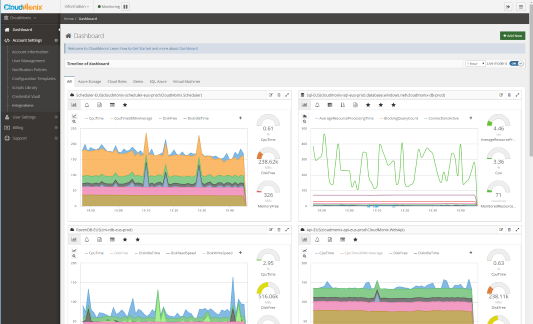
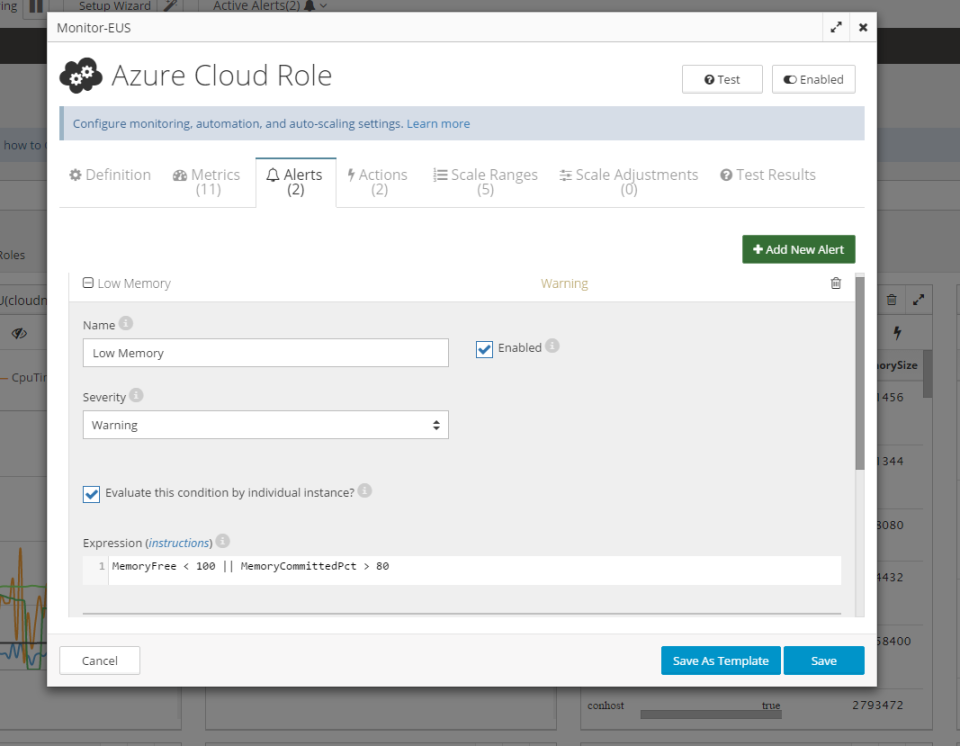
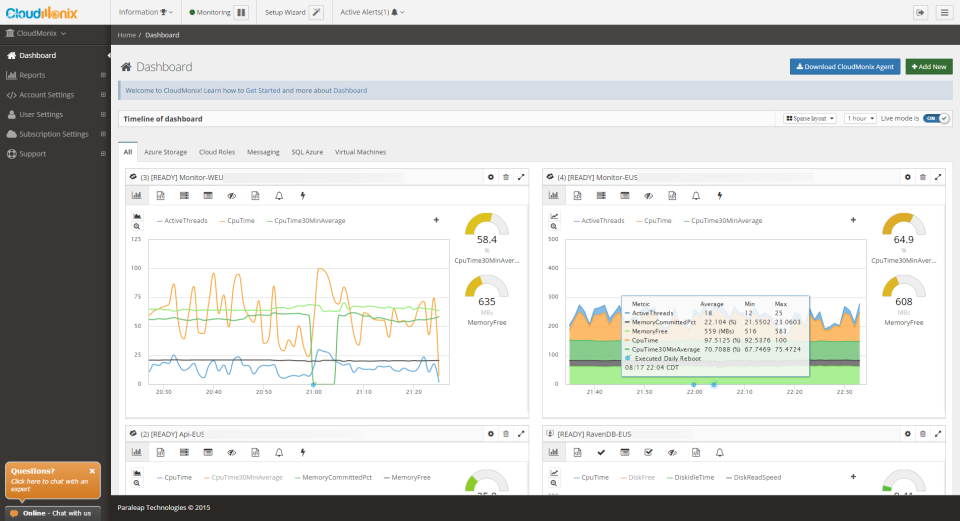
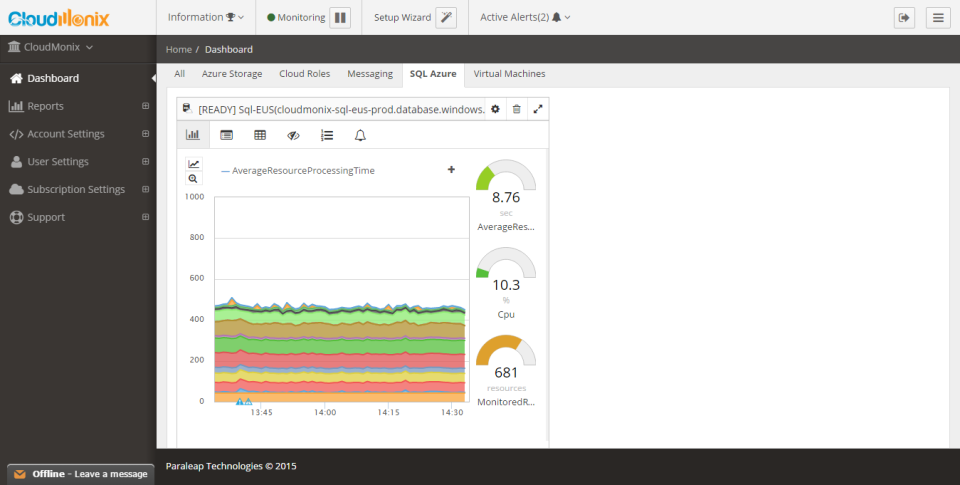
CloudMonix provides advanced cloud monitoring and automation for applications and services deployed on the Microsoft Azure cloud platform. IT administrators are able to gain deep insight into their Read more Azure applications, get immediate alerts and notifications when things go wrong, setup automated self-healing actions and much more. Microsoft Azure support includes but is not limited to: - Azure Cloud Services - Azure Virtual Machines (Windows and Linux) - stand-alone Windows Server Read lessWho Uses CloudMonix?
Cloud monitoring and automation for Azure built with MSPs, CSPs and DevOps in mind. Provides advanced insight into system performance, immediate notifications, resources auto-scaling and self-healing.


Not sure about CloudMonix?
Compare with a popular alternative
CloudMonix

Other great alternatives to CloudMonix









Reviews of CloudMonix

Oleh
Great tool for monitoring and automation of cloud and on-premise resources.
Comments: In my opinion the greatest benefit of CloudMonix is its ability not only to monitor and send alerts but also to execute automatic self-healing actions and auto-scale resources in real time.
Pros:
- perfect data insight with the help of dashboards - outstanding alerting features with tight integrations - automatic resources computing and auto-scaling in real time - self-healing actions - setup takes just a few minutes
Cons:
- the user interface in some instances can be a bit too technical to use - pricing starts with 5 resources minimum
Brian
Fast and easy to configure with a rich product suite
Pros:
We liked the fact we could setup and monitor our Azure infrastructure very quickly. It has endless features. There is not a monitoring situation we threw at CM that it could not monitor and take corrective automation against. Great support as well!
Cons:
Use the wizard to on-board! At first it was tricky till we found the wizard. Other than that, no other cons come to mind.
Brian Clark
Great set of features for the price
Comments: We use AzureWatch at my company and it works very well. We use AzureWatch to monitor our many Compute Instances and Azure Queues. Also, the company has been very responsive to our support questions and feature requests. The ability to create rules to govern Azure auto-scaling is phenomenal. We have multiple types of rules to automatically scale up the number of instances we run based on metrics like CPU utilization, Queue depth, etc. We also have scale-down rules to help minimize our Azure costs. The rule creation does not require development either--our Ops team is perfectly comfortable creating and editing these rules via the graphical interface within the AzureWatch portal. We also have created rules to notify us when certain application events occur, such as data getting stuck in an Azure Queue, or a particular Compute Instance entering a "not-ready" state. These really help us manage the environment. AzureWatch also stores this diagnostic data for a long period of time (so long that I am not sure how long) and we use it to identify trends in the performance of our applications. Note that the only reason that I didn't give it 5 stars is that I think the "dashboard" feature needs some work. Everything else is great.
Steven Bender
Rock solid product and great price!
Comments: We run a global social networking which has huge spikes in usage at certain times of the day and week, at peak periods the network can be 40x as busy as at the quietest period .. using Azure Watch we are able to scale seamlessly to handle the extra demand but also keep costs low when things are quiet. The service is very reliable, and most of the time we don't even think about it .. it just happens in the background!
Pros:
Reliable Effective Cheap
Cons:
The web UI could do with a bit of a makeover, it's not very attractive or easy to use. My advice is to just stick with it until you get used to it and don't judge the rock solid product that exists behind the scenes based on the look of the web UI
Verified Reviewer
good tool that has filled my expectations with additional monitoring capabilities and self-repairing
Comments: good experience
Pros:
excellent work tool that allows self-repairing automation, advanced reporting functions also very ideal because it does not require programming. indicating information in real time.
Cons:
I have a time using this tool and it has worked very well, I have not had problems despite the multiple tasks it is very practical