
What Is Kantata?
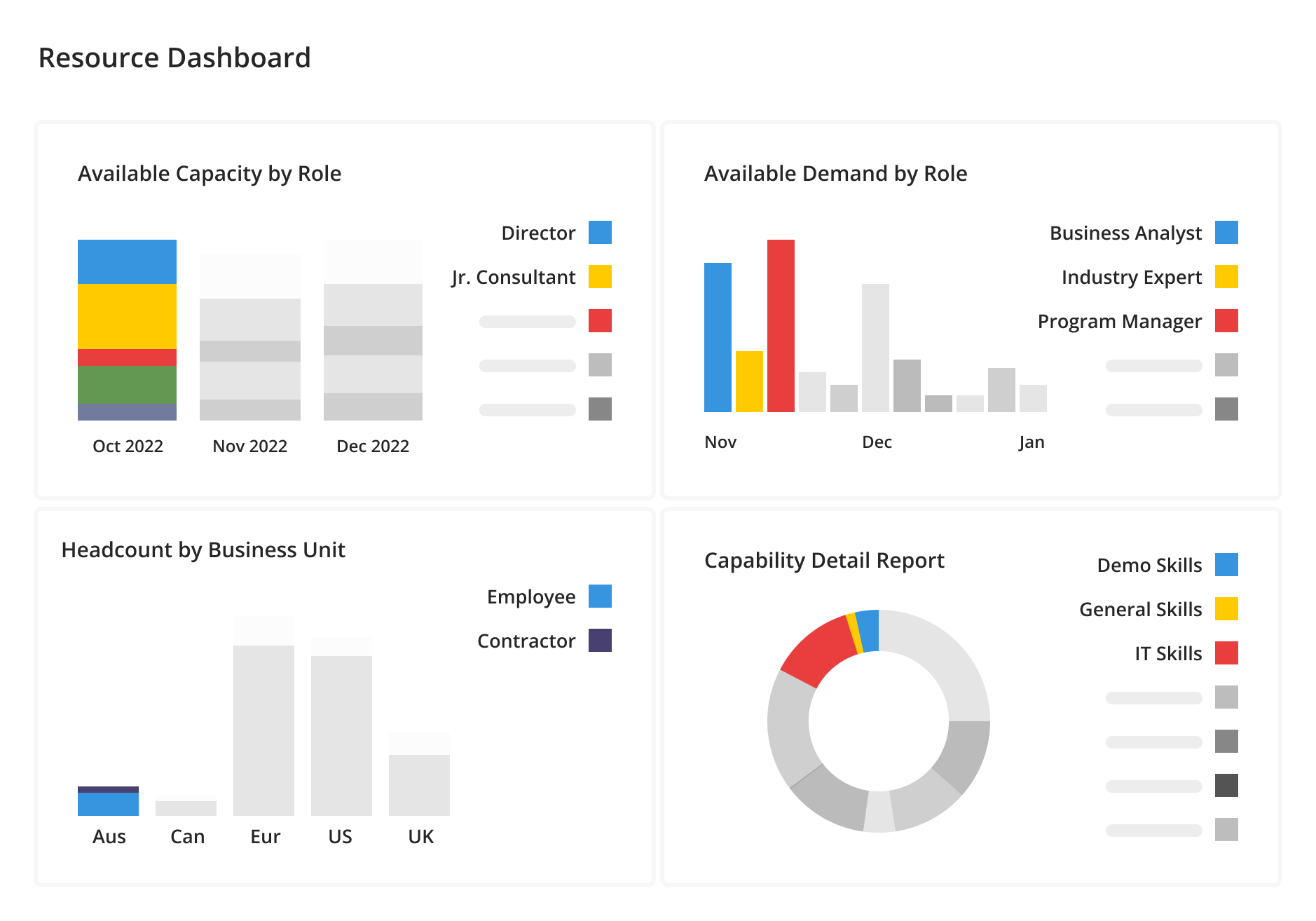
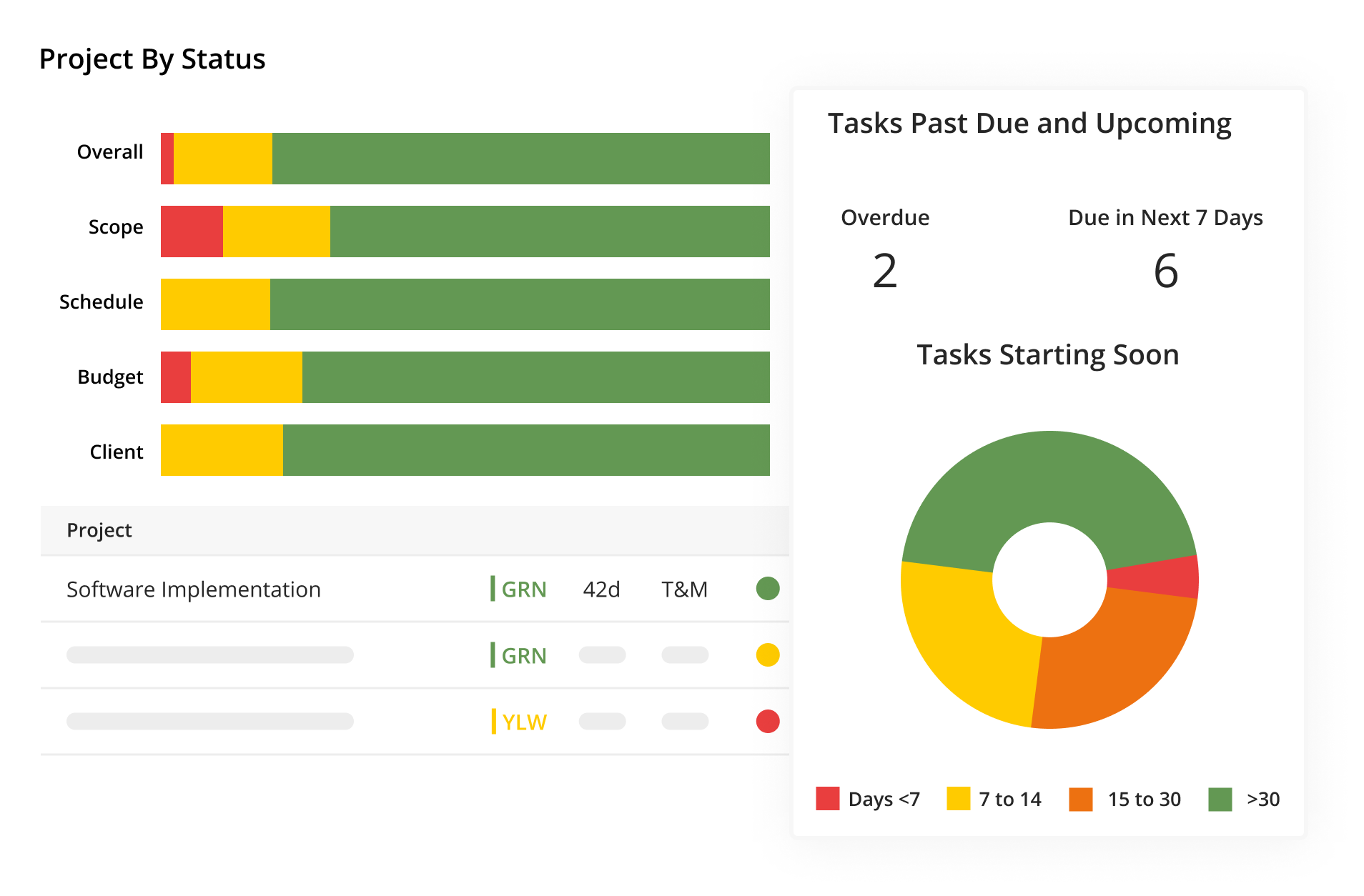
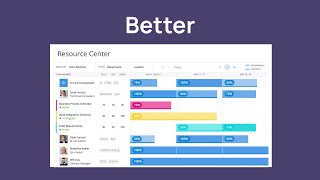
The Kantata Cloud for Professional Services is a powerful collection of operational management, resource optimization, business intelligence, integration, and workflow automation functionality that optimizes resources and elevates operational performance. A resource-first architecture, enables services businesses to field the best team, every time and see up-to-the-minute progress against timelines and budgets so projects run smoothly, predictably, and profitably.
Who Uses Kantata?
Kantata is ideal for professional services organizations with 50-5000+ employees. Focused in marketing, advertising, creative agencies, software, IT services, and management consulting industries.
Where can Kantata be deployed?
About the vendor
- Kantata
- Founded in 2022
Kantata support
- Phone Support
- 24/7 (Live rep)
- Chat
Languages
English
Kantata pricing
Starting Price:
- Yes, has free trial
- No free version
Kantata does not have a free version but does offer a free trial. Kantata paid version starts at US$59.00/month.
Pricing plansAbout the vendor
- Kantata
- Founded in 2022
Kantata support
- Phone Support
- 24/7 (Live rep)
- Chat
Languages
English
Kantata videos and images


Features of Kantata
Alternatives to Kantata









Reviews of Kantata

Mike
Awesome platform that's only getting better
Comments: Overall, using Mavenlink has been great - it has made a very positive impact on day-to-day functions as a business. I would recommend it highly to agencies for its flexibility and extensive functionality to manage resources and projects.
Pros:
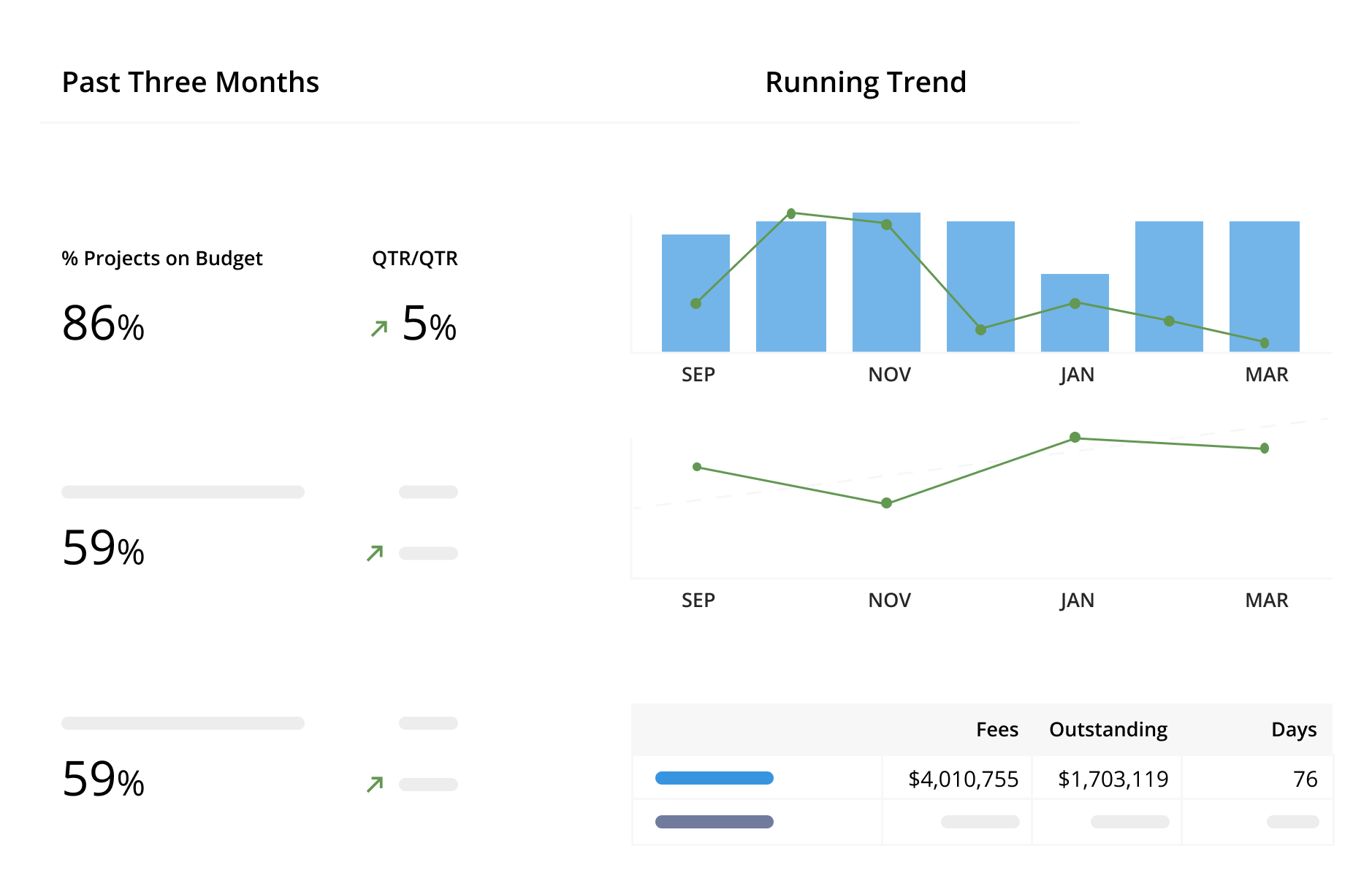
The reporting functionality Mavenlink offers is extensive and has enabled us to get much better visibility to our project, program, portfolio and resourcing data. Which in turn has allowed us to set/adjust our KPI/KRIs and better inform business decisions with the data we have available. In using Mavenlink how it's meant to be used, not only have we improved our business practices but our PMO has gained valuable insight into important aspects of the business that were previously siloed. The fact that Mavenlink actually continues to improve its platform based on user feedback is a massive plus, as new functionality becomes available to better utilize the platform.
Cons:
There are some small (very small in most cases) problems we have with some functionality i.e. the naming/categorization of metrics in the reporting suite could be clearer, when approving/rejecting timesheets, adding a comment to a specific entry would be preferable, rather than the comment being published to all entries.
Alternatives Considered: WorkflowMax and Adobe Workfront
Reasons for Choosing Kantata: Budgetary reasons mainly but we also needed a platform that would allow us to manage resources more efficiently as well.
Switched From: Adobe Workfront
Reasons for Switching to Kantata: Fitted to our budget and offered functionality we saw as essential to resource management.

Denise
It's a fantastic time and task management system
Comments: Mavenlink sits directly on our Salesforce platform, and it has been great for our business to have a more comprehensive perspective from Pre-Sales through project close-out ever since we implemented the product about three years ago with the help of Mavenlink's amazing support. From the perspective of Resource Management, I find everything about Mavenlink to be extremely well executed.
Pros:
My preferred time management application is extremely feature-rich, allowing for extensive customization of how time and money are spent. Mavenlink is a great addition to our corporate finance tools since it provides us with a new way to examine data and monitor progress on several fronts simultaneously. For me, it's a plus that Mavenlink is always working to enhance its platform and provide new educational resources for its users.
Cons:
I haven't utilized many goods or features, but it would be helpful to have a consolidated dashboard where I can observe how everything is interacting with one another.
Verified Reviewer
Nice ressource management solution
Comments: Simple and nice design that i can recommend to all
Pros:
A key tool for resource management. Thanks to its numerous functionalities, Kantata is a simple and efficient tool for project management.
Cons:
Kantata does not offers a lot of features. I think this can be perfect for beginners
Alternatives Considered: Shortcut
Switched From: Shortcut
Brendan
Good system but some frustrating issues
Comments: Useful overall, but the more time I spend with it the more I realize it is missing some key functionality that would save a lot of time. It's much more difficult to update a project in Mavenlink than past systems I've used, and I think there are some beneficial tweaks that could be made
Pros:
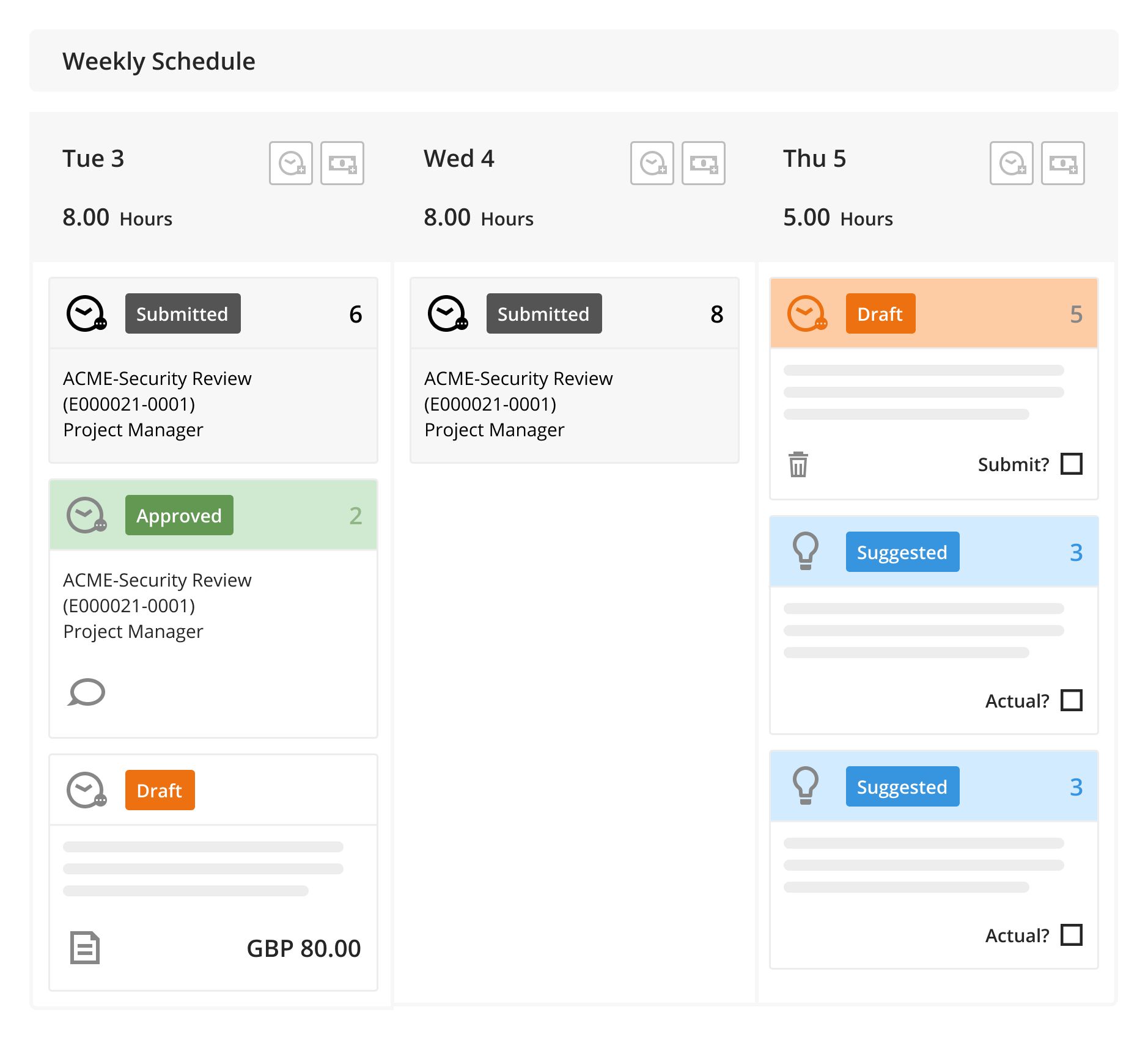
From an ease of use standpoint, time entry and project creation is fairly straightforward. It's also nice to have access to so many reporting features, although I imagine that's even more valued by the leadership team rather than staff.
Cons:
Three major issues stand out to me and my colleagues: 1- the software is very slow at times, and the more time I spend making edits to a project the longer it takes. In some cases, the lag is so bad that a task that should take 10 minutes ends up taking 30 since I wait so long for the system respond. The more tasks and individuals assigned to a project, the worse it is. Customer service suggested I delete my cache, but this was a temporary and fairly ineffective solution 2- It'd be great to have a simple place where I can see exactly how many hours a team member has on a project. Right now, we can only see time assigned to individual tasks, and then need to calculate the total manually 3- When tasks get extended or shortened, it'd be great to have a way to have Mavenlink automatically distribute time accordingly. For example, if I have 1 hour assigned for a 1-week long task, it'd be nice if I could automatically change this to 30min/week if that task were extended to being 2 weeks long. I know time can move automatically if the gantt is updated, but that only works if the task stays the same duration and hasn't started yet. Other systems offer this feature
Bhargav
All in One Solution for your Organization Need
Comments: Kantata is very powerful tool for all your organizations who provides professional service to thier clients. It saves lots of time and efforts to provide best results in short time. We are using this software to manage multiple projects of our clients and noticed improvements in our work.
Pros:
We are using this tool for managing multiple marketing projects. It offers many features like project management, task scheduling and progress reports, etc. It's easy to use and great UI for users.
Cons:
Generally I faced issue related to alert notifications. Overall i didn't get any difficulties with this tool.