B4J is a 100% free development tool for desktop, server and IoT solutions.
With B4J you can easily create desktop applications (UI), console programs (non-UI) and server solutions.
The compiled apps can run on Windows, Mac, Linux and ARM boards (such as Raspberry Pi).
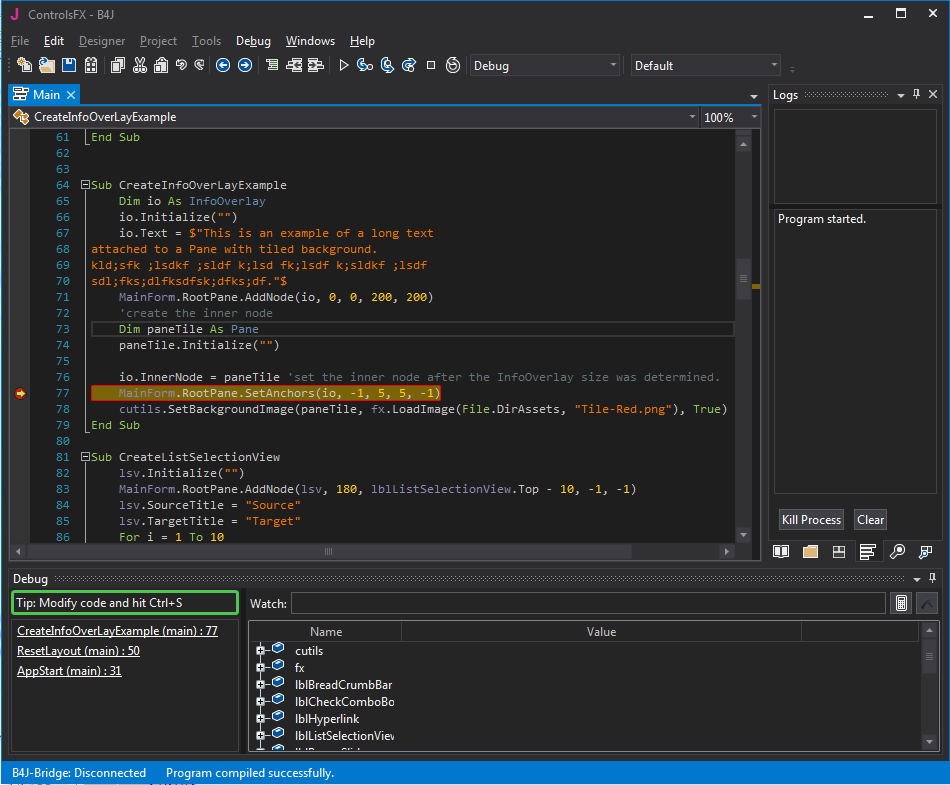
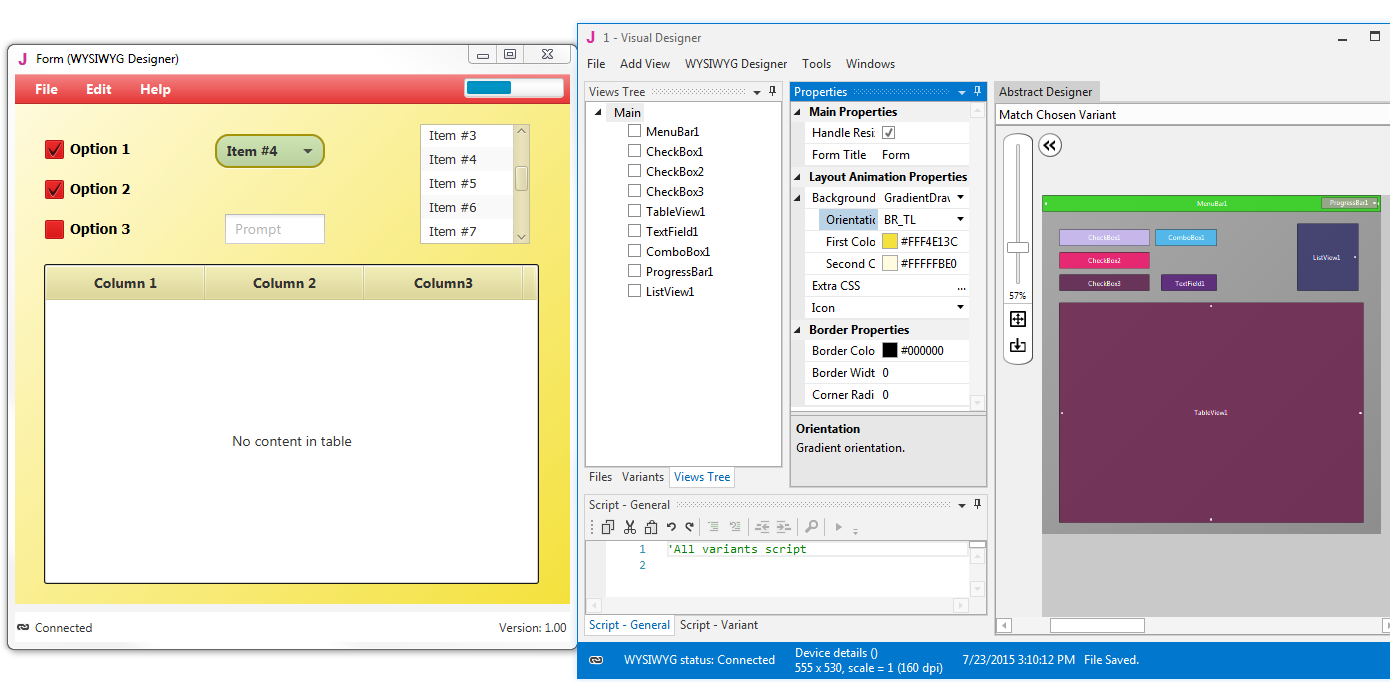
Screenshots & Videos
Installation
1.Oracle Java 8 or OpenJDK 11
- Download one of the following JDKs. Note that OpenJDK 11 requires Windows 64 bit.
- OpenJDK 11 + OpenJFX 11 (SDK + jmods): download link.
License: GPL + classpath exception. License permits usage in closed commercial projects.
(package components: OpenJDK and OpenJFX)
Download the zip and unpack it. C:\java is a good place for it. - Oracle JDK 8: download link.
Check the Accept License Agreement button.
Select "Windows x86" or "Windows x64" (for 64 bit machines) in the platforms list.
Download the file and install it.
2. Install and configure B4J
- Download B4J Full Version
- Open B4J.
- Choose Tools > Configure Paths.
It will be similar to 'C:\java\jdk-11.0.1\bin\javac.exe' or 'C:\Program Files\Java\jdk1.8.0_151\bin\javac.exe'
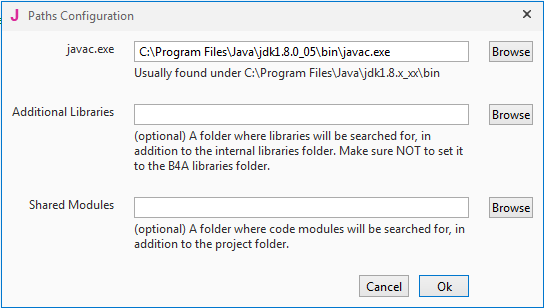
- Use the Browse button to locate "javac.exe".
javac is located under <java folder>\bin.
3. Next Steps
- Join our community
- Use the site search feature (top right corner). It works!
Documentation
- Documentation Index
- B4X Programming Language and IDE (pdf)
- Video Tutorials - Erel Teaches Programming
- Beginner's Guide (pdf)
- Tutorials List
Frequently asked questions
Q: Is B4J completely free, including for commercial purposes?
A: Yes.
Q: What are the requirements for UI apps developed with B4J?
A: Java 8u40+ is required. B4J UI apps will run on Windows, Mac and Linux computers.
Q: Which file should be distributed?
A: When you compile your project in Release mode, the complete app is packaged in a single executable jar file under the Objects folder.
You can use this packager to create a self contained installer
that does not depend on any other software being installed on the end user computer.
Q: Can I reuse B4A / B4i code with B4J?
A: Most of the non-UI code can be reused. See this tutorial for more information.
Q: What about Java security?
A: The security issues related to Java are all about the Java plugin used to run Java applets from inside a browser.
These issues are not relevant for B4J applications. More information.
Q: Are the libraries open source?
A: Many of the libraries are open source. The code is available in GitHub.
Q: I'm getting this error on startup: "Application could not be initialized correctly error 0xc0000135".
A: Install Microsoft .Net Framework 4+
- Windows Vista+: .Net Framework 4.5.2.
- Windows XP: .Net Framework 4.0.
- Windows Vista+: .Net Framework 4.5.2.
- Windows XP: .Net Framework 4.0.