- Features
- How to
- Resources
- Pricing
-
 PDF Expert
Recognize the text in PDFs with OCR
Try with a 7-day Free trial.
Unlock full access for only $6.67 per month
(billed annually at $79.99, VAT included)
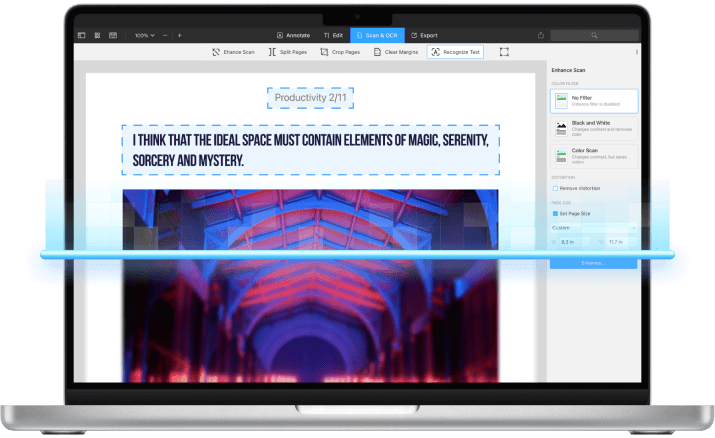
What is OCR and how it can help you?
Some PDFs like scanned books or receipts aren’t searchable and don’t allow you to select and highlight text. Optical character recognition (OCR) in PDF Expert recognizes text in scanned files, with the highest level of precision and impressive speed.
Get started with
PDF Expert today
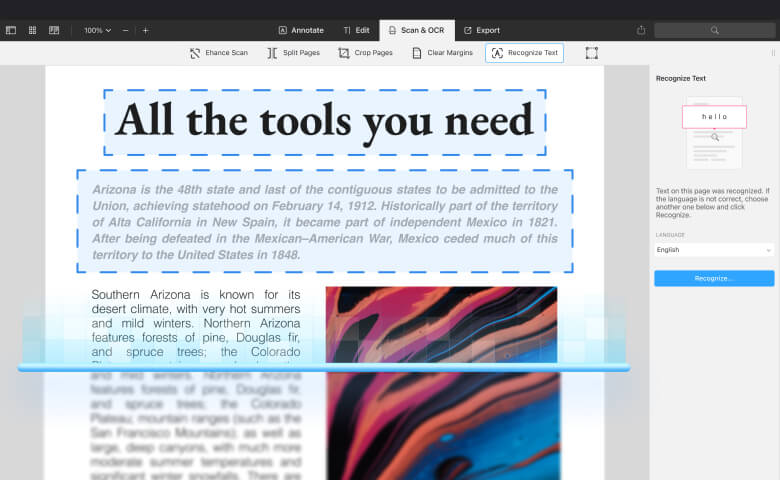
Extract text from images
Save time by easily extracting and copying text from any scanned document or photo by running it through OCR in PDF Expert.
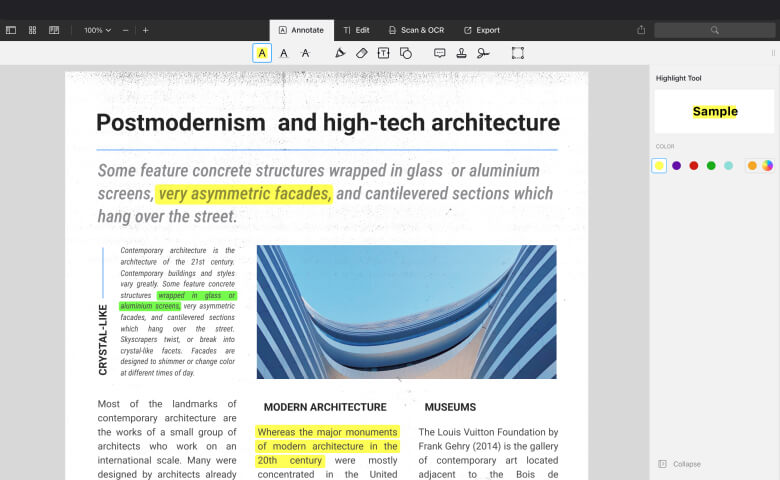
Highlight the text in scans
Recognize the text in scanned books or magazines, so you can annotate them just like any other PDFs.
Get started with
PDF Expert today
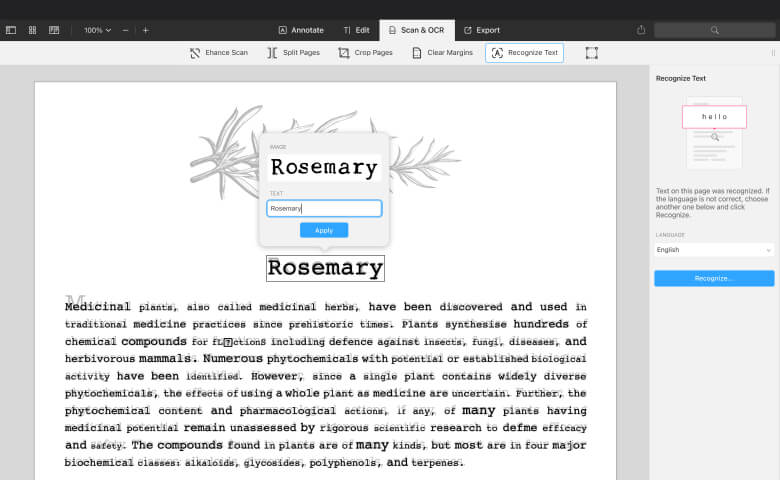
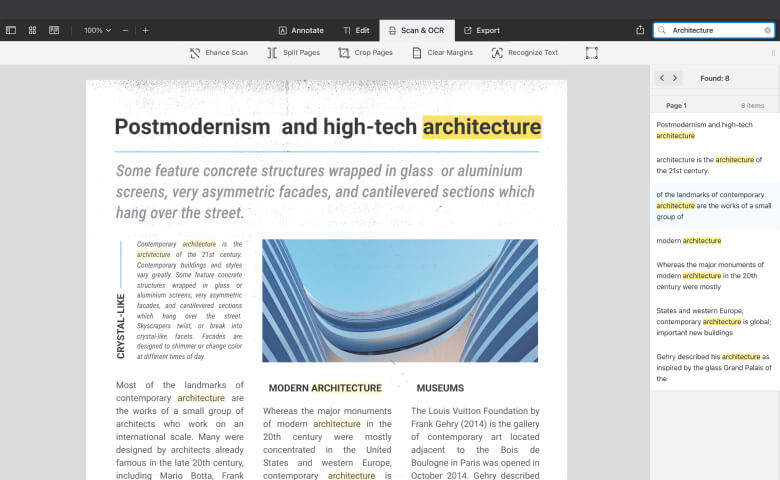
Make scanned PDFs searchable
Save time and search through all your scanned documents thanks to fast and precise text recognition.
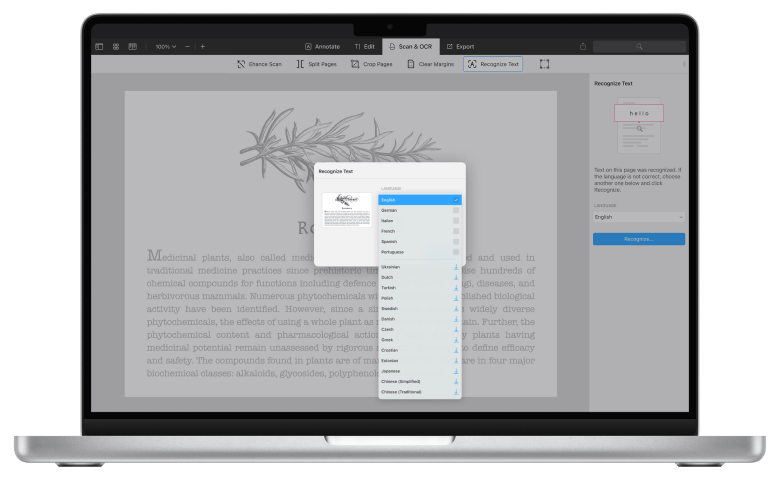
Recognize 20+ languages
The OCR in PDF Expert supports English, German, French, Japanese, Italian, Spanish, Simplified, and Traditional Chinese, Portuguese, and other languages.
Get started with
PDF Expert today
How to recognize text in a PDF using OCR
Watch this short video to learn how to recognize text in scanned books or magazines, so you can copy, highlight the text or search for any word.
Do more with PDF Expert
Get started with
PDF Expert today
We make it easy to edit, annotate, sign and organize PDFs.
Don't miss out!
Enjoy premium features FREE for 7 days.
No credit card needed. No obligations.
Download now