
Description de Zoho Analytics
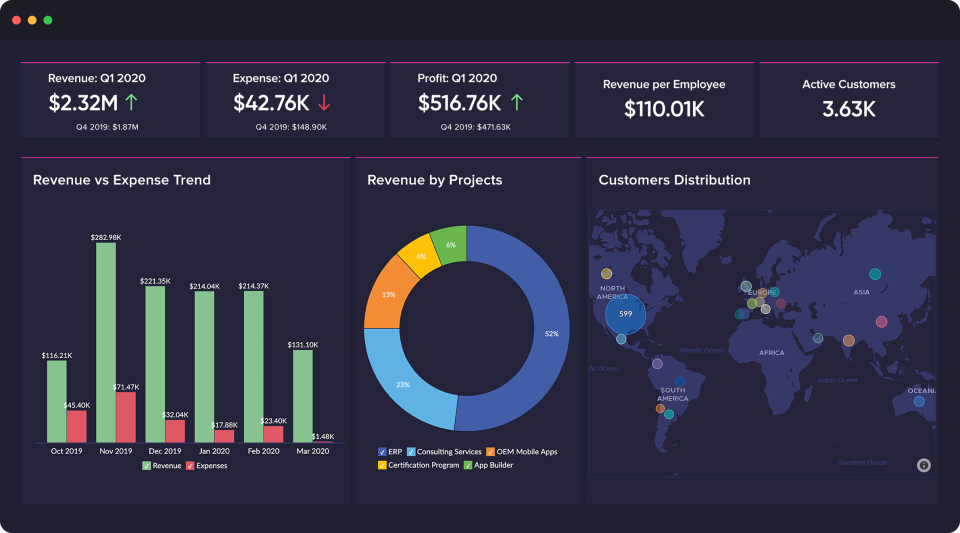
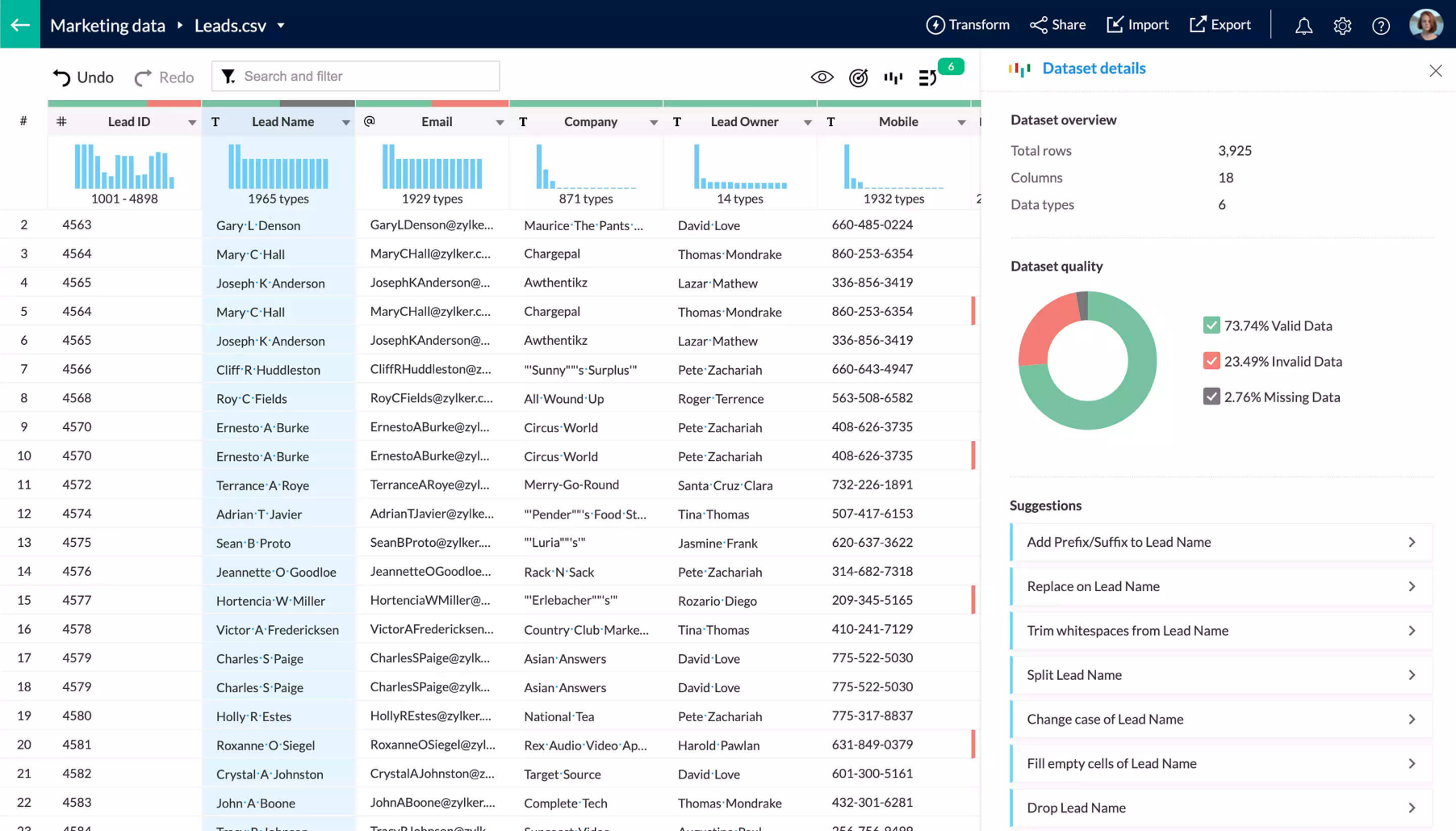
Une plateforme de business intelligence et d'analyse en ligne qui vous aide à obtenir de nouvelles informations à partir de vos diverses données d'entreprise. Il vous permet de créer et de partager facilement des rapports et des tableaux de bord puissants et ad hoc en quelques minutes, sans aide informatique. Les données peuvent être importées à partir de fichiers, de flux web, d'applications commerciales populaires, de bases de données cloud et locales, de stockage en ligne, etc. Gratuit pour 2 utilisateurs. Le prix commence à 25 dollars par mois.
Qui utilise Zoho Analytics?
Zoho Analytics cible principalement les petites et moyennes entreprises. Cependant, certaines grandes entreprises l'utilisent aussi.
Où peut se déployer Zoho Analytics?
À propos du vendeur
- Zoho
- Fondé en 1996
Assistance Zoho Analytics
- Support téléphonique
- Support 24/7 (réponse directe)
Zoho Analytics - Prix
À partir de :
- Oui, essai gratuit disponible
- Oui, version gratuite disponible
Zoho Analytics est disponible en version gratuite et propose un essai gratuit. La version payante de Zoho Analytics est disponible à partir de 25,00 €/mois.
Tarification et forfaits obtenez un essai gratuitÀ propos du vendeur
- Zoho
- Fondé en 1996
Assistance Zoho Analytics
- Support téléphonique
- Support 24/7 (réponse directe)
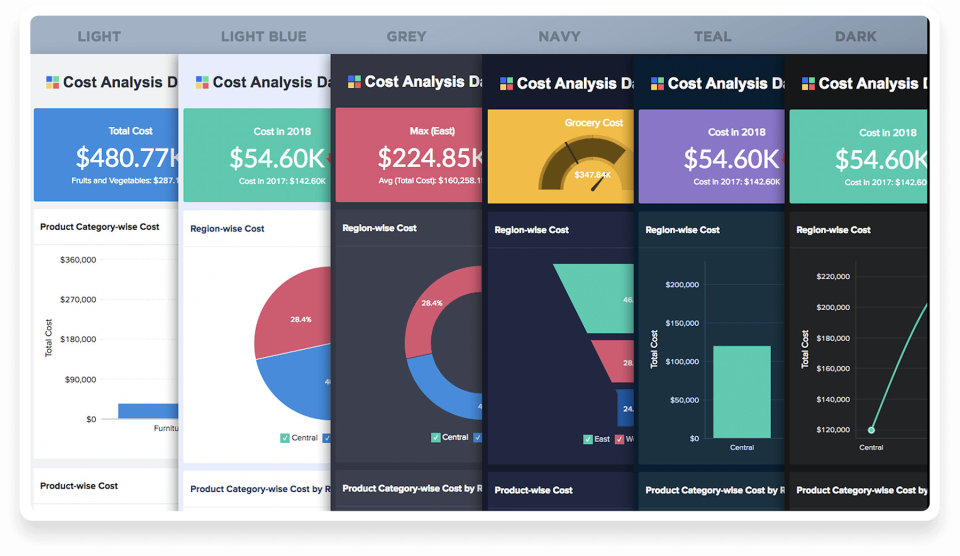
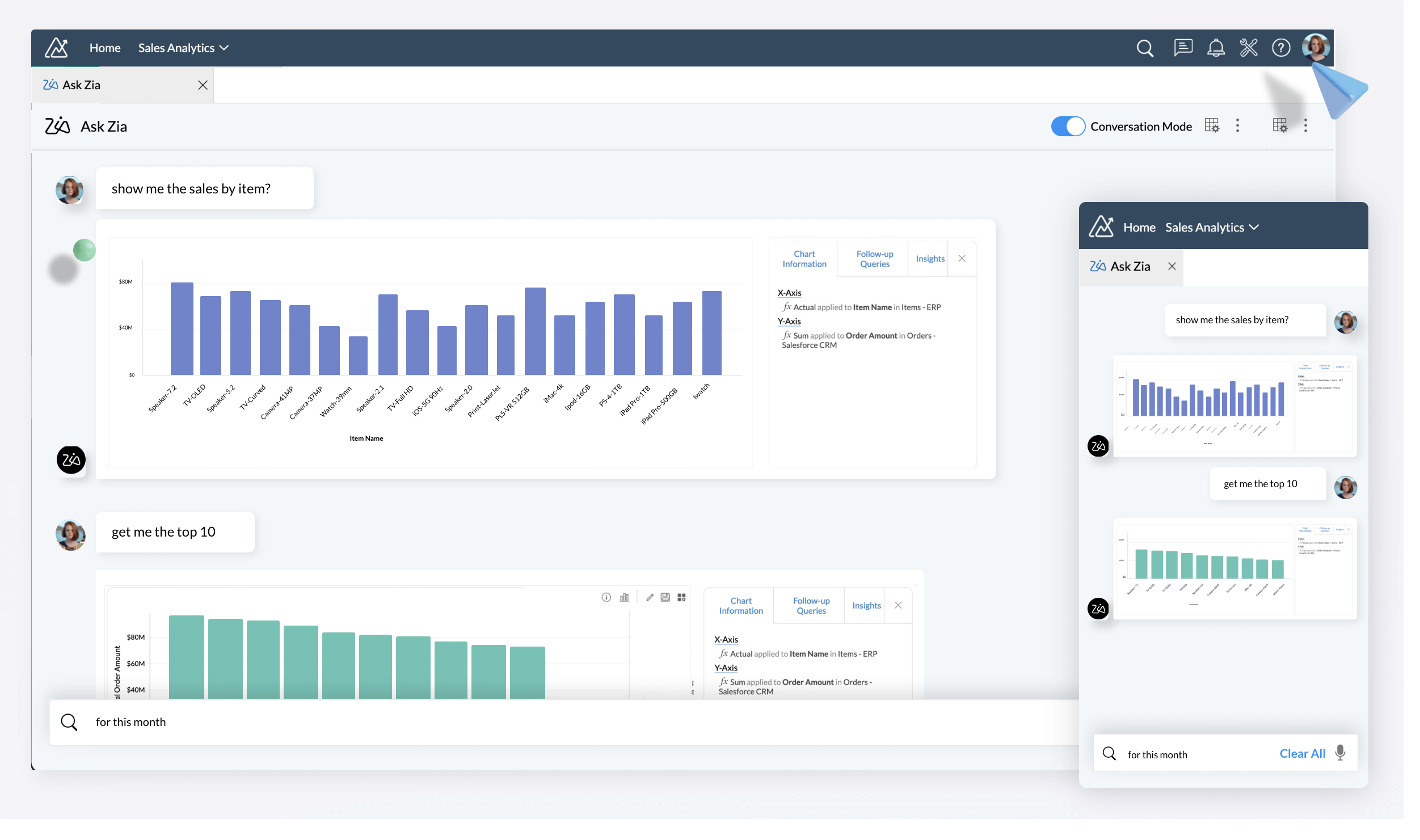
Zoho Analytics en vidéos et en images
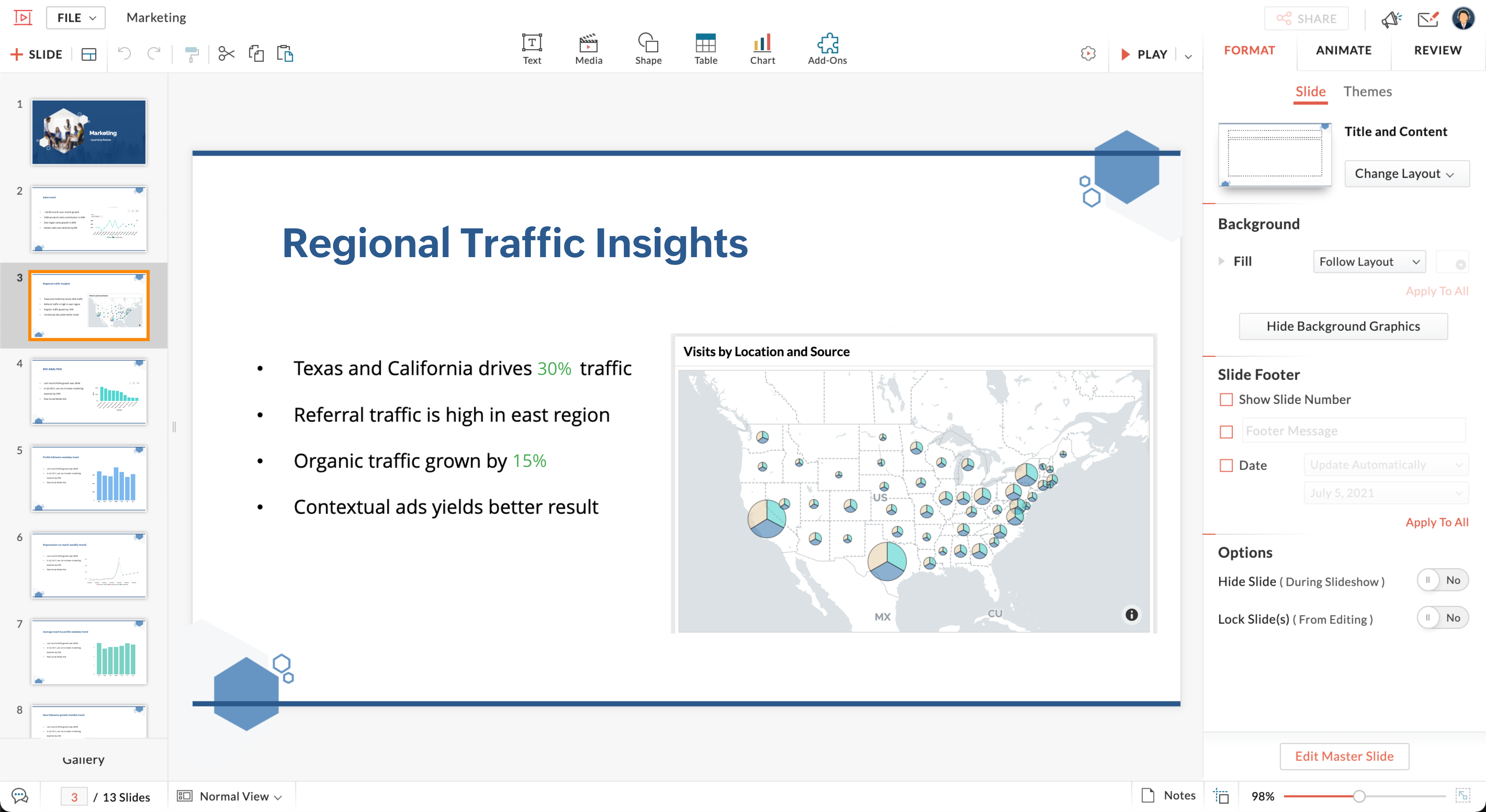

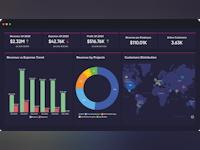


Fonctionnalités - Zoho Analytics
Alternatives à Zoho Analytics







Avis sur Zoho Analytics

Skye
Powerful Analytics Platform For Business
Commentaires : Giving our executives real-time access to the numbers that matter. Having that available means we make better decisions, respond faster to threats and opportunities and grow our business quicker.
Avantages :
The endless reports that are possible. I can connect different data sources and then get beautiful, real time reports on all devices that capture our business at a glance.
Inconvénients :
The tool can need coding ability or a developer to get some reports you need. A more intuitive way of doing this would be appreciated for the non-coder.
Alternatives envisagées : EazyBI Cloud et Tableau
Pourquoi passer à Zoho Analytics : Because we already use Zoho CRM and pulling in the data is easy.
Brandon
Zoho Analytics for SMEs
Commentaires : We are using Zoho Analytics to create Dashboards and increase automation at our company. It is mainly a visualization tool, chosen because it is standardized whereas something like Excel often varies based on the user.
Avantages :
The software has numerous features to avail of, barring you take some time to explore the program and learn them. The graphics produced are clean and effective.
Inconvénients :
Some of the settings are cumbersome. I have been having trouble with widgets, and getting Dashboards to update/sync with graphs when their source data is changed. When you add a new filter, you have to reset all of the filters, which is a time-waster and annoying.
Alternatives envisagées : Tableau et Smartsheet
Pourquoi passer à Zoho Analytics : Price was a factor. Zoho Analytics met our business needs at the time of purchase, better than the other programs offered.

José
Great visualization app
Commentaires : It is good to count on one application like this, the great architecture that allows the administrator to create a faster dashboard to take the right business decision.
Avantages :
The great features to enjoy are the data analysis, the visualization, and the ease with the data connectors works.
Inconvénients :
For now, the application works perfectly for me.
Alternatives envisagées : Qlik Sense et Microsoft Power BI
Pourquoi choisir Zoho Analytics : The high cost.
Logiciel antérieur : Qlik Sense
Pourquoi passer à Zoho Analytics : Easy to use, fast deployment, and reasonable cost.
Andy
Beware - Zoho Preys on Smaller Companies with Weak IT Controls
Avantages :
Zoho Analytics was easy to set up and easy to implement. Even writing queries - albeit through a bit of a clunky interface - was pretty easy. I enjoyed being able to set this up and get the users running quickly.
Inconvénients :
Zoho decided to forge my e-mail address for all notifications from our analytics account. Their e-mails used to come from a Zoho notifications address. Now, they are sending e-mails - from their own servers - that purport to be from me. Naturally, my company's spam blocker bounces these. Since new users must respond to one of these spoofed e-mails, I can no longer set up new users, at all. They're not caught in a spam trap. They are actually being returned by our server. Zoho's one and only solution has been to demand that my company make a change to our DNS servers. Then, Zoho can send what appear to be legitimate e-mails on behalf of anyone at my company, at will. That's not acceptable and should not be required. If you want that as a convenience for your users, it works - with appropriate legal agreements in place. Plenty of companies do this with SPF and DKIM records for internally controlled servers. For an external company to provide no other option (and not mention it until it was too late), this is a huge red flag. Zoho even provides instructions for how to make this change on GoDaddy. Be warned. You know nothing about their internal controls and yet you're giving them license to send e-mail on your behalf. AVOID!

Abhishek
Effective analytical software for your business data!!
Commentaires : Overall, it's a great software. Customized dashboard feature is really effective and helpful for data analytics. Even its deep analytics helps in auto-generating reports & insights out of the data, which is very handy!
Avantages :
The best thing about this software is its integration part. One can easily integrate it with any application, besides it allows one to integrate it with famous software like HubSpot, Salesforce, Google Analytics, etc. Data can be easily imported from multiple sources along with the blending and merging data option which is super helpful when handling large data sets. One can also build Pivot tables in this which provides the similar features as Excel.
Inconvénients :
It is comparatively expensive and seems extravagant!