


Make your move to the cloud with Visual Studio and Azure
Bring the power of the cloud to all your applications.

Deploy easily and rapidly
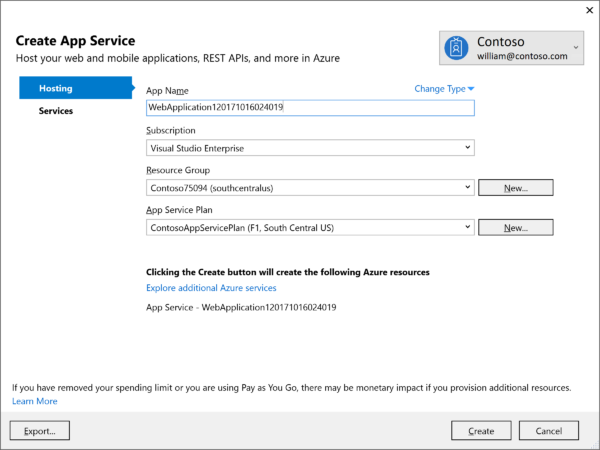
Deploy in minutes, not hours, days, or weeks. Continuous integration and deployment tools automatically build and test your code, then deploy your changes directly to Azure. Target virtual machines, containers, or Azure App Services – the choice is yours.
Scale from your first user to your millionth, or billionth
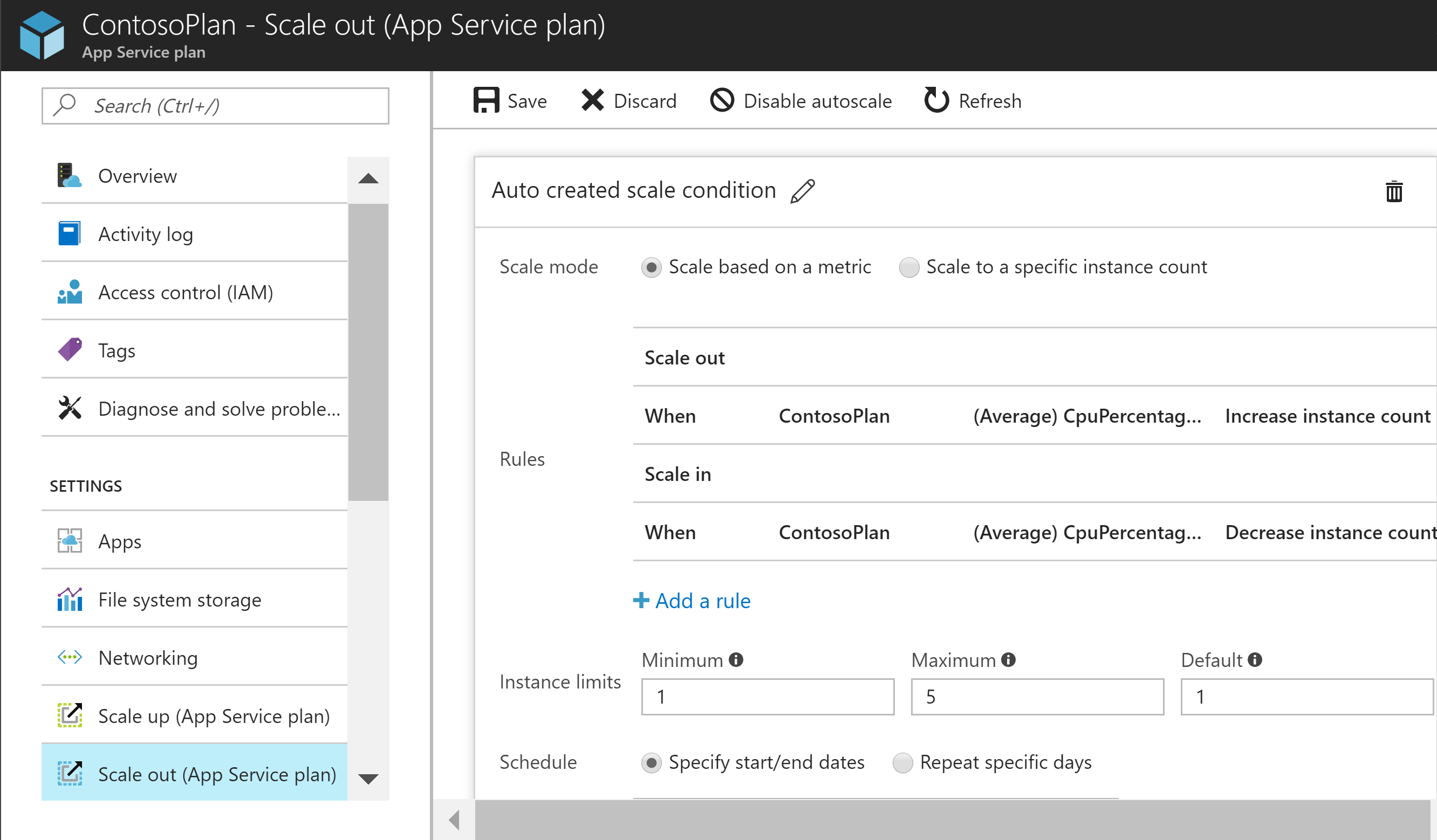
Effortlessly scale up to meet increased demand, or scale down to cut costs. Deploy to data centers around the world. When you run your code in Azure, it’s ready to grow when you are.
Keep it secure
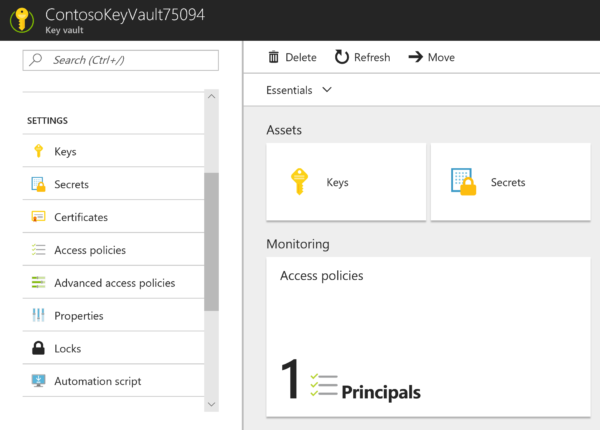
With Azure, security and simplicity go hand in hand. Build secure applications by leveraging Azure functionality such as Key Vault and claims-based identity services. Build your customers’ trust by storing their important data in a cloud that has earned more certifications than any other provider.
Fix problems before your users even notice
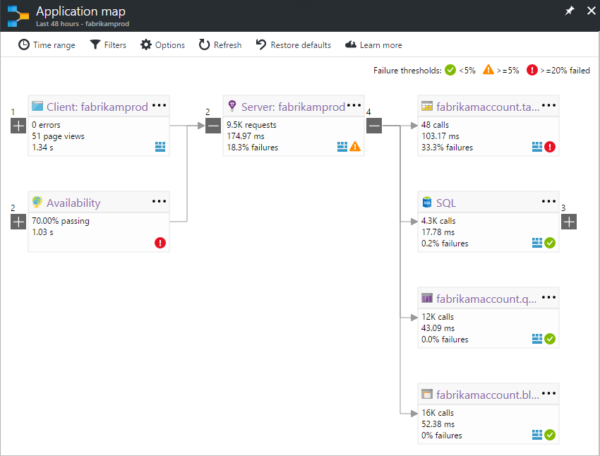
Powerful monitoring tools alert you immediately when there’s a problem with your application. Built-in advanced diagnostics help you identify the root cause faster. Fix the problem instantly by spinning up a new instance of your application, or rolling back to a previous stable version.
Bring your existing application, or build a new one
Tweak your existing .NET Framework application to enjoy all the great benefits of Azure. Or use lightweight .NET Core to build a new cloud-ready application that leverages all the latest technologies, such as microservices and serverless functions. Either way, it’s quick and easy to get started.
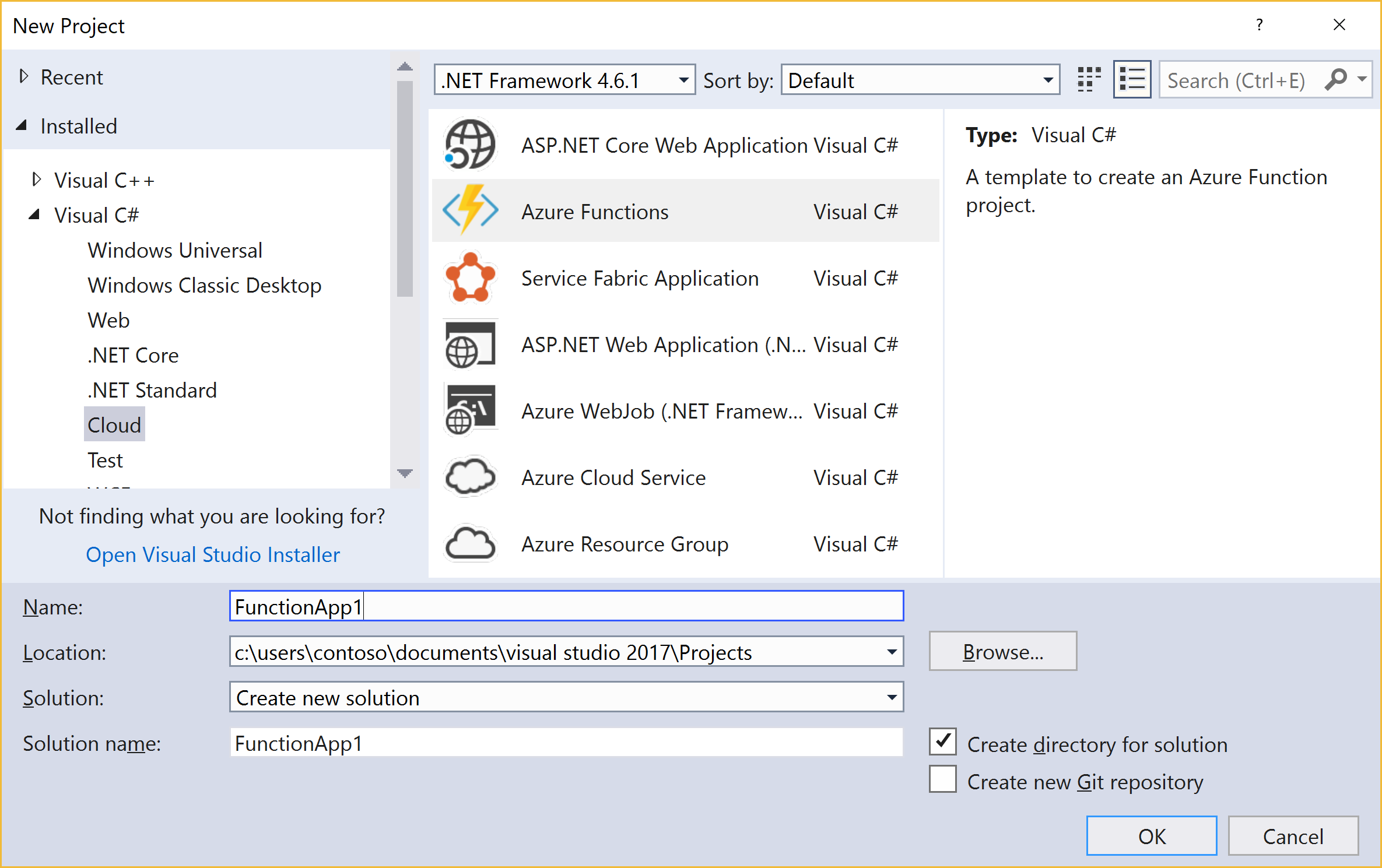
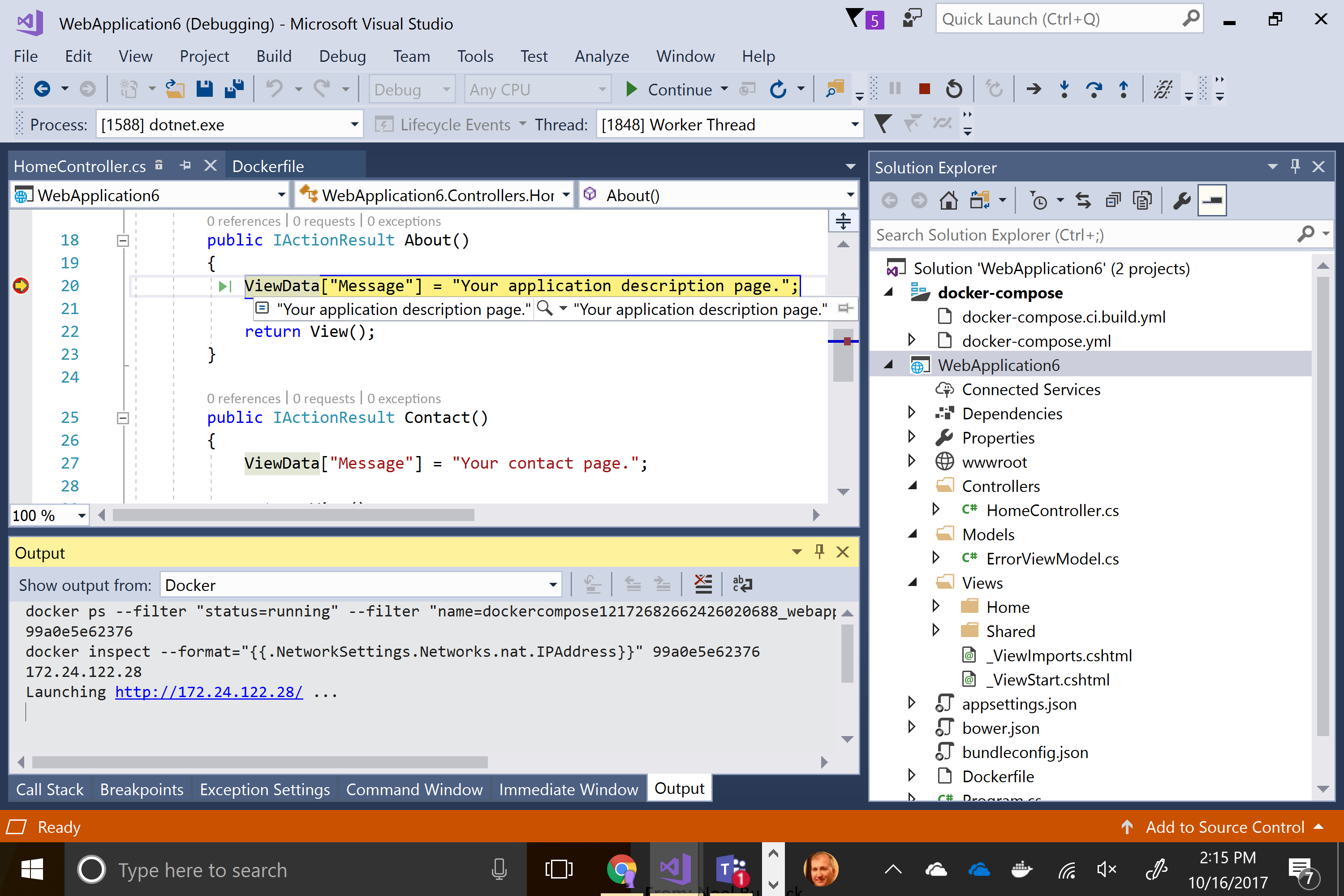
All from the Visual Studio IDE that you already know and love
Azure development tools are built in to Visual Studio. Use the same familiar debugger to troubleshoot your code, whether it is running directly on your workstation or in a container. Publish directly to Azure, or set up a CI/CD pipeline to build and deploy your code to the cloud. All without leaving the Visual Studio IDE.
Get started for free
Leverage the Azure credits included in your Visual Studio Subscription to get started on Azure. No Visual Studio Subscription? Sign up for free and receive a $200 credit.

Get Started with Azure Development
Developing applications for Azure is a seamless integrated experience in the IDE you know and love.
Visual Studio 2017 includes all you need to get started developing for Azure. Enable the Azure workload in Visual Studio 2017, and you are good to go.
If you are using Visual Studio 2015, download the Azure .NET SDK, to get the tools needed to get going.
Free, fully-featured IDE for students, open-source and individual developers
Professional developer tools, services, and subscription benefits for small teams
End-to-end solution to meet demanding quality and scale needs of teams of all sizes
Free, fully-featured IDE for students, open-source and individual developers
Professional developer tools, services, and subscription benefits for small teams
End-to-end solution to meet demanding quality and scale needs of teams of all sizes