Facebook Messenger Marketing

How to create a Facebook Messenger chatbot
Design and set up a chatbot without coding
-
Connect Facebook profile
to SendPulseSendPulse receives general data
and returns a list of Facebook pages
for adding a chatbot there. -

Choose Facebook page
You can add a chatbot
to one or more Facebook pages
that you manage. -

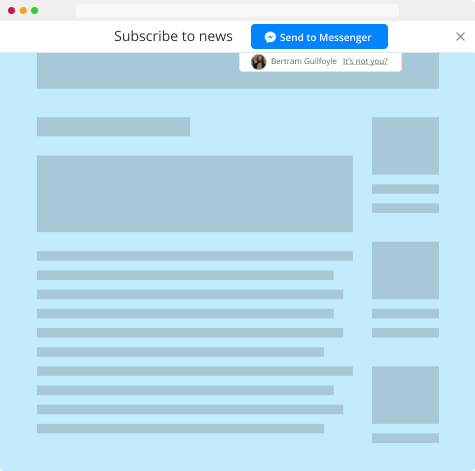
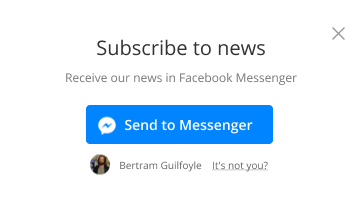
Use a widget to grow your list
of contactsCollect contacts for direct real-time
interaction with a single person
or a group of people.
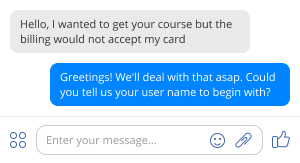

Send a direct message to a person or create multi-person group chat threads
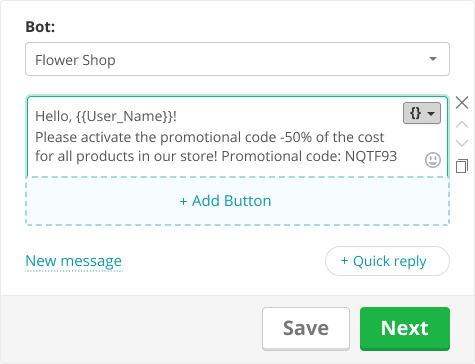
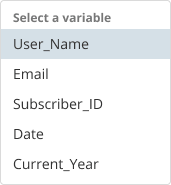

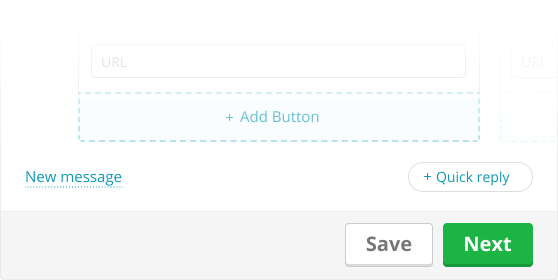
Chatbot message builder
Select a chatbot and write a message. The maximum length
of text that you can send is 2,000 characters.
Create personalized messages for each subscriber.
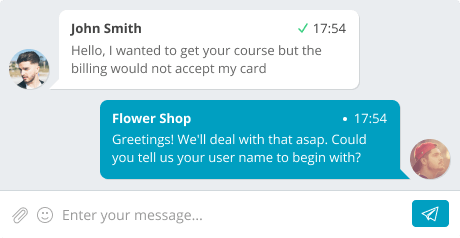
Live chat
Add a live chat to your website by installing a widget. Greet new users and answer questions based on autoresponder templates. Set up the logic of the chatbot message flow.
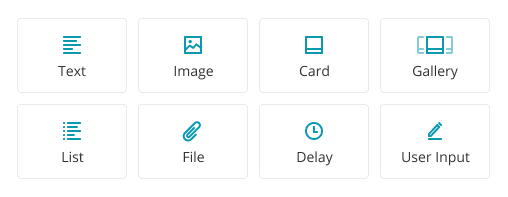
Various types of messages
Use text messages along with a variety of visual content. Insert images, product cards, galleries, lists, files, and other elements directly into your message.
Tools for building an intelligent chatbot
in Facebook Messenger

RSS autopost
Send news, alerts of new posts from RSS feed.

Scheduler
Schedule messages and have them sent on a specific day and time.

Detailed statistics
Evaluate results of campaigns you send in Facebook chat.

Email and phone request
Use diverse communication channels on a single platform.

Message preview
Get a quick look at how
your message is displayed
on different screens.

Test mode of chatbot
Select the test
mode to verify
message flow.

Segmentation
Segment recipients
to send more relevant
messages.
Chat panel
Don’t miss a message.
Open the panel that allows
monitoring bots and chats.
Be the first to get access to Facebook Messenger chatbot
Sign up with
Facebook