Showing posts with label tv. Show all posts

Friday, November 9, 2012

Peritel SCART

J'ai reçu une requête sur ce qu'il faut pour brancher un Raspberry Pi a une télévision a tube (en France) qui n'a pas d’entrée vidéo RCA.

Beaucoup de télévisions (avant HDMI) en France (et en europe) avaient un connecteur Péritélévision (Périphérique de télévision), plutôt qu'un connecteur RCA composite. C'est aussi connu comme SCART ou EuroSCART.

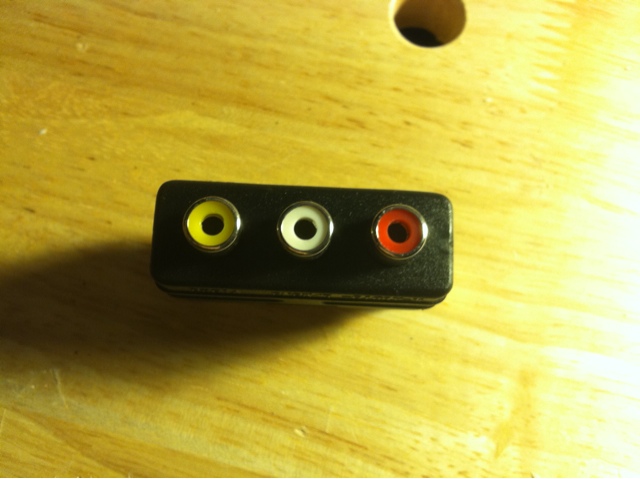
Mes instructions (day 3: vidéo) posent donc un problème. Il faut un adaptateur, comme celui ci.

Cote télévision
Vers le raspberry pi

Pour l'audio, il faudra donc un autre adaptateur, RCA stereo a mini jack 3.5mm, lui aussi stereo (voir aussi l'article day 3)

Adapteur SCART et audio
Ca se trouve facilement.

Il faudra aussi modifier config.txt pour y inclure le mode PAL (sinon ca sera NTSC, et on se retrouve avec une image en noir et blanc):

sdtv_mode=2

Wednesday, October 17, 2012

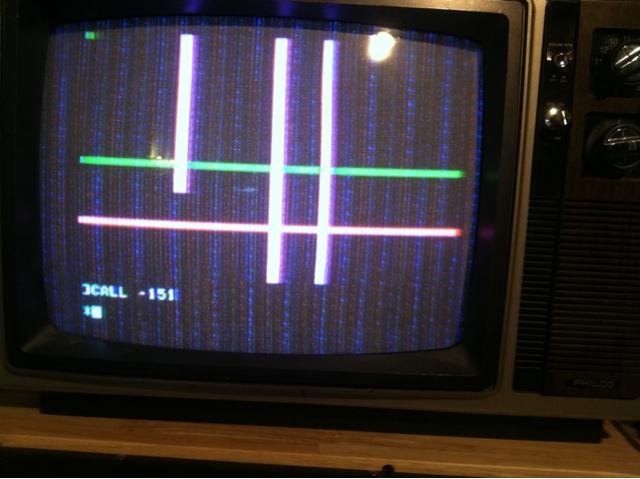
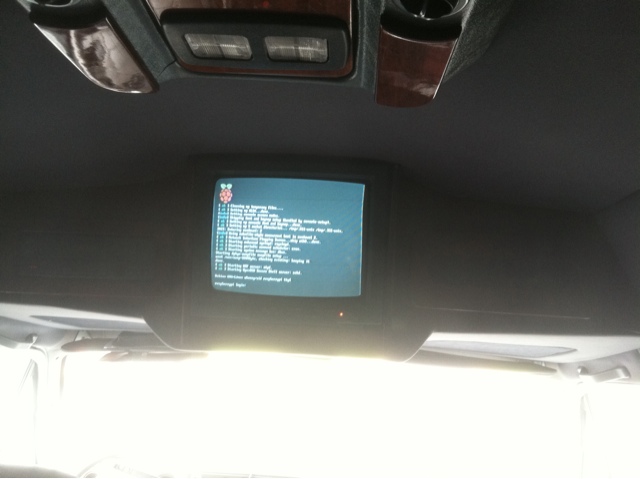
It lives! Hint #2

Do you know what it is?

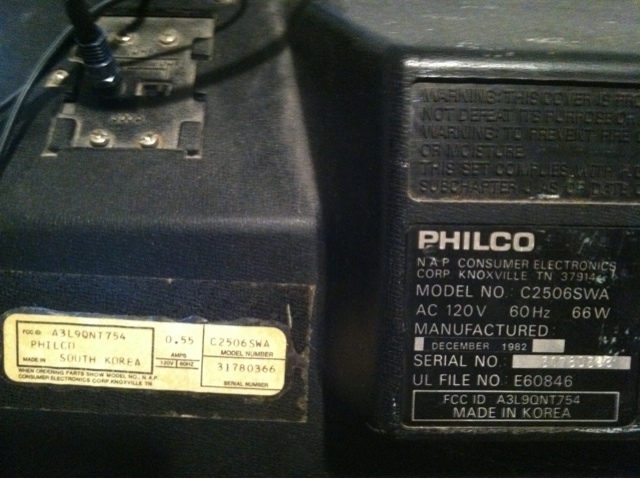
In the previous hint, I hope you didn't get sidetracked by the HP logo... Nor the vintage of the monitor.

Although not in the blog comments, on one list, there are some suggestions of a certain type of computers. You guys are warm. For those who were thinking black and white only (yep, the RF modulator is struggling):


Mark your calendar year

I think the vintage of this period correct "monitor" will clear things up :)


Next hint now available

 hint #3

Sunday, September 23, 2012

Day 3

Video (and audio)


In the previous article, entitled Day 2, we talked about the keyboard as item #3.

So the Pi has 2 ways of outputing video (well, 3 if you include the DSI connector on the motherboard, but no practical of using it right now). An HDMI port:


And an RCA connector with a composite signal:


Today we are talking about hooking up your Pi with a plain old TV.

It is important to make a note that the default mode of operation of the RCA composite video out on the Raspberry Pi is NTSC which is mainly used in North America. This page link will take you to the details to change the mode to PAL or PAL as used in Brazil or NTSC as used in Japan. If your TV is autosensing, it might be irrelevant, but if not, simply change the mode in the /boot/config.txt file (sdtv_mode= 0, 1, 2 or 3).

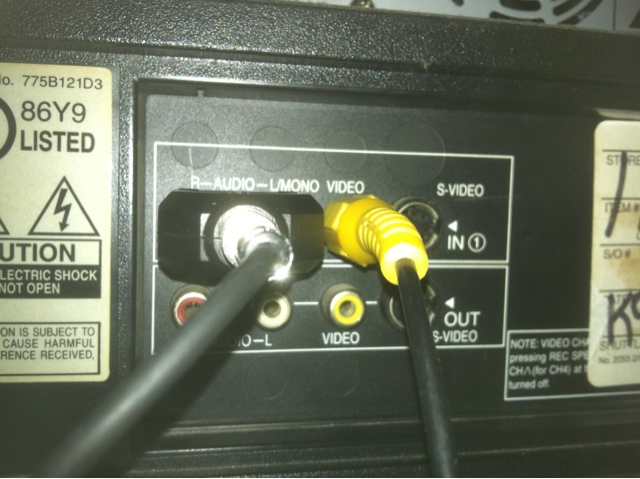
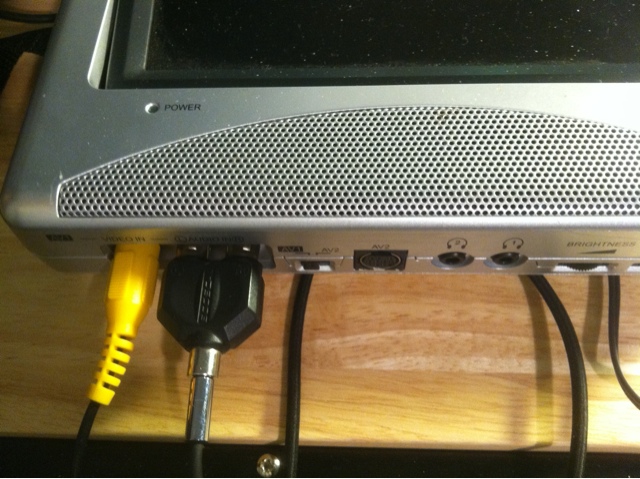
If you look at the back of a TV, you will see one or more RCA connector. if there is only one it will propably be yellow and say video in. Some have multiple:


Still, we want to connect to video in. Since we also have audio in, as a bonus we connect the sound too (else we would need to plug headphones in the audio jack on the Raspberry Pi):


And these are the two cables and the adapter you will need to connect to the Pi:


And finally, how it connects to the Pi:


It works!


And finally, one more example of connection on the TV side (a smaller portable unit), the yellow is video and the black connector is audio, left and right channels.

All we need now is the Pi. As a FYI, MCM and Adafruit in the US seem to be shipping very quickly (a few days to receive).


So, why did I number these articles Day 0, Day 1 etc (starting at zero instead of one)? To get you used to a fundamental thing. Computers start counting at zero. If you try to do a bit of Python (maybe your motivation for buying a Pi), you will encounter all kinds of situations where you have to think in these terms (if you want to go a bit deeper on this, I suggest reading Dijkstra).

Friday, September 21, 2012

Um centro de entretenimento por $75

Um centro de entretenimento (muito pequeno) por USD$75.
Quase...


Raspberry pi                 $35
Cartao de memoria SD $11
bateria USB 5V               $6
Televisao LCD               $18
cabo de video                  $0.99
OS Raspbian                    $0
XBMC                               $0
MPEG-2                            $3.90

Total US                        $ 74.89


Mas, eu estou em falta uma remota e uma bateria de 12V (ou liga-lo no carro). Ele (Raspberry Pi) funciona para quase 1 hora com bateria USB.

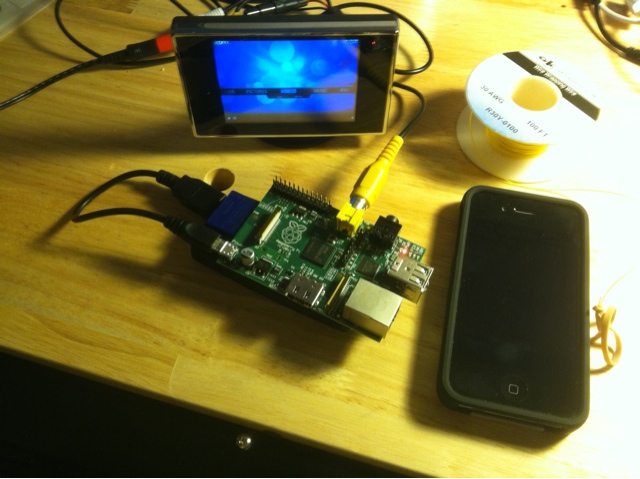
Comparar o tamanho de um iPhone:


O próximo artigo em português será de cerca de Web.py e conexãos de banco de daos, para responder a esta pergunta:  [Web.py] Open and Close a database connection in a request