

ಟ್ವೀಟ್ಗಳು
- ಟ್ವೀಟ್ಗಳು
- ಟ್ವೀಟ್ಗಳು & ಪ್ರತಿಕ್ರಿಯೆಗಳು
- ಮಾಧ್ಯಮ
@AppleSupport ತಡೆಹಿಡಿಯಲಾಗಿದೆ
ನೀವು ಖಚಿತವಾಗಿಯೂ ಈ ಟ್ವೀಟ್ಗಳನ್ನು ನೋಡಲು ಬಯಸುವಿರಾ? ಟ್ವೀಟ್ಗಳನ್ನು ನೋಡುವುದು @AppleSupport ಅವರನ್ನು ತಡೆತೆರವುಗೊಳಿಸುವುದಿಲ್ಲ.
-
ಪಿನ್ ಮಾಡಿದ ಟ್ವೀಟ್
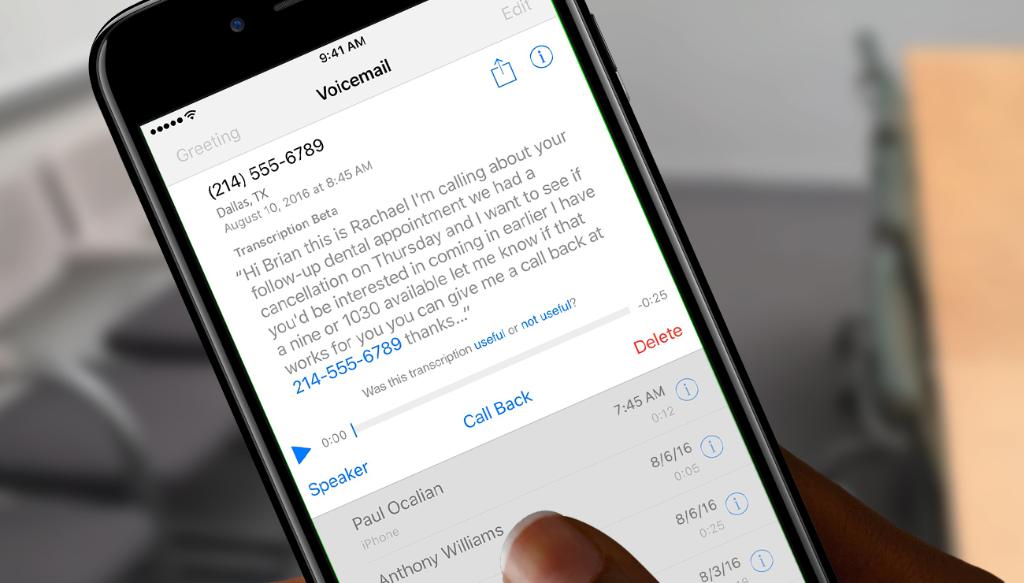
Save yourself some note taking with the voicemail transcription beta in iOS 10.pic.twitter.com/ARpp8ZrjvS
-
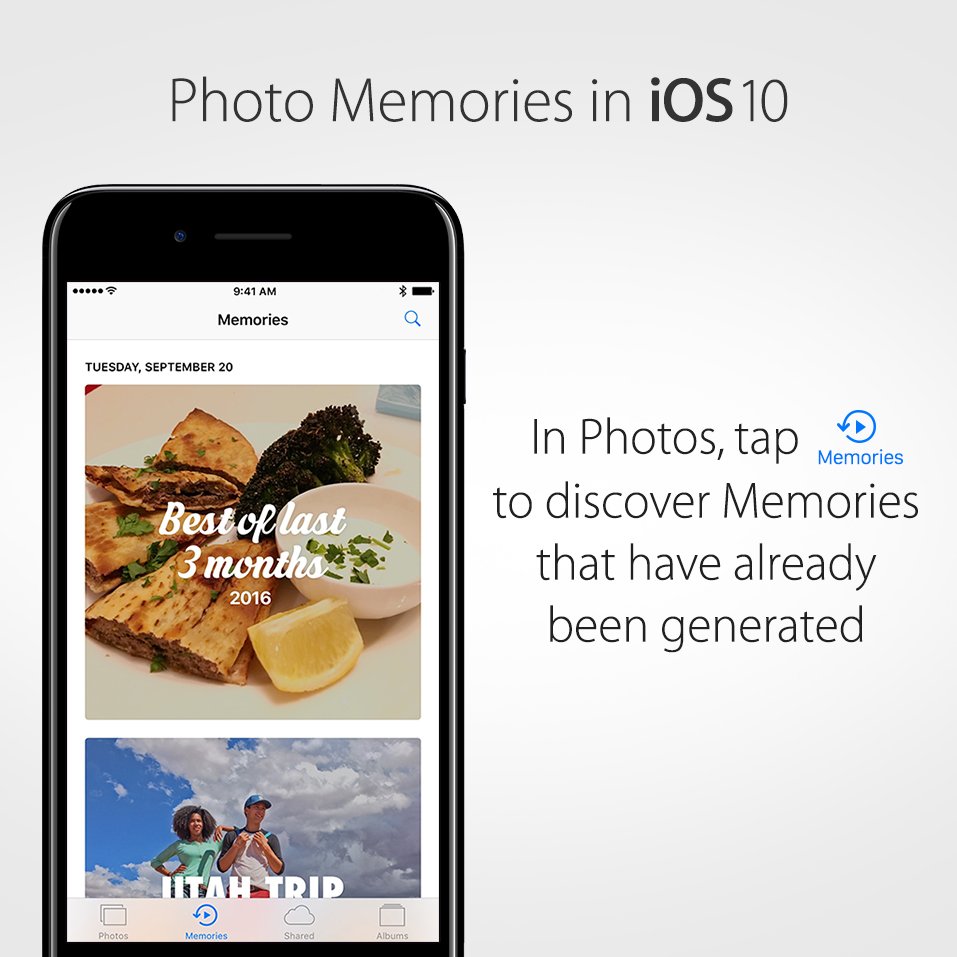
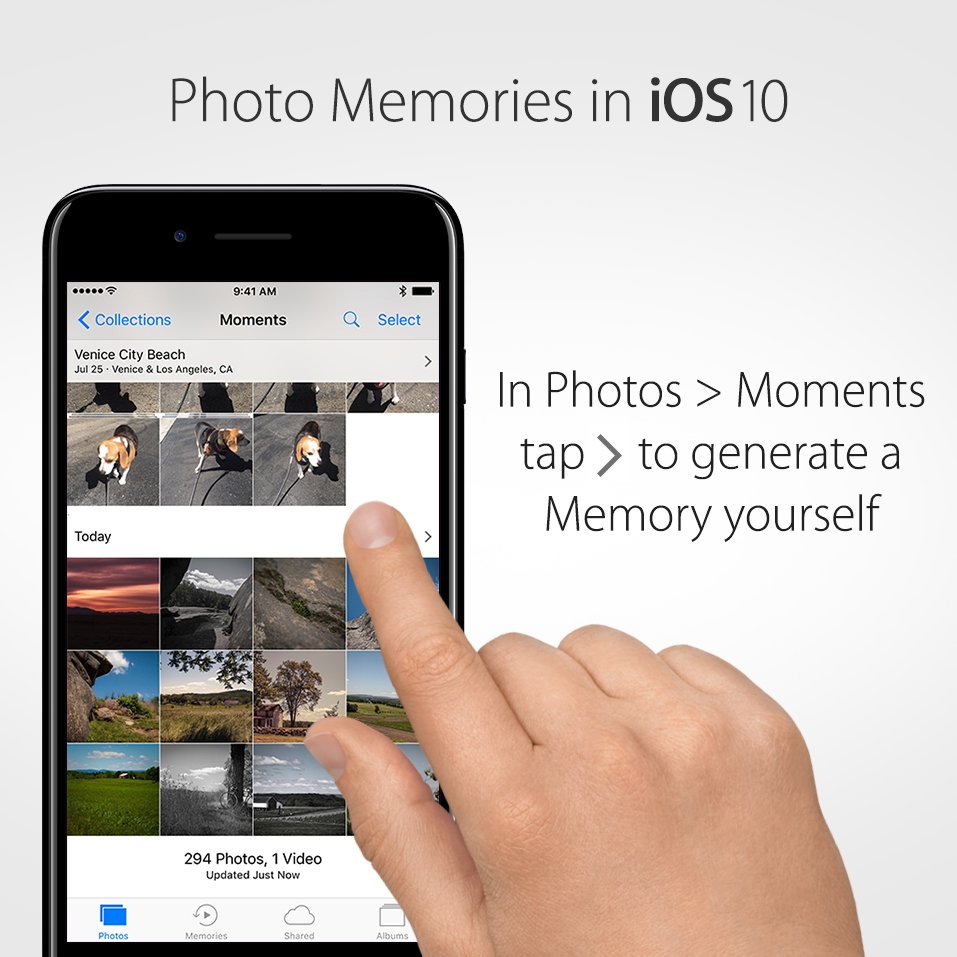
Be there again. Relive your favorite moments with the Memories feature.pic.twitter.com/llt4rELSo6

-
Find that photo! Now you can search your photos by what’s in them.pic.twitter.com/zLh70PmePf

-
When an emoji just doesn’t cut it: Use full-screen effects to set the party mood or celebrate.pic.twitter.com/YCenc4TDaA
-
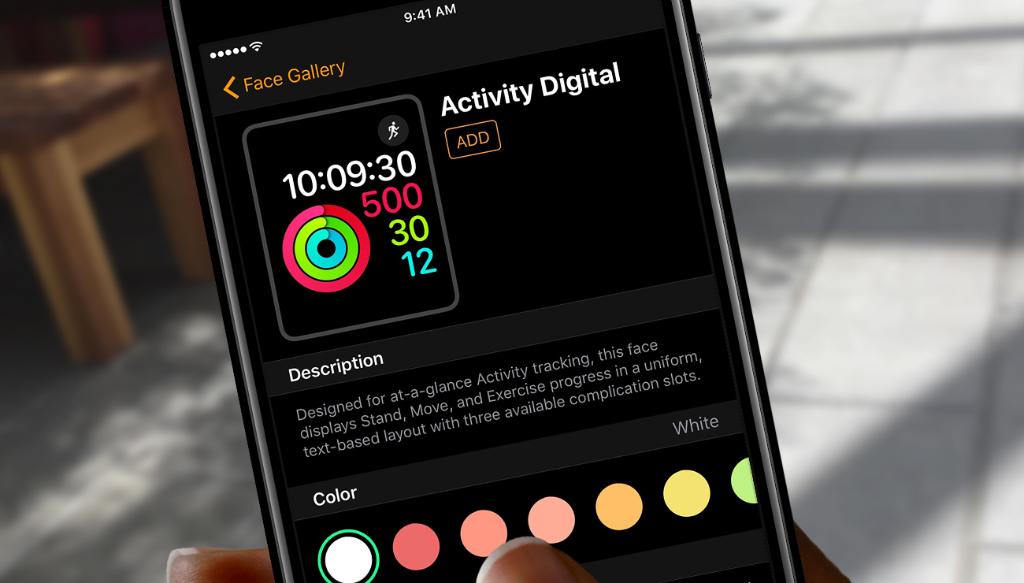
Express yourself. The new Face Gallery lets you customize your watch face from the Apple Watch app on iPhone.pic.twitter.com/y715lTNZDZ
-
More fun, more personal. Send a message in your own handwriting and your friends will see it magically animate.pic.twitter.com/ug1jK8vXnc
-
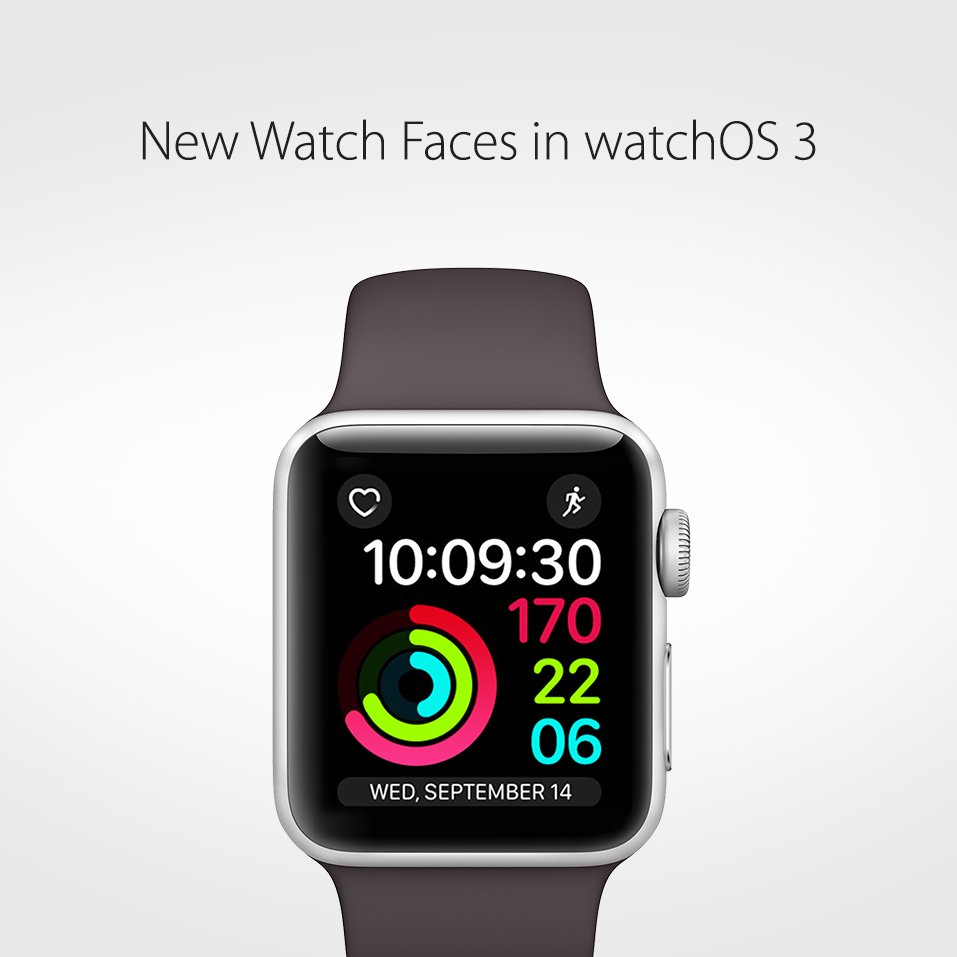
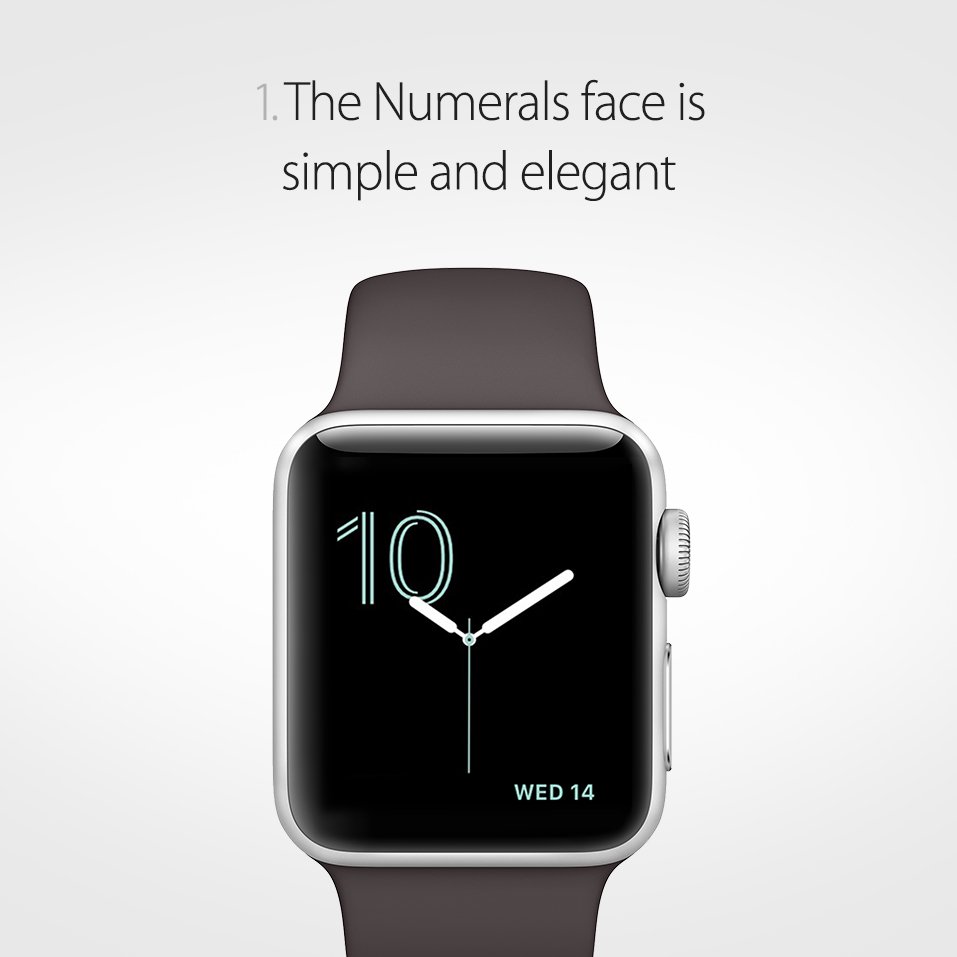
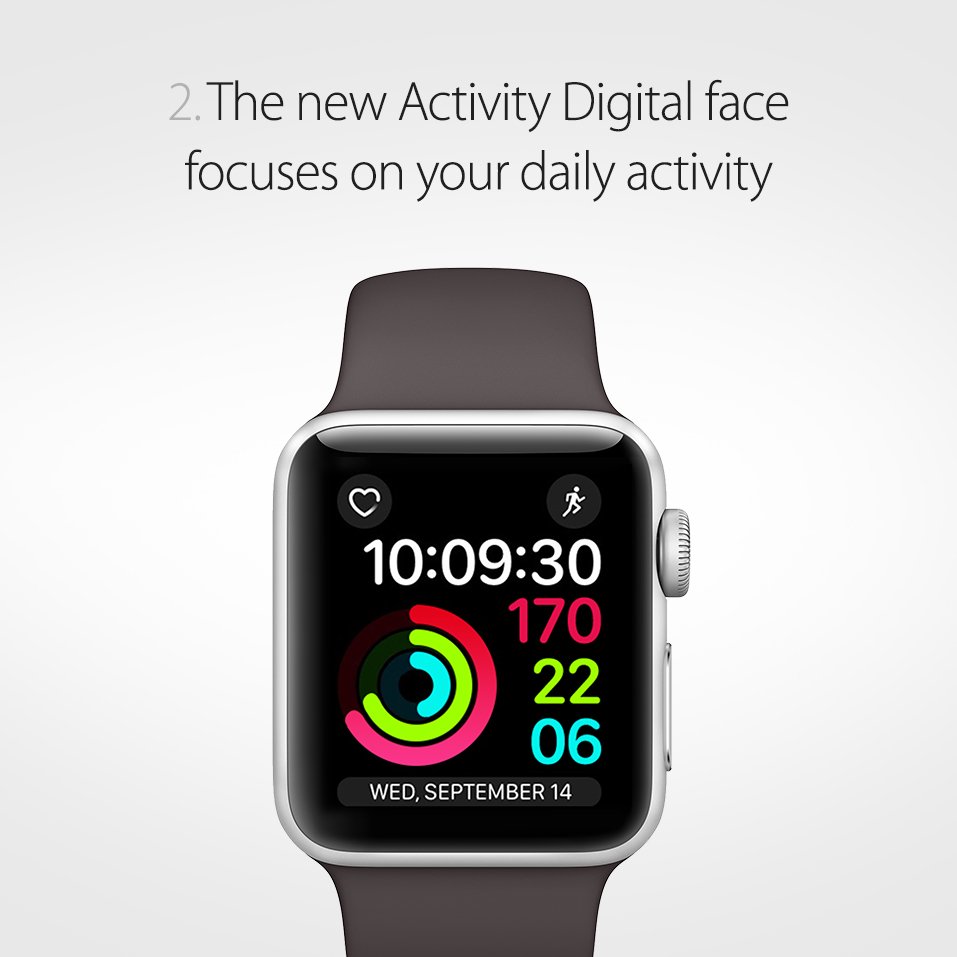
Want custom style? watchOS 3 has new face options like Activity and Numerals.pic.twitter.com/NOQj55QeRn

-
Make your tone understood: New message bubble effects show just how you feel.pic.twitter.com/y0Bau8HlAm
-
Can’t type or talk? Scribble lets you write with your finger, and it converts to text. http://apple.co/2d7Z8WZ pic.twitter.com/08uvf7PJyU

-
Here are 5 new ways to get creative with your messages in iOS 10.pic.twitter.com/JY5kssQBFy
-
Have an emergency? Just hold down the side button of your Apple Watch and it will activate SOS in your country.pic.twitter.com/0ctSoQGQdn

-
Can’t get enough of that one song? Here’s where Shuffle and Repeat are located in
@AppleMusic.pic.twitter.com/8IwwGX46yg -
Beware of iTunes Gift Card scams. Here’s more info: http://apple.co/2ckD88o pic.twitter.com/FnPK9cn9bo

-
Press deeply to get new options in the new Control Center:pic.twitter.com/RN9fw5ymwe
Using Control Center in iOS 10 -
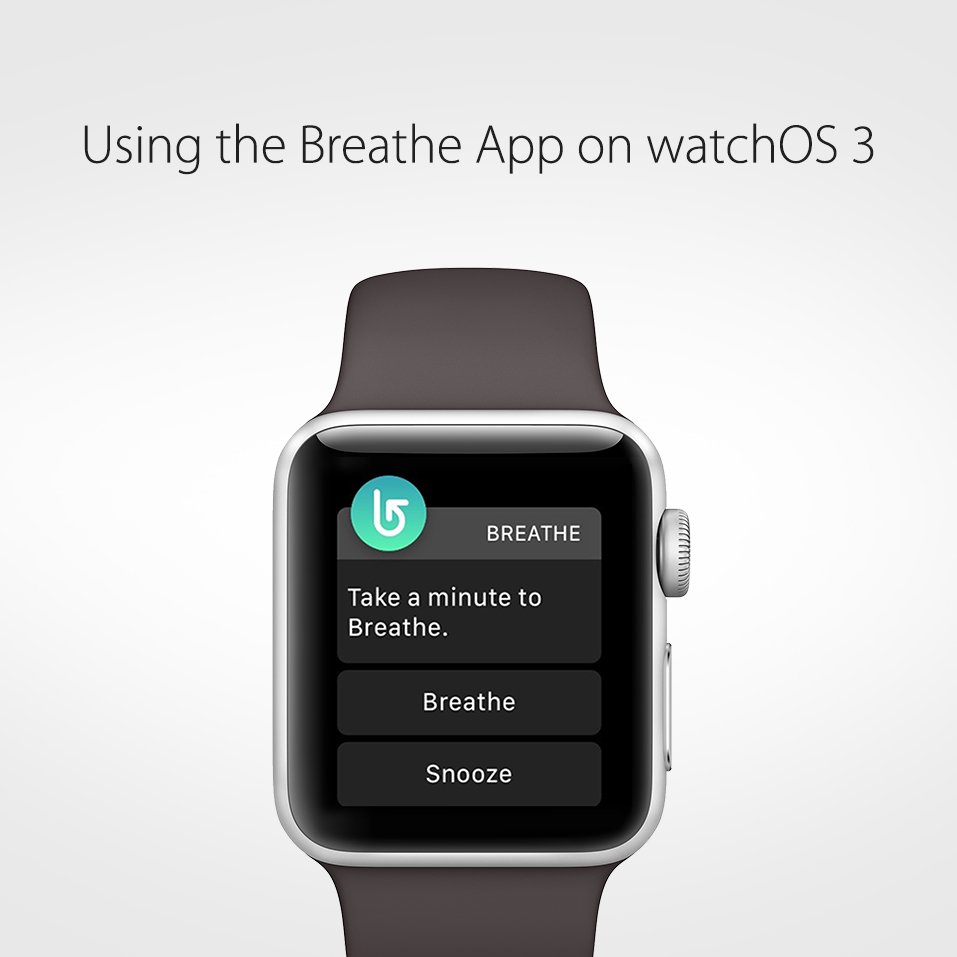
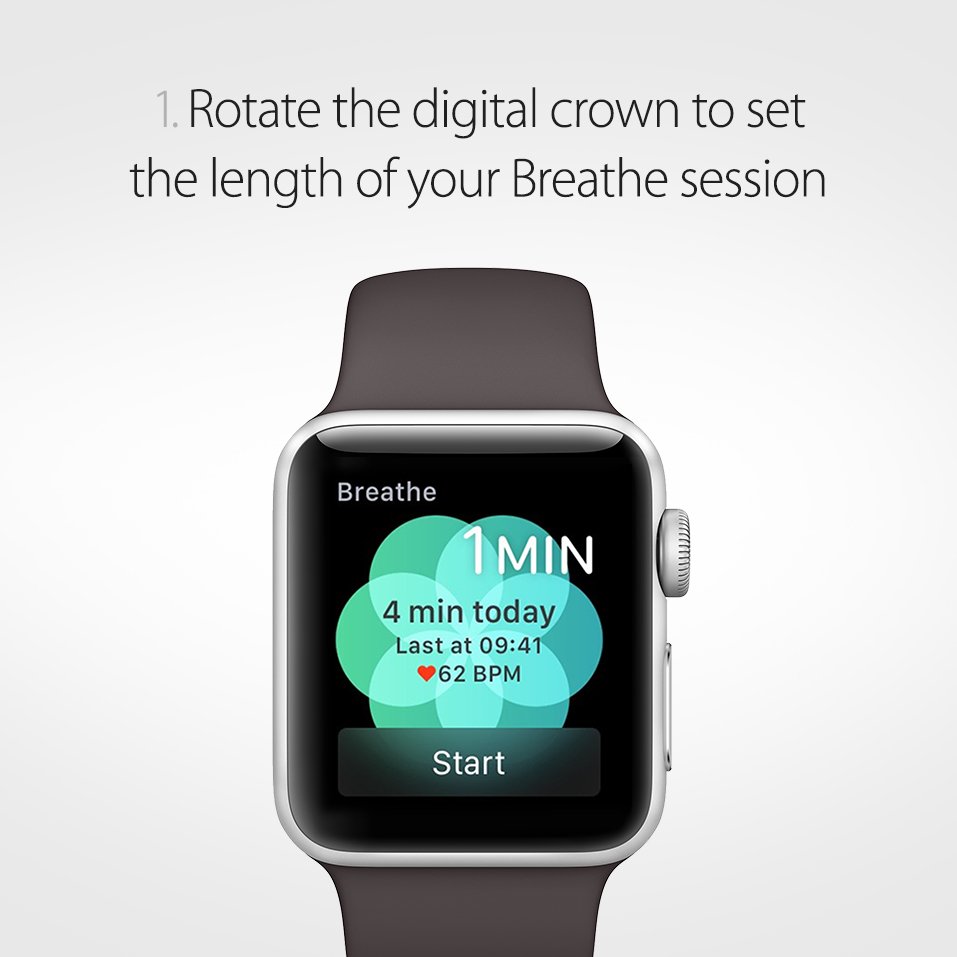
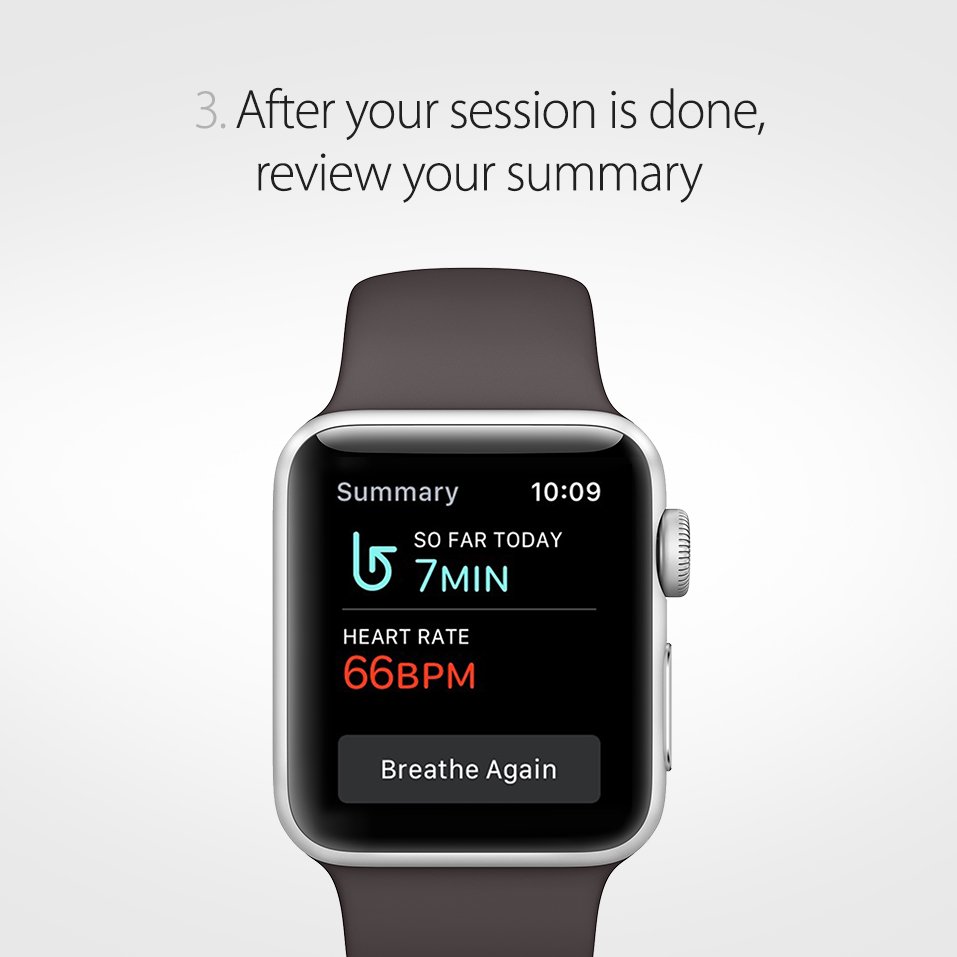
Take a moment to Breathe. The Breathe app helps you relax your body and quiet your mind right from your wrist.pic.twitter.com/itE8hxDCdr

-
Wakey wakey! With iOS 10, raising your iPhone will make the screen instantly display all your recent notifications.pic.twitter.com/UvYPPIPoWE
-
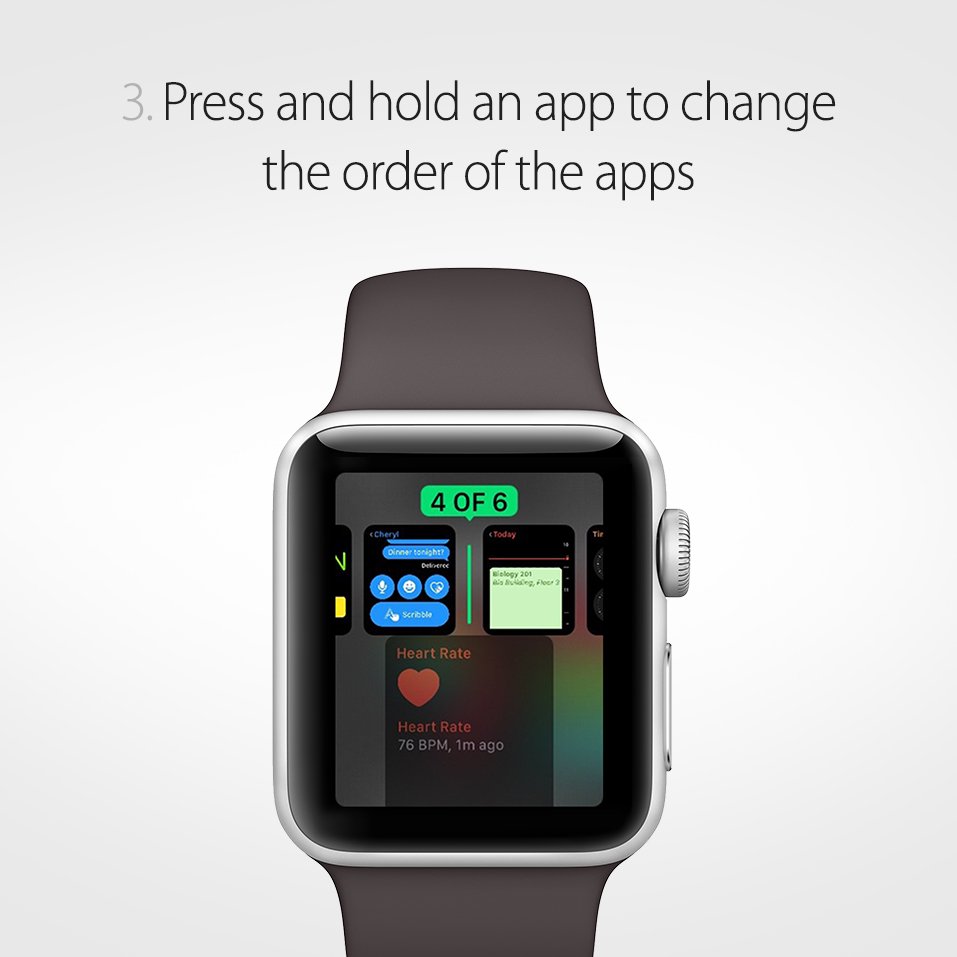
Instant access. Push the side button on your Apple Watch for all of your favorite apps.pic.twitter.com/oqUhYEUgVD



-
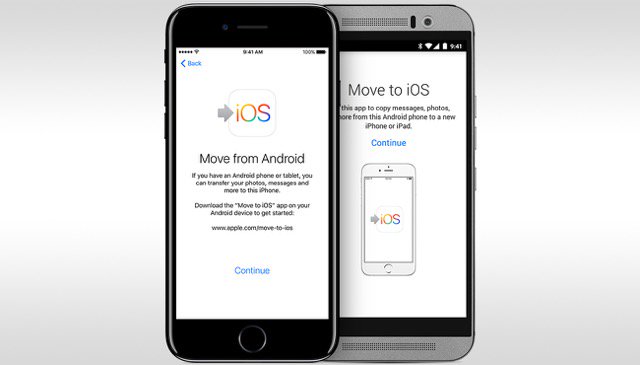
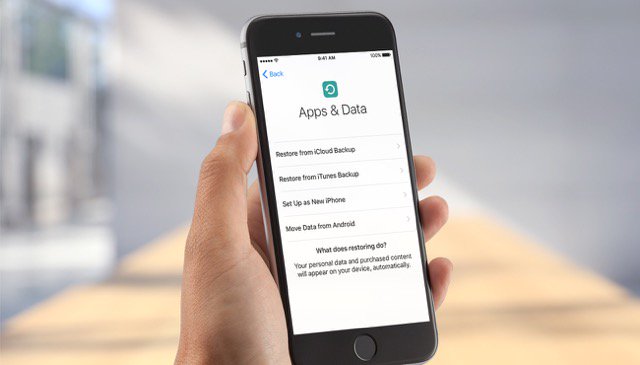
Make a seamless transfer. If you’re switching from Android to iPhone, follow these steps: http://apple.co/29fg4MS pic.twitter.com/p6JupaDUuA
-
It’s all in the transition. Updating from a previous iOS device is simple with these steps: http://apple.co/2cdoMa7 pic.twitter.com/PoWsGegA7j
-
Your lock screen, reorganized. Access 4 different features from your lock screen faster.pic.twitter.com/oRyZ8cs9lN
Navigating the Updated Lock Screen in iOS 10
 Apple Support
ಲೋಡಿಂಗ್ ಸಮಯ ಸ್ವಲ್ಪ ತೆಗೆದುಕೊಳ್ಳುತ್ತಿರುವಂತೆನಿಸುತ್ತದೆ.
Twitter ಸಾಮರ್ಥ್ಯ ಅಧಿಕವಾಗಿರಬಹುದು ಅಥವಾ ಈ ಕ್ಷಣದ ತೊಂದರೆಯನ್ನು ಅನುಭವಿಸುತ್ತಿರಬಹುದು. ಮತ್ತೆ ಪ್ರಯತ್ನಿಸಿ ಅಥವಾ ಇನ್ನಷ್ಟು ಮಾಹಿತಿಗೆ Twitter ಸ್ಥಿತಿ ಗೆ ಭೇಟಿ ನೀಡಿ.