
1. To find your download links, go to your account.
If you didn't create an account, you will receive an email shortly with your download links.
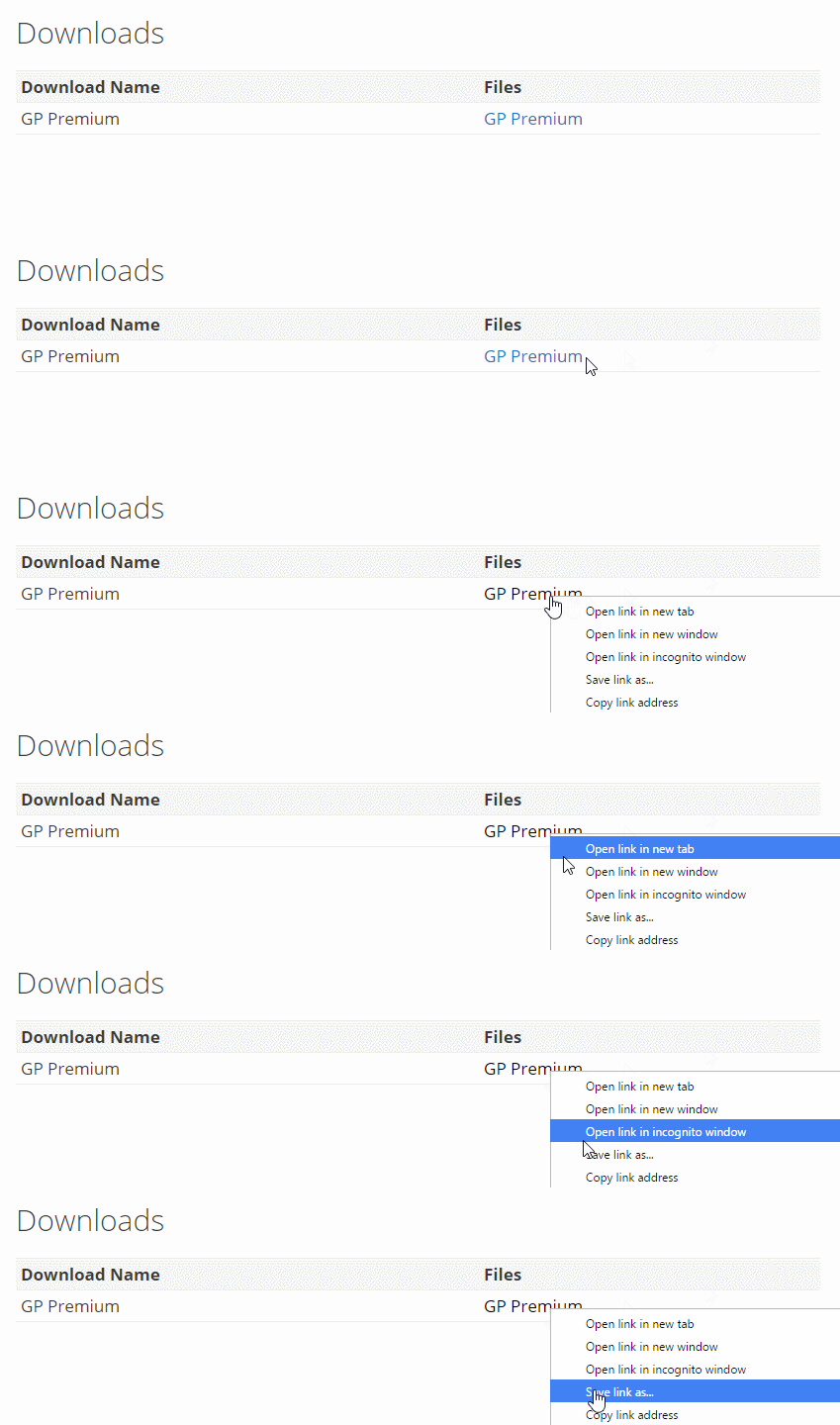
Right click the download link (control + click for Mac users), then save the file to your computer. The file should save as: addon-name.zip (generate-colors.zip, gp-premium.zip etc..)
Using Firefox or Chrome, the option you want to click is "Save link as...".
In Safari, it's "Download linked file as...".
In Internet Explorer, it's "Save target as...".
Note for Mac users: If your download appears as an ordinary folder instead of a zip file, go to "Safari Preferences > General" and uncheck "Open 'safe' files after downloading". Then the download will remain a zip file and not be unpacked.
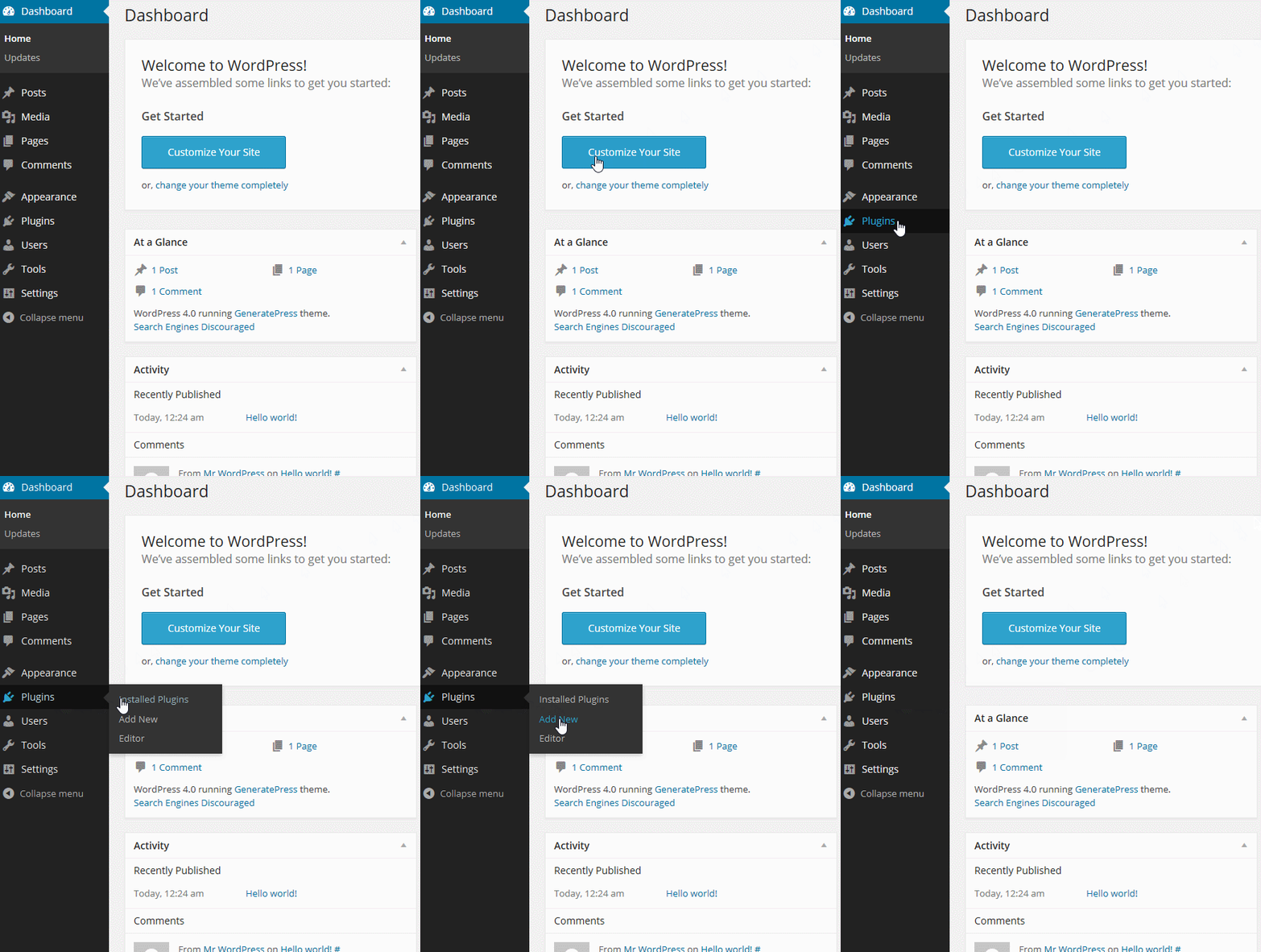
2. From your Dashboard, go to “Plugins > Add New”.
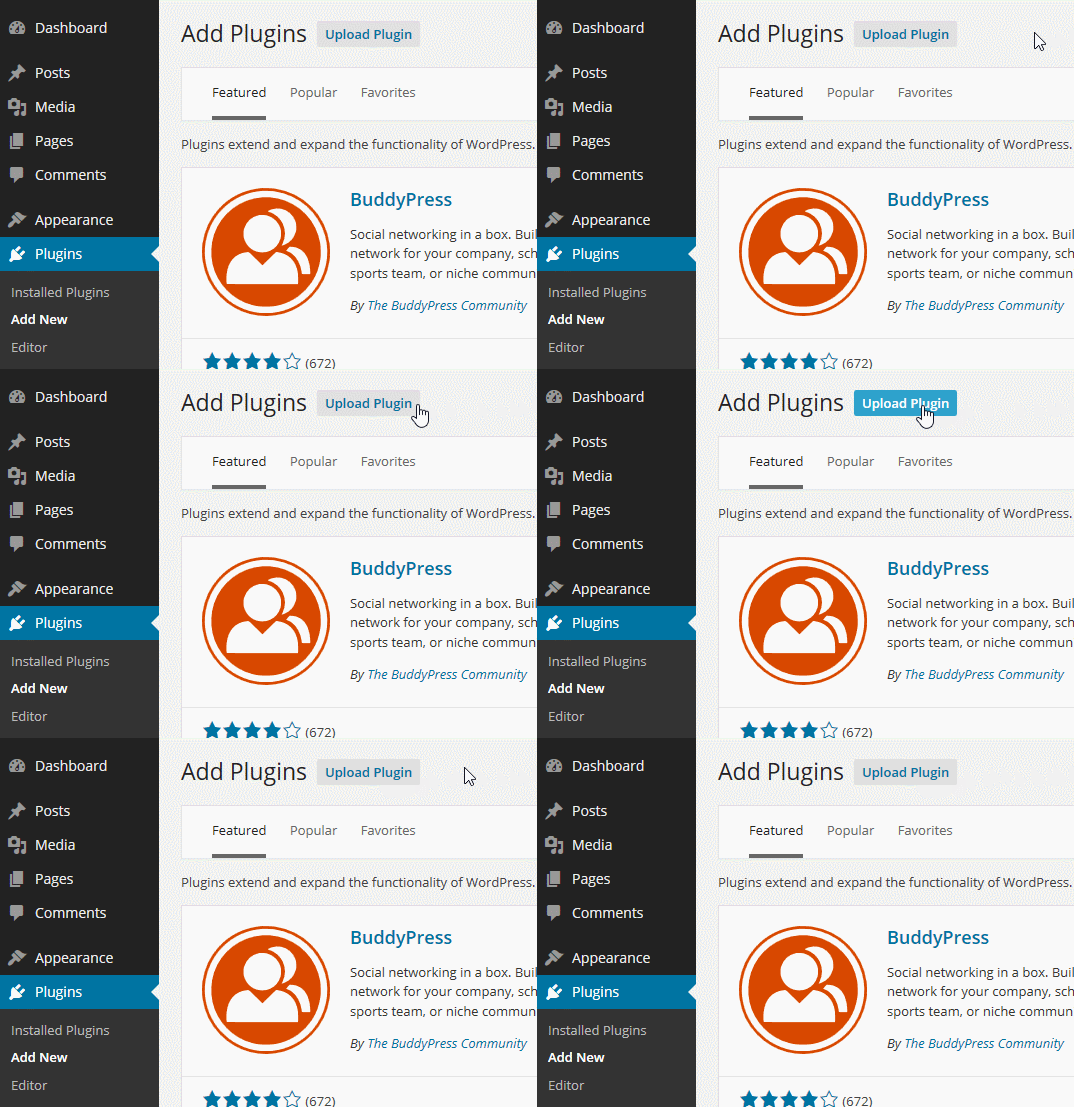
3. Click Upload at the top, browse and select .zip file you saved from this email.
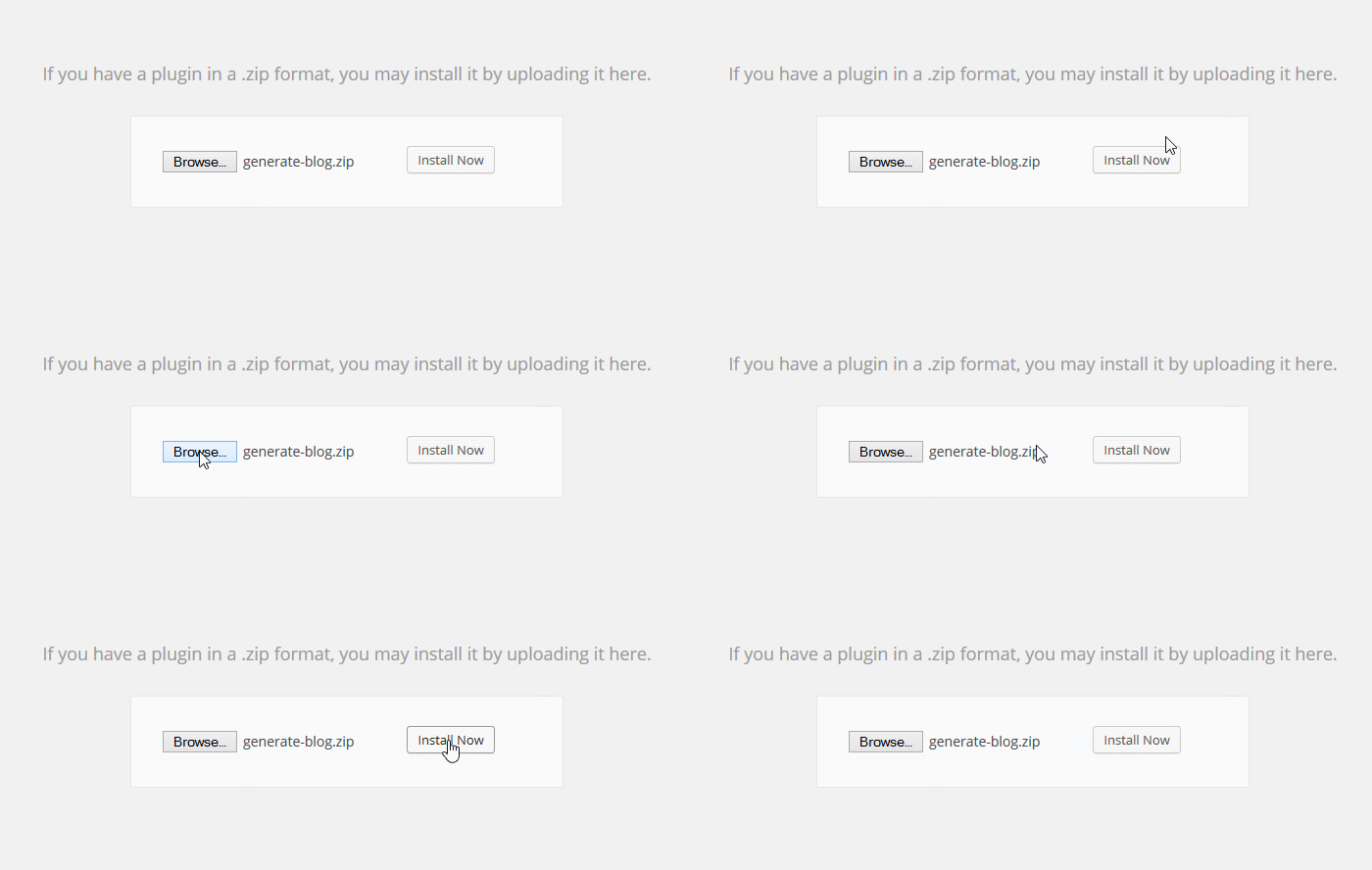
4. Activate the plugin, if not automatically done.
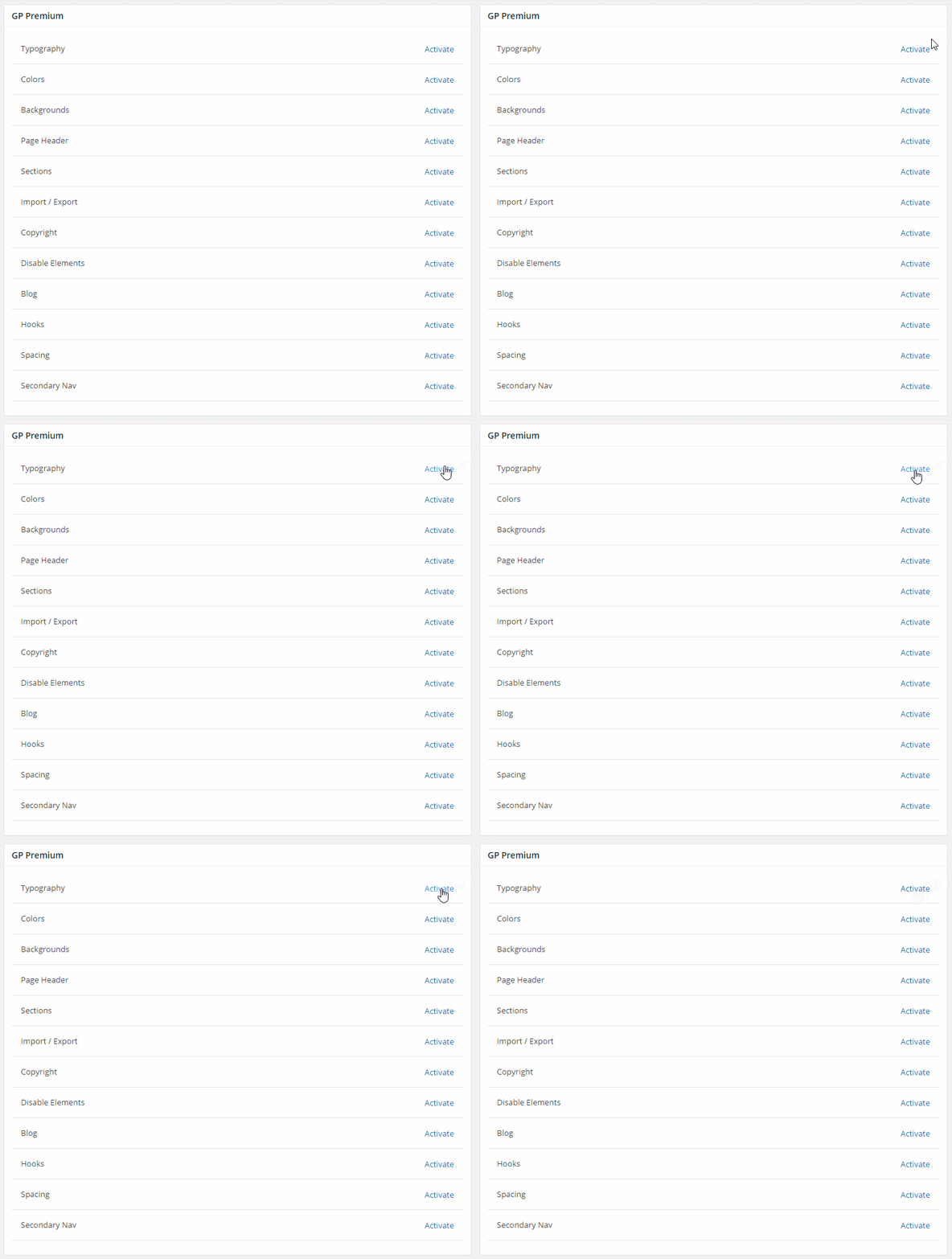
GP Premium
If you're using GP Premium, you need to activate the add-ons you wish to use (to avoid loading unnecessary addons).
You can do this in "Appearance > GeneratePress".
Note: GeneratePress must be installed to use GP Premium. See this article for instructions on installing GeneratePress.
Activating your license key for automatic updates
For instructions on activating your license key, please see this article.