Make your point without making a meeting
Try Dropbox Capture, and get your message across with screenshots, GIFs, or simple videos recorded right on your screen. So you can clearly say what you mean without scheduling anything.
To get started, visit dropbox.com/capture on your Windows or macOS computer to download the app.
Capture their attention
Make yourself heard
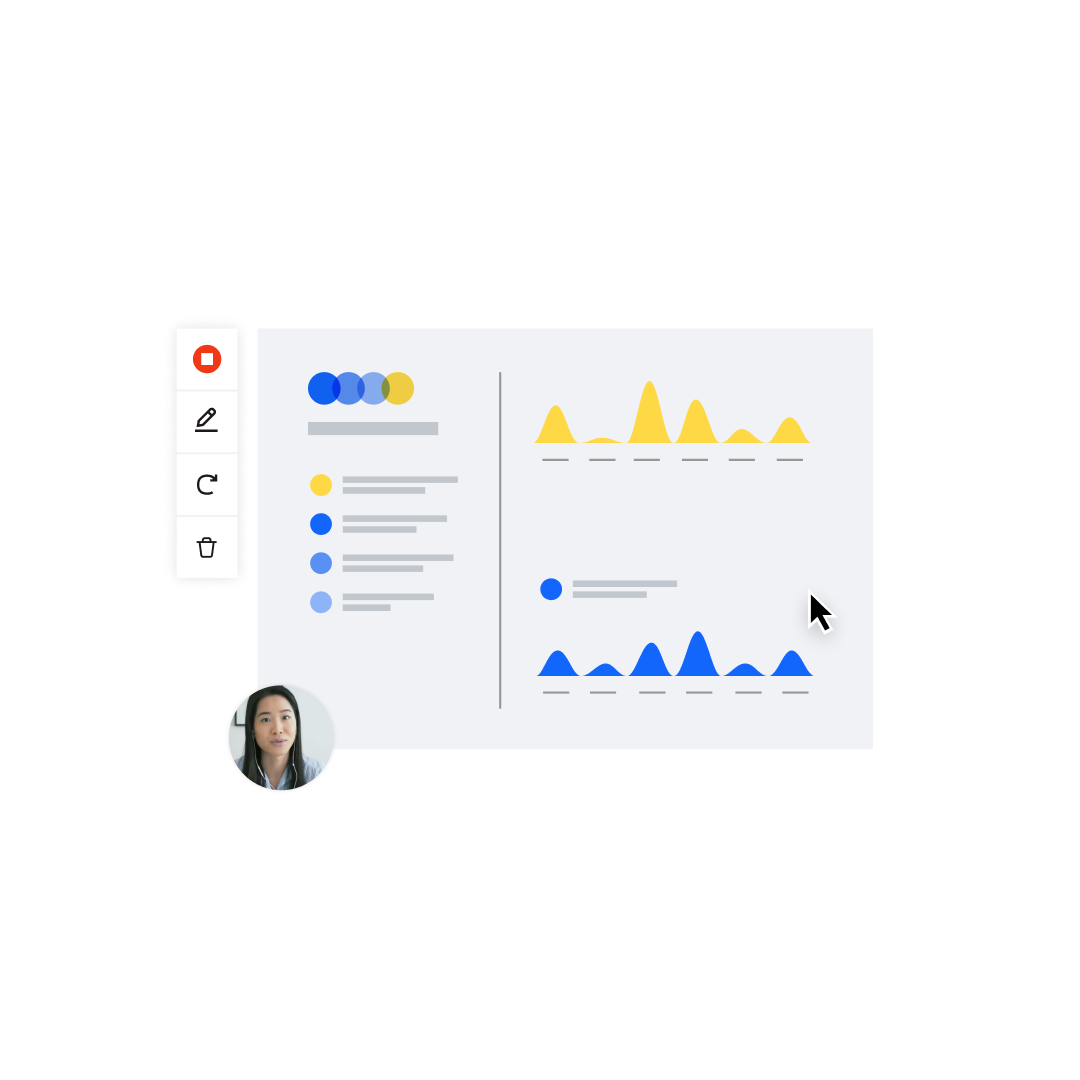
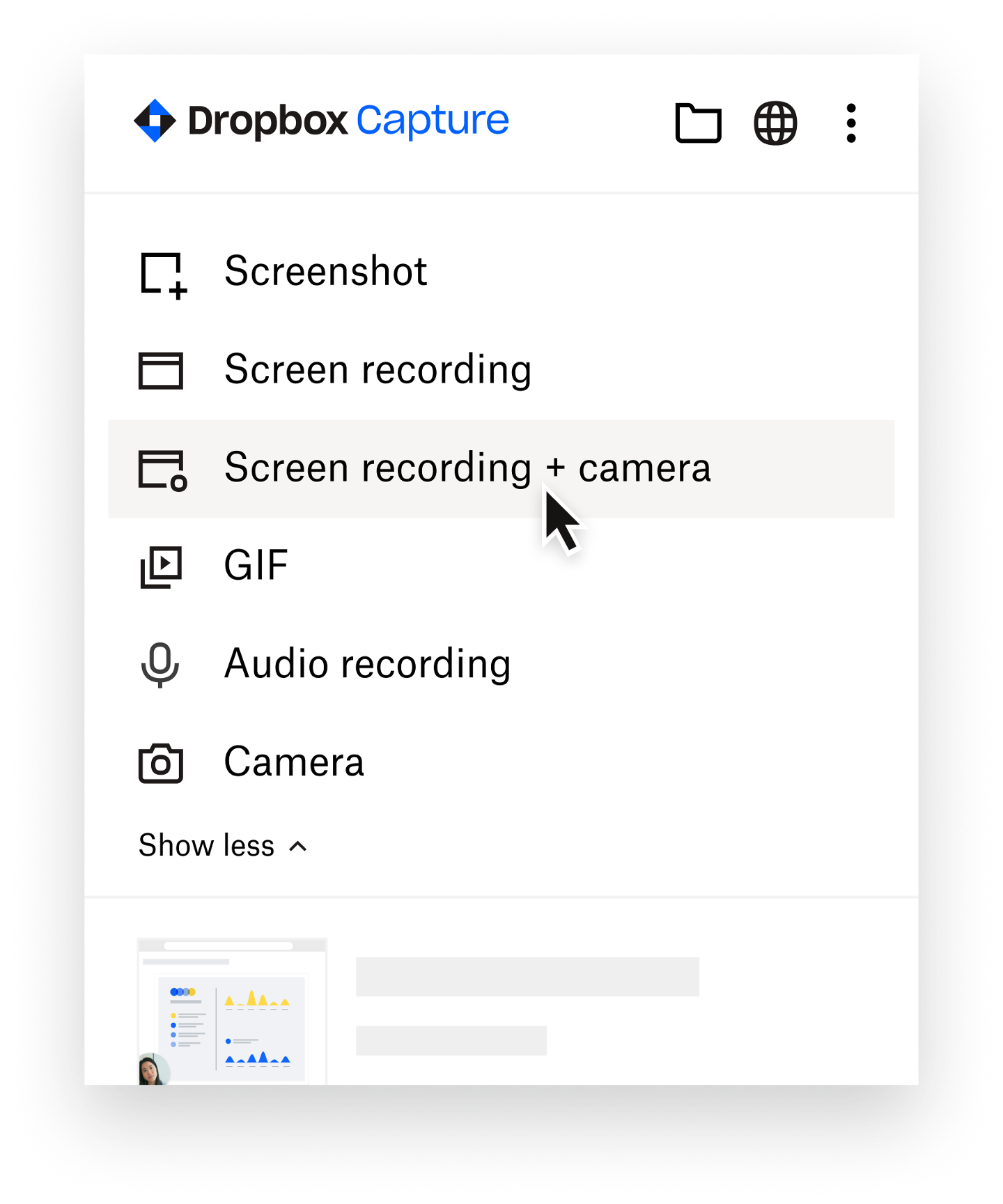
Create screen recordings, GIFs, and screenshots, and easily add voiceovers and markups.

Say more in less time
Replace lengthy emails and meetings, and share recordings so everyone can watch on their own time.

Connect more deeply
Personalize your message and engage with teammates, clients, and customers.
What can you do with Capture?
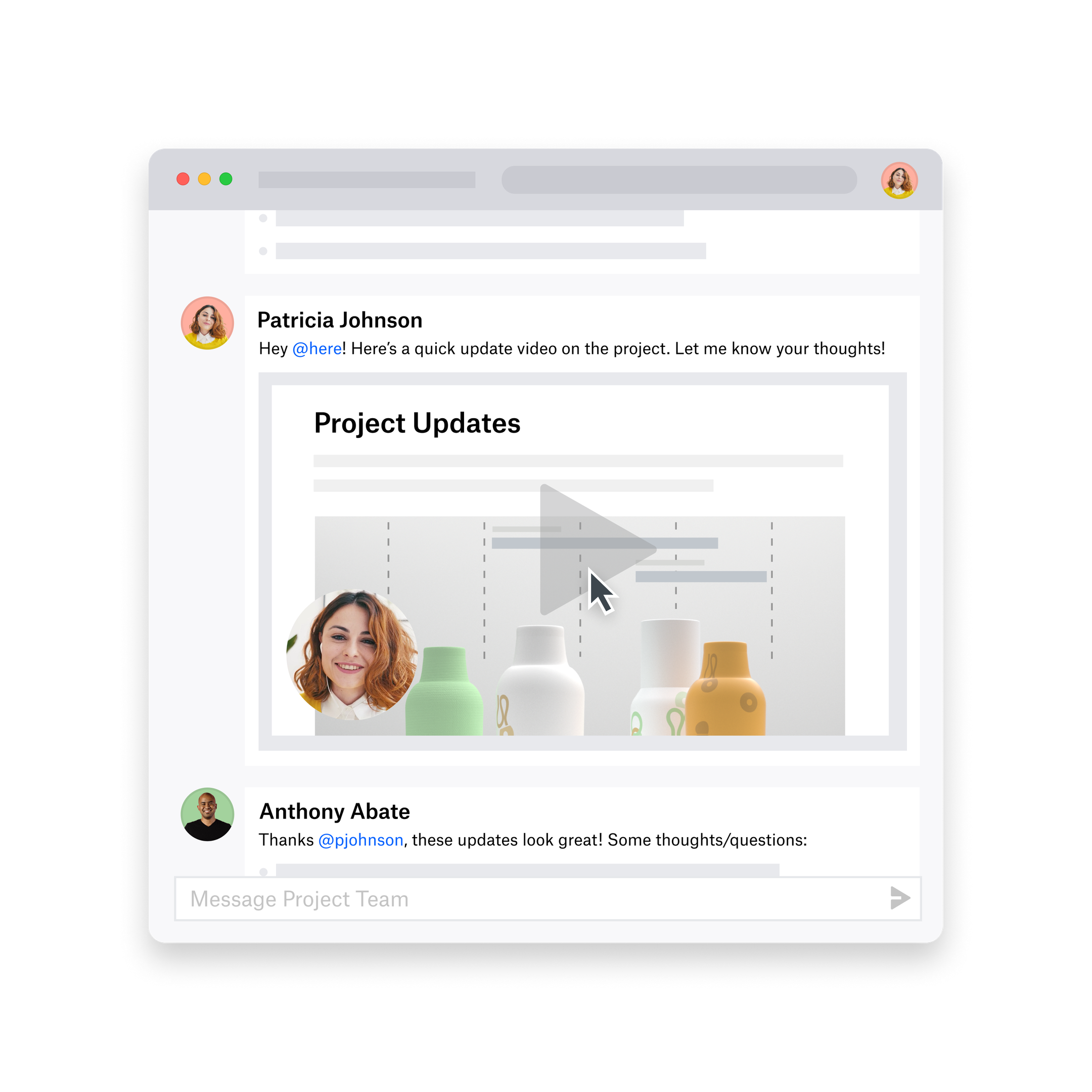
Instead of scheduling a 30-minute meeting, send out a quick update with visuals for reference, and let everyone watch when they have time.
No more hard-to-follow bulleted lists—just record your screen as you walk through the steps, and show everyone how it’s done.
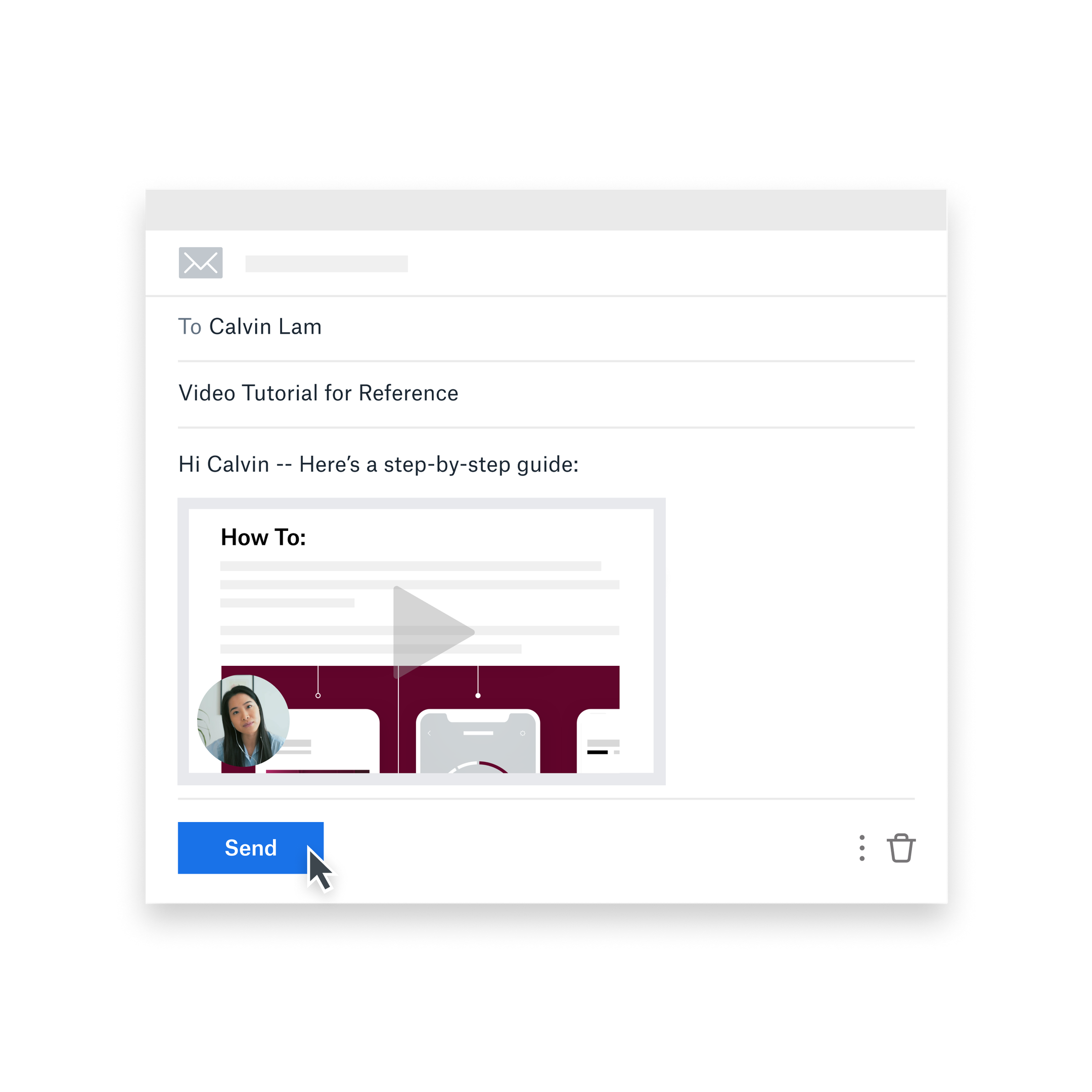
In place of time-consuming PDFs, emails, and in-person training, use Capture to create how-to videos and send them to anyone who needs support.
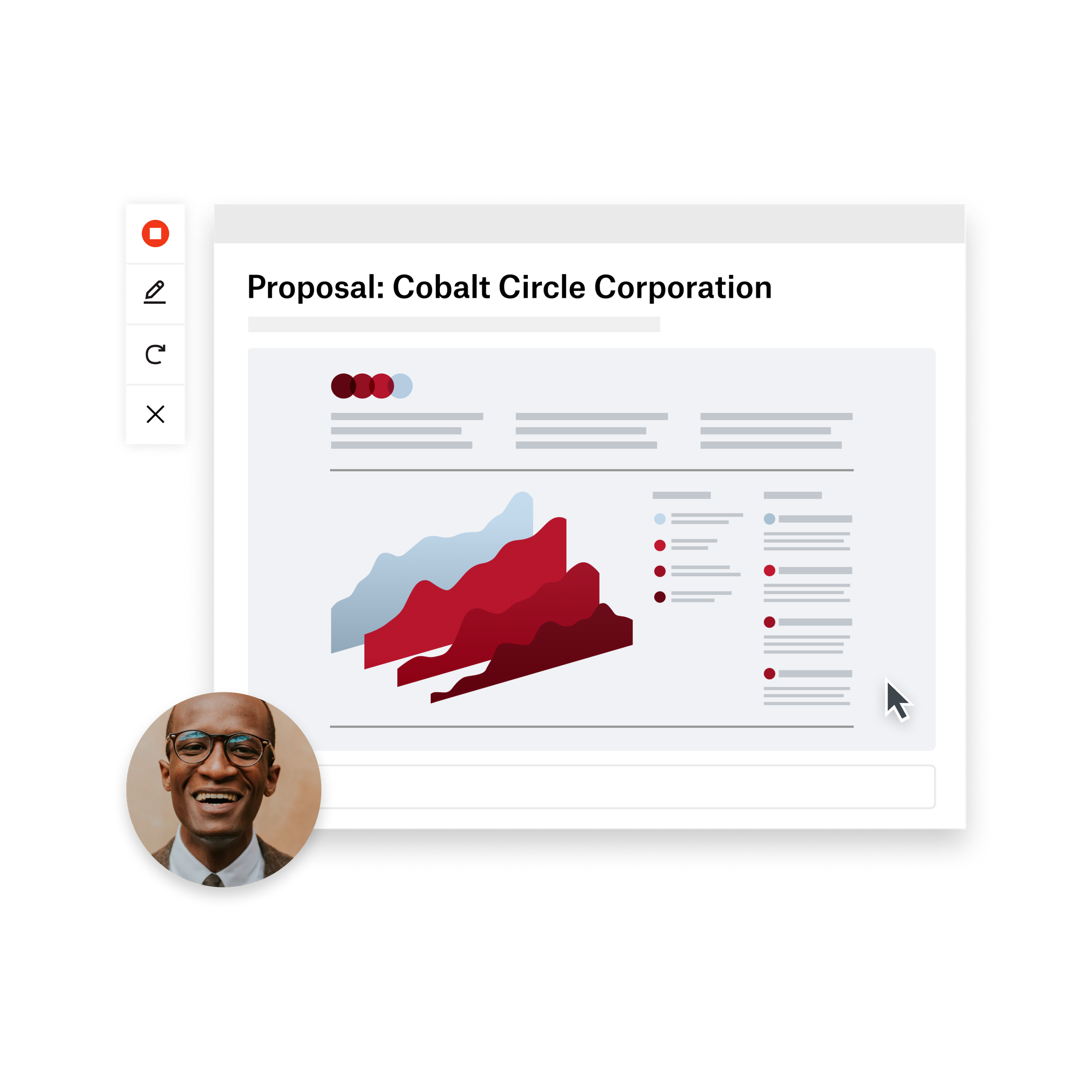
Pitch prospects with large teams without complicated scheduling, and give them a presentation they can pass along to other stakeholders.
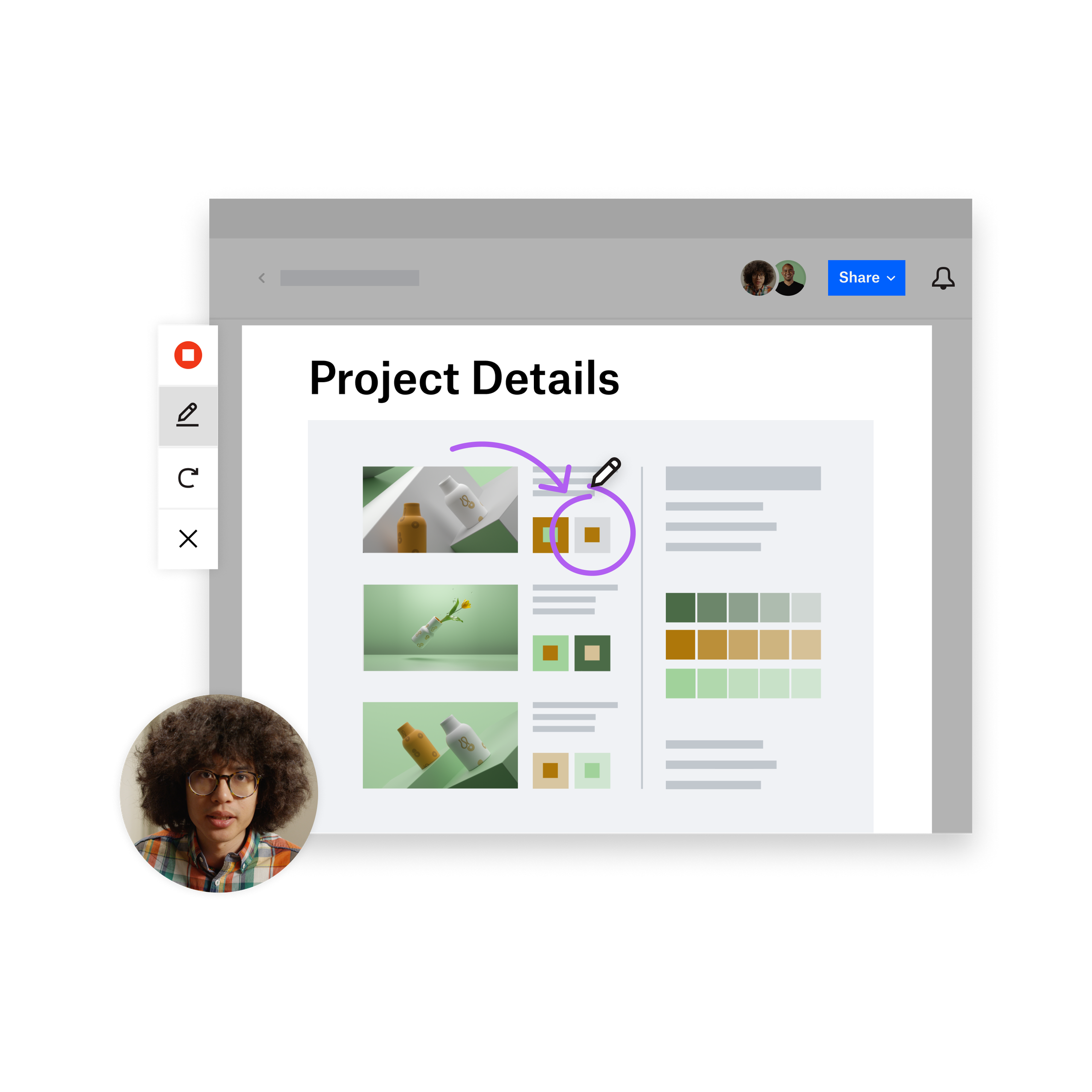
Give clients the context they need by presenting layouts and explaining your thought process, so they get the complete picture.
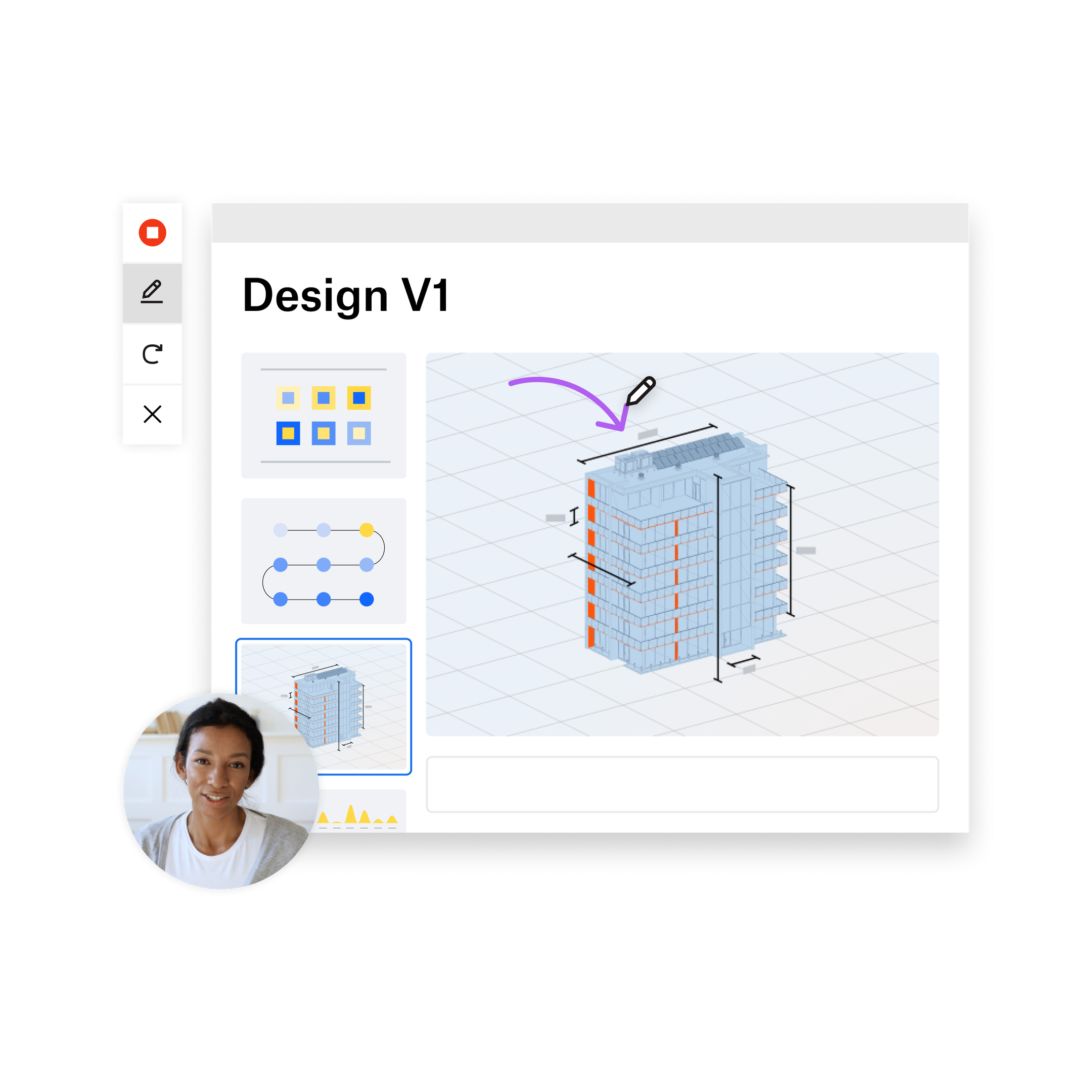
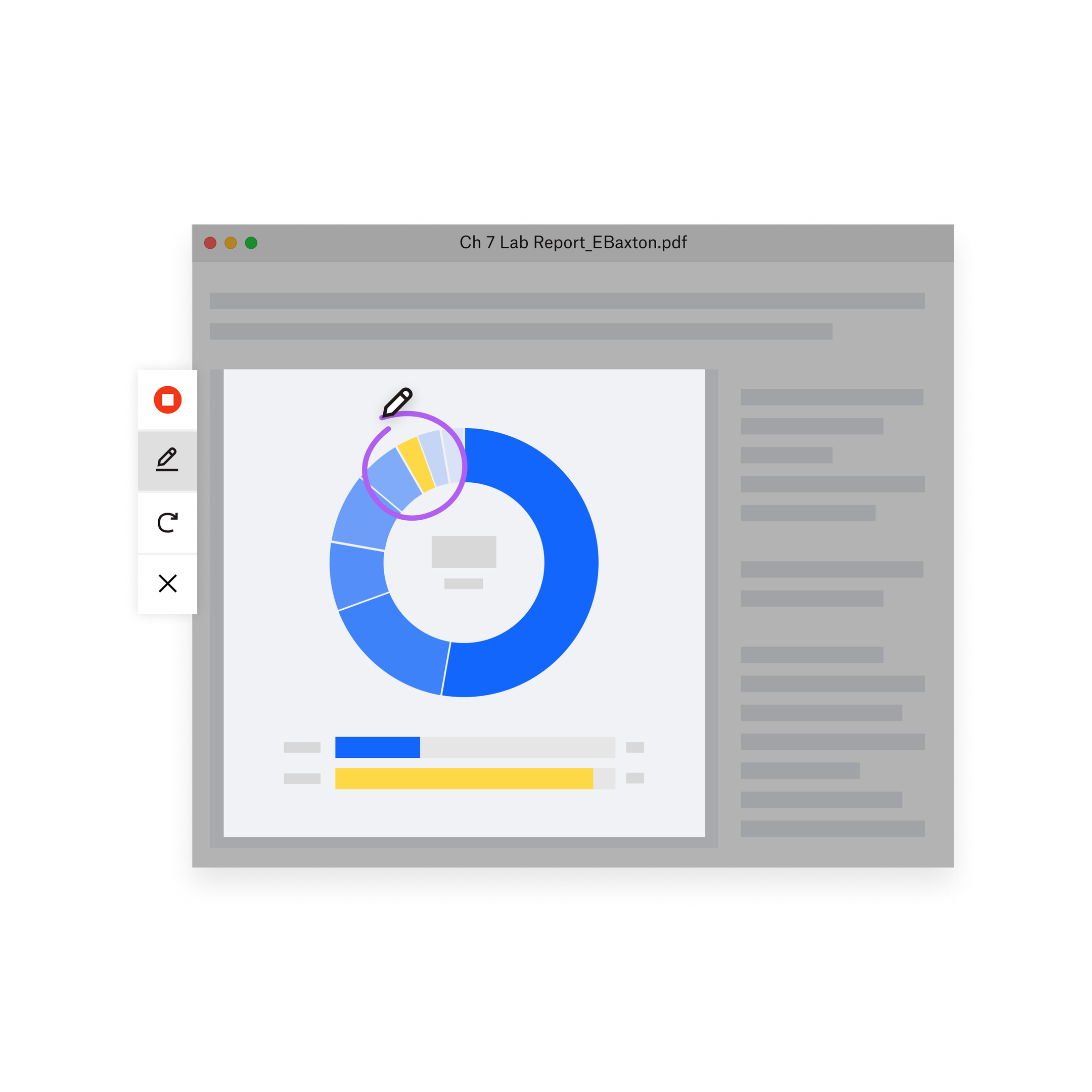
Review class assignments with video feedback that they can easily digest—and you can easily create during late-night grading sessions.
What Capture customers are saying

“When I get questions on, how do I do this?, it’s very easy to quickly record a video to capture that process and send it, rather than jumping on a video call or sending an email or writing a document. By viewing a one-minute video that resolves a problem, our employees can also take back time that would’ve been used to troubleshoot. Capture is a time saver.”