B4J is a 100% free development tool for desktop, server and IoT solutions.
With B4J you can easily create desktop applications (UI), console programs (non-UI) and server solutions.
The compiled apps can run on Windows, Mac, Linux and ARM boards (such as Raspberry Pi).
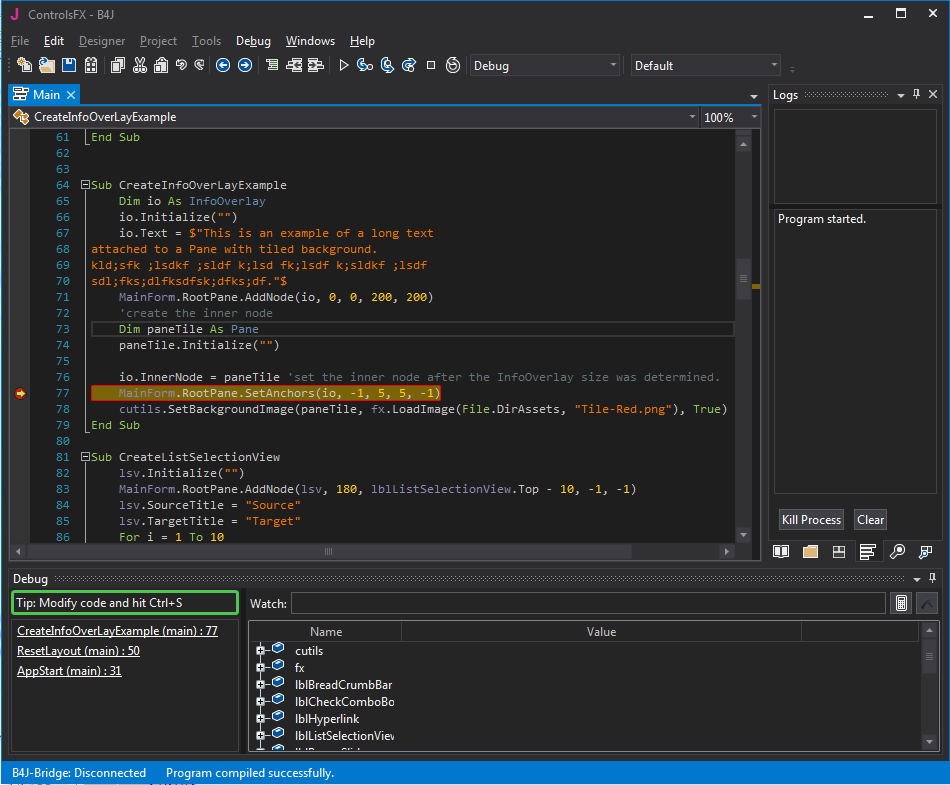
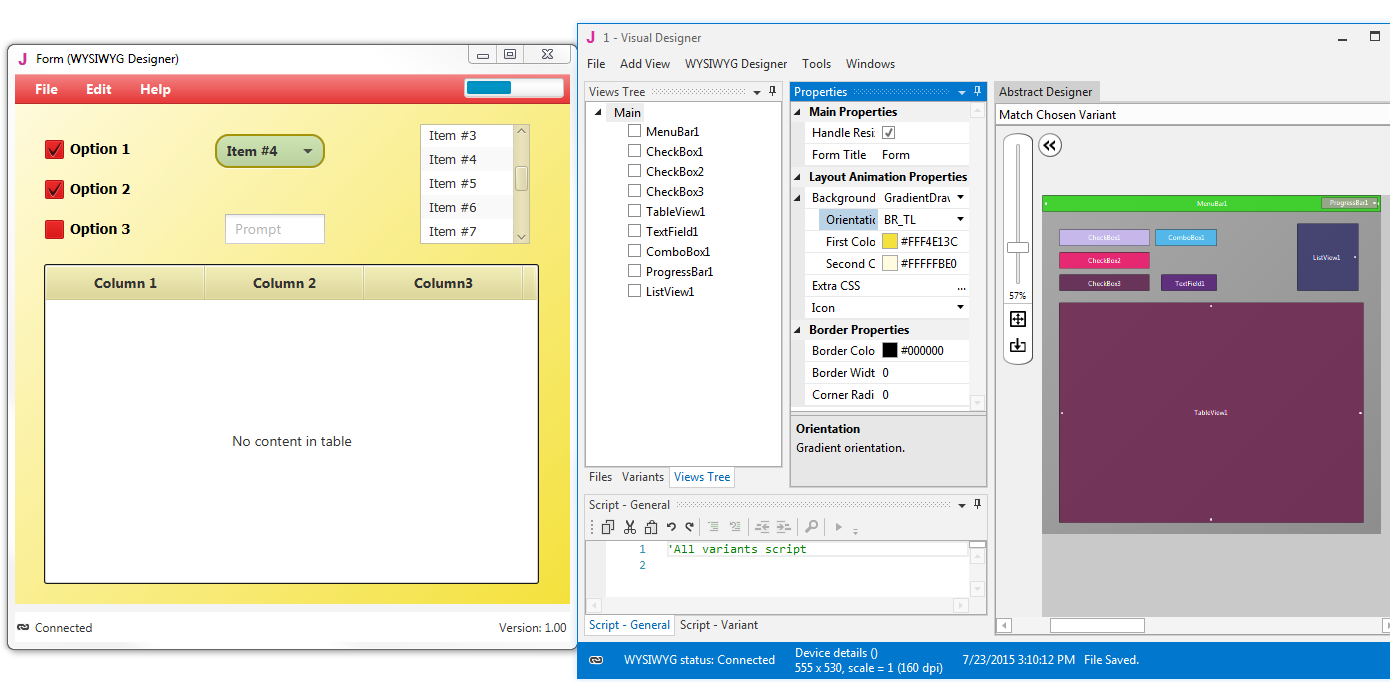
Screenshots & Videos
Installation
1. Java JDK v8 (8u40+)
- Open the Java 8 JDK download link.
- Check the Accept License Agreement button.
- Select "Windows x86" or "Windows x64" (for 64 bit machines) in the platforms list.
- Download the file and install it.
2. Install and configure B4J
- Download B4J Full Version
- Open B4J.
- Choose Tools > Configure Paths.
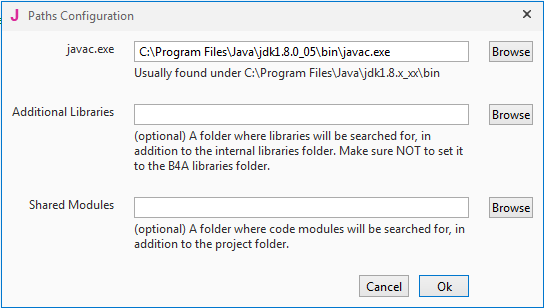
- Use the Browse button to locate "javac.exe".
javac is located under <java folder>\bin.
3. Next Steps
- Join our community
- Use the site search feature (top right corner). It works!
Documentation
- Documentation Index
- Tutorials List
- Beginner's Guide (pdf)
- Getting Started Examples
- (video) Introduction
- (video) Installation & Configuration
- (video) Explore the IDE
- (video) Foundation
- (video) B4J-Bridge (remote debugging)
- (video) UI App / Designer
- (video) WebApp / IoT with Raspberry Pi
- (video) IoT Modification of Code on Raspberry Pi
- B4J Forum
- UI App (JavaFX) Tutorial
- Working with files
- Nodes / Views / Controls - Tips
- B4J tutorial for Basic4android developers
- Web Apps Overview
- Teaching Programming With B4X
Frequently asked questions
Q: Is B4J completely free, including for commercial purposes?
A: Yes.
Q: What are the requirements for UI apps developed with B4J?
A: Java 8u40+ is required. B4J UI apps will run on Windows, Mac and Linux computers.
Q: Which file should be distributed?
A: When you compile your project in Release mode, the complete app is packaged in a single executable jar file under the Objects folder.
You can use this packager to create a self contained installer
that does not depend on any other software being installed on the end user computer.
Q: Can I reuse B4A / B4i code with B4J?
A: Most of the non-UI code can be reused. See this tutorial for more information.
Q: What about Java security?
A: The security issues related to Java are all about the Java plugin used to run Java applets from inside a browser.
These issues are not relevant for B4J applications. More information.
Q: Are the libraries open source?
A: Many of the libraries are open source. The code is available in GitHub.
Q: I'm getting this error on startup: "Application could not be initialized correctly error 0xc0000135".
A: Install Microsoft .Net Framework 4+
- Windows Vista+: .Net Framework 4.5.2.
- Windows XP: .Net Framework 4.0.
- Windows Vista+: .Net Framework 4.5.2.
- Windows XP: .Net Framework 4.0.