Get the Google Assistant on your phone

Get the Google Assistant on your phone
To get started, touch and hold the home button on eligible Android phones1 or download the Google Assistant app on the App Store.


Talk or type to your Google Assistant on the go

Manage tasks
Send a text, set reminders, turn on battery saver and instantly look up emails.

Plan your day
Check your flight status, make a dinner reservation, check when your movie starts, and find a coffee stop along your route.

Enjoy entertainment
Control music on YouTube Music. You can also pick up where you left off on your favorite podcasts with your Assistant on Google Home.2


Make memories
Your Assistant makes it incredibly simple to find your photos — and to take them as well.
Get answers
Get real-time answers including the latest on weather, traffic, finance, or sports. Quickly find translations while you’re traveling.

Control your home
Use your phone to control your smart home devices. Adjust the temperature, lighting, and more, even when you’re not home.3
Find phones with the Google Assistant


Featured accesories
Get help on headphones
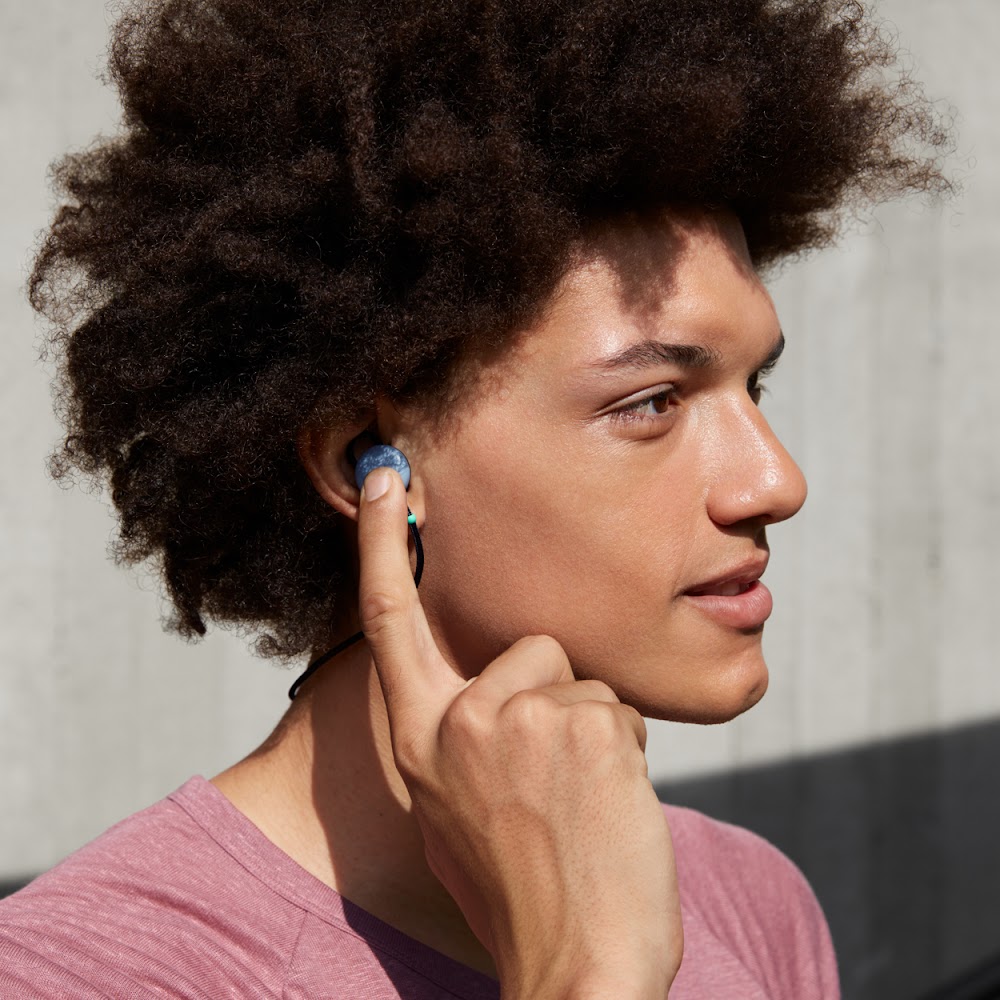
Get help on the go, without needing to glance at your phone. Ask your Assistant to play your favorite songs, hear incoming messages and notifications, get directions and much more. Available now on headphones optimized for the Google Assistant.4


Quick access to the Google Assistant from the always‑on display
Get help from your Google Assistant while charging your Pixel 3. Access routines from the Google Assistant, get answers and find your visual snapshot with just one tap on the always‑on display.
