
Posted:
Posted by Duane Valz, Senior Patent Counsel


Open-source software has accelerated the pace of innovation in computing, leading to better products and services at lower cost. But as the impact of open-source software has grown, so too has the number of patent attacks against it.

In March, we announced an Open Patent Non-Assertion (OPN) Pledge—committing not to sue any user, distributor or developer of open-source software on specified patents, unless first attacked. Our goal was to encourage pro-competitive, defensive uses of patents to support open-source innovation.

Today we are pleased to expand the OPN Pledge to include an additional 79 patents. These patents cover software used to efficiently operate data centers, including middleware, distributed storage management, distributed database management, and alarm monitoring.

We acquired these patents from IBM and CA Technologies, companies that in 2005 were among the first to make open-source patent pledges. The goal of the patent system is to foster innovation, and we aim to use patents, whether acquired or developed internally, in support of that goal.

You can learn more about this second group of patents and the Pledge itself on our site, which we’ve also updated to make it easier to browse and download data on pledged patents.

To date, the patents we’ve included in the Pledge have generally related to “back-end” technologies: servers, data centers, and the like. But open-source software is also transforming the development of consumer products that people use every day—so stay tuned for additional extensions to patents covering those sorts of technologies.

Posted:


This summer we’re posting regularly with privacy and security tips. Knowing how to stay safe and secure online is important, which is why we created our Good to Know site with advice and tips for safe and savvy Internet use. -Ed.

With summer vacation in full swing, you’re likely out and about, using your smartphone or tablet to get answers on the go or check out the latest cool apps and games. But you don’t have to leave safety at home! In this post, we’re sharing a few tips and tools that you can easily set up if you’re on an Android phone or tablet to keep your device—and the contents inside—safe and secure, including a new service that makes it easy to locate a misplaced device.

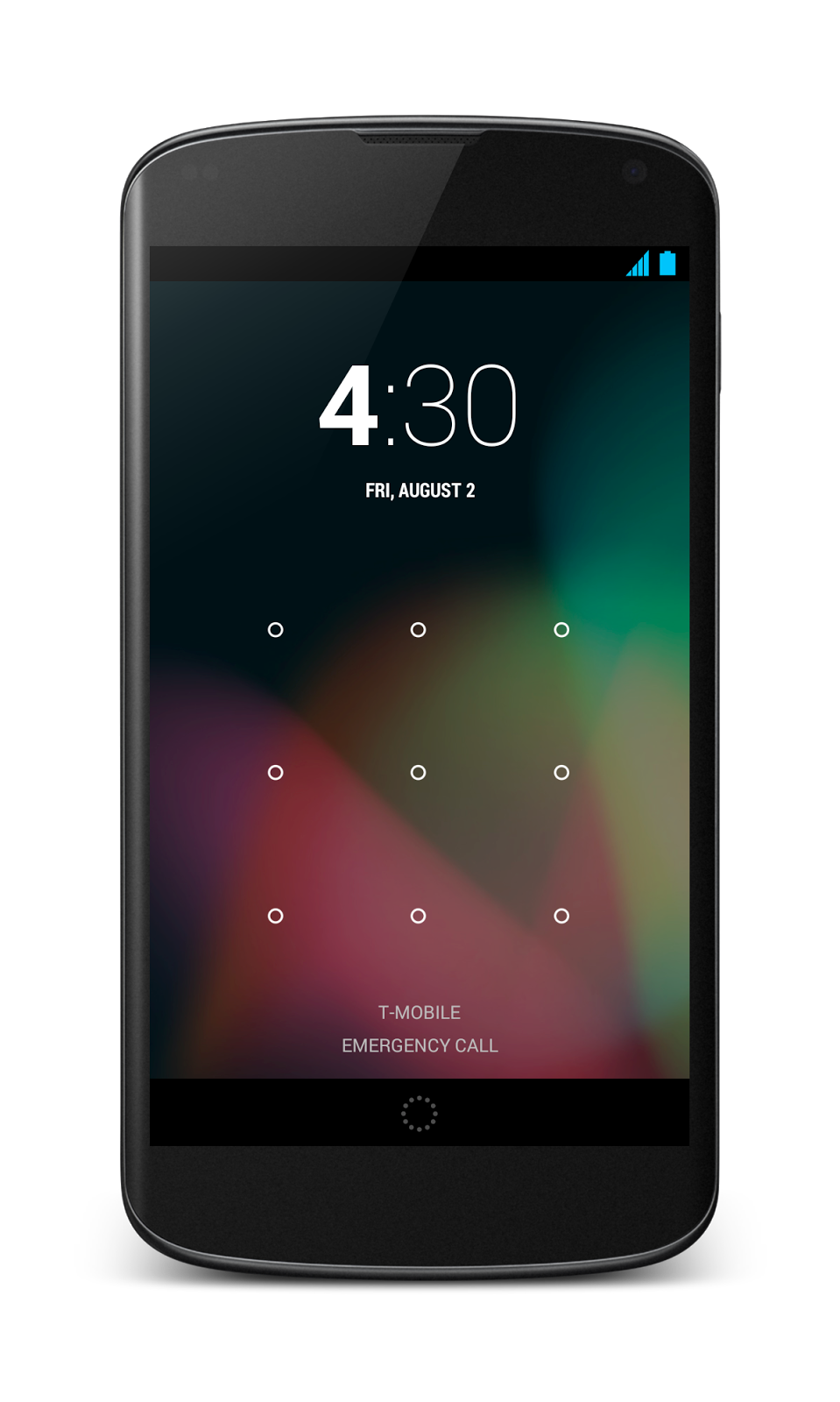
1. Lock your device screen. Whether you’re on a phone or a tablet, it’s easy to set up a screen lock. This is important to do in case your device gets left in the back of a car, or you’re worried about someone picking up your phone and scrolling through your stuff. You can lock your device with a pin, password, pattern (or even your face!) by going to Settings > Personal > Security > Screen Lock.


2. Protect your phone from suspicious apps. We automatically scan Google Play to block and remove harmful apps. That makes Google Play the safest place to get Android apps. But Google Play can also help protect you even for apps you get elsewhere, like the web or a third-party app store. The first time you start to install an app from an unknown source, a message will pop up asking if you’d like Google to scan the file to make sure it’s not harmful. Tap “OK” to let Google help protect you from harmful apps.

3. Locate, ring and wipe a misplaced device. Have you ever lost your phone in between the couch cushions or left it in a restaurant? Later this month, you will be able to use a new service called Android Device Manager, which can quickly ring your phone at maximum volume so you can find it (even if it’s been silenced), or locate it on a map, in real time, using Android Device Manager. If your phone can’t be recovered, or has been stolen, you can quickly and securely erase all of the data on your device to keep your data from ending up in the wrong hands. The Android Device Manager will be available for devices running Android 2.2 and above, as part of Google Play. You can read the full announcement on the Android blog.


For more advice on how to protect yourself and your family online, visit our Good to Know site, and stay tuned for more posts in our security series.