My Followers
When someone follows your site, each time you publish new content on your blog they receive an update in their Reader, via email, or both depending on their settings. On your site stats page, you can learn some details about how many followers you have, who your followers are, as well as how many people are subscribed to comments on your site.
Site Followers
To view your followers, go to WordPress.com and click on the My Sites tab in the header. This will show the stats for your primary site.
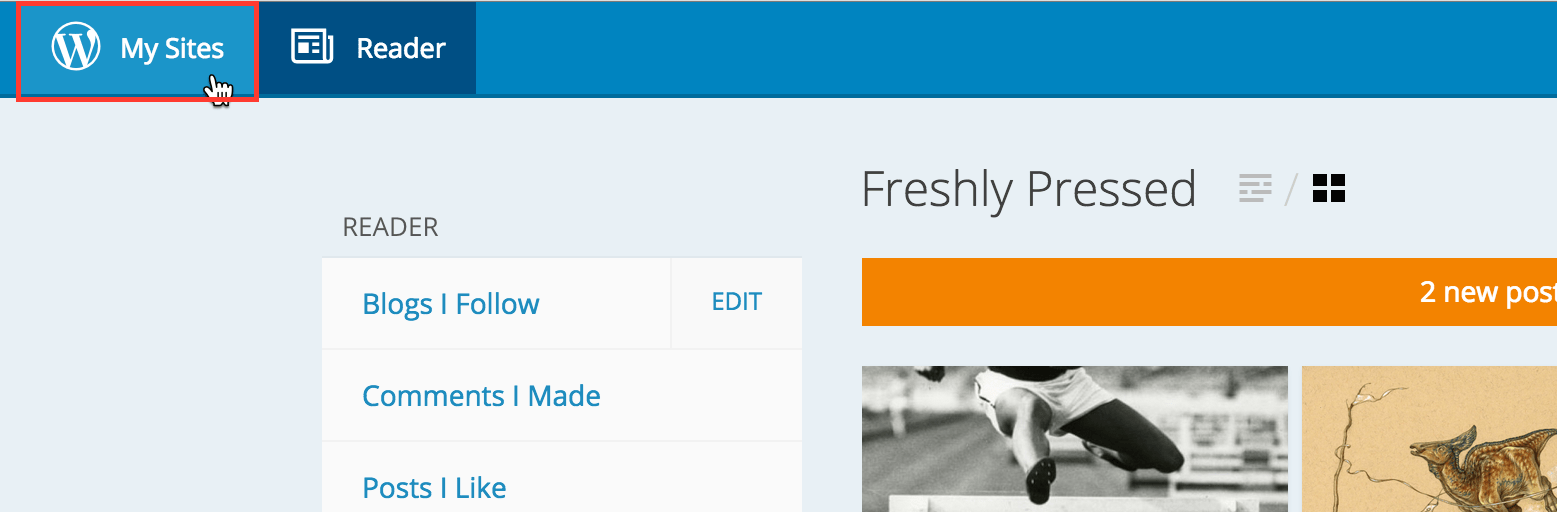
From there, click the Insights link at the top of the page:

Next, scroll down to the bottom of your Insights page until you see the module titled Followers.
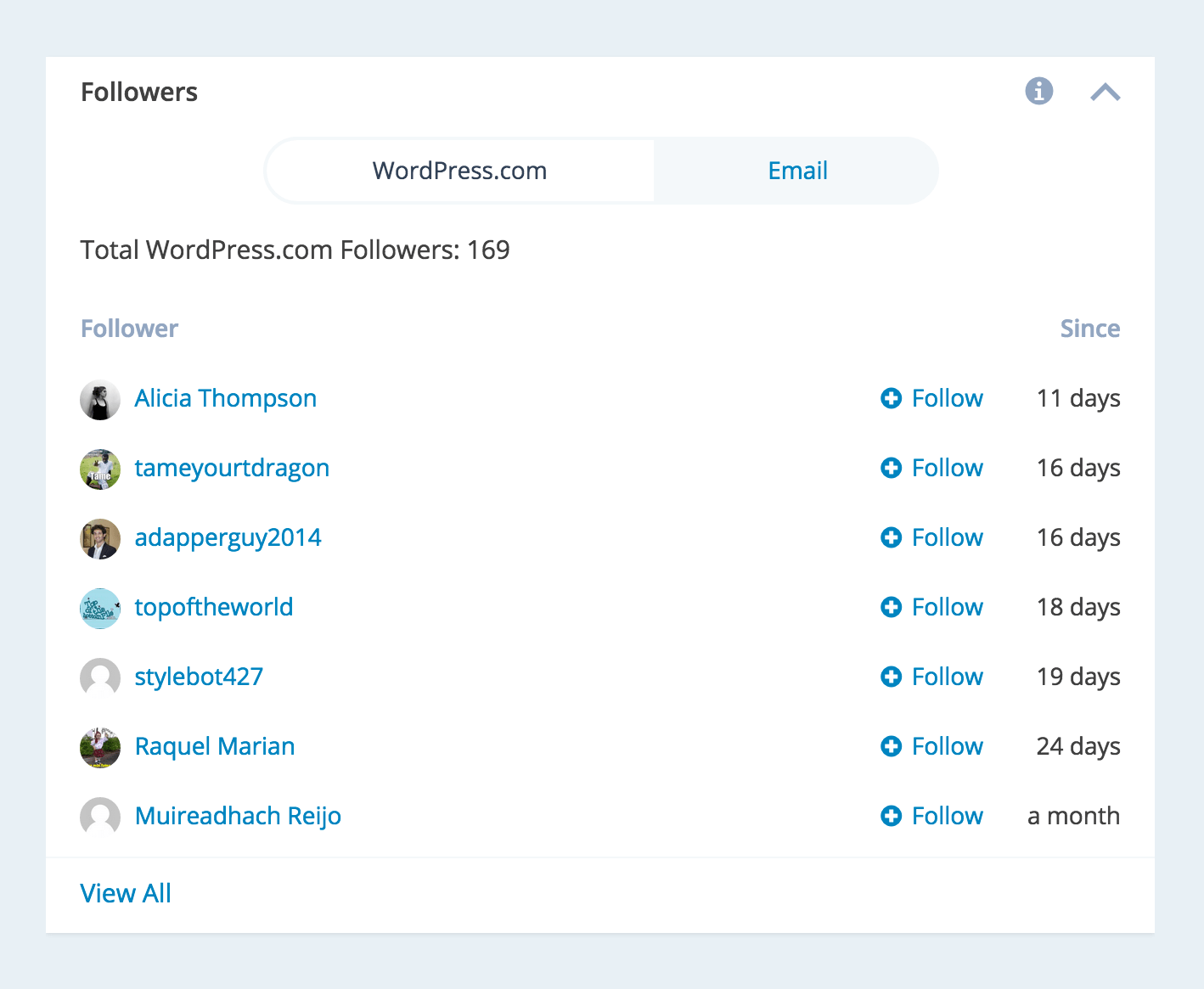
There, you’ll see the total number of WordPress.com followers, as well as a list of some of the more recent followers. Clicking on any of your followers names will launch their site in a new browser tab, and clicking on the Follow link allows you to follow their site as well. You can also select the Email option from the dropdown to see a similar list of just your email followers.
How to Remove a Follower
To remove a WordPress.com follower, go to My Site > People > Followers. Find the follower, and click the Remove link next to their name.
You can also remove email followers at My Site > People > Email Followers.
Social Media Followers
If you have connected any of your social networking services (such as Facebook or Twitter) through our Publicize feature, counts for your followers on some of those services will also be shown in the Publicize module.

Note: Not all social networking services are able to tells us your follower count. Google+ only shows followers for Pages, not your personal Google+ profile.
Switching sites
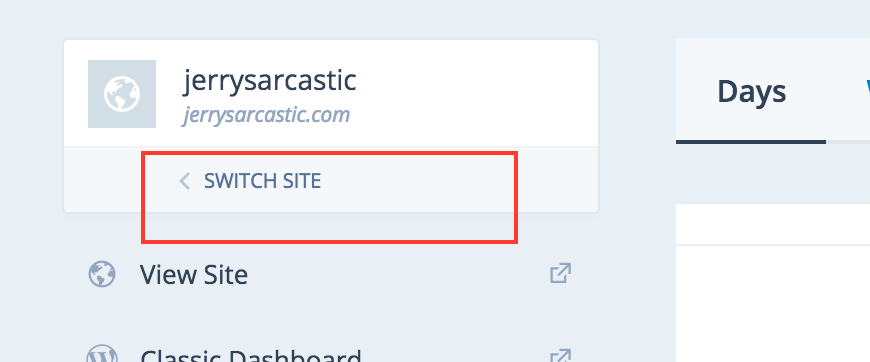
If you have more than one site, click on the Switch Site link located under the title of the site you are viewing currently to switch to another site.
Followers in Classic Stats
Still confused?
Help us improve:
We're always looking to improve our documentation. If this page didn't answer your question or left you wanting more, let us know! We love hearing your feedback. For support, please use the forums or contact support form. Thanks!
